01
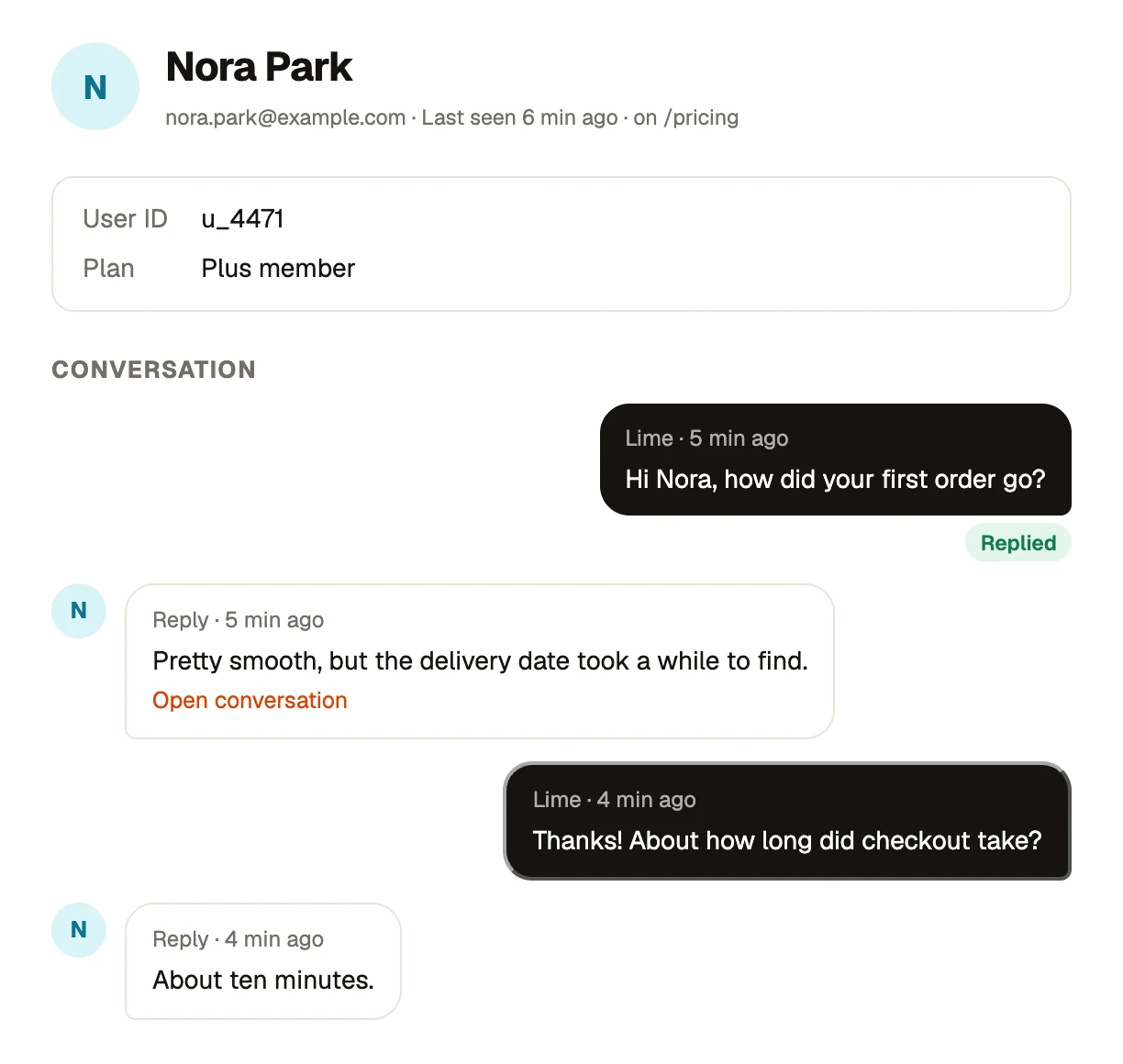
Bopmigo asks what’s missing.
Your users write one line. If something important is missing, Bopmigo asks a short follow-up while they’re still there. They can always skip it.
Bopmigo is how your users tell you what’s wrong, in a way you’ll understand the first time.
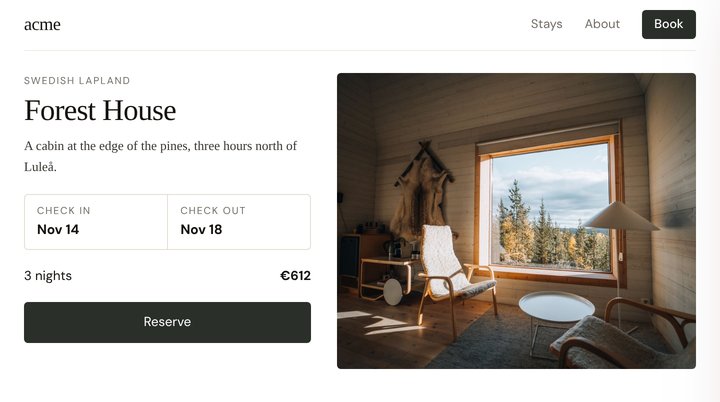
A cabin at the edge of the pines, three hours north of Luleå.

Changing check-out to Nov 18 doesn’t update the stay. It still shows 3 nights and €612 instead of 4 nights.

Maria Lopez
I changed check-out to Nov 18 but it still says 3 nights.
 Screenshot
Bopmigo asked
What total did you expect to see?
4 nights, about €816.
Your users write one line. If something important is missing, Bopmigo asks a short follow-up while they’re still there. They can always skip it.
What your user wrote, a screenshot and the context land together in your inbox. Fewer follow-up emails. Private details are covered automatically.
They moved check-out to Nov 18, but the total still shows 3 nights and €612 instead of 4 nights and €816.
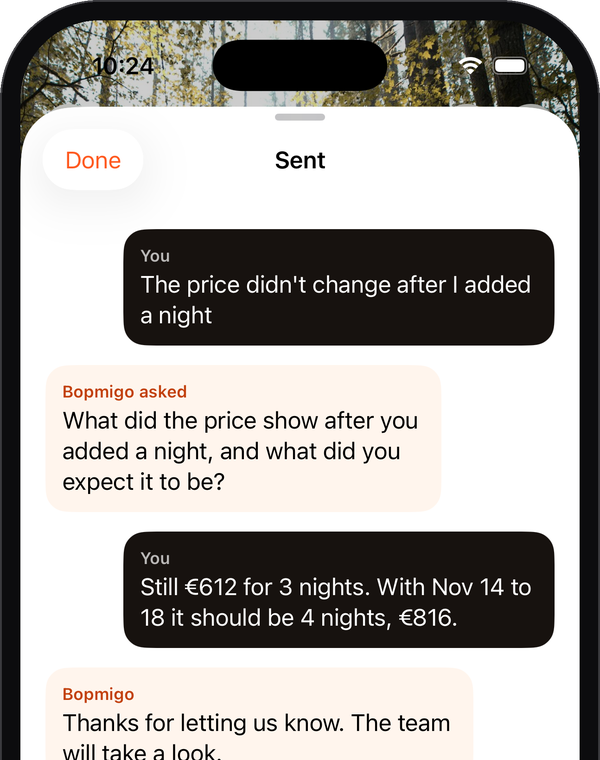
The price didn’t change after I added a night
 Screenshot
What price did you see, and what did you expect it to show?
Still €612 for 3 nights. It should be 4 nights, €816.
Answer from your inbox. They see your reply in the Feedback window on your site.
Message people right on your site. They see it while they’re using your site, and their answer lands in your inbox.
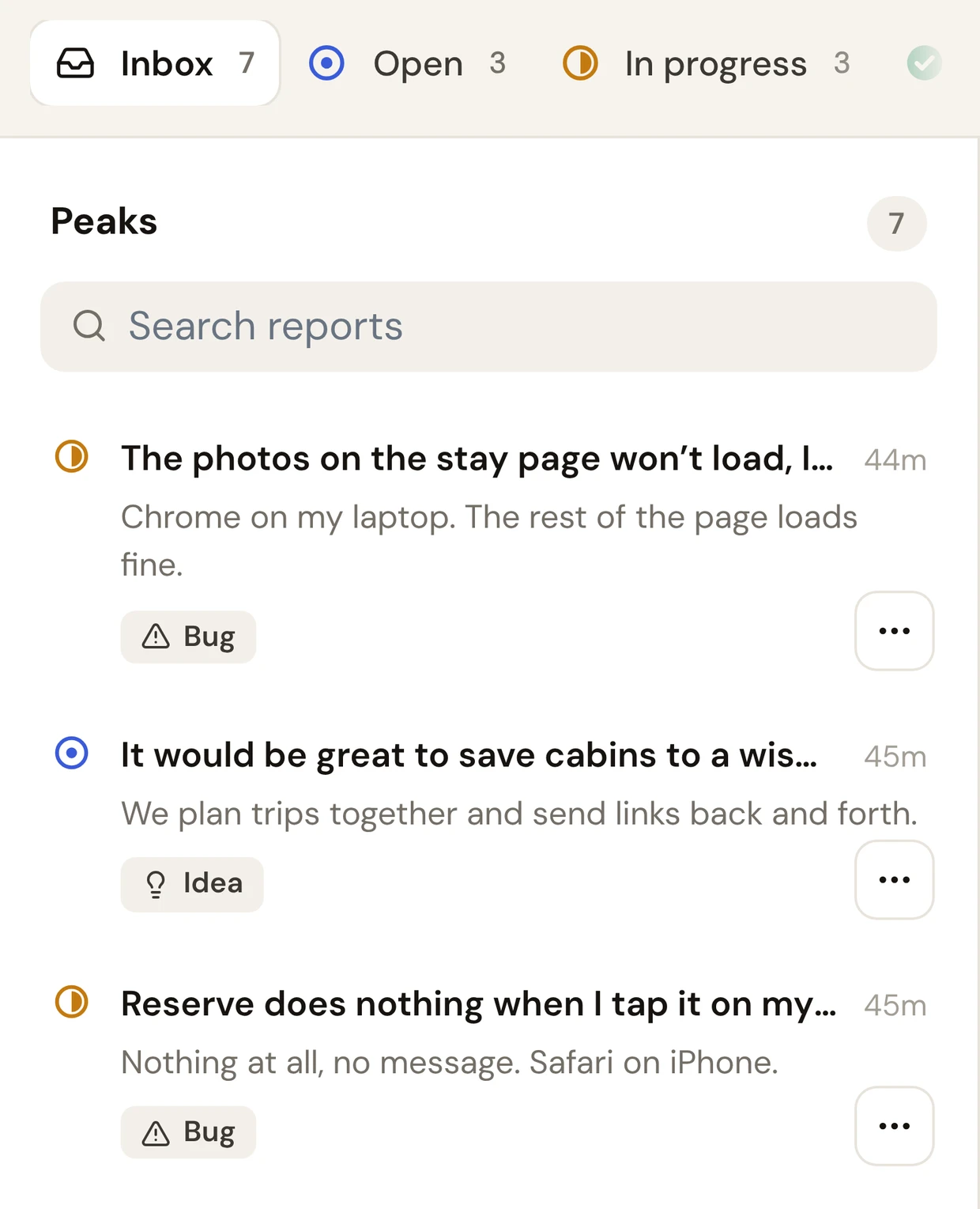
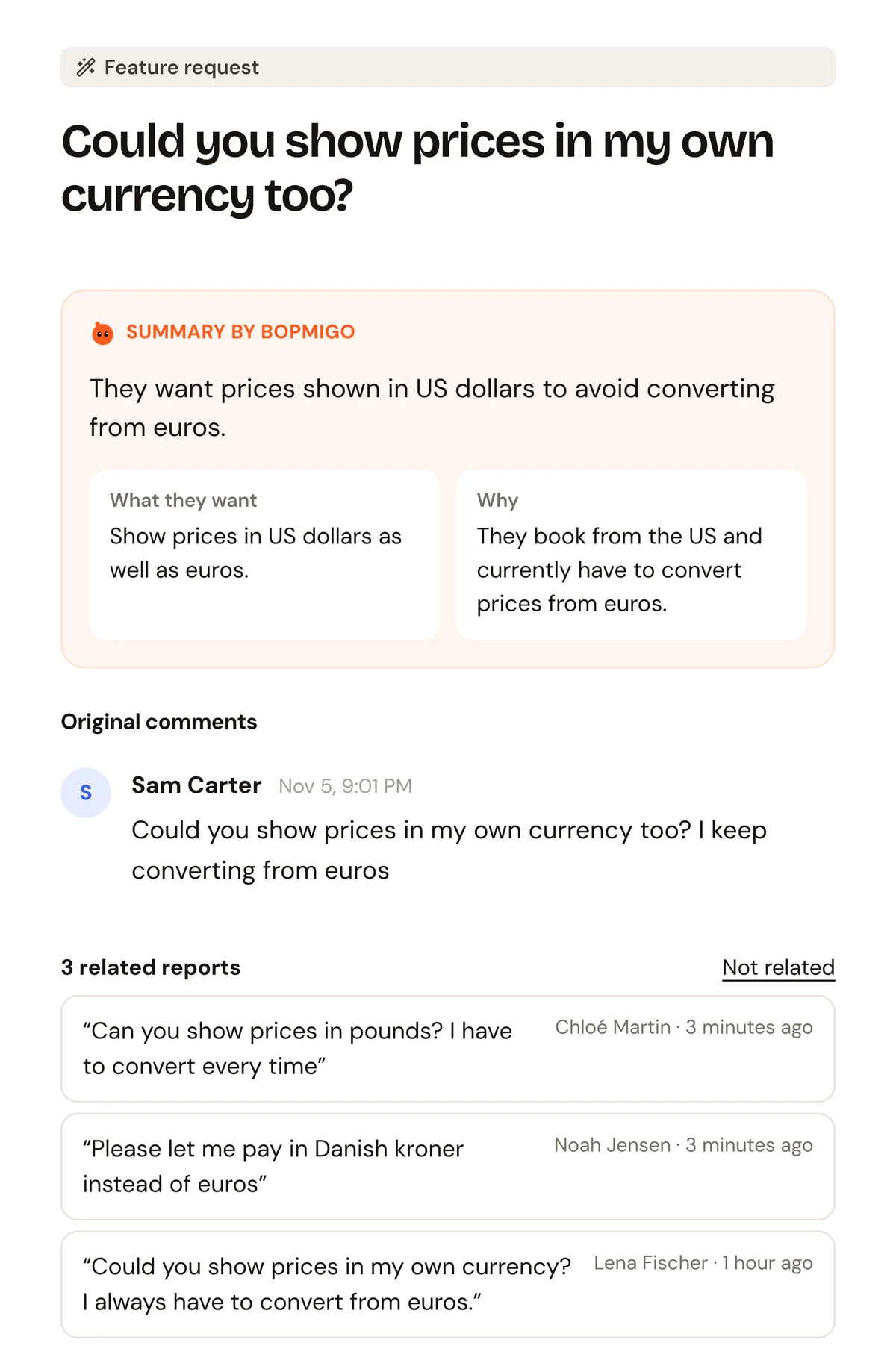
Testers and customers report from inside your app with the full picture. Need more? Message them and get the answer in the same conversation.
Clients press Feedback on the exact page they mean, and you message them when you need a decision. No more scattered texts and voice notes.
Testers write one line, Bopmigo fills the gap. Message the ones who went quiet. You spend your evenings fixing, not decoding.
Our testers used to send "the button is broken" and nothing else. Now I get the screenshot, the device and what they expected, without chasing anyone.
Set up in ten minutes. Made my Testflight feedback clearer.
Similar reports get grouped, so I can see what is hurting the most people first.
Our follow-up emails after onboarding got maybe one reply in twenty. Messaging people on the site changed that.
Our customers reply to the follow-up question more often than they ever answered our emails.
Worth it for the replies alone.
Prefer email? Reports can go straight to your email instead.
Get startedTurn a report into an issue in your tracker, or get it in your team chat, with the summary and details already filled in. Tell us which one you need first.
A screenshot of the visible page, the page address, browser, screen size, language, time zone and your release name if you set one. Private details are hidden automatically before the screenshot leaves the browser: typed-in fields (inputs, text areas, selects), email addresses, card numbers and phone numbers, and anything marked data-bopmigo-private. For sensitive apps, turn on Hide all text in screenshots in project settings.
Yes. Most website builders have a “custom code” box in their settings. Paste the line there. You can also send the snippet to your developer straight from the dashboard.
Yes. Each report can arrive as an email with the summary, details and screenshot, and you can choose not to keep reports in Bopmigo at all.
No. They press Feedback, write what happened and send it. They can read your reply in the same window.
Yes. Send a short message to anyone who uses your site. They see it in the Feedback window while they’re using your site, and their answer comes back to your inbox in the same conversation. It isn’t emailed to them.
The script loads with defer and does nothing until someone opens feedback.
No. Bopmigo only asks when something important is missing, and people can always skip.
Websites and web apps work on any browser, including phones. iPhone and iPad apps are supported with a Swift package (iOS 16 or later), and Flutter apps on iPhone and Android with a Flutter package. React Native is planned.
To your Bopmigo inbox, where your team can reply. Each project can also email every report, with its screenshot, to any address you choose. Want them in Slack, Linear or your own system? Tell us what you use at hello@bopmigo.com.
Set up a workspace and get your first report today.
Create your workspace