How to test a website before launch: a short checklist
A practical pre-launch checklist for small teams: what to test, on which devices, and how to collect what testers find.
Short answer: walk through every main flow on a phone and a laptop, check forms, payments, links and speed, then let a few real people use the site for a few days with an easy way to report what they find.
The checklist
- Main flows: sign up, log in, checkout or contact, from start to finish.
- Phones: at least one iPhone and one Android phone, not just a narrow browser window.
- Browsers: Chrome, Safari and Firefox.
- Forms: empty fields, wrong formats, very long text, and what happens after Send.
- Payments: a real test purchase, a refund, and a declined card in test mode.
- Links: no broken links, and the 404 page works.
- Speed: pages load quickly on mobile data, and images aren’t huge.
- Search basics: page titles, descriptions, a sitemap, and nothing blocked by mistake.
- Emails: sign-up, password reset and receipts arrive and look right.
- Analytics: your tracking records visits and key actions.
Let real people try it
You know where everything is, so you won’t find what confuses a newcomer. Ask a few people outside the team to use the site for a few days. Give them a task each, and a way to report from the page they’re on.
Make reports useful
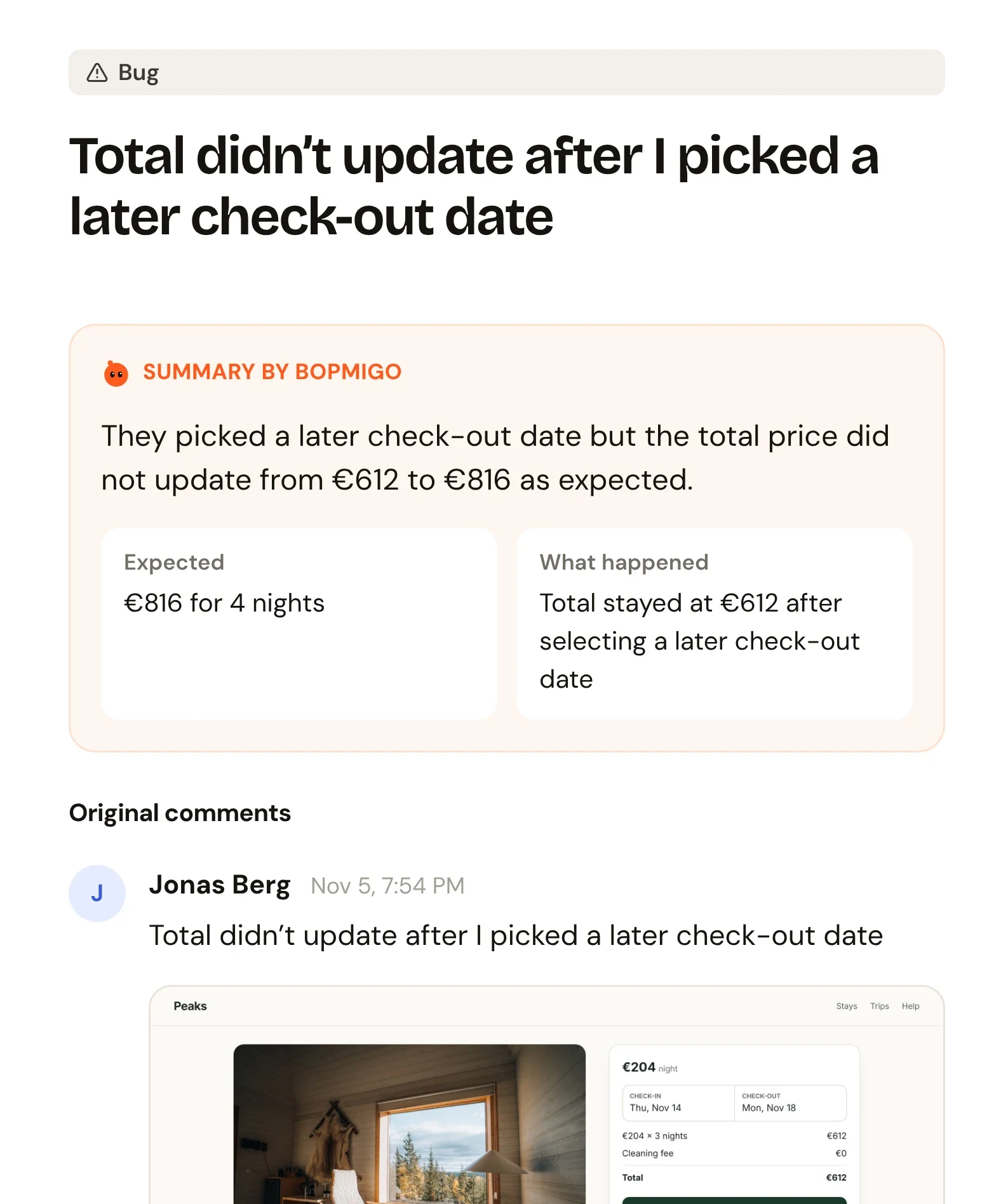
Ask testers for what they did, what they expected and what happened. Better still, use a tool that adds the page, browser and screenshot for them, so they only write a line.
How Bopmigo helps
Paste one line into your site and testers get a Feedback button on every page. Each report arrives with the page, browser and a screenshot, and Bopmigo asks a short follow-up when something is unclear. Keep it after launch so customers can report too.