How to add a feedback widget to a Eleventy site
Where the Bopmigo line goes in a Eleventy site (your base layout, for example _includes/base.njk), with code you can copy, and how to test it locally.
Short answer: paste your Bopmigo line into the base layout in _includes, just before </body>. Rebuild and deploy.
Add it to Eleventy
- 1
Create your Bopmigo project
Sign up at bopmigo.com, choose Website, and add your Eleventy address. Copy your line from Install snippet:
HTML<script src="https://bopmigo.com/widget.js" data-project="YOUR-PROJECT-ID" defer></script> - 2
Open it
Open the base layout your pages use.
- 3
Add your line
Add the line before
</body>.HTML{# _includes/base.njk #} <body> {{ content | safe }} <script src="https://bopmigo.com/widget.js" data-project="YOUR-PROJECT-ID" defer></script> </body> - 4
Go live
Rebuild and deploy.
- 5
Send yourself a test
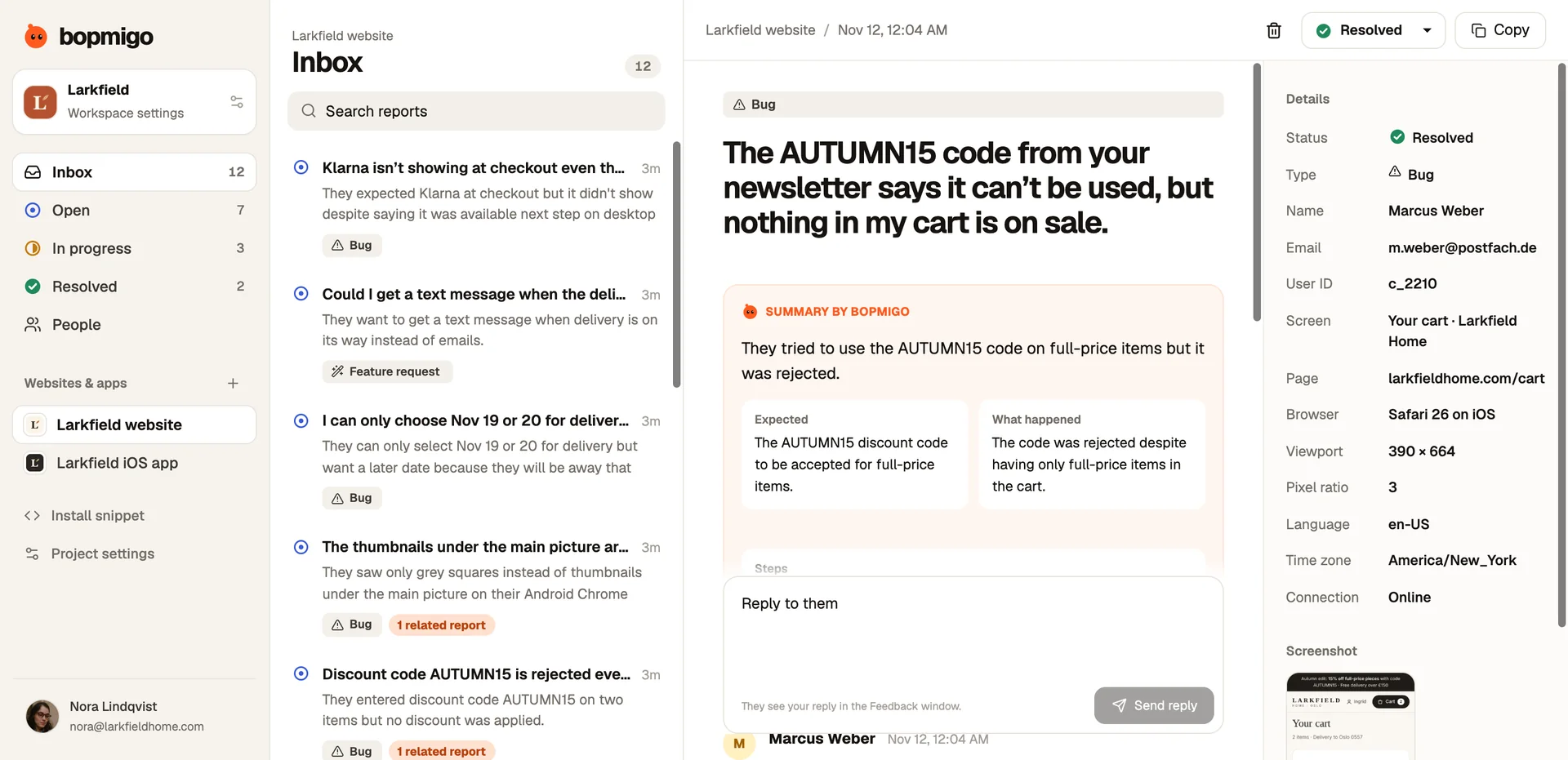
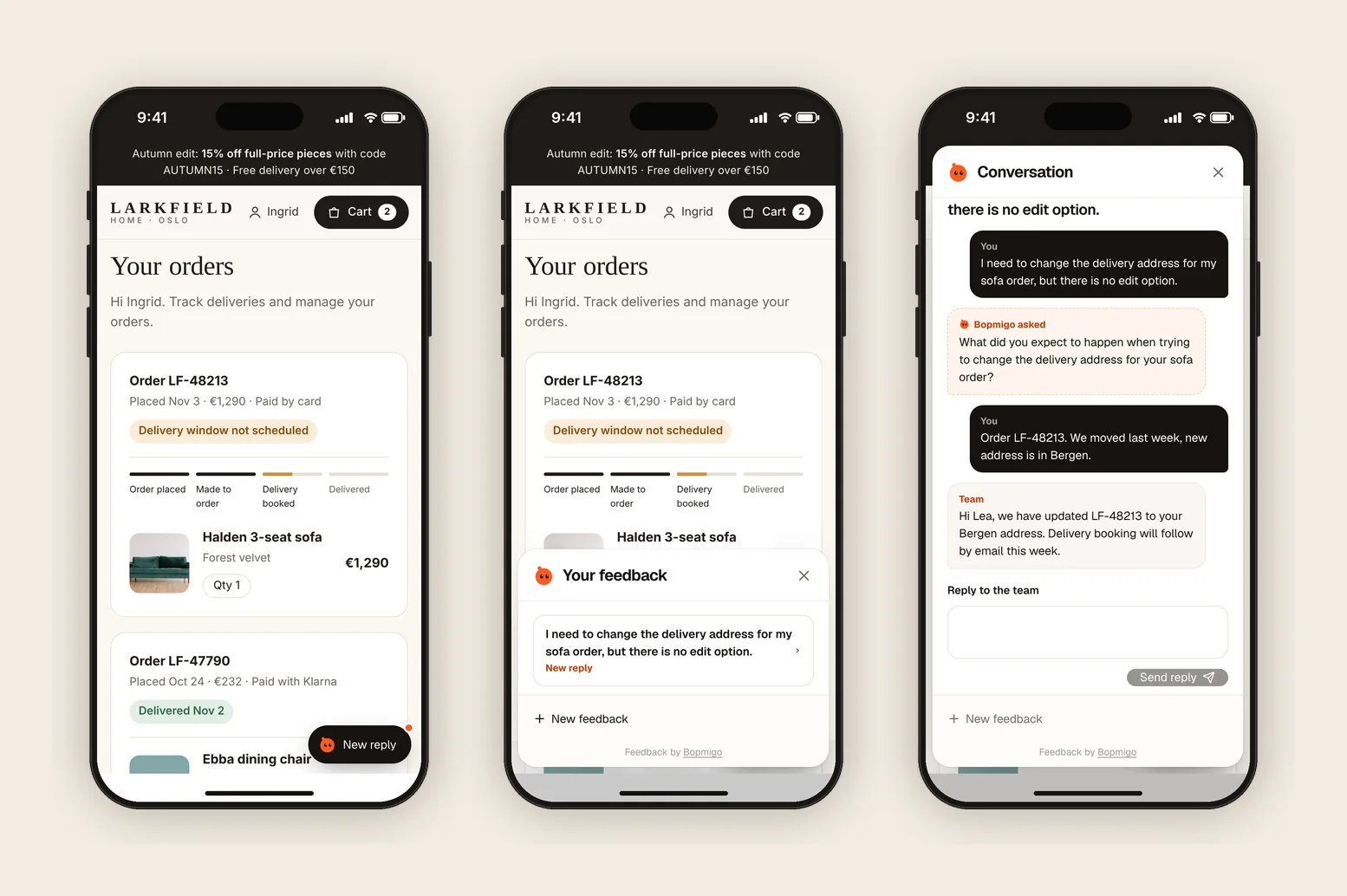
Open the live page, choose Feedback and send a short report. It arrives in your Bopmigo inbox (and by email, if you turned that on). Reply, then open Feedback again to see your answer.
Eleventy tips
- If some pages use a different layout, add the line there too, or make them extend the base.
- Liquid and Nunjucks layouts work the same way.
- Add your production URL and
localhost:8080to the project in Bopmigo.
Single-page apps and client-side routing
Load the script once in the root layout, not per page. Bopmigo notes the page people are on when they report, including after client-side navigation, so there’s nothing to re-run on route changes.
Testing locally
Add your local address (for example http://localhost:3000) to the project in Bopmigo, alongside your production address. Reports are only accepted from addresses you list.
What Eleventy users tend to report
- Pages missing after a build.
- Typos and broken anchors.
- Questions readers have that point to a missing page.
Your first week
- 1
Day 1: test locally and in production
Send a report from localhost and from your live site, and check both arrive in the same inbox.
- 2
Days 2 to 5: identify signed-in users
Pass the user ID and any useful context, such as plan or account, so each report says who it came from.
- 3
Days 6 and 7: route reports to your tracker
Copy reports that need code changes into your issue tracker, and reply when the fix ships.
Questions
Does Eleventy need a plugin?
No. It’s plain HTML.
Does it work on a static host?
Yes, anywhere the site is hosted.
Why doesn’t the button show?
Check that the address you’re on is listed in your Bopmigo project, that the change is live, and open a private window in case of caching. If your site has a Content Security Policy, allow https://bopmigo.com.
More: all install guides · website options · install with a coding agent