Bug severity vs priority with practical examples
Separate the impact of a bug from when the team should work on it. Use concrete examples and report context to make triage decisions.

Severity describes the effect of a bug. Priority describes when the team should address it. Bopmigo helps you gather the conversation and context for that decision, while your team decides the severity and delivery order.
Compare impact and urgency
| Question | Severity | Priority |
|---|---|---|
| What are we judging? | How badly the problem affects the task. | How urgently the team should work on it. |
| What evidence helps? | Actual result, affected workflow and available workaround. | Reach, timing, commitments and the cost of waiting. |
| Who decides? | The reviewing team using agreed definitions. | The team responsible for delivery and product decisions. |
Booking examples
- A booking cannot be completed after changing dates. Investigate the blocked purchase and whether there is a safe workaround.
- A price label has a spelling error. The visual impact may be small, but a planned launch can affect its priority.
- An older browser shows the wrong total. Assess the actual impact, affected people and exposure before scheduling the fix.
These examples do not assign universal P0 or P1 labels. Teams use different scales. Write down what your labels mean before comparing reports.
Do not let a count replace investigation
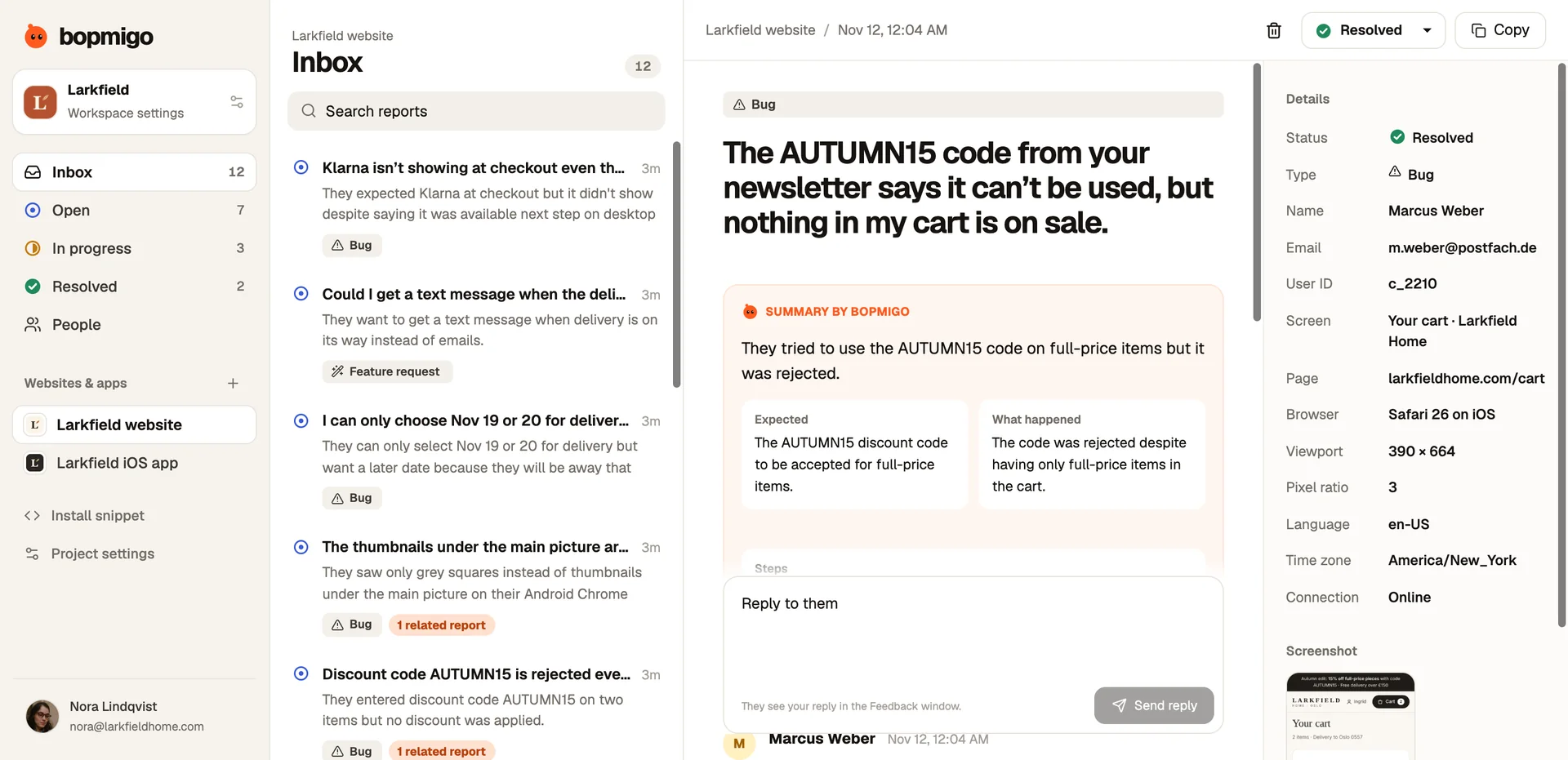
Several related reports help establish reach, but repeated messages from one person are not several independent affected customers. Check whether reports share the same result and whether an important difference changes the investigation.
Use Bopmigo to gather the evidence
Read the reported outcome, expected result and available details. Ask a short, focused clarification in the conversation if needed. Review related reports, then record the decision in the team’s agreed workflow.
Start a seven-day Bopmigo trial, connect a test project and check the first report and reply. No credit card required.