How to collect bug reports with screenshots
Get a screenshot with every bug report automatically, with private details covered, on websites and in iPhone apps.
Short answer: use an in-product feedback tool that takes the screenshot for the person when they report. Asking people to take, find and attach a screenshot loses most reports.
What to look for
- The screenshot is taken automatically when they report.
- Typed-in fields, emails and card numbers are covered before it leaves the device.
- The page or screen and device come with it.
- It works on phones as well as desktop.
How Bopmigo does this
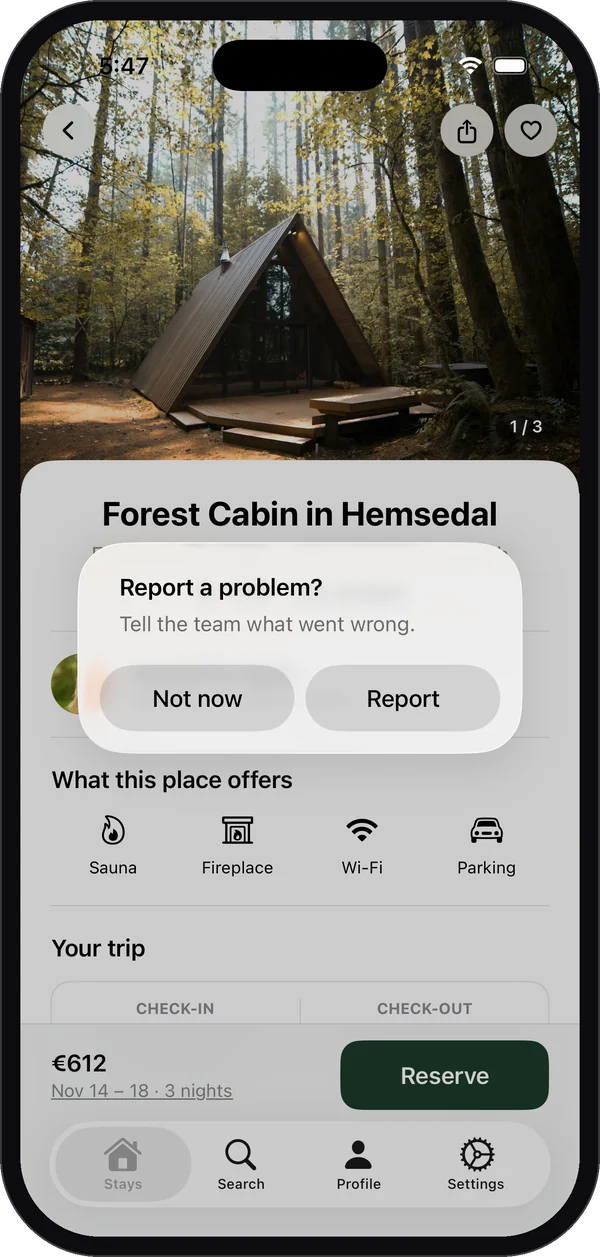
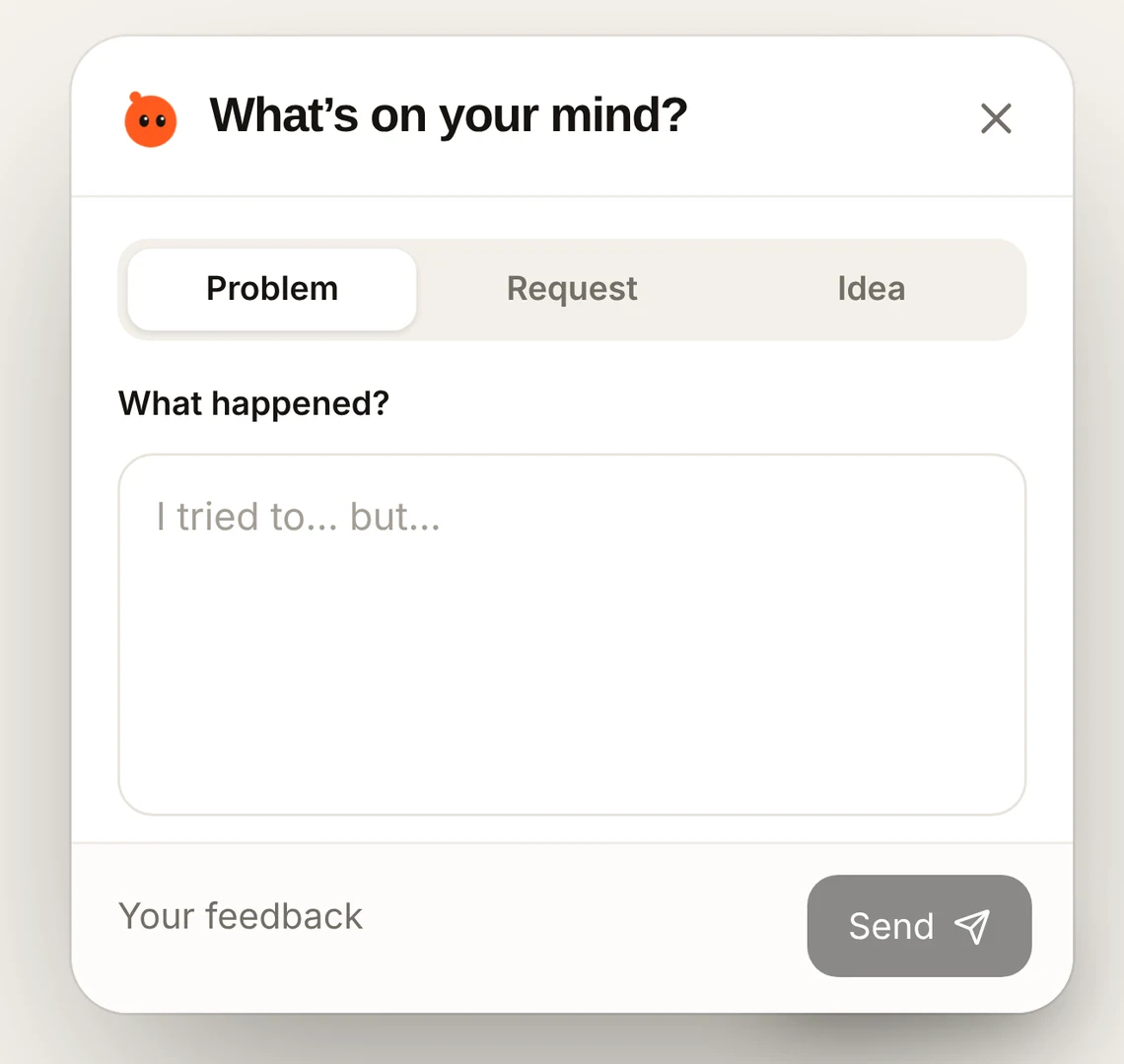
On websites, Bopmigo captures the visible page when someone opens Feedback. In iPhone apps, testers are offered a report right after they take a screenshot. Private details are covered in both.