How to collect feedback without exposing customer data
Screenshots can capture personal details. How to collect visual feedback while keeping names, emails and payment details out.
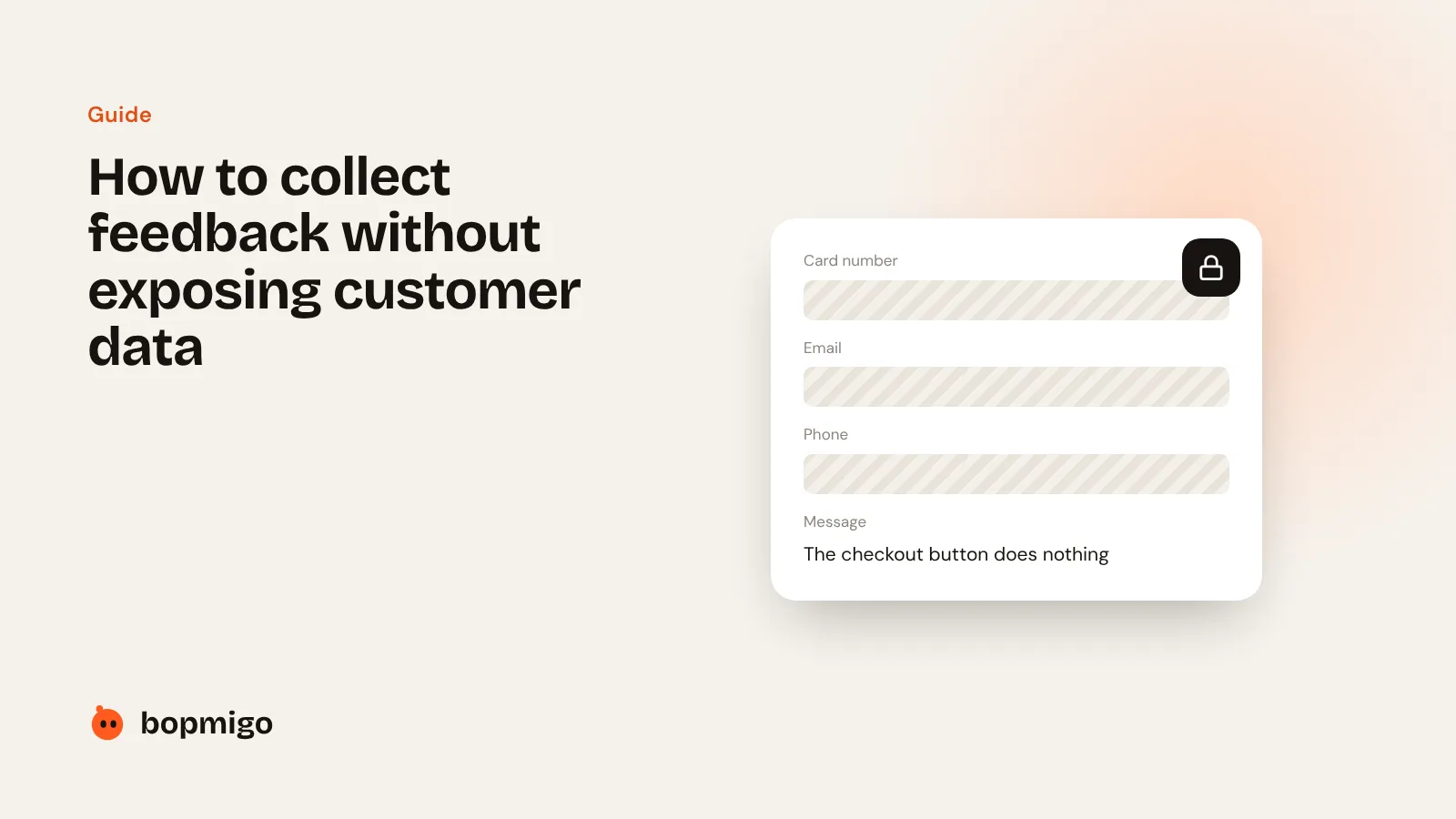
Short answer: cover private details before the screenshot leaves the person’s device, not afterwards. Typed-in fields, email addresses, card and phone numbers should be hidden automatically, and you should be able to mark anything else as private.
Checklist
- Private details are covered on the device, before upload.
- You can mark extra areas as private.
- Nothing about the person is sent unless you add it.
- You can choose not to store reports at all.
How Bopmigo does this
On websites, Bopmigo covers typed-in fields, email addresses, card and phone numbers automatically. In mobile apps it covers password fields, and you mark other private areas with one line of code. On either, you can hide all text for sensitive products, and have reports emailed and not kept in Bopmigo.