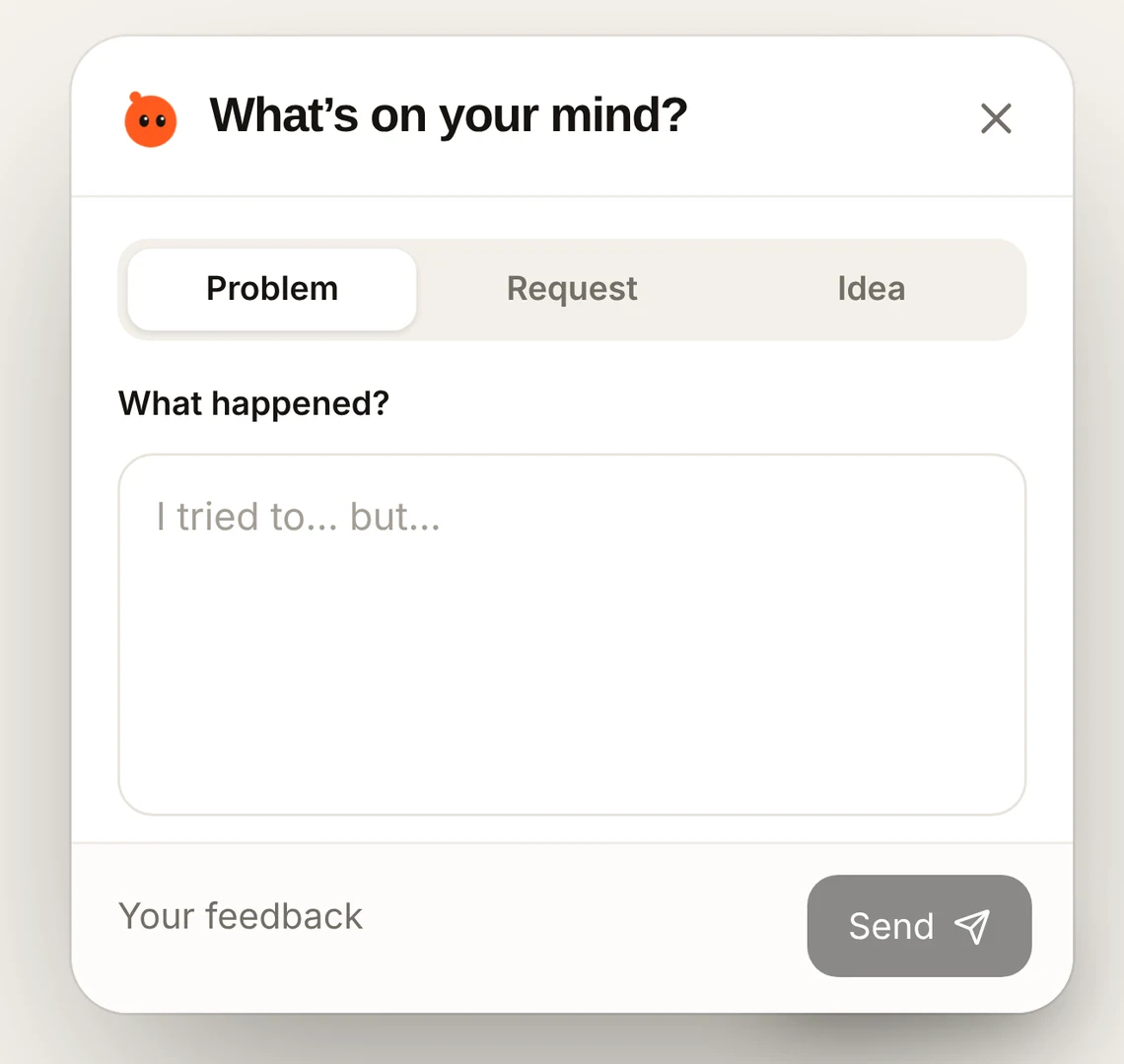
How to collect user feedback without writing code
Add a feedback button to your website by pasting one line into your website builder, or by sending it to your developer.
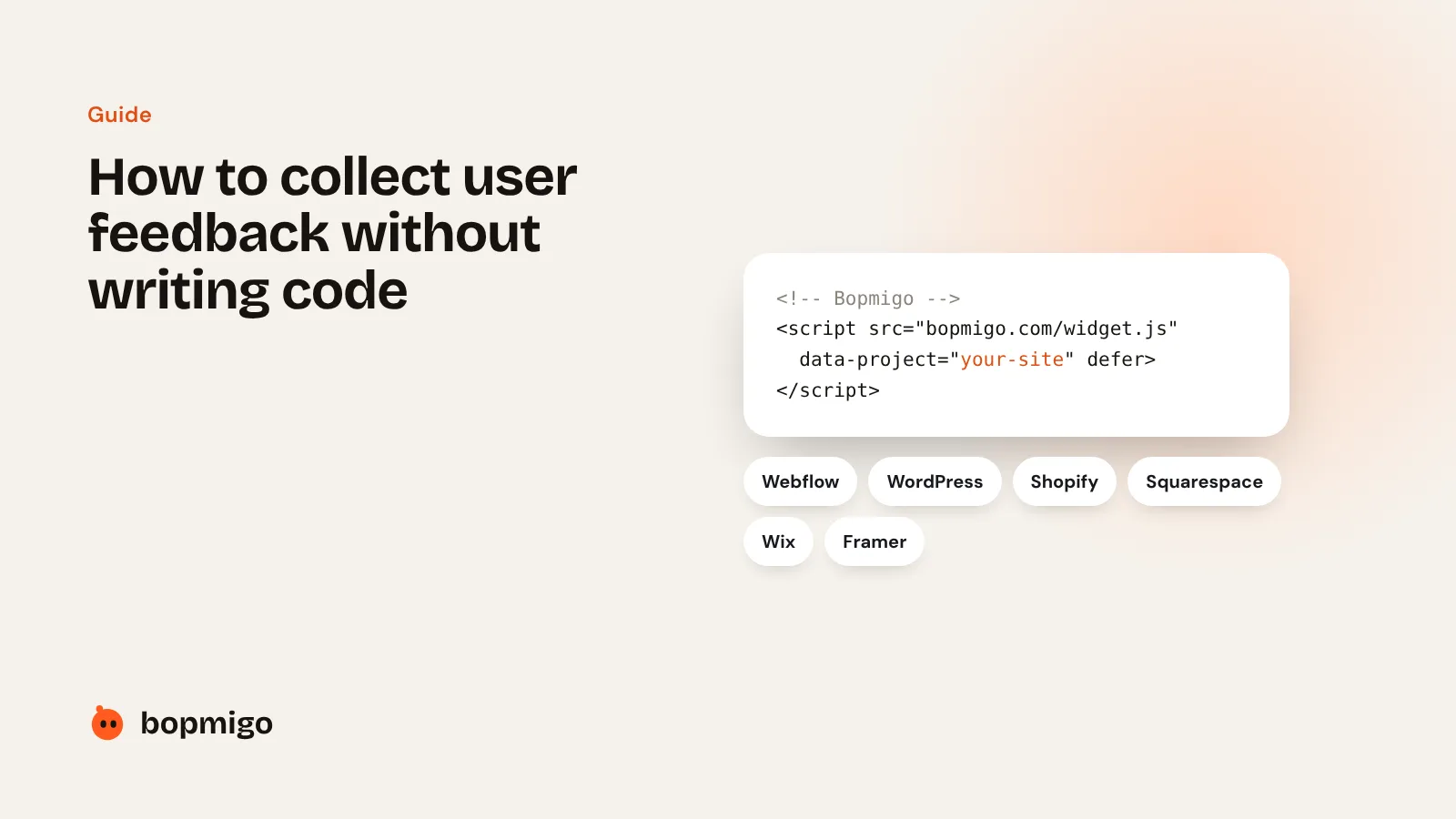
Short answer: copy one line from Bopmigo and paste it into your website builder’s custom code setting. Publish, and a Feedback button appears on every page. No coding needed.
Where to paste it
| Builder | Where |
|---|---|
| Webflow | Site settings › Custom code › Footer code |
| WordPress | WPCode plugin › Header & Footer › Footer |
| Shopify | Themes › Edit code › theme.liquid, before the closing body tag |
| Squarespace | Code injection › Footer |
| Framer | Site settings › Custom code › End of body |
| Wix | Settings › Custom code › Body end |
No website builder?
Send the line to your developer from Bopmigo. It takes them a minute. For iPhone apps, a developer adds the Swift package once.