Customers complain on social media instead of telling you
Public complaints usually mean the private route was too slow or too hidden. How to respond well, and how to make telling you the easiest option.
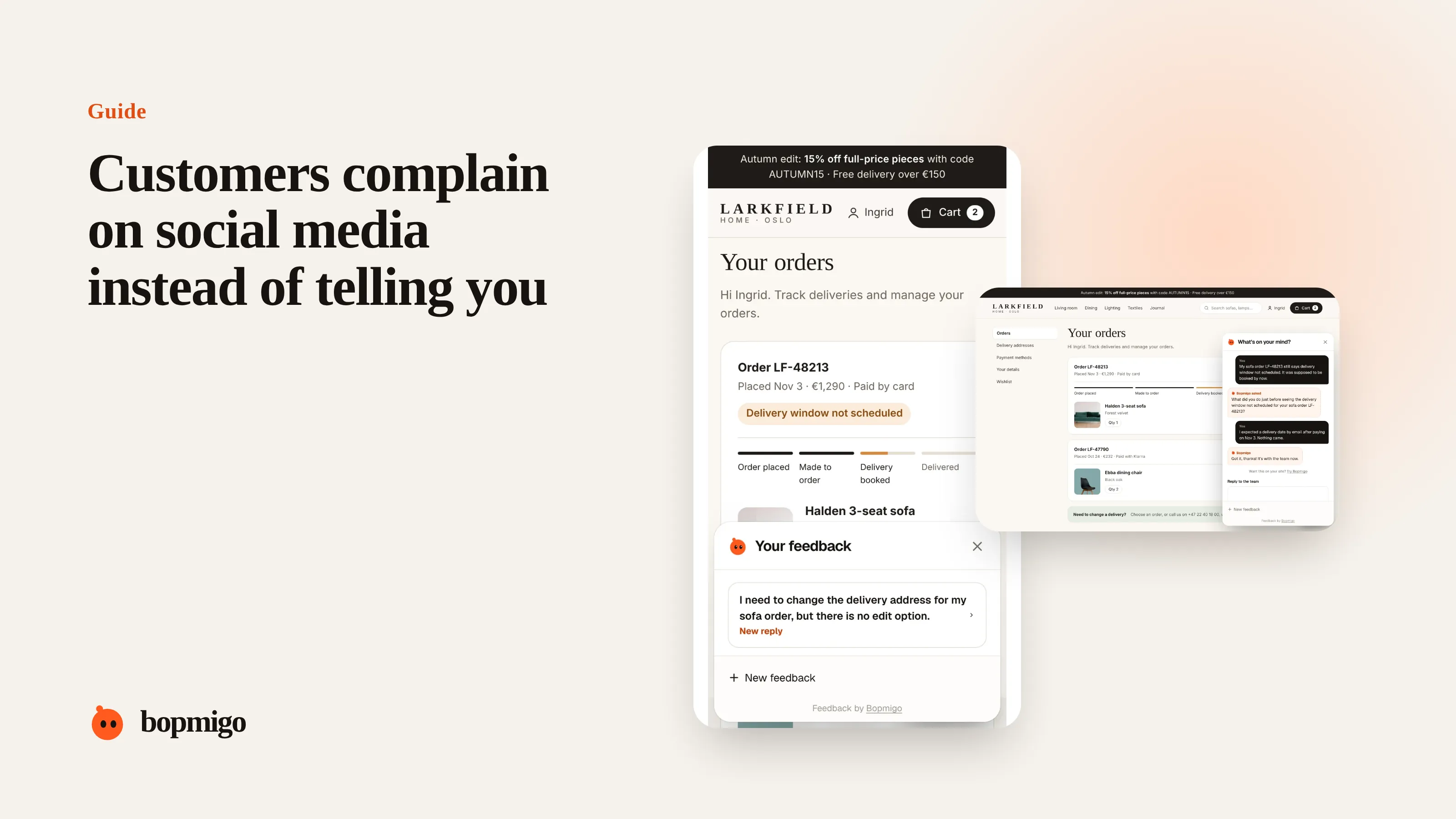
Short answer: people complain in public when it feels like the only way to be heard. Reply quickly and publicly once, move to a private channel, fix it, and then look at why the private route failed. Usually the fix is a visible, fast way to report from inside your product.
What a public complaint tells you
| Complaint | What it usually means |
|---|---|
| “Emailed three times, no answer” | Your inbox is not being watched, or replies are too slow |
| “Is anyone else seeing this?” | A widespread bug, and they want confirmation |
| “Worst app ever” | A long-running frustration that finally boiled over |
| A screenshot with no text | They don’t know how to describe it |
Respond in three moves
- 1
Acknowledge in public
“Sorry about this. We are looking now. Sending you a message so we can sort it out.”
- 2
Resolve in private
Ask for what you need, fix it, and confirm it works for them.
- 3
Close in public, if it fits
A short “Fixed, thanks for flagging” helps others who saw the post.
Make the private route faster than the public one
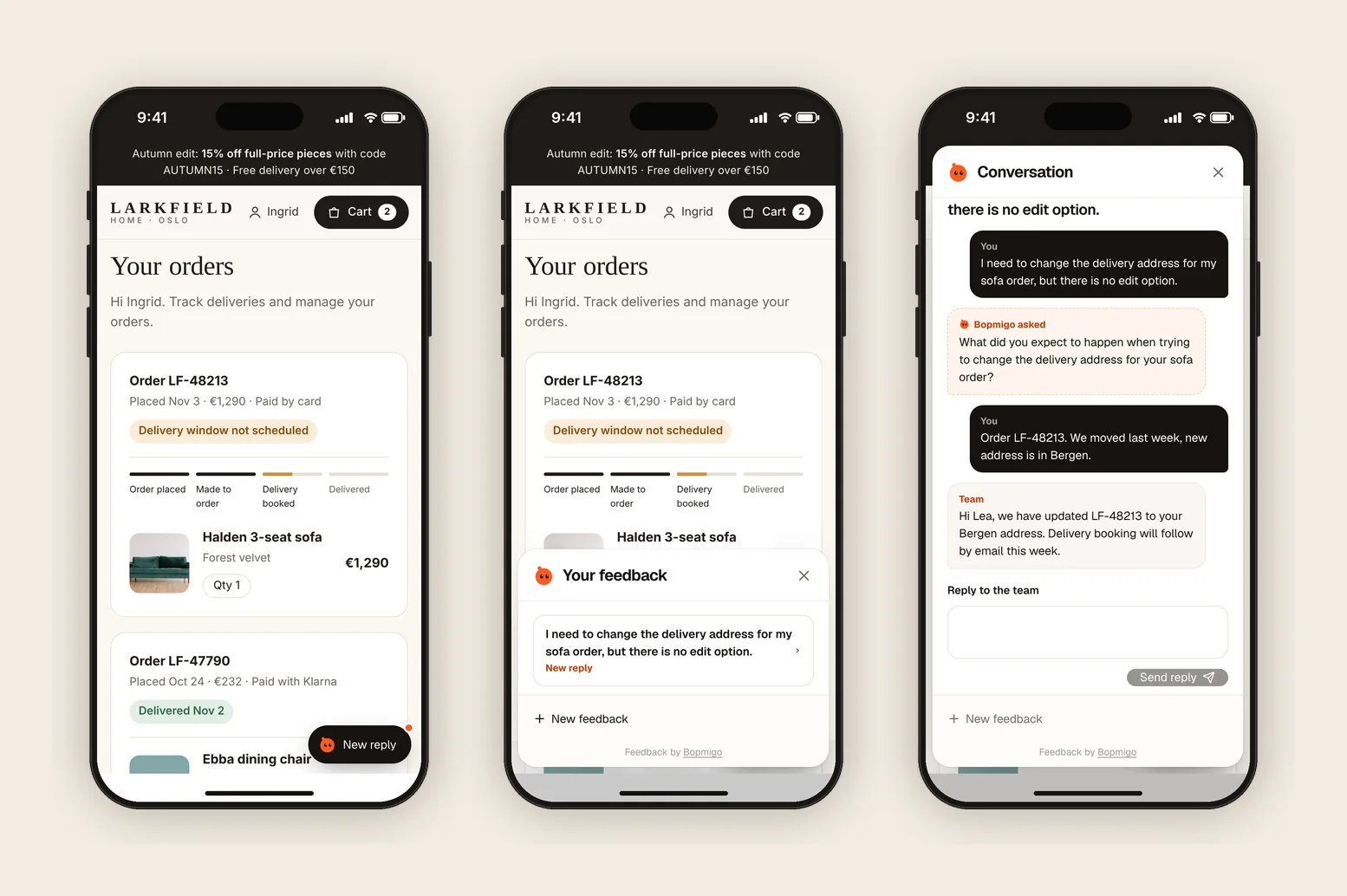
- A feedback option on every screen of your product, not a contact page.
- A reply within a day, ideally where they reported.
- An automatic capture of the page, device and screenshot, so they don’t have to describe it.
- A status page or banner when something big is broken, so people know you know.
Response times people expect
| Channel | Expected reply |
|---|---|
| Social media | Within hours, during the day |
| Within a day | |
| In-app feedback | Within a day, ideally where they reported |
| Review sites | Within a couple of days |
If your private channels are slower than this, people learn that posting in public gets a faster answer, and they keep doing it.
Example replies
- Bug: “Sorry about this, and thanks for flagging it. We are looking now. I’ve sent you a message so we can get the details.”
- Frustration after several attempts: “You shouldn’t have had to ask three times. That is on us. I’ve messaged you and I’ll stay on it until it is sorted.”
- Widespread outage: “We know checkout is failing for some customers and are fixing it now. We will post here as soon as it is resolved.”
Learn from each public complaint
- Did they try a private channel first? If so, why didn’t it work?
- Was the problem something in-app feedback would have caught earlier?
- Is the same complaint appearing privately too, unnoticed?
What not to do
- Don’t delete or hide complaints. Others have already seen them.
- Don’t argue the details in public.
- Don’t go quiet after moving to private. Close the loop.
Find the complaints you are missing
- Search your product name, with and without spaces, and common misspellings.
- Search for your name together with words like “broken”, “refund”, “support”, “cancel”.
- Check communities your users belong to, such as subreddits, forums and Discord servers.
- Read replies under your own posts. Complaints often hide there.
Turn public posts into fixes
- 1
Log every public complaint
Date, channel, what they said, and whether they had tried to reach you privately.
- 2
Tag the theme
Bug, billing, missing feature, slow support. Use the same themes as your private feedback.
- 3
Count monthly
A theme that shows up publicly more than once a month needs a product fix, not just better replies.
- 4
Check the private route
For each complaint where the person tried privately first, find out why that failed.
Small team, limited time
You don’t need a social media team. Check mentions once in the morning and once in the afternoon, reply to anything about a real problem within hours, and make the in-product route fast enough that fewer people need to go public. Most of the work is in that last part.
A worked example
A customer posts “Third email about my missing order, still nothing.” The founder replies within the hour, apologises, and messages them privately. The order is found and sent the same day. Looking back, the three emails went to an address nobody was checking after a team change. Adding a Feedback option on the orders page, with replies going to the team inbox, means the next customer with a missing order is answered in hours, without posting anywhere.
Questions to ask about your own setup
- Is every contact address you publish monitored by someone today?
- How long does a private message wait for a reply?
- Can customers report from the page where the problem is?
- Do you tell people when something is broken for everyone?
Should I reply to every mention?
Reply to every complaint about a real problem. You don’t need to reply to jokes or general opinions.
What if the complaint is wrong?
Correct it politely and once, with facts. Then move to a private message.
Is it worth monitoring social media for a small product?
Yes, briefly, twice a day. Public complaints spread further than private ones.
Match the reply to the situation
| Situation | Reply within | Public reply | Then |
|---|---|---|---|
| A single bug | A few hours | Acknowledge, move to private | Fix and confirm |
| Widespread outage | Immediately | Acknowledge for everyone, give an update time | Post when resolved |
| Billing problem | A few hours | Acknowledge only, no details | Resolve privately |
| Angry but vague | A few hours | Ask to talk privately | Find the real problem |
| Feature request | A day | Thank them, say where it stands | Log it |
Who handles it in a small team
Pick one person to watch mentions each day, and one backup. They reply publicly, then hand the private conversation to whoever can fix the problem. Write down the replies you use most, so anyone can step in on a busy day.
How Bopmigo helps
People report from inside your website or app in a sentence, and see your reply there the next time they open it. When reporting is that easy, fewer people need to post about it to be heard.