Feedback across many client websites, without per-site chaos
One inbox for every client site, separate projects where it matters, and project allowances and teammate costs to check before adding clients.

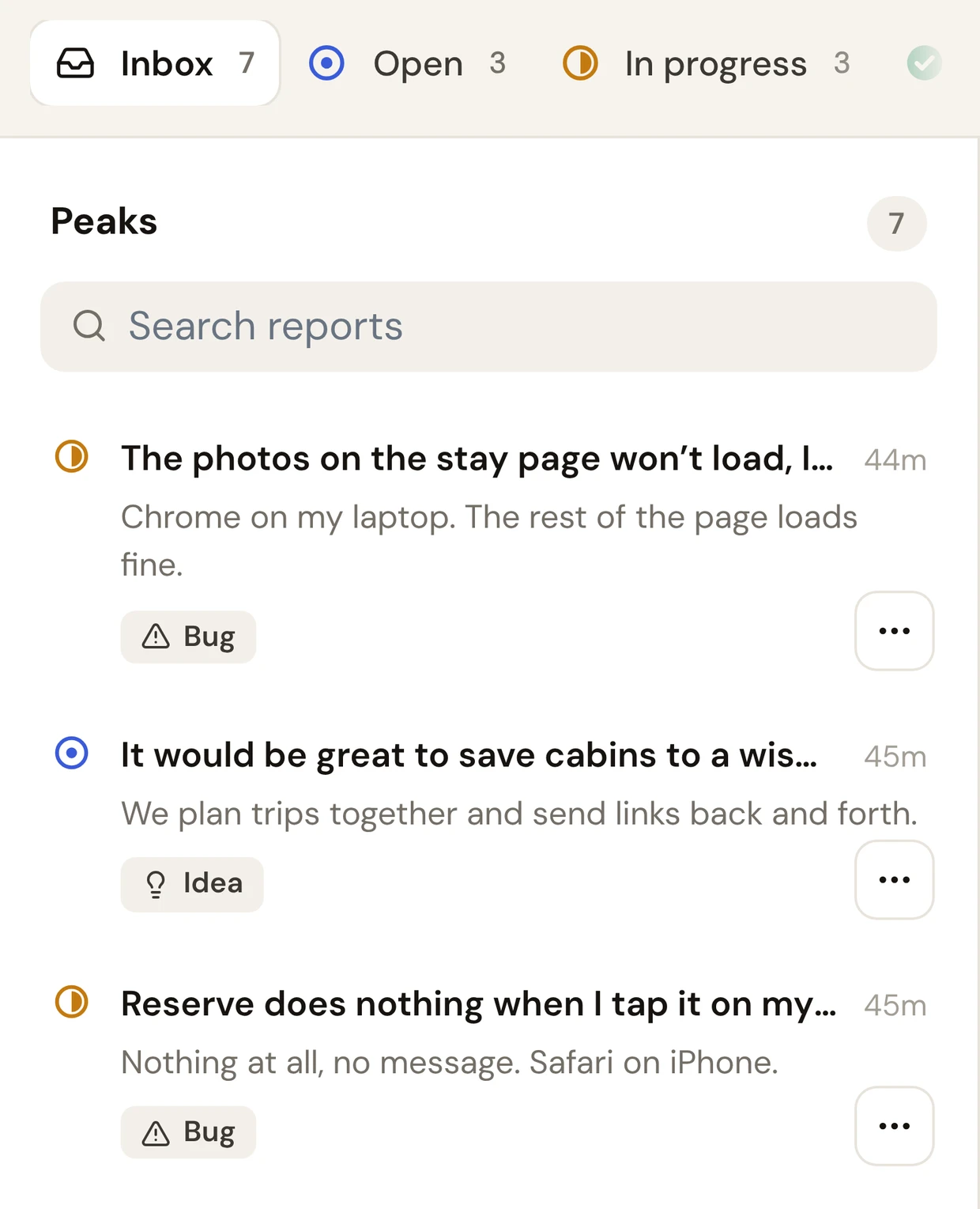
Short answer: give each client site its own project in one workspace, add your team once, and handle every report from a single inbox. Pick a plan priced per workspace, not per seat or per site, and check the project allowance before adding another client.
How to organize it
- 1
One project per client site
Reports for each client stay separate, so nothing gets mixed up.
- 2
Everyone on the team in one workspace
Designers, developers and account managers see the same reports.
- 3
Email for clients who prefer it
Some teams want reports in email only. Turn that on per project.
What it costs with Bopmigo
| Plan | Sites or apps | People | Price |
|---|---|---|---|
| Pro | 3 | Up to 3 | $19/month ($15 yearly) |
| Team | 15 | Unlimited | $49/month ($39 yearly) |
| Business | Unlimited | Unlimited | Custom |
Can clients see each other’s reports?
Visitors reporting through the widget see their own conversation. Workspace teammates can access the workspace’s projects, so invite clients as teammates only when that access is appropriate.
Do clients need seats?
No. Clients report from their site without an account.
See also: feedback tools without per-seat pricing · client feedback for agencies