How to get clear feedback from clients on a website
Stop collecting client feedback from emails and screenshots. Let clients report on the site itself, with the page and screenshot attached.

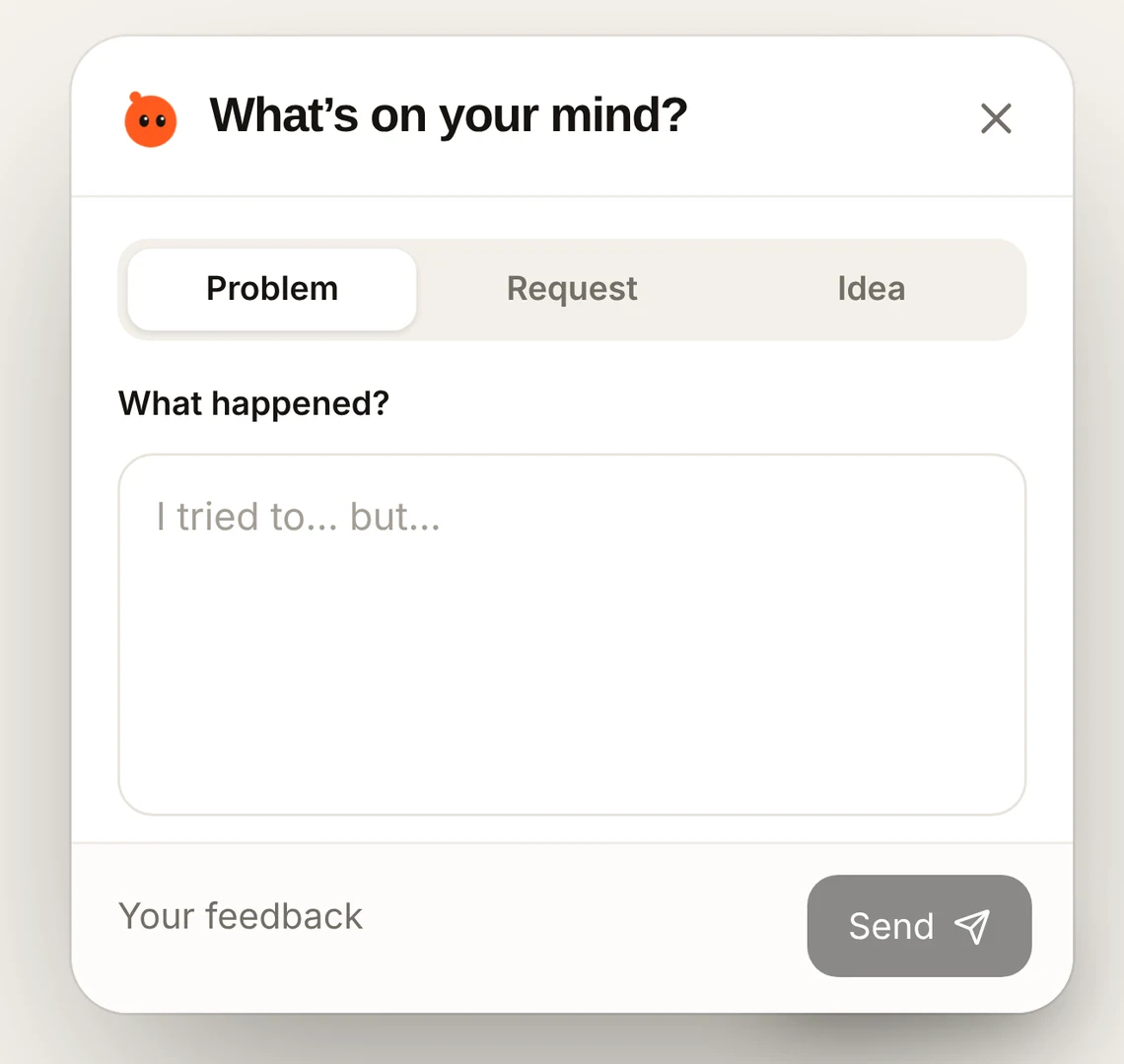
Short answer: put a Feedback button on the client’s site (staging or live) so they report from the page itself. You get the page, a screenshot and their browser with every comment, in one place, and you can reply right there.
Why client feedback is hard to act on
- It arrives in email, chat, calls and annotated screenshots.
- “The header looks weird” doesn’t say which page, device or screen size.
- Clients won’t learn a new tool or create an account.
- You lose track of what was fixed and what wasn’t.
A simple process that works
- 1
Give clients one place to report
A Feedback button on the site. No account, no extension.
- 2
Capture where it happened
The page, screen size and browser come with every comment, so “weird” has context.
- 3
Track status
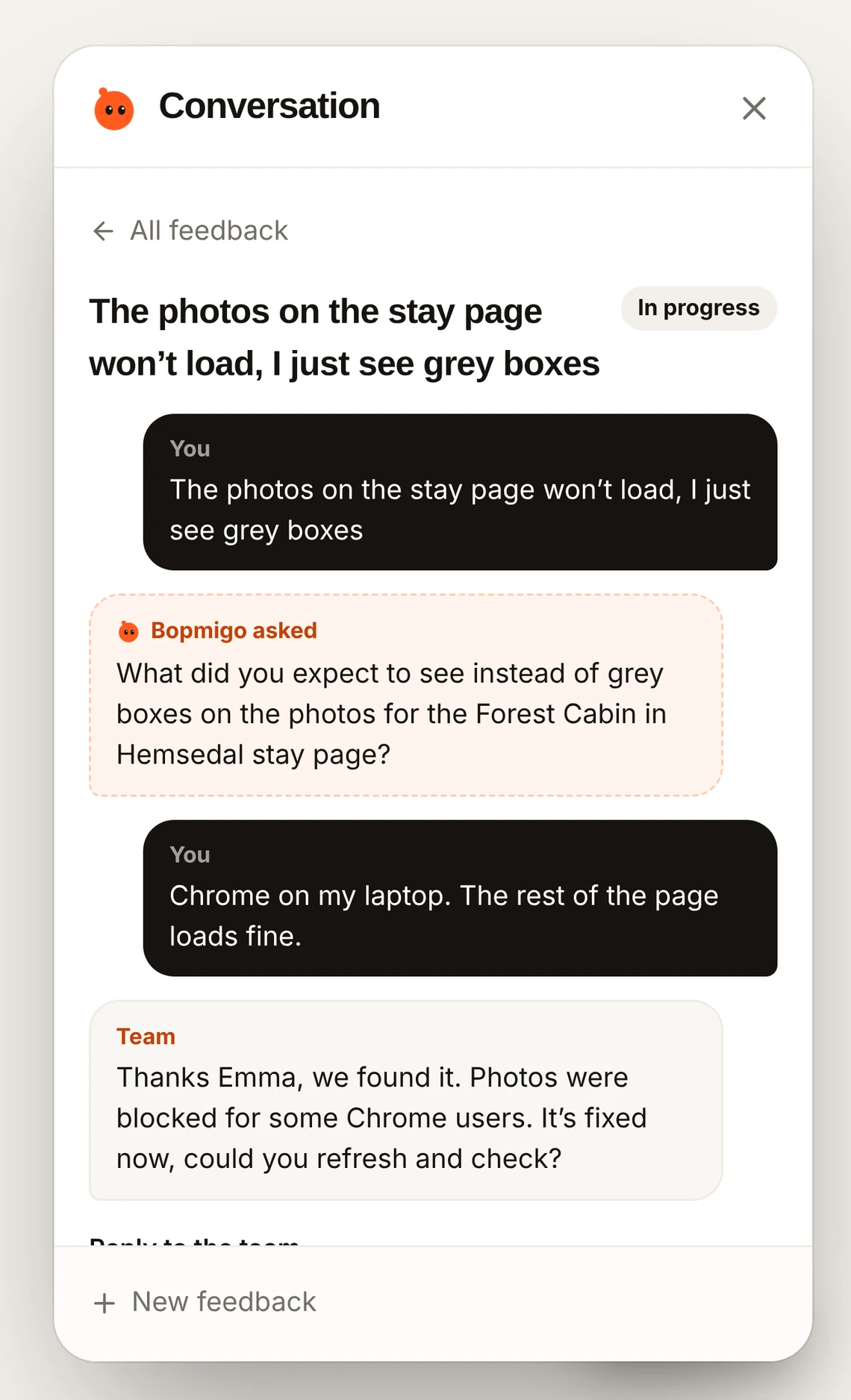
Mark each item open, in progress or resolved so both sides know where things stand.
- 4
Reply in the same place
Ask a question or confirm a fix without another email thread.
How Bopmigo does this