Website feedback without a browser extension
Why extensions stop clients and users from reporting, when an extension still makes sense, and how to collect feedback with nothing to install.

Short answer: yes. Tools that load from one line on your site put a Feedback button on the page itself, so anyone can report without installing anything. Extensions make sense for an internal QA team testing many sites; for clients and visitors, an on-page button lets them report immediately.
Why extensions cost you reports
- Clients use locked-down work laptops where they can’t install extensions.
- Desktop extensions may be unavailable on a client’s phone or tablet. Check the tool’s supported browsers.
- Each new person has to be walked through the install, often by email.
- Visitors can send a report immediately when Feedback is already on the page.
In the reviews we read of website feedback tools, “setting up the extension, plugin or script” is one of the most repeated complaints, alongside how easy the tool is for clients when it works.
Extension or on-page button?
| Browser extension | Button on the page | |
|---|---|---|
| Who can report | People who installed it | Anyone visiting |
| Phones and tablets | Depends on the extension and browser | Yes |
| Works on sites you don’t own | Yes | No, you add it to your own site |
| Setup for the person reporting | Install, sign in | None |
How Bopmigo does it
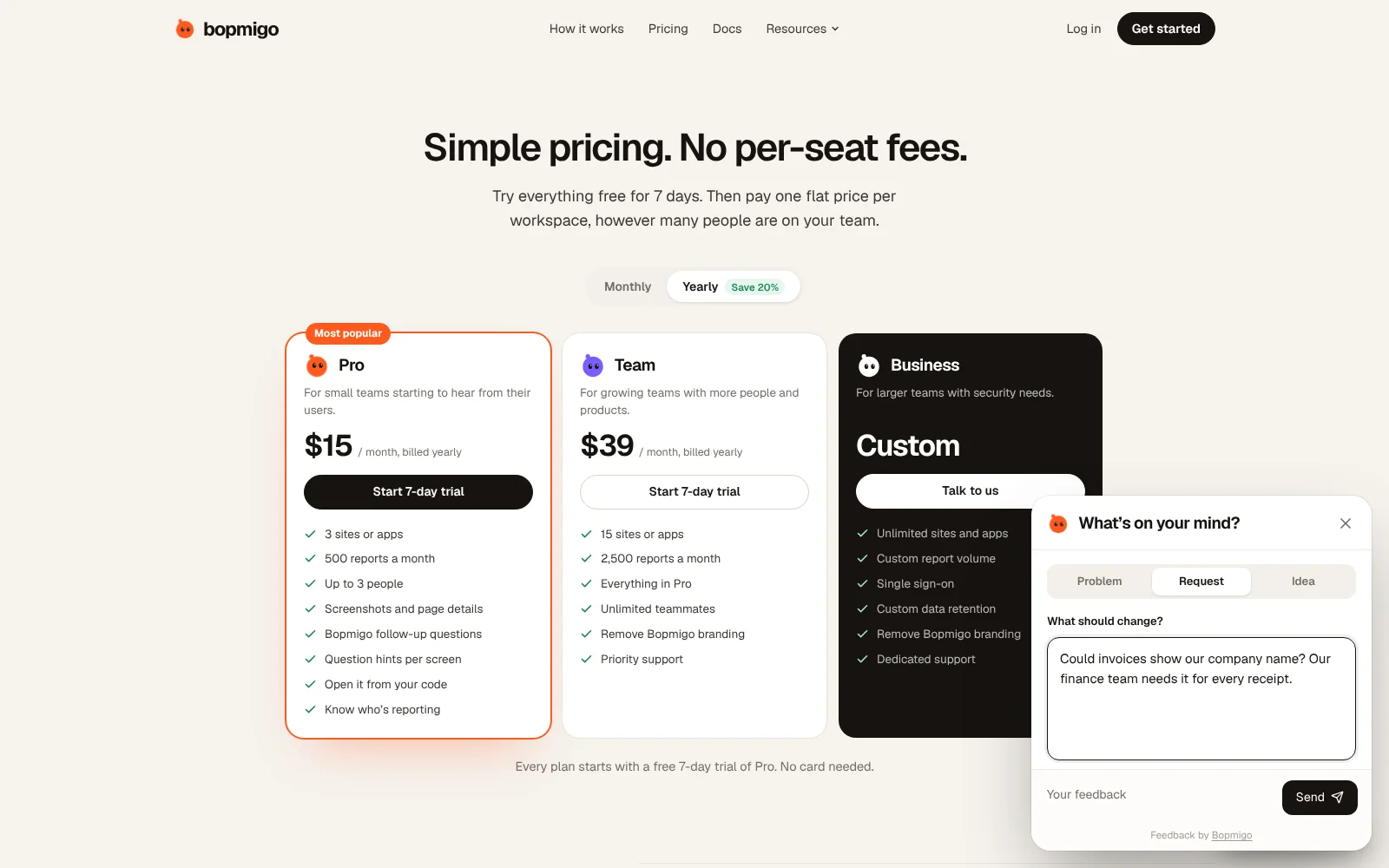
Paste one line on your site, or use your website builder’s custom code box, and a Feedback button appears for everyone. No extension, no account, on desktop and phones. Reports arrive with the page, browser and a screenshot, and a short follow-up when something important is missing.
Can my QA team still test sites we don’t own?
Bopmigo works on sites you add it to. For auditing other people’s sites, an extension is the right tool.
Does it work on website builders?
Yes. See the install guides for Webflow, Framer, Wix, Bubble and more.