Feedback on booking and marketplace sites
Prices, dates and availability break in ways that cost bookings. Let guests and hosts report the exact moment something looked wrong.

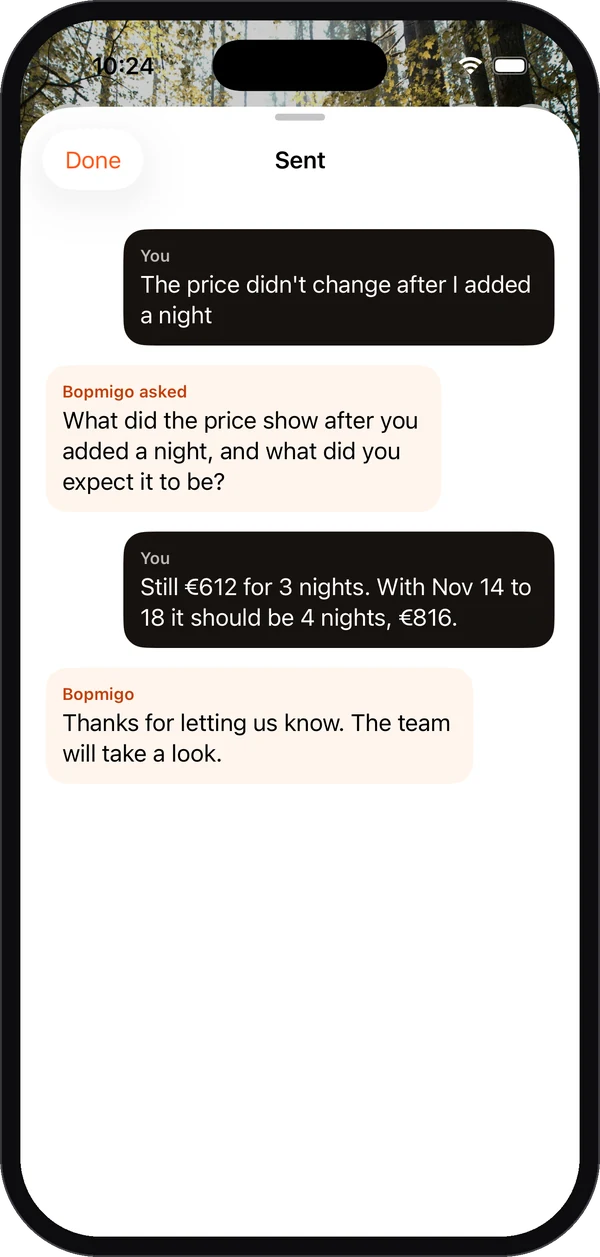
Short answer: on booking sites the costly bugs are in the details: a total that doesn’t update, a date that won’t select, a fee that appears late. A Feedback button captures the page and screenshot at that moment, and a short follow-up asks what they expected, so you see the gap between “€612” and “should be €816”.
A typical report
| What they wrote | “The price didn’t change after I added a night” |
|---|---|
| Follow-up answer | “Still €612 for 3 nights. With Nov 14 to 18 it should be 4 nights, €816.” |
| Attached | The stay page, device, browser and screenshot |
Both sides of the marketplace
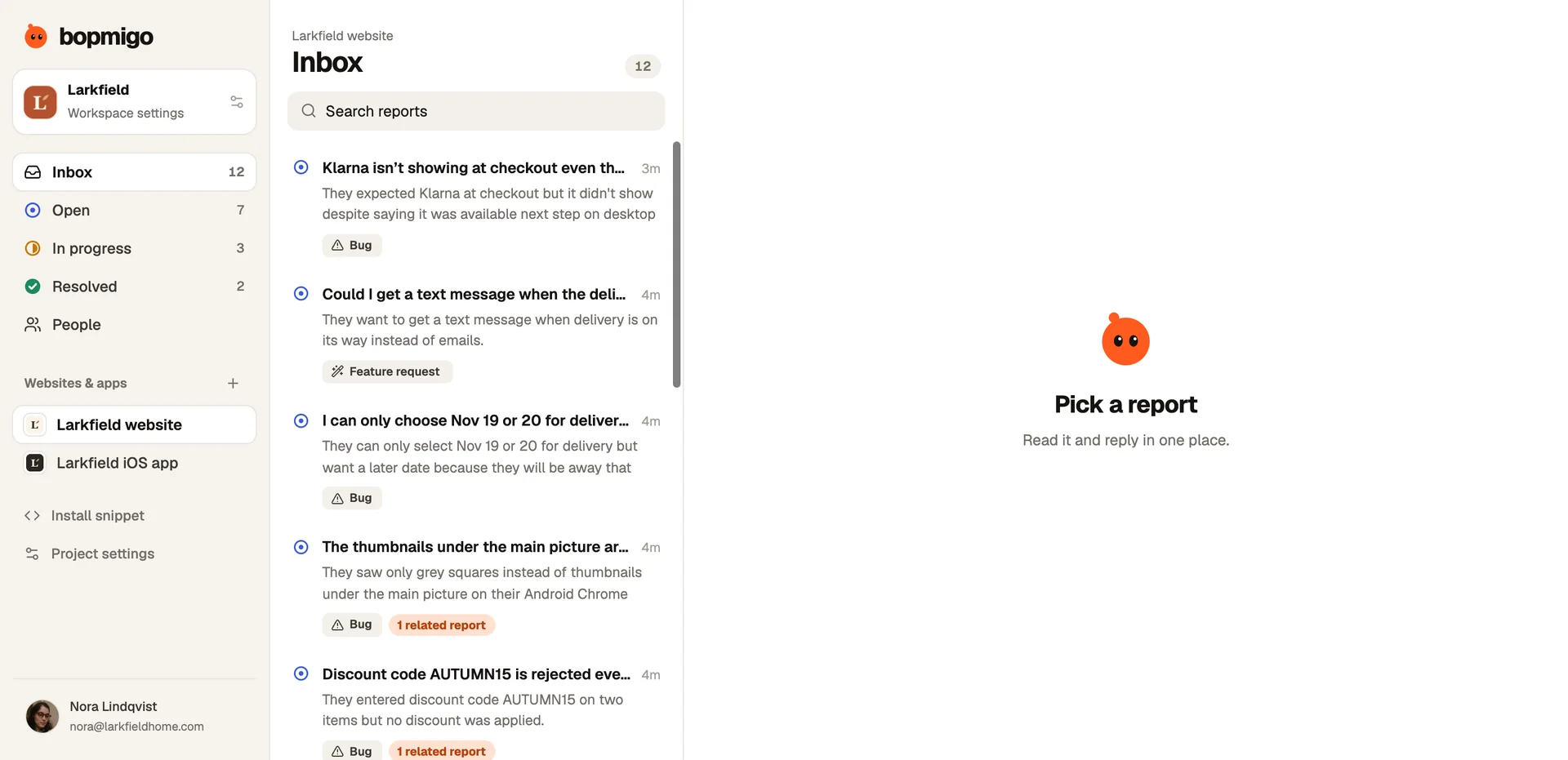
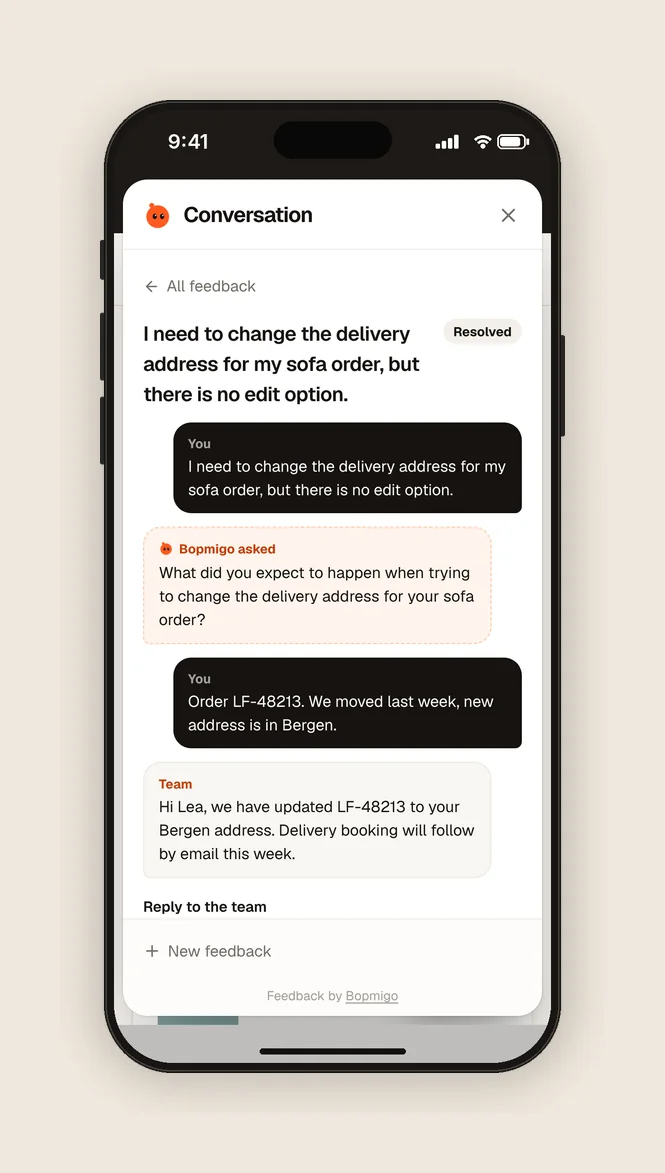
Guests and hosts can both report, on your website and in your iPhone or Flutter app, into one inbox. Requests from either side are grouped, so you see what each side needs most.
Problems that cost bookings
| Problem | What you see without feedback |
|---|---|
| A total that doesn’t update when dates change | A drop at the booking step |
| A date picker that won’t open on some phones | Fewer mobile bookings |
| A host who can’t upload photos | Listings that never go live |
| A payment that fails without a clear error | Abandoned checkouts |
Analytics tell you a step lost people. Feedback tells you why, from the person it happened to, with the page and device attached.
Both sides of the marketplace
Guests and hosts, buyers and sellers, report the same way. Pass who is signed in and their role, and each report shows whether it came from a guest or a host, so the right person picks it up. Say who is reporting.
Ask after a failed step
Open Feedback from your own code when a payment or upload fails, with a question ready: “Something went wrong with your payment. What happened?” You hear about the problem from the person who just hit it. Open it from your own button.
Are card details captured?
No. Payment fields and other private details are covered in screenshots.
Can hosts and guests be told apart?
Yes, by passing who is signed in and their role as context.