Feedback for no-code websites
Add a Feedback button to a site built with a website builder by pasting one line, with no developer needed.
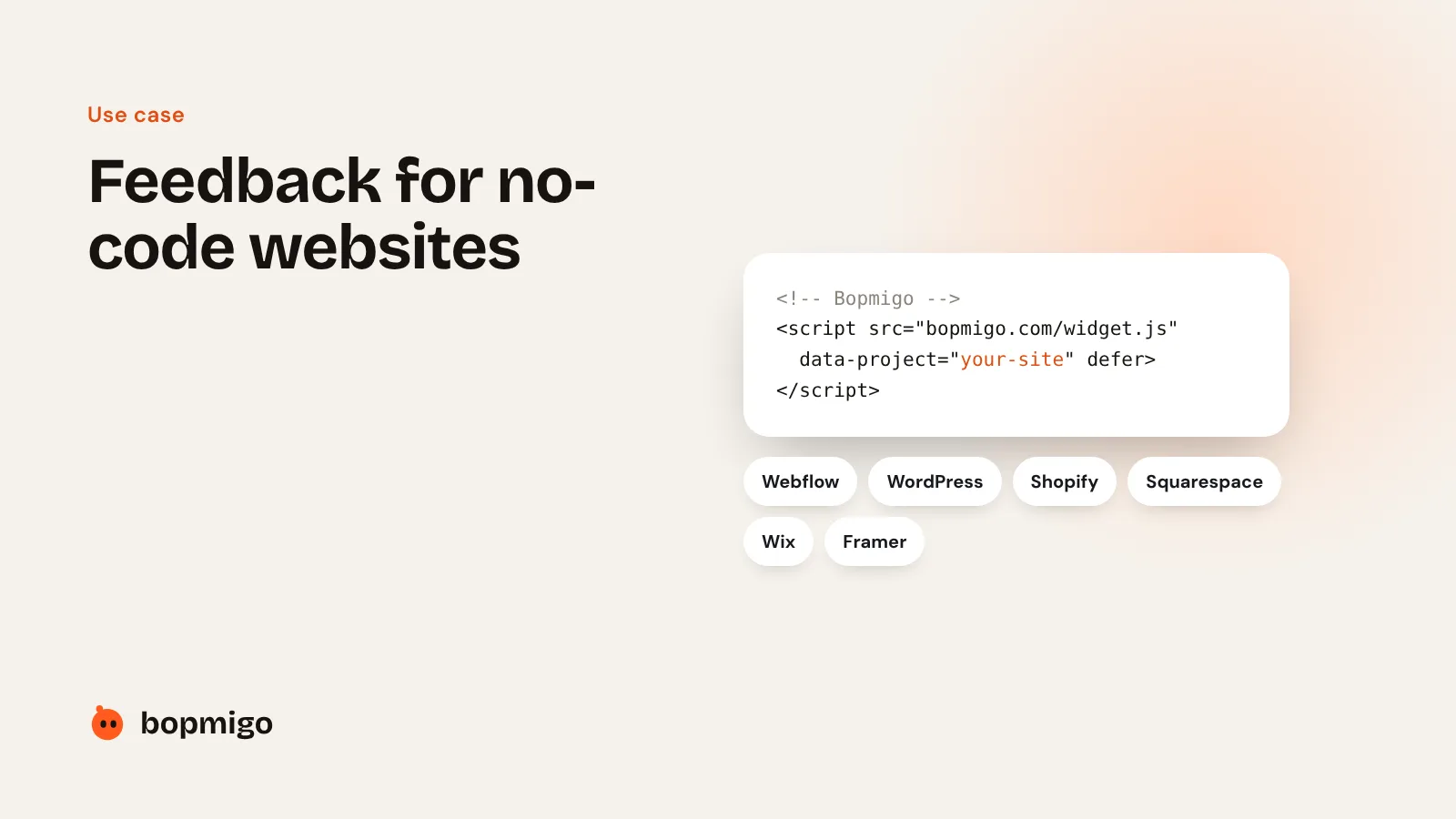
Short answer: copy one line from Bopmigo and paste it into your website builder’s custom code setting. Publish, and visitors can send feedback with a screenshot from any page.
Where to paste it
- Webflow: Site settings › Custom code › Footer code.
- WordPress: the free WPCode plugin, Header & Footer › Footer.
- Shopify: Online Store › Themes › Edit code › layout/theme.liquid, just before the closing body tag.
- Squarespace, Wix and Framer: the site-wide custom code or code injection setting.
See the exact steps for each builder.
What you get
- A Feedback button on every page, on desktop and phones.
- Reports with the page, a screenshot and the browser.
- Reports in your Bopmigo inbox or straight to your email.
Start free for 7 days, no card needed. Follow the builder steps or start your trial.