Feedback from shoppers on your Shopify store
Hear about the broken filter, the confusing shipping step or the missing size before shoppers give up on the cart.

Short answer: most shoppers who hit a problem leave without telling you. A Feedback button on your store lets them say what went wrong in a line, with the page and device attached, so you can fix it before it costs more sales.
What shoppers would tell you, if it were easy
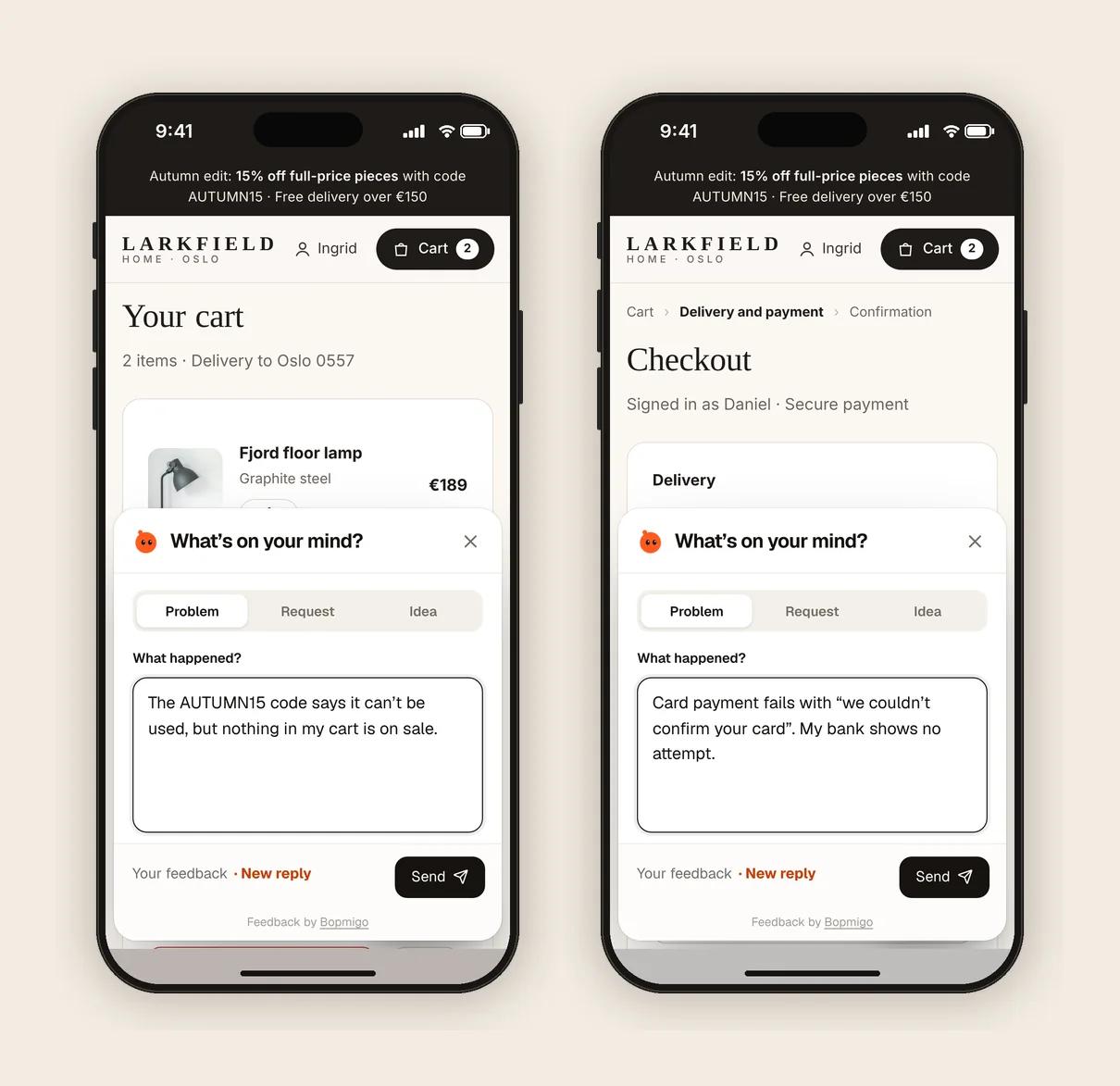
- A discount code that doesn’t apply.
- A size or colour that can’t be selected on a phone.
- Shipping costs that only appear at the last step.
- A product page that loads slowly or looks broken.
- A request: “Do you have this in blue?”
How it works on Shopify
- 1
Add one line to your theme
Paste it into
theme.liquid, before</body>. Step by step. - 2
Shoppers report from theme pages
No account. The report includes the page, device and a screenshot with payment details covered.
- 3
Reply, or fix and tell them
Replies show in their Feedback window; if they left an email, reply by email.
Does the theme install cover checkout?
Shopify checkout has separate customization rules. A script in theme.liquid covers storefront theme pages; check the Shopify install guide before planning checkout feedback.
Does it replace my support inbox?
No. It catches the problems people wouldn’t bother to email about, with the details you need.