Are feedback widgets with screenshots safe for privacy?
What a feedback screenshot can capture, what privacy rules like the GDPR expect, and how to collect visual feedback without collecting personal data you don’t need.
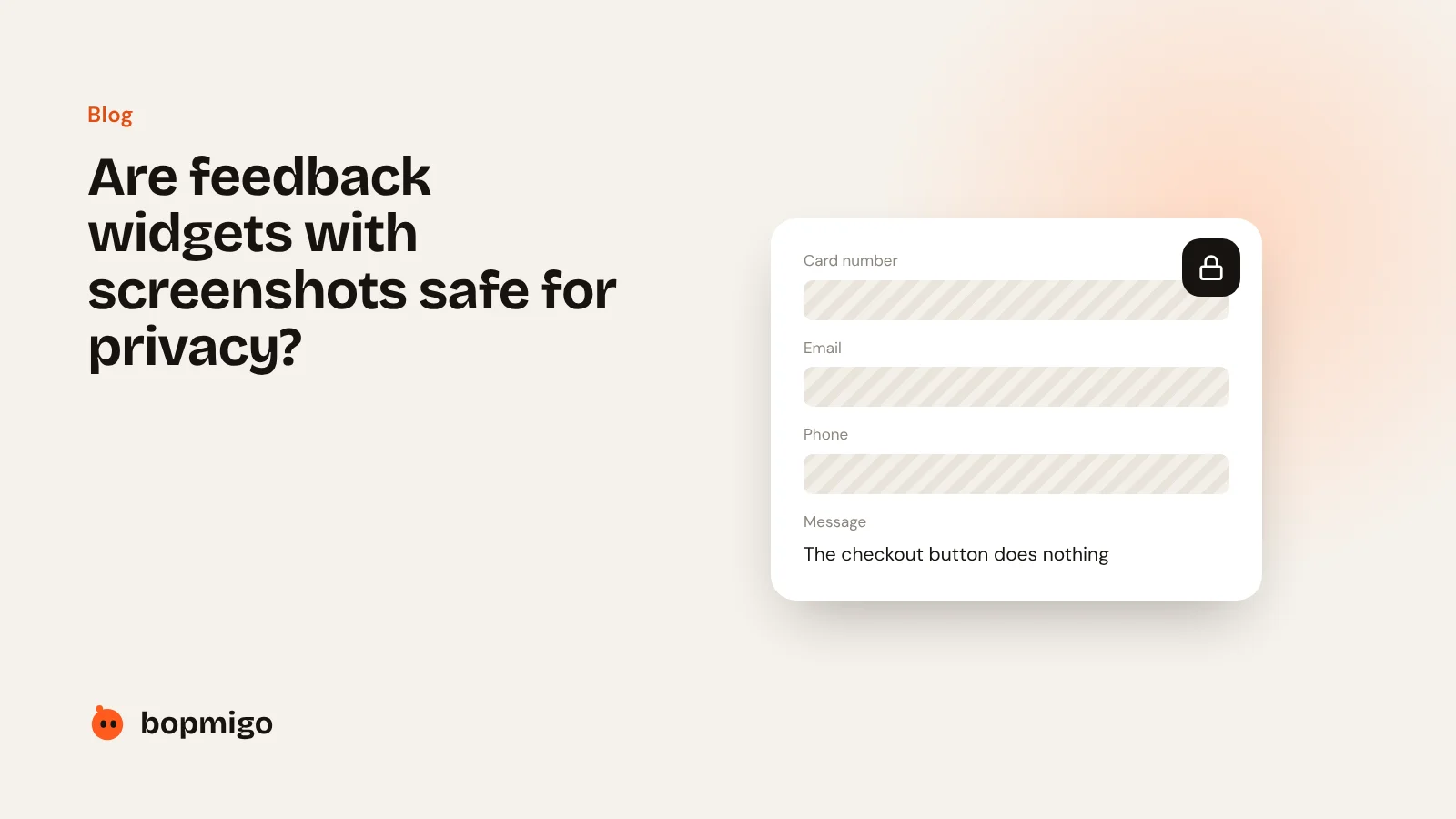
Short answer: they can be, if the tool covers private details by default, lets people remove the screenshot, keeps only what you need, and is listed in your privacy policy. This is general information, not legal advice.
What a screenshot can capture
Anything on the screen: names, email addresses, order details, card numbers in a form, messages. That’s useful for fixing bugs, and it’s also personal data.
What privacy rules expect
- Only what you need. Collect the minimum to fix the problem (data minimisation).
- Say what you collect. Mention your feedback tool in your privacy policy.
- Keep it safe and not forever. Limit who can see reports and delete what you no longer need.
- A processor agreement. Under the GDPR, a feedback provider handling personal data for you should offer a data processing agreement.
What to look for in a tool
- Private fields covered automatically, and a way to mark other areas private.
- People can see, cover or remove the screenshot before sending.
- An option to hide all text for sensitive products.
- Reports you can delete, or send only to your email.
How Bopmigo handles it
On websites, Bopmigo covers typed-in fields, email addresses, card and phone numbers automatically. In mobile apps it covers password fields, and you mark other private areas with one line of code. You can hide all text, and choose to get reports by email without keeping them in Bopmigo.
Privacy and your data · Collect feedback without exposing private data