Bad reviews on G2, Capterra or Trustpilot: a calm playbook for small SaaS teams
Why customers leave public reviews instead of telling you, how to reply without making it worse, and how to hear complaints privately first.
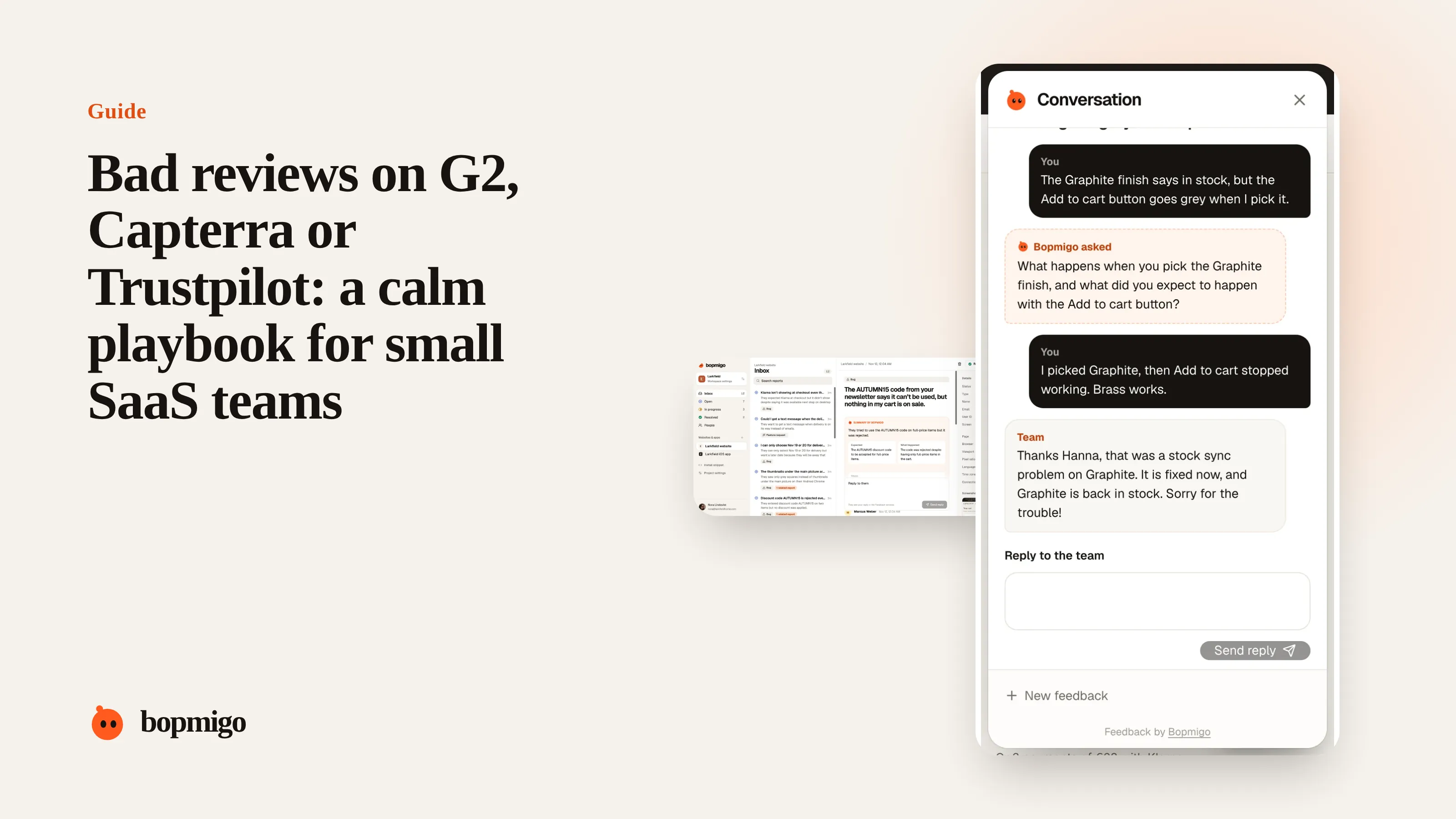
Short answer: reply publicly once, briefly and without arguing, then take it private. Fix what is real. To stop the next one, make it easier to complain inside your product than on a review site, and reply quickly when people do.
Why customers go public
- They tried to reach you and didn’t hear back.
- They didn’t know how to reach you, or it felt like a long process.
- They want other buyers to know before they sign up.
- A review site asked them for a review at the worst possible moment.
How to reply
- 1
Reply within two working days
Late replies read as indifference to future buyers.
- 2
Thank, own, and say what you will do
“Thanks for telling us. The export issue you hit was real and we fixed it on November 4. I’d like to make it right: I’ll email you today.”
- 3
Take details private
Never discuss account specifics in public.
- 4
Follow up when fixed
Many reviewers update their review after a genuine fix and a personal reply.
Replies to avoid
- Defending the product point by point.
- Copy-pasted apologies on every review.
- Blaming the customer’s setup.
- Offering discounts in public in exchange for edits.
Hear it before it is public
| Moment | What to offer |
|---|---|
| After an error in the product | A Feedback option right there |
| When usage drops | A short personal message: “Anything in the way?” |
| At renewal or cancellation | An optional question, with a real reply |
| After a support ticket closes | A check that it is really fixed |
Read the review for what it says about your product
| The review says | What to look at |
|---|---|
| “Support never answered” | Response times and who watches the inbox |
| “Too complicated to set up” | Your first-run experience and setup help |
| “Missing basic features” | Whether your pricing page explains limits |
| “Billing was a mess” | Renewal reminders, invoices, cancellation flow |
| “Buggy” | Which bugs, on which pages, for which customers |
Templates you can adapt
- Real bug, fixed: “Thanks for telling us. The sync problem you described was real and was fixed on November 4. I’d like to check it is working for you now. I’ll email you today.”
- Real gap, not planned: “Thanks, that is fair. We don’t support multi-currency yet and it isn’t on this quarter’s plan. If it would help, I can share how other customers work around it.”
- Misunderstanding: “Sorry this was confusing. Exports are under Reports, not Settings, and we’ve made that clearer since. Happy to walk you through it.”
Ask happy customers too
Most customers who are happy never leave a review. Ask the ones who just had a good outcome, such as finishing setup or renewing, whether they would share their experience. A steady trickle of honest reviews puts the occasional bad one in context.
What not to do
- Don’t ask friends or staff to post reviews.
- Don’t offer incentives tied to a positive rating.
- Don’t reply to every review with the same paragraph.
Why one bad review matters more for a small SaaS
A large company with hundreds of reviews barely notices one angry review. A small product with twelve reviews can lose a meaningful share of its average, and that review sits near the top for months. Buyers comparing tools read the low reviews first to see how bad the worst case is. A calm, specific reply is often what they remember.
A response workflow for a small team
| Step | Who | When |
|---|---|---|
| Get notified of new reviews | Founder or support lead | Same day |
| Check the account and history | Support | Before replying |
| Reply publicly | Founder or support lead | Within two working days |
| Follow up privately | Support | Same day as the public reply |
| Log the theme and decide on a fix | Product | Weekly |
Learn from the reviews competitors get
Read the low reviews of the tools you compete with. They tell you what buyers in your market are frustrated by, which is often what they will ask you before buying. If a theme keeps coming up, such as hidden pricing or slow support, make sure your product and your website answer it clearly.
Keep the conversation inside the product
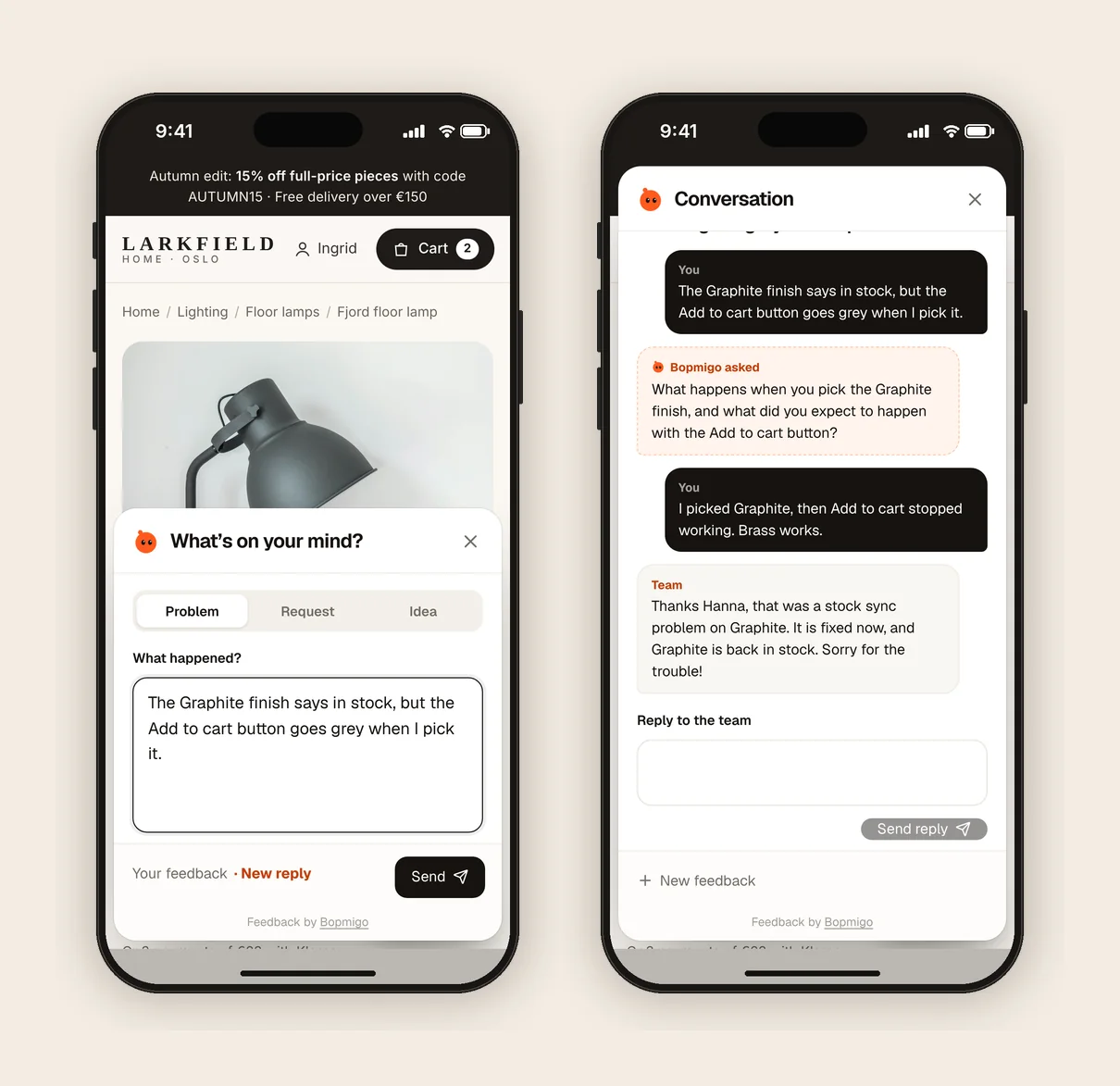
- A feedback option on every page of your app, so problems are reported where they happen.
- A reply within a day, ideally where the customer reported.
- A short check-in after setup: “Is everything working the way you expected?”
Questions to ask about your own setup
- How long does a customer wait for a first reply today?
- Can customers report a problem from inside your product?
- Who gets notified when a new review appears?
- Does your pricing page explain limits clearly enough to prevent surprise?
- When did you last ask a happy customer for a review?
Can I get a bad review removed?
Only if it breaks the site’s rules, such as being fake or abusive. Otherwise, reply well and let your other reviews speak.
Should the founder reply?
For a small team, yes. A reply from the founder shows buyers that someone senior cares.
What if the review is unfair?
Reply with facts, calmly, once. Readers can tell the difference between a defensive reply and a clear one.
Decide how to reply in four questions
- 1
Is the problem real?
If yes, own it. If it was a misunderstanding, explain kindly.
- 2
Is it fixed?
If yes, say when. If not, say what you are doing and when you will update them.
- 3
Is the reviewer still a customer?
If yes, offer direct help. If they left, thank them and say what changed.
- 4
Would a buyer reading this learn something useful?
Make sure the reply answers the worry a future buyer would have.
Asking happy customers for a review
A short, personal email after a good moment works best: “You’ve been using us for three months and finished setting up your whole team. Would you share your experience on G2? It helps other small teams decide. Here’s the link.” No incentive, no script, and only to people who have told you they’re happy.
How Bopmigo helps
Customers can tell you about a problem from inside your web app, with the page and a screenshot attached, and you reply where they reported. On websites and web apps, you can also message a signed-in customer first when you notice they are stuck. Complaints become conversations before they become reviews. In-app feedback for SaaS.