The bug nobody reported: finding silent problems before they cost you users
Some bugs affect every user for weeks and nobody says a word. Why silent bugs happen, how to catch them sooner, and how to make reporting easy enough that people do.
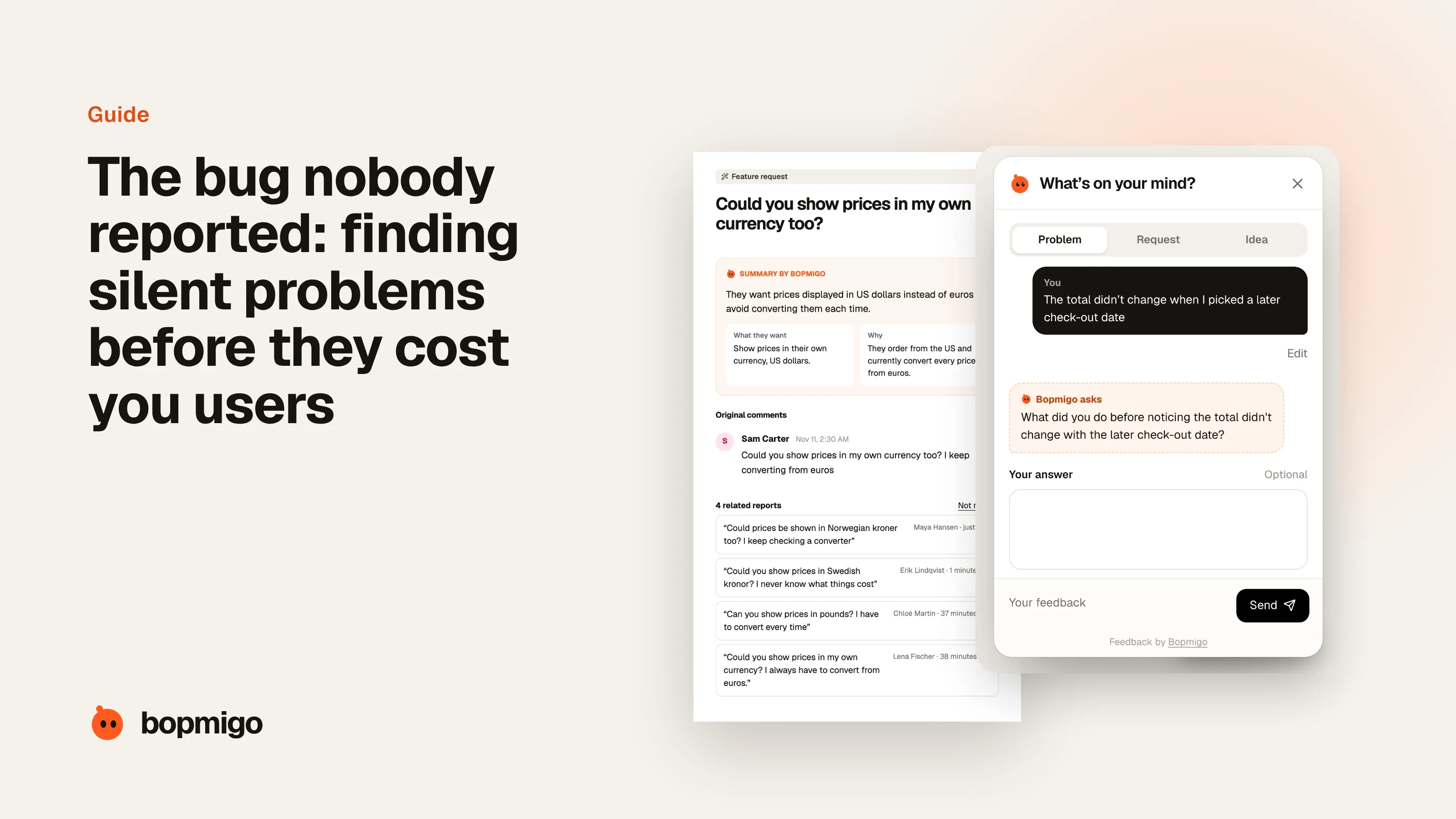
Short answer: silent bugs survive because each user assumes the problem is them, or that you already know. Catch them with three things together: error monitoring for failures your code can see, regular checks of the main user journeys, and a reporting option inside the product so users can tell you about problems your code can’t see, like wrong results, confusing behavior or something that “just looks off”.
One founder in our research only discovered a serious problem when a user asked to delete their account. Looking into it, he found the app had been quietly producing wrong results for every user for a month, and nobody had told him. Stories like this are common: the problem isn’t a crash, so nothing alerts you, and users simply lose trust and leave.
Why users don’t report silent bugs
- They think they did something wrong.
- They assume you already know.
- The result looks plausible, just not quite right.
- Reporting means leaving the product to write an email.
- They tried reporting before and heard nothing back.
Three nets for catching silent bugs
| Net | Catches | Misses |
|---|---|---|
| Error and crash monitoring | Exceptions, crashes, failed requests | Wrong results, confusing behavior, design problems |
| Checking main journeys yourself | Broken flows you test | Problems on devices, data or paths you don’t test |
| User reports from inside the product | Anything a person notices | Problems nobody notices |
Each net has gaps. Together they catch most problems. Most small teams have the first, sometimes the second, and rarely make the third easy.
Make “this looks wrong” easy to send
- Put the feedback option on every screen, including results pages.
- Let people send a sentence without choosing categories or severity.
- Capture the page, device and a screenshot for them.
- Thank people for small reports. “Probably nothing, but…” reports often find the worst bugs.
Spot patterns early
One report of a wrong result might be a fluke. Three in a day is a bug. Group similar reports so patterns stand out, and look at reports alongside your error logs for the same time and screen.
Kinds of silent bugs
| Kind | Example | Why nothing alerts you |
|---|---|---|
| Wrong results | A calculation is off, an AI feature guesses instead of reading the input | The code runs without errors |
| Silent fallbacks | An upload fails and the app quietly uses a default | Fallbacks are designed not to fail |
| Partial failures | Emails sent to some users but not others | Most requests succeed |
| Display problems | A button hidden on small screens, text cut off | Nothing errors; it just looks wrong |
| Slow decay | A feature gets slower each week as data grows | No single moment to alert on |
Checks that catch them earlier
- Log fallbacks. Whenever code takes a fallback path, record it and look at the count weekly.
- Sample real outputs. For features that produce results, check a few real ones each week by hand.
- Watch for sudden changes. A drop in usage of one feature often means it broke.
- Test on small screens and slow networks. Many display bugs only appear there.
- Ask power users. People who use a feature daily notice small changes first.
What to do when you find one
- 1
Fix it and measure the impact
Work out how long it ran and who was affected.
- 2
Tell affected users
A short, honest message. People forgive bugs far more readily than silence.
- 3
Add a check
Make sure the same kind of problem raises an alert next time.
- 4
Thank whoever reported it
If a user found it, tell them it helped. They’ll report again.
Telling users about a bug they never reported
Subject: A problem we found and fixed

Hi {first name},

Between {date} and {date}, {feature} gave wrong results in some cases.
It’s fixed now. If you used it during that time, {what to check or redo}.

Sorry about this. If anything still looks wrong, just reply.

{your name}
It feels risky to announce a problem people didn’t notice. In practice, an honest note builds more trust than finding out later. And it invites the people who did notice something off to finally tell you.
Why small reports matter most
Big failures get reported because they block people. Silent bugs are found through small, uncertain reports: “this number looks a bit high”, “I think the export missed a row”. Treat those reports seriously, thank the people who send them, and make it easy to send them without feeling silly.
How Bopmigo helps catch the bugs your monitoring can’t see
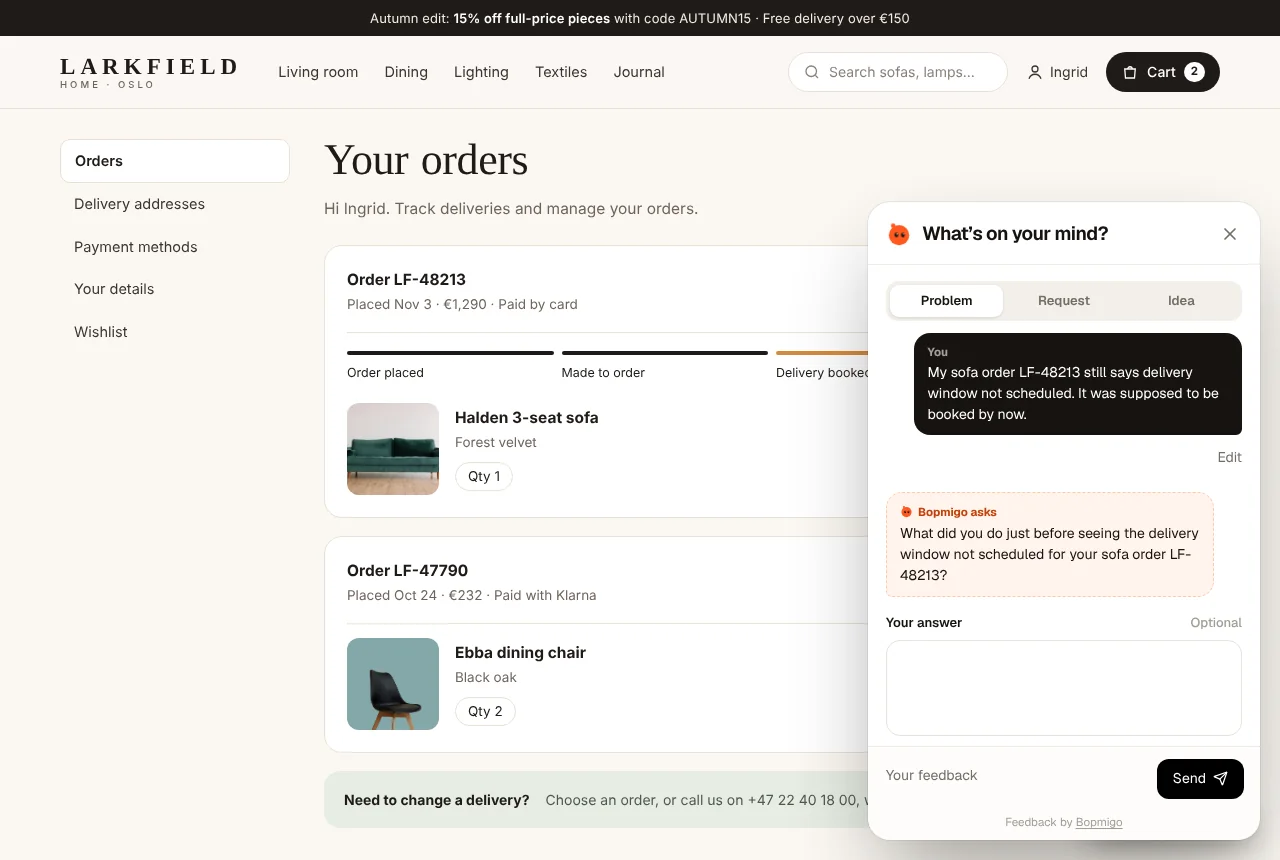
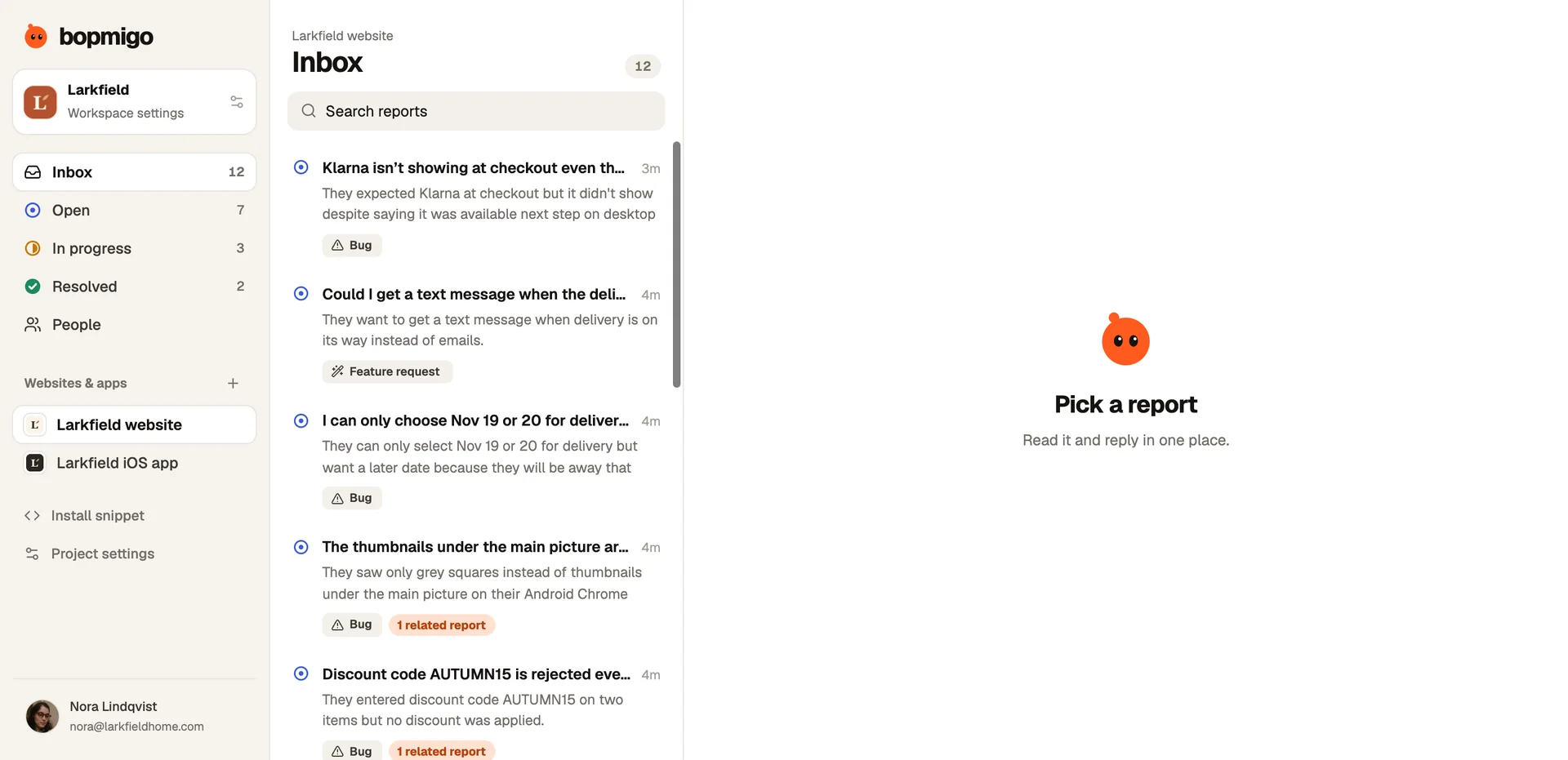
Bopmigo gives people a way to tell you “this doesn’t look right” from inside your website or app, with the screen, device and a screenshot included. When the report is vague, it asks a short follow-up so you know what they expected instead. Similar reports are grouped and counted, so a silent bug affecting many people becomes visible after the first few reports instead of after a month.