Client feedback without making clients sign up
Let clients report from the page they are reviewing. How to let clients report problems on their site in seconds, and still know who said what.

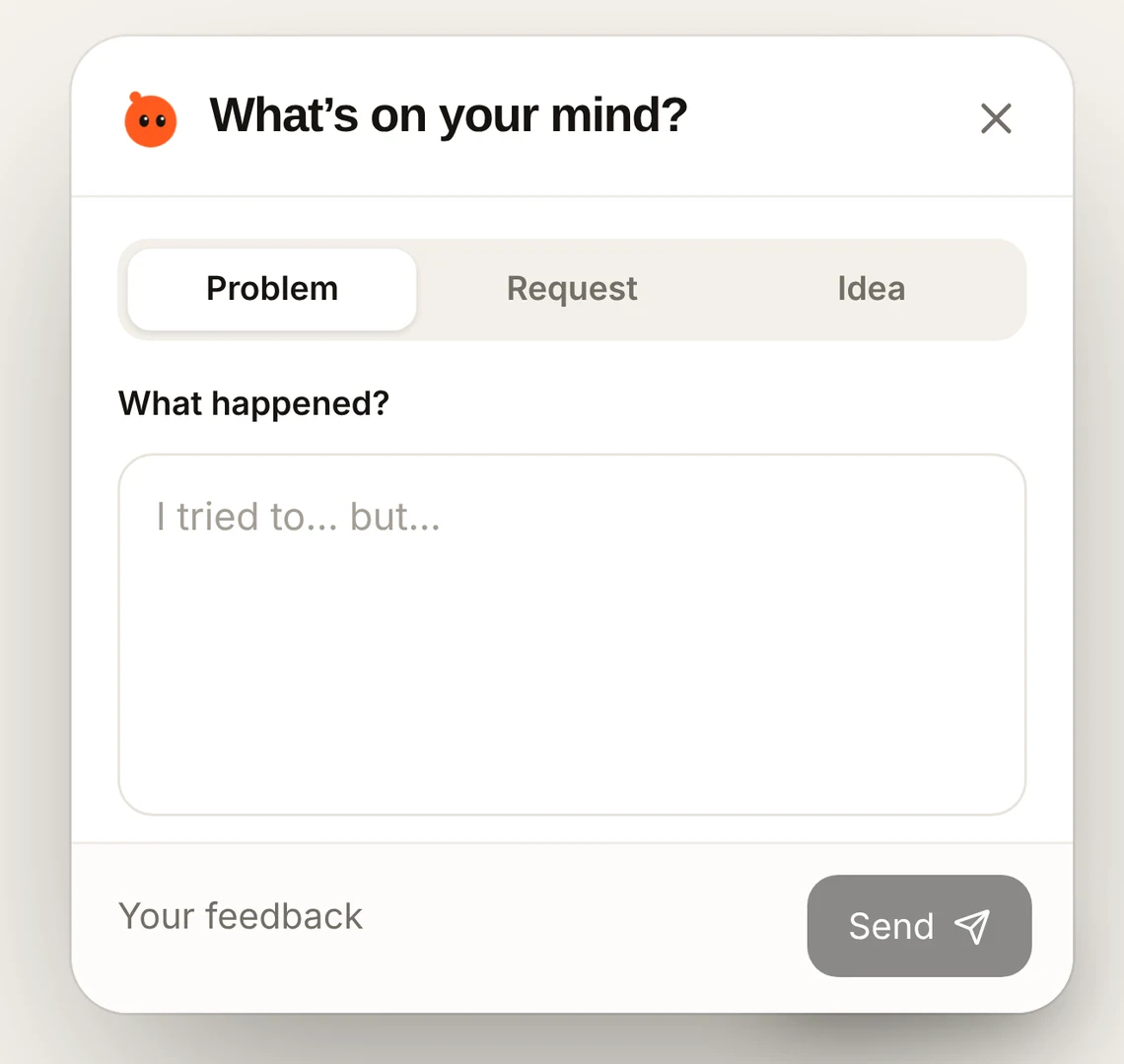
Short answer: use a feedback button that works without an account, so clients click, write a line and send. If you need to know who sent it, let your site tell the tool who is signed in, or ask for a name in the report. Never make a client create a login to say “the menu is broken”.
What clients actually do
- 1
They notice something on their phone
At night, away from the laptop, on the live site.
- 2
They look for the quickest way to tell you
If that’s a login screen, it becomes a text message with a blurry screenshot.
- 3
You reconstruct the details
Which page, which device, what they expected. A round of emails for a two-minute fix.
What to set up instead
- A Feedback button on the site that anyone can open.
- The page, device and a screenshot captured for them.
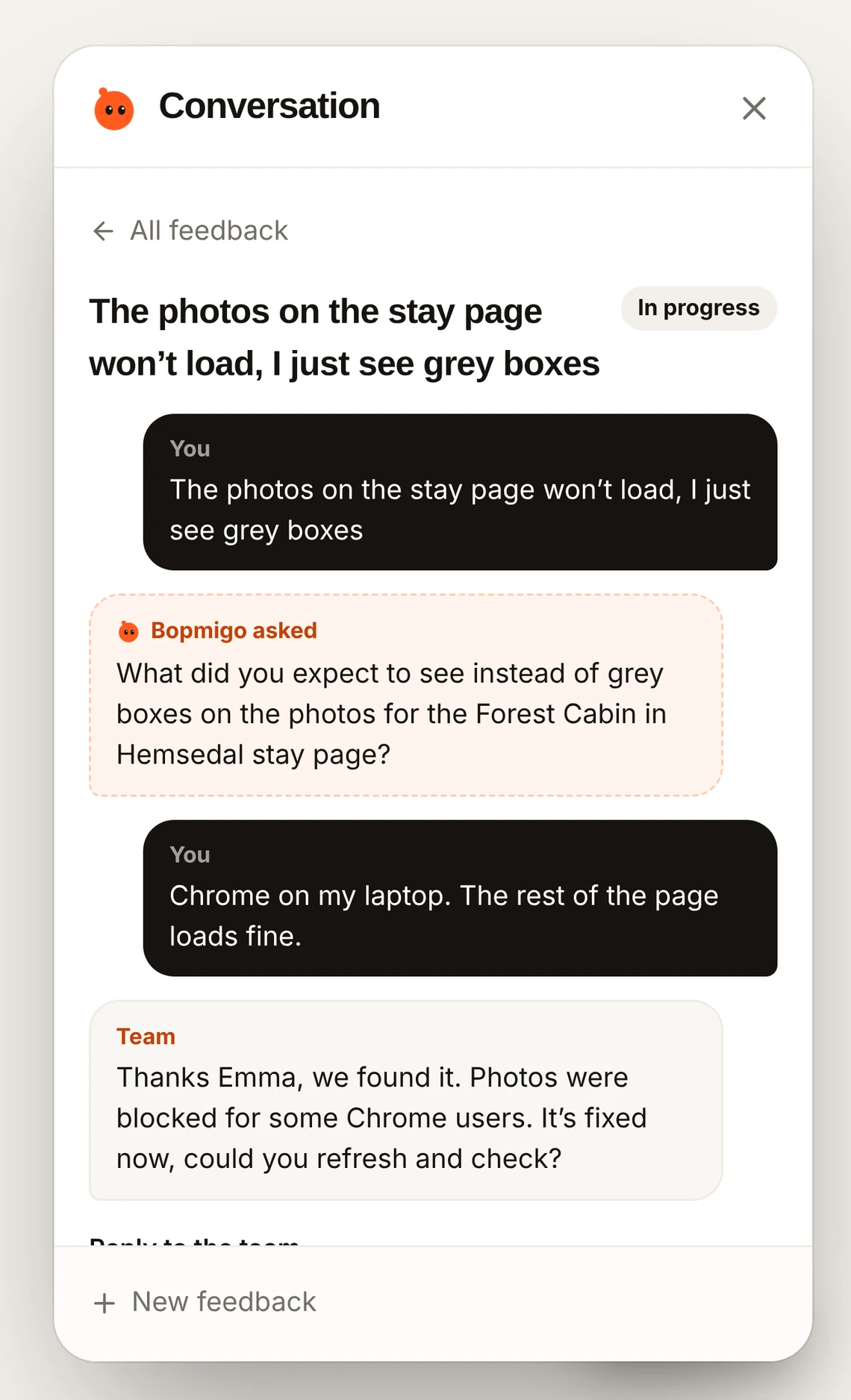
- A short follow-up when the report is missing what they expected.
- Replies that reach them where they reported, so the conversation doesn’t move to WhatsApp.
Knowing who sent it
If clients sign in to a portal you built, pass their name and email to Bopmigo and every report shows who sent it. On a brochure site, the report has the page and time, and you can reply in the Feedback window or ask who they are in your reply.