How to close the loop on user feedback
Replying to people who report problems keeps them reporting. How to answer in your site, your app or by email.

Short answer: reply where they reported. A short “we found it, can you check?” in your site or app gets read. A reply to an email they sent days ago usually doesn’t.
Why it matters
- People who hear back report again, and report better.
- You can ask the question you still need.
- A fixed bug with a reply turns a frustrated user into a fan.
What to say
- Thanks + status: “Thanks, we can see it and we’re on it.”
- Question: “Which browser were you using?” (only if you need it)
- Fixed: “It’s fixed now. Could you refresh and check?”
How Bopmigo does this
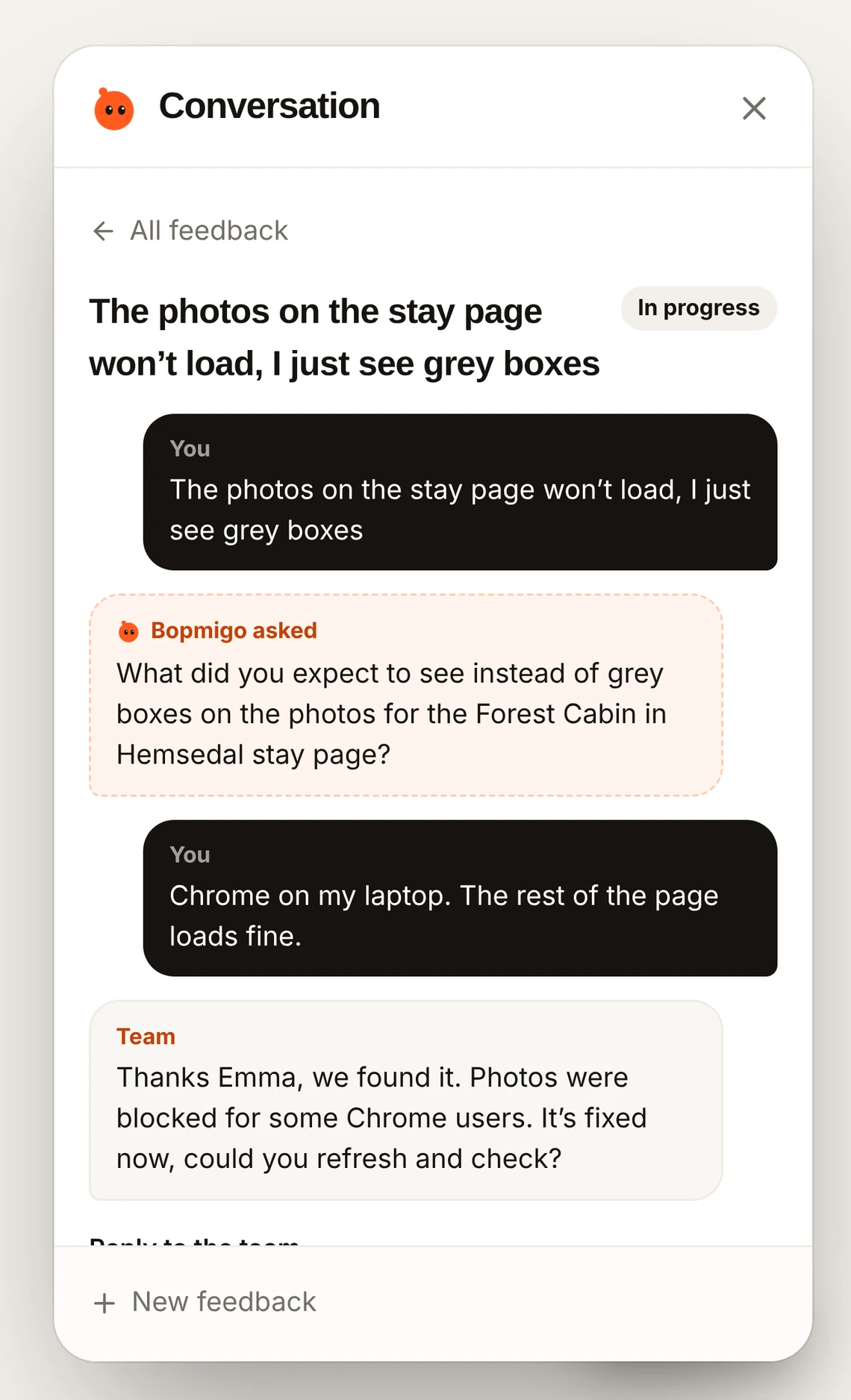
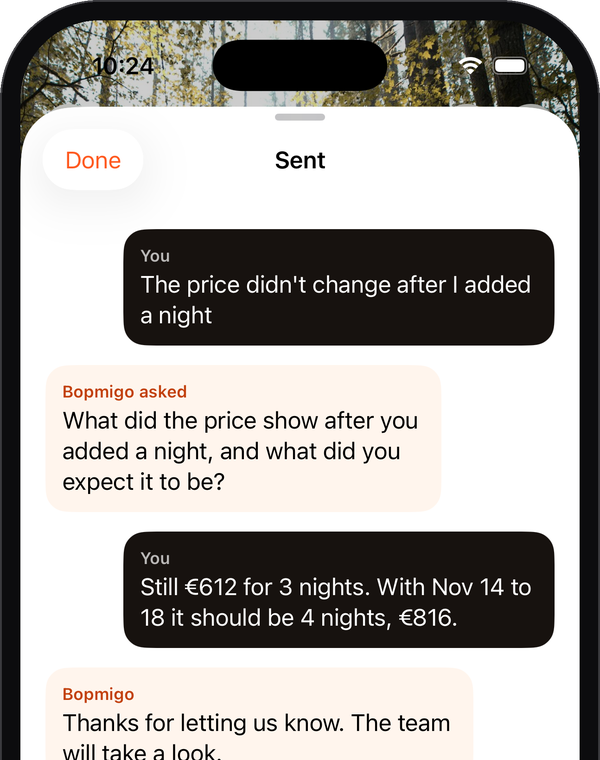
Reply from your inbox. On websites, people see it the next time they open Feedback. In iPhone apps they see “The team replied” when they come back. With their email address you can also reply by email. How replies work.