Replying to people
Answer from your inbox, and people read it where they sent the report.
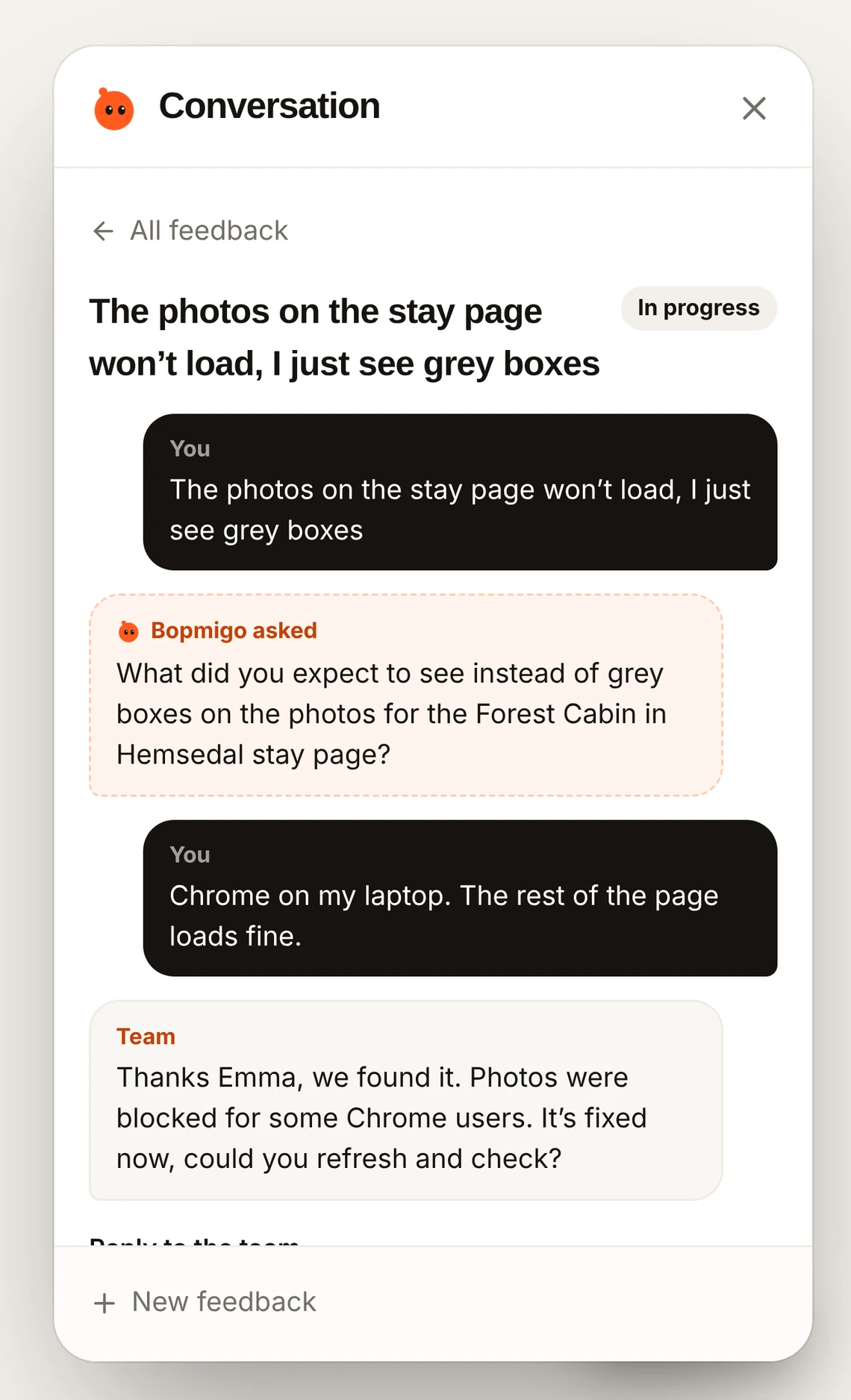
Open a report and write your reply. There are two ways it can reach the person.
In your site or app
This needs nothing extra. On websites, the person sees your reply the next time they open Feedback in the same browser. In iPhone apps (package 0.2.0 or later), they see The team replied when they come back to the app, and can answer there.
By email
To reply by email, you need the person’s email address. A basic install doesn’t include it, because Bopmigo never collects personal details by default. Pass it when someone is signed in:
Bopmigo.identify({ id: user.id, email: user.email })   // websites
Bopmigo.setUser(id: user.id, email: user.email)       // iPhone apps
Then reply from the inbox or straight from the report email, and it goes to them.
Keeping track
Mark reports as In progress or Resolved to keep track. Deleted reports stay in Recently deleted for 30 days.
NextPrivacy and your data →