Collecting feedback on a staging site before launch
Run a client review on staging without email chains: what to set up, who to invite, and how to keep staging feedback apart from live reports.
Short answer: add a feedback button to the staging site, list the staging address in your feedback tool, and give clients a short review window with a clear ask. Keep staging reports separate from live ones, by project or by address, so nothing from review week gets lost after launch.
A review week that works
| Day | What happens |
|---|---|
| Monday | Send the staging link and three things to check: content, forms, phone layout |
| Tuesday to Thursday | Clients report from the page; you fix and reply as you go |
| Friday | Walk through open reports together, agree what moves to after launch |
Setup checklist
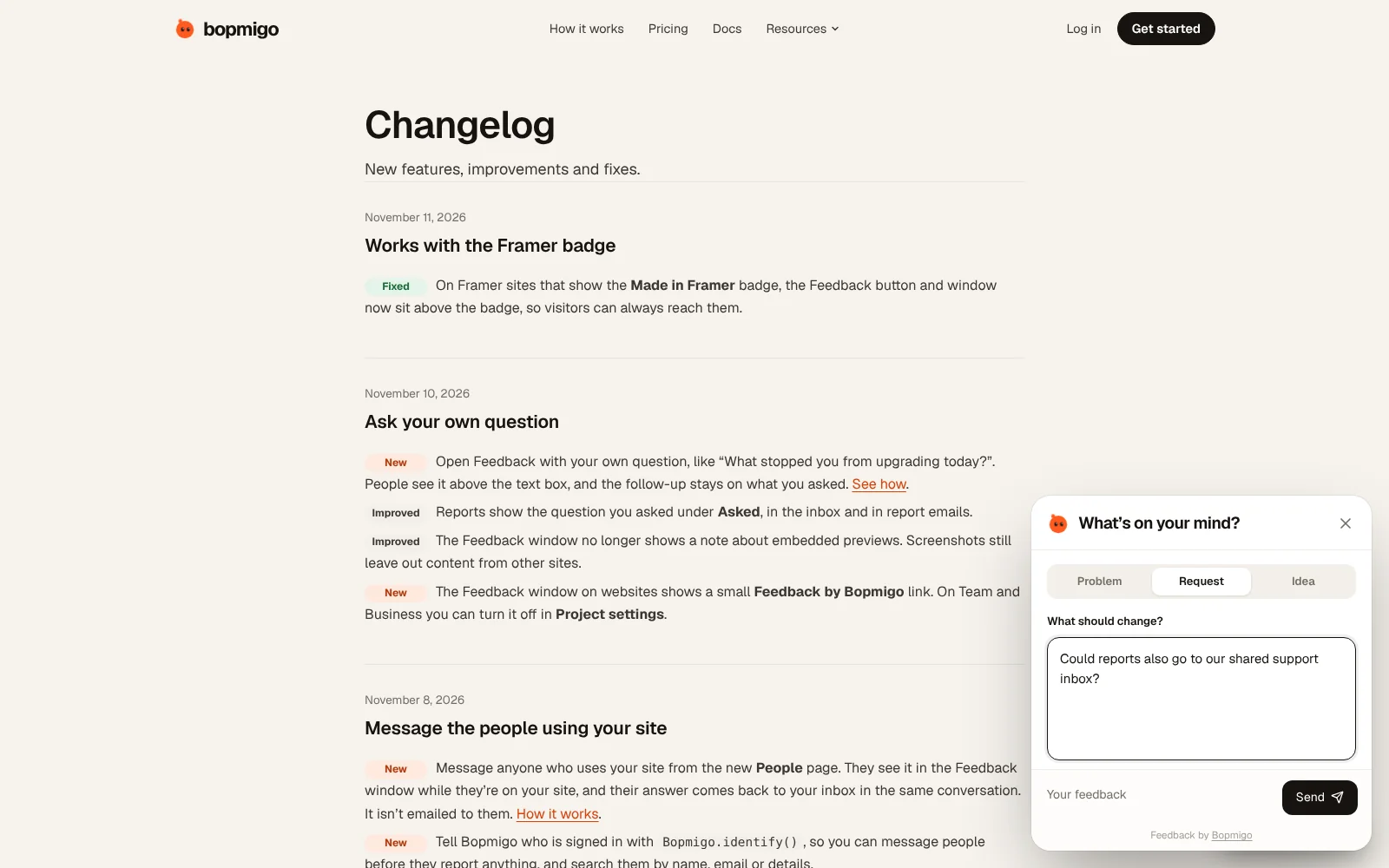
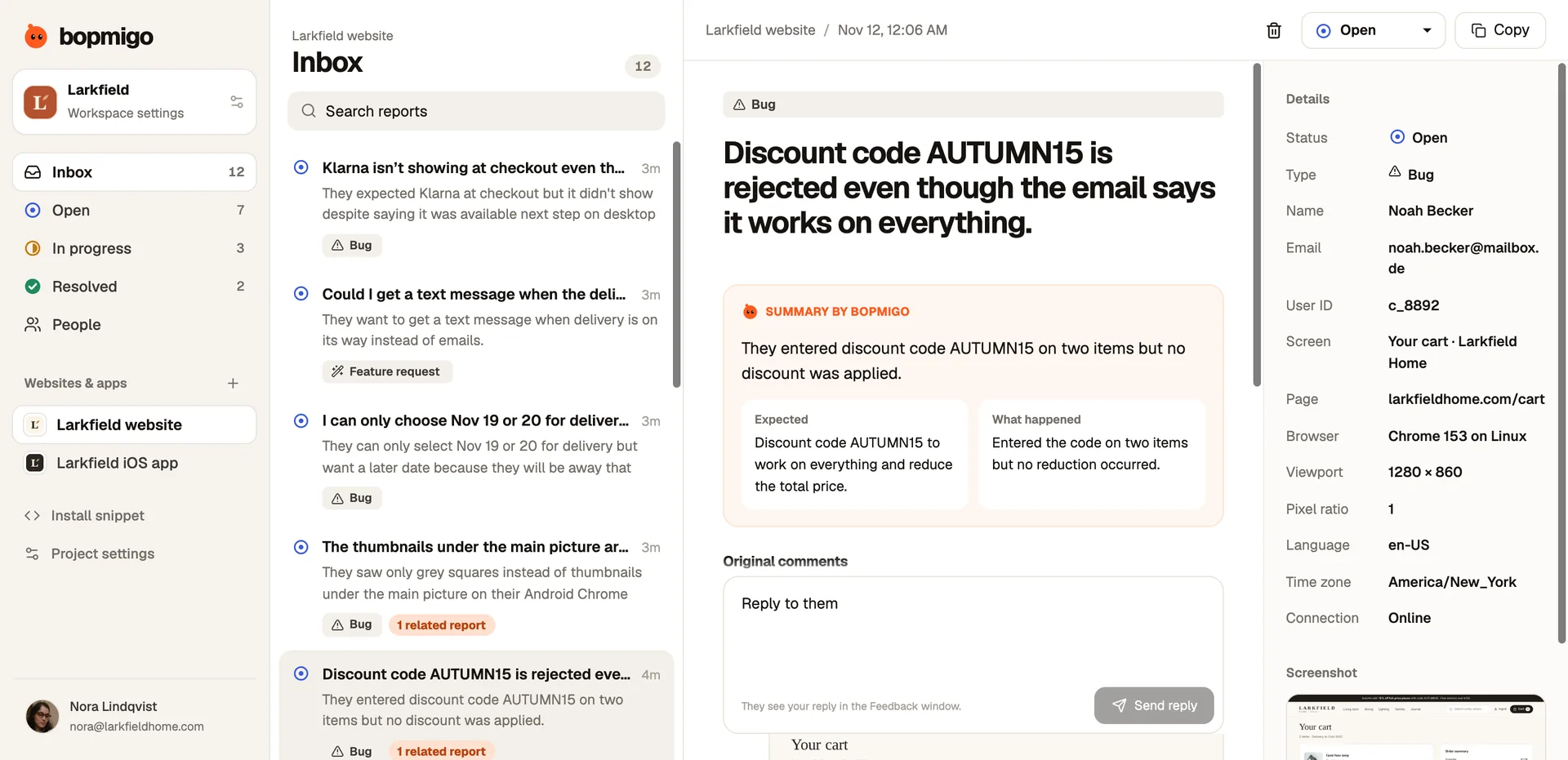
- Add the staging address to your Bopmigo project (or use a separate project for staging).
- If staging is password protected, Bopmigo still works: it runs in the browser of whoever is reviewing.
- Hide the staging site from search engines, as usual.
- Before launch, remove the staging address or keep it for future rounds.
Will staging reports mix with live ones?
Only if you want them to. Use one project per site version, or filter by address.
Can clients review on their phones?
Yes. The Feedback button works on phones and tablets.
See also: how to test a website before launch · QA and user acceptance testing