Feedback widget vs live chat for product teams
Compare feedback collection and website messaging with live support. See which workflow helps your team understand bugs, requests and unfinished tasks.
Choose Bopmigo when your team wants customers to describe a problem or request, clarify it and continue the conversation in the product. A live-support service is designed around immediate help. Decide what you want the conversation to achieve before choosing how to collect it.
Messaging products can support both immediate and later replies. Compare the reporting experience, the context your team receives and how people return to the conversation.
Start with the task your team needs to handle
| Situation | What the workflow should provide |
|---|---|
| A customer reports a broken page | The message, page context, available screenshot and a way to clarify what happened |
| Your team wants to understand an unfinished task | A focused website message and the person’s answer in the same conversation |
| Someone needs immediate assistance | A clearly staffed support channel and a realistic response expectation |
Incoming feedback and team-started messages
In Bopmigo, customers open Feedback and choose Problem, Request or Idea. A short follow-up helps clarify missing information. Your team reads the conversation in its inbox and replies.
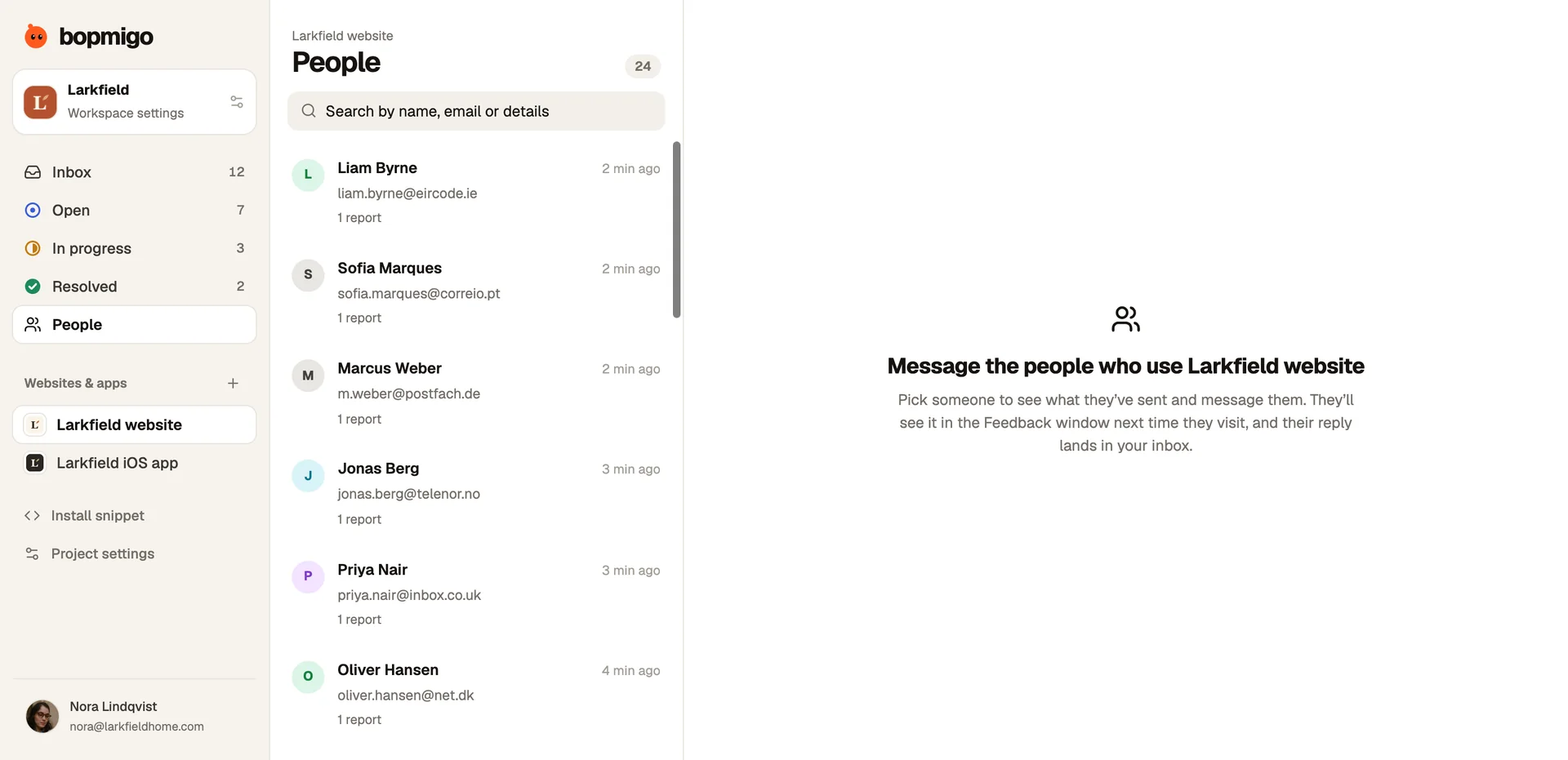
Your team can also start a website conversation from People. In the Tasklane example, the team asks what the person hoped to build. Their reply explains that they need an app for a cleaning crew. That gives the next question a concrete starting point.
Set a clear expectation for replies
Tell people how your team handles messages. Keep the question specific and reply when there is something useful to say. Website messages appear in Feedback while the person uses the site or when they return.
Try both feedback directions
- 1
Connect a test website and identify an internal account.
- 2
Submit a problem or idea, then read and answer it in the inbox.
- 3
Start a separate message to that account from People.
- 4
Return to the website, read the message and reply. Check the answer in your inbox.