Get customer feedback in front of your developers
Developers often hear about customers only through tickets that have lost the detail. How to hand feedback to developers in a form they can act on, share the customer’s words without drowning them, and build habits that keep the team close to users.

Short answer: developers use feedback when it arrives ready to act on: a clear one-line problem, the page and device, how to see it, and the customer’s own words underneath. Give them that shape every time, link back to the full report, and keep a short weekly habit where the whole team reads real feedback together. Don’t forward everything. Forward what they can act on, and summarise the rest.
Why feedback doesn’t reach developers
- It arrives as a summary. “Users have trouble with checkout” gives a developer nothing to start from.
- It arrives in the wrong place. Developers work from an issue tracker. Feedback sits in a help desk or an inbox they never open.
- There is too much of it. Forwarding every message trains people to ignore the channel.
- Nobody hears back. Developers who fix something and never hear whether customers noticed lose interest in the source.
The handoff shape developers can act on
| Part | Example |
|---|---|
| One-line problem | Discount code AUTUMN15 rejected on full-price items in the cart |
| Where | Cart page, Safari on iPhone 15, iOS 18.1 |
| How to see it | Add the Fjord lamp, apply AUTUMN15, see “code can’t be used” |
| Expected | Code applies 15% to full-price items |
| How many people | 14 reports this week, all on mobile |
| Customer’s words | “The code from your newsletter says it can’t be used, but nothing is on sale.” |
| Link | Back to the full report, with the screenshot |
The one-line problem does most of the work. It turns a complaint into something a developer can search for, estimate and fix. The customer’s words underneath keep the team honest about what the person actually experienced.
Decide what goes to developers, and what doesn’t
| Feedback | Send to developers? | Instead |
|---|---|---|
| A bug with a way to see it | Yes, as a ticket | |
| A bug you can’t reproduce yet | Yes, marked as needing investigation | Ask the customer for the missing detail first |
| A how-to question | No | Support answers it; note it if the same question repeats |
| A feature request | Not one by one | Group them and bring the themes to planning |
| General praise or frustration | Sometimes | Share in the weekly read-through |
Habits that keep the team close to customers
- 1
A 20-minute weekly read-through
The whole team reads ten real reports together, unfiltered. Rotate who picks them. It does more for empathy than any dashboard.
- 2
Developers reply to reports they fixed
A short “Fixed this today, thanks for the detail” from the person who fixed it closes the loop, and developers see the reaction.
- 3
A feedback slot in planning
Five minutes on the top three feedback themes before choosing what to build next.
- 4
Support sits in on a release review
They know which customers will care, and who to tell.
A worked example
Picture a small SaaS team where support forwards every bug report into a Slack channel. Forty messages a week, most without a way to reproduce, and developers soon mute it. Now switch to a weekly handoff: support groups the week’s reports, writes a one-line problem for each with a link to the full report, and posts only the ones developers can reproduce. The rest become a short list of themes for planning. Six clear messages a week get read. Forty unclear ones don’t.
Write the one-line problem: before and after
| As it arrived | As a one-line problem |
|---|---|
| “Checkout is broken!!” | Pay button stays disabled on iPhone Safari when no delivery date is picked |
| “Your app logged me out again” | Session ends after about 10 minutes in the background on Android 15 |
| “Export doesn’t work” | CSV export only includes the last three months when a custom range is chosen |
| “Images look weird” | Product thumbnails stay grey on Chrome for Android until the page is refreshed |
A good one-line problem names where, what happens, and under which condition. If you can’t write it yet, you don’t understand the report well enough to hand it over. Ask the customer first, or try it yourself on the same page and device.
Keep private details out of tickets
Issue trackers are often visible to more people than the feedback inbox: contractors, other teams, sometimes the public. Before you paste a report in, remove email addresses, phone numbers, order numbers and anything the customer typed about themselves. Link back to the original report instead, so the people who need the details can still find them.
Mistakes to avoid
- Forwarding raw messages with no one-line problem.
- Stripping out the customer’s words entirely.
- Sending feature requests one at a time, as if each were urgent.
- Hiding how many people reported something. Numbers help developers prioritise.
- Copying personal details, such as email addresses or order numbers, into tickets that more people can see than need to.
Questions to ask your team
- Where do developers look for work, and does feedback ever reach that place?
- When did a developer last read a customer’s own words?
- How long does a reproducible bug report take to become a ticket?
- Do developers hear what happened after they fixed something?
Common questions
Should developers read the feedback inbox directly?
Some like to, and it helps. Don’t rely on it. A clean weekly handoff reaches everyone.
Who writes the one-line problem?
Whoever triages feedback, usually support or the founder. It takes a minute once you have the report in front of you.
What if developers disagree that it is a bug?
Good. Ask them to reply on the report with why. That conversation is often where the real fix appears.
More on this: what developers need in a bug report and copying a report into your issue tracker.
How Bopmigo helps
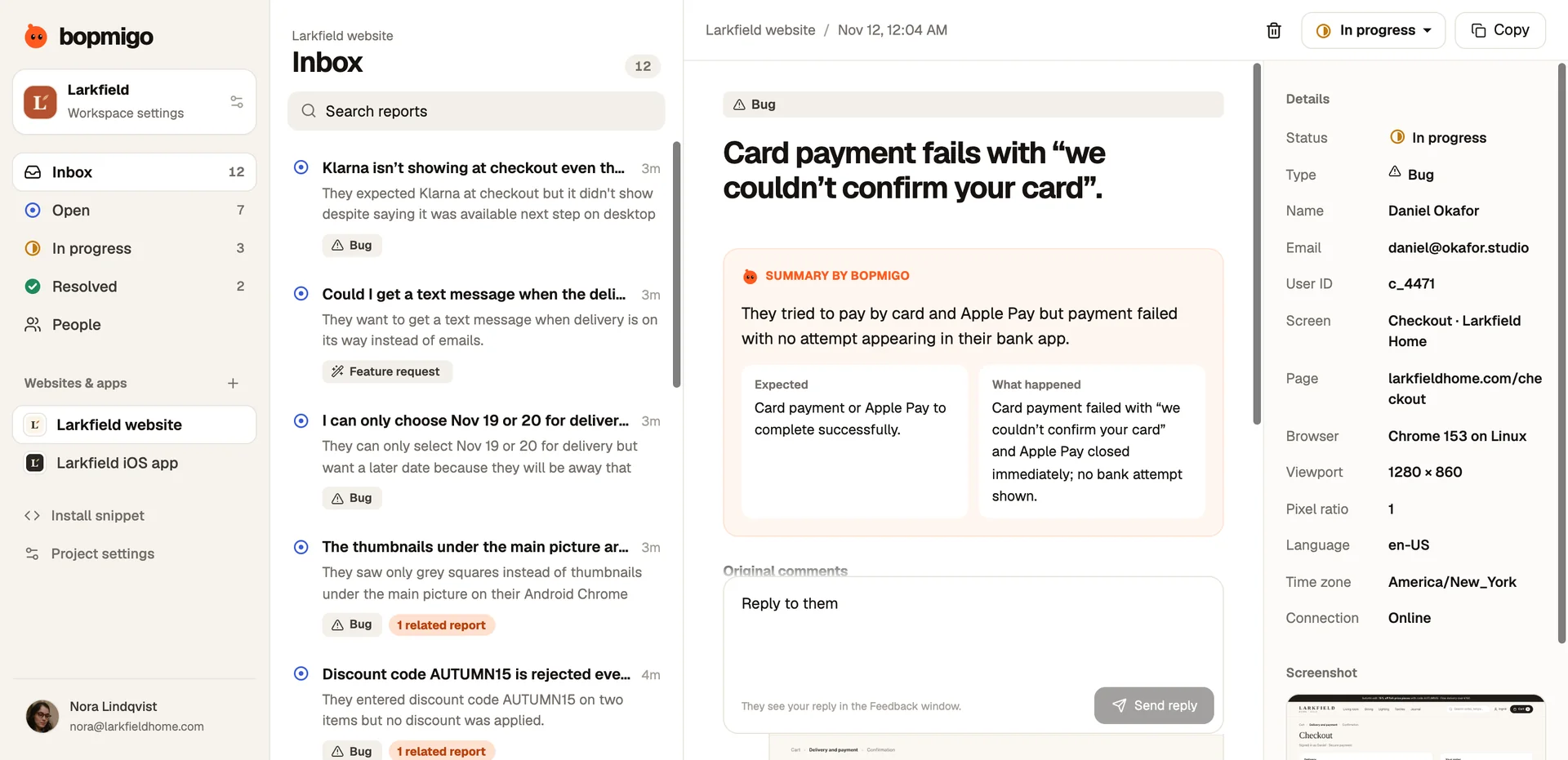
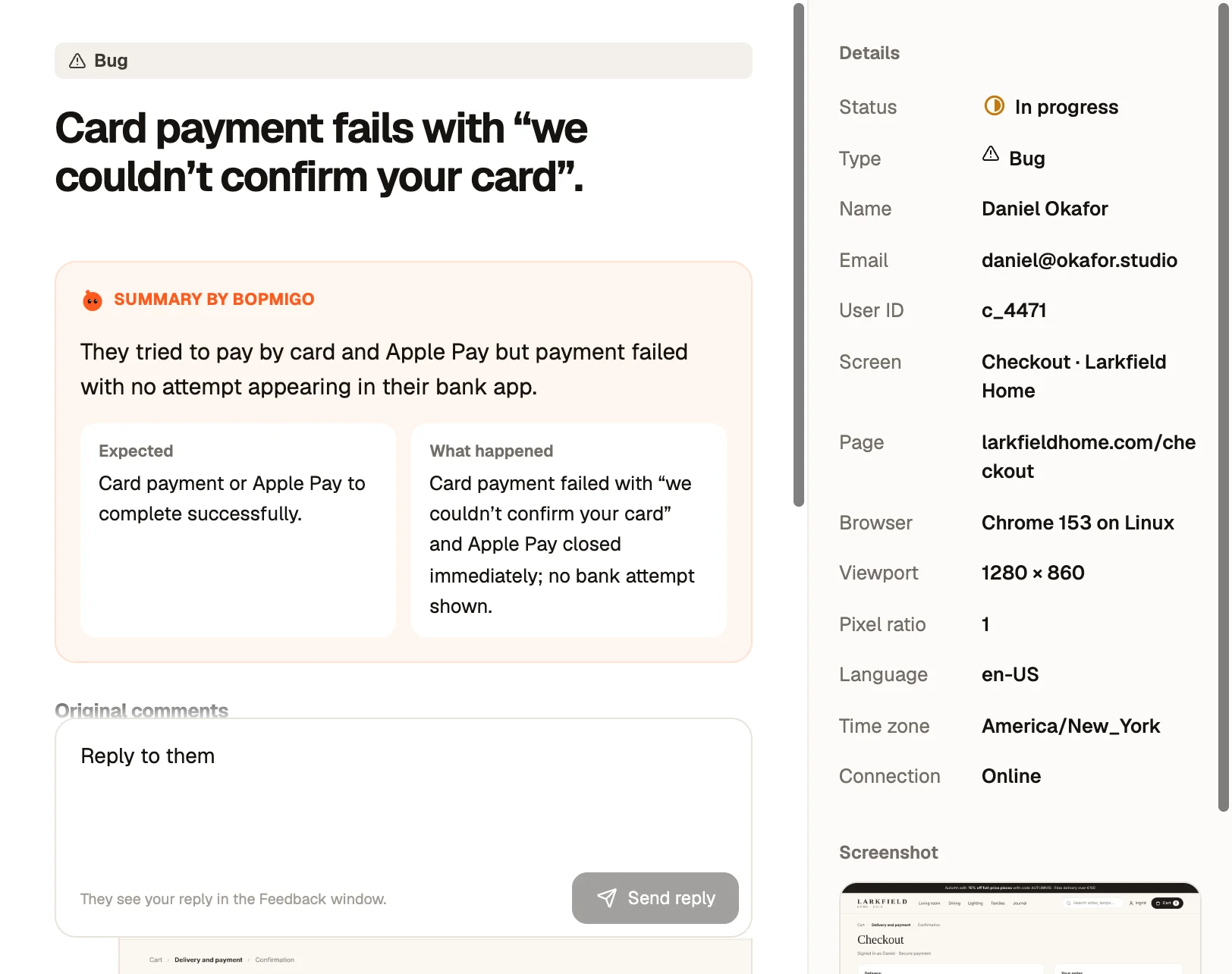
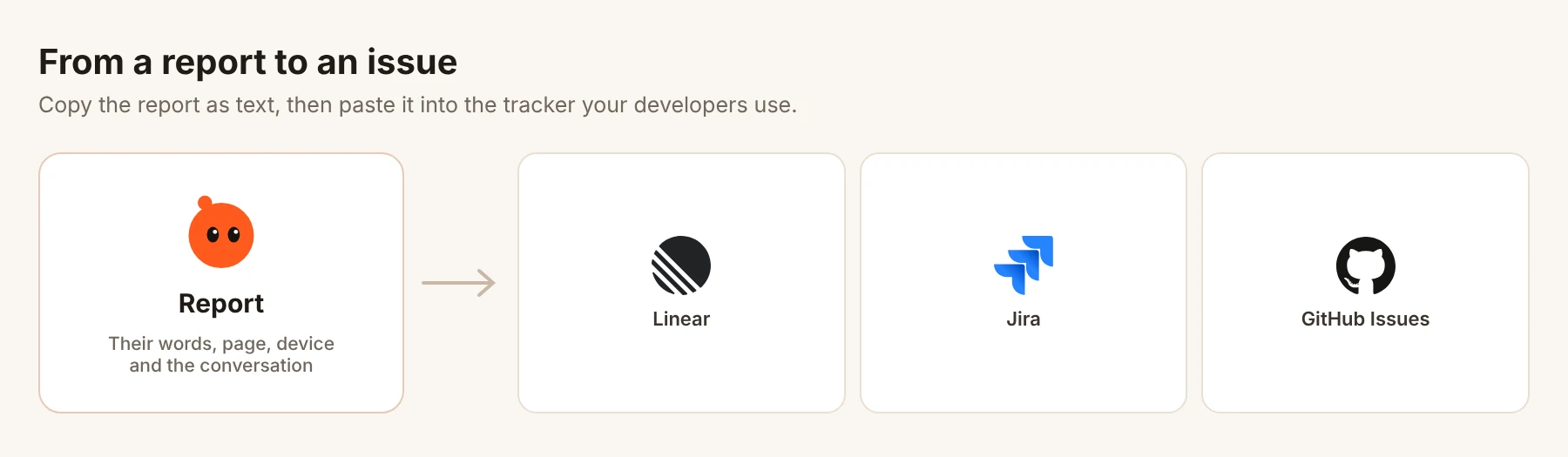
Bopmigo reports arrive with a short summary, the customer’s words, a screenshot where available, and page, browser and device details, which is most of the handoff already written. Copy copies the whole report and conversation as plain text, ready to paste into a new Linear, Jira or GitHub issue. Related reports are grouped, so developers see how many people hit the same problem, and they can reply to the customer from the same report when it is fixed.