Reviews say the app crashes, but your logs are clean
When users say “it crashes” and your crash reporter shows nothing, the problem is usually a freeze, a hang, a forced quit or something that only looks like a crash. How to find out what they mean.
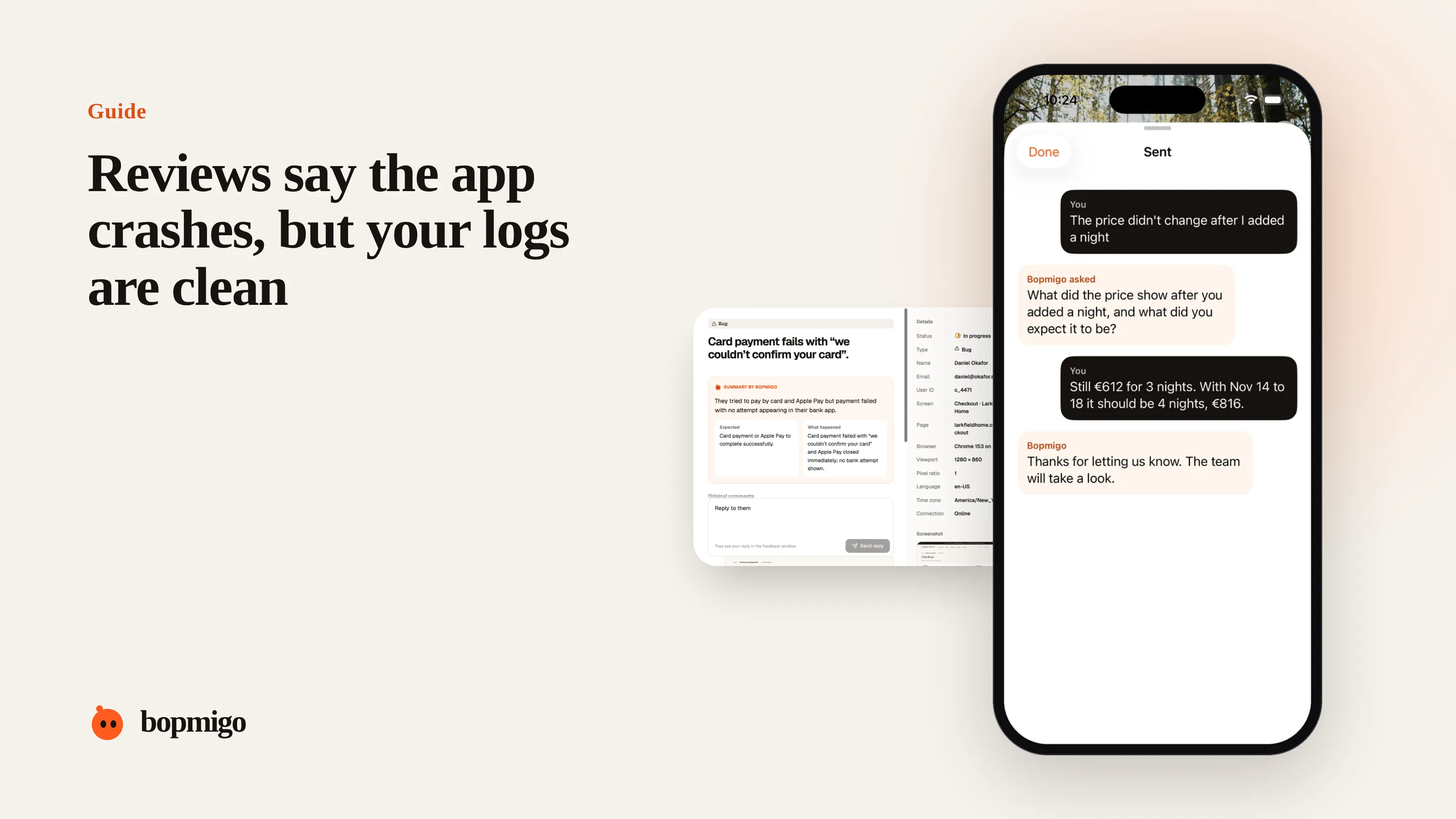
Short answer: to most people, “crash” means “it stopped working”. That can be a freeze, an endless spinner, the app closing itself when memory runs out, or a screen that goes blank. Many of these never reach a crash reporter. Ask people what they saw, on the screen where it happened, and check for hangs and memory terminations as well as crashes.
What people mean by “crash”
| What they saw | What it often is | Shows in a crash reporter? |
|---|---|---|
| The app closed | A real crash, or the system ending it for memory | Crash yes, memory termination often no |
| It froze, I had to force quit | A hang on the main thread | Only if you track hangs |
| White or blank screen | A failed load or a rendering error | Usually no |
| Spinner forever | A network call that never returns | No |
| It kicked me out | Session expired or sign-in failed | No |
In our review sample, crashes were mentioned in 27% of problem reviews and freezes or slowness in another 12%. Some of those “crashes” will be the cases above.
How to find out
- 1
Turn on hang and memory tracking
Most crash tools can record app hangs and out-of-memory terminations. Check whether yours does.
- 2
Ask on the screens named in reviews
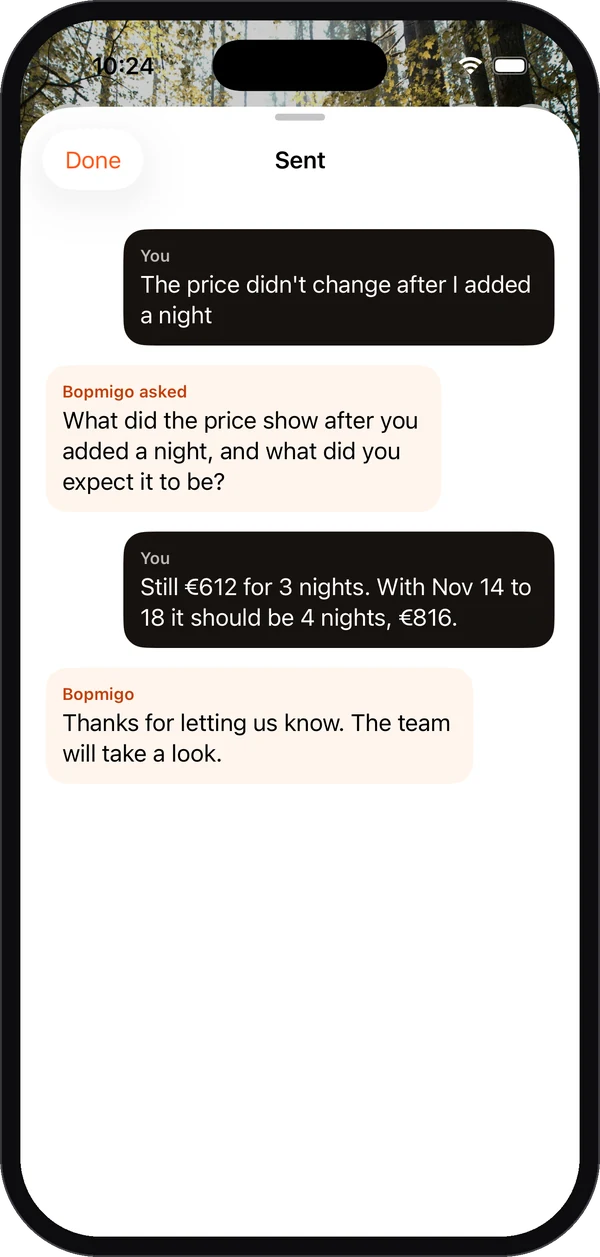
Add a feedback option there: “Did something stop working? What did you see?” The answer tells you which row of the table above you are in.
- 3
Match reports to devices
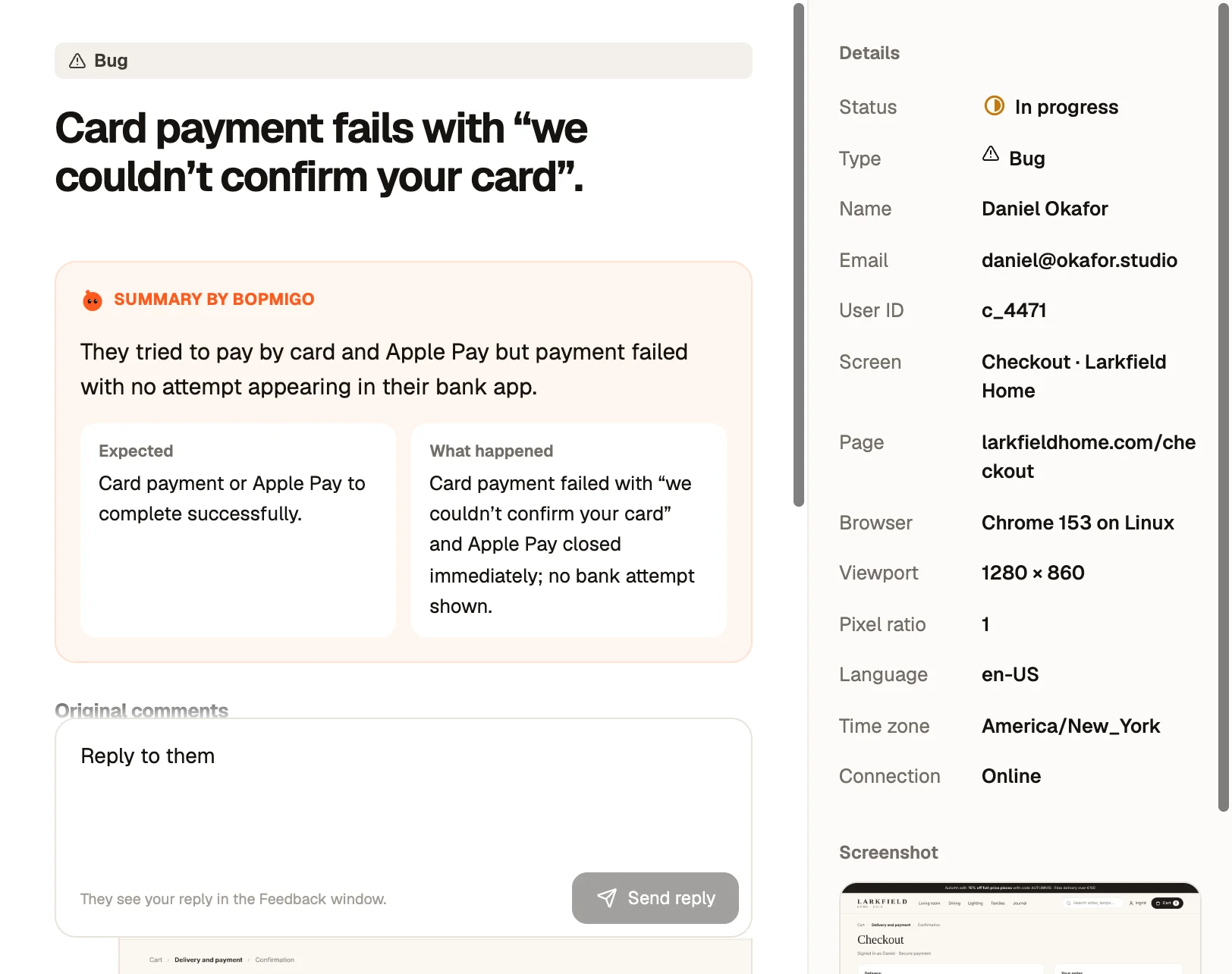
Memory problems cluster on older phones. A report that includes the device and system version saves a guessing game.
- 4
Reproduce with the same data
Large lists, big photos and long sessions are common triggers. Ask what they were doing before it happened.
A worked example
Say a photo journaling app gets reviews saying it crashes when opening old entries. The crash reporter is clean. In-app reports show it happens on older iPhones with hundreds of photos in one entry: the system ends the app for using too much memory. Loading thumbnails instead of full images fixes it, without a single crash log.
Questions that tell you which case it is
| Ask | If they say… | It is probably… |
|---|---|---|
| “Did the app close, or freeze?” | “It closed” | A crash or memory termination |
| “It froze, I had to swipe it away” | A hang | |
| “What were you looking at?” | “A blank white screen” | A failed load or rendering error |
| “How long had it been open?” | “A while, with lots of photos” | Memory pressure |
| “Were you on Wi-Fi?” | “On the train” | A network call that never returns |
Check your own setup
- Crash reporting is initialised early, before your first screen loads.
- Debug symbols are uploaded for every release, so crashes are readable.
- Hangs and memory terminations are being recorded, not only crashes.
- Network errors and timeouts are logged with the screen they happened on.
Reply to the reviews
Even before you have a fix, a reply such as “Thanks, we are investigating freezes on older iPhones, an update is coming” shows other readers that you take it seriously. Follow up when it ships.
Why this gap matters
If your crash reporter is your only measure of stability, you will believe the app is healthy while reviews say otherwise. Freezes, blank screens and endless loading feel exactly like crashes to users, and they cost you the same ratings and uninstalls. Treating “it crashes” as “something stopped working” keeps you looking in the right places.
Questions to ask about your own app
- Does your crash tool record hangs and memory terminations, or only crashes?
- What happens on your slowest screen when the network drops?
- Have you used the app on your oldest supported phone this month?
- Do loading states ever time out and explain what to do?
- Can people report from the screen where it went wrong?
A week of investigation
| Day | Focus |
|---|---|
| 1 | Turn on hang and memory tracking. Add a feedback option to the screens named in reviews. |
| 2 to 3 | Collect reports. Ask what they saw: closed, frozen, blank, spinning. |
| 4 | Group by device and screen. Reproduce on the matching phone. |
| 5 | Fix the top cause, ship, and reply to the reports and reviews. |
Can the system close my app without a crash log?
Yes. When a phone runs low on memory, the system can end your app. Many crash tools don’t record that unless you enable it.
Is a freeze worse than a crash?
To users, often yes. A crash at least ends; a freeze makes them wait, then force quit, and they still lose their work.
A short script for finding out what they saw
- 1
Thank and show you’re looking
“Thanks for telling us. We’re looking into it now.”
- 2
Ask what happened on screen
“When it happened, did the app close by itself, or freeze so you had to close it?”
- 3
Ask what they were doing
“What were you doing just before? For example, opening an older entry or adding photos.”
- 4
Check the details you already have
Device, system version, app version and screen. Don’t ask for these if your report already includes them.
- 5
Tell them what happens next
“That helps a lot. We’ll let you know here when it’s fixed.”
Devices to keep for testing
- The oldest phone you still support, with little free storage.
- A mid-range Android phone, if you ship on Android.
- A phone set to a different language and larger text.
How Bopmigo helps
People report from the screen where it went wrong, and you get the screen name, app version, device and system version with their own words. When “it crashes” is all they write, Bopmigo asks a short follow-up about what they saw.