Why users leave without saying a word (and how to hear them before they go)
Most people who hit a problem never tell you. They stop opening the app or cancel. Why that happens, how to spot it early, and how to make telling you easier than leaving.
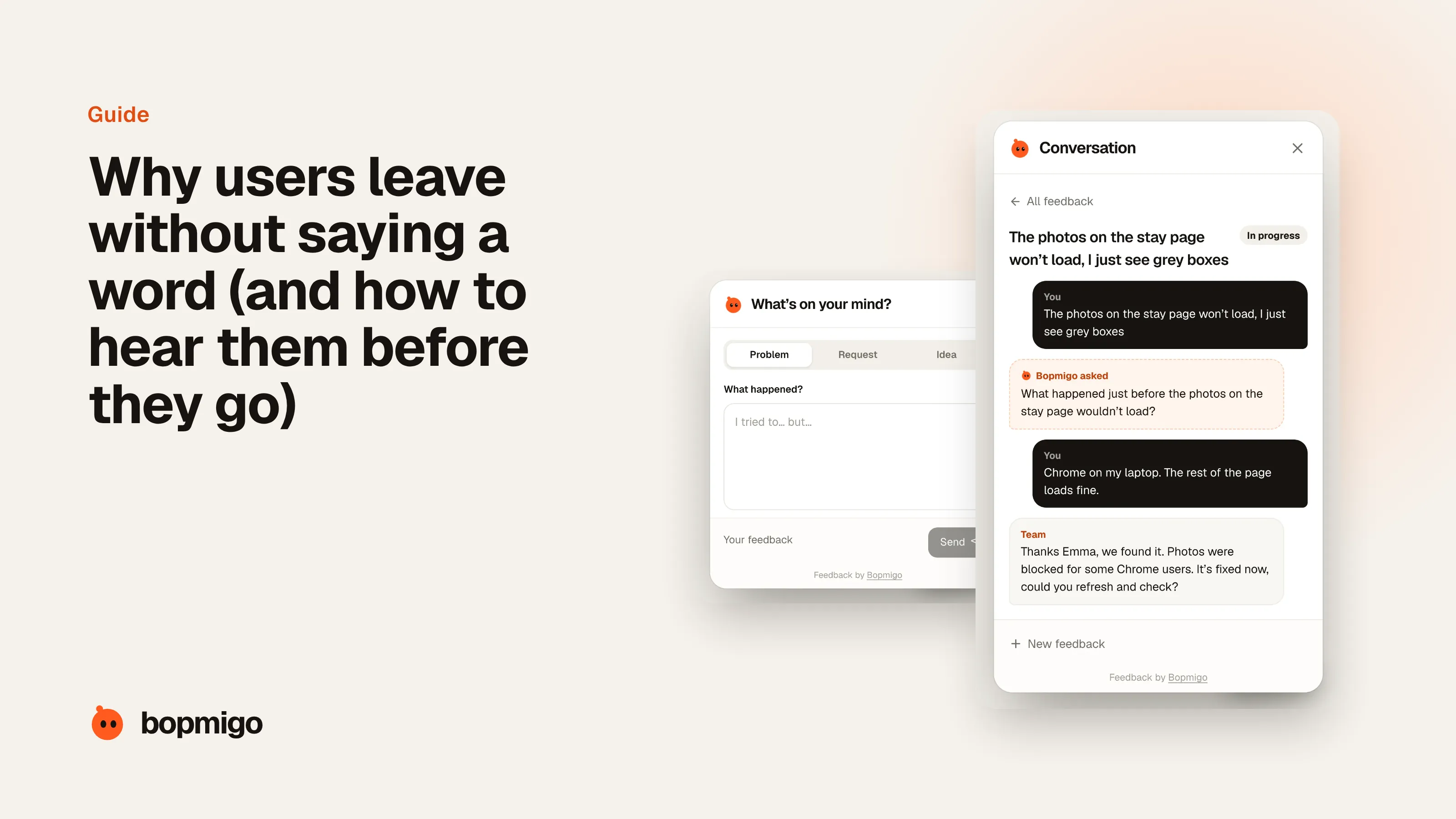
Short answer: because leaving is easier than explaining. Telling you takes effort, feels pointless if nobody answers, and usually has to happen somewhere else (an email app, a support page, a form). Closing the app takes a second. To hear from people before they go, make reporting faster than leaving: available on the screen where the problem happens, a sentence long, and answered by a person.
This is one of the most repeated complaints in founder communities. In the posts we read from indie founders between September and November 2026, people described it in almost the same words: subscribers cancelling on day 0 or 1 with “no feedback, no reason, just gone”, users who love an update saying nothing while users who hate it “just churn”, and apps with thousands of monthly users that “barely receive feedback”.
The four reasons people stay silent
- 1
It takes too long
Finding a contact page, opening email, describing the problem and attaching a screenshot is five minutes of work for someone who is already annoyed. Most people decide it isn’t worth it.
- 2
They don’t think anyone is listening
If the last time they reported something nothing happened, they won’t try again. Silence from you teaches silence from them.
- 3
They don’t know what to say
Non-technical users often can’t name the problem. “It doesn’t work” feels too vague to send, so they send nothing.
- 4
Leaving is free
Another app, another tab, a cancel button in their phone settings. Most people don’t complain before leaving; they simply stop coming back.
How to tell silent churn is happening
You won’t see it in your inbox, so look for it in your numbers and in what little feedback you do get.
- Activity drops right after sign-up. Many people never come back after their first session. That usually means something in the first minutes confused or blocked them.
- Cancellations without a reason. Subscriptions cancelled in phone settings or a billing portal tell you nothing. If most cancellations arrive that way, you are hearing from almost nobody.
- Reviews are the first you hear of a problem. If a 1 or 2 star review is how you learn about a bug, people had no easier way to tell you.
- Support email is quiet but numbers are falling. Quiet support is not the same as happy users.
- The same few people report everything. If three loyal users send all your feedback, everyone else has given up or never started.
Make telling you easier than leaving
| What stops people | What to change |
|---|---|
| Reporting means leaving the app | Put a feedback option inside the product, on every screen, not on a contact page |
| Writing a full description | Ask for one line. Capture the page, device and a screenshot for them |
| Not knowing what to say | Let them pick Problem, Request or Idea, then ask a short follow-up only if something is missing |
| No sign anyone reads it | Reply to every report, even with “thanks, looking at it today” |
| Fear of a long support thread | Reply where they reported, so they don’t need to check email |
Ask at the moments people are most likely to leave
- After the first session. A friendly “anything confusing so far?” the second time they open the product.
- After an error. When something fails, offer to send it to you right there instead of only showing an error message.
- After a big update. People who dislike a change are about to leave. Ask what got worse.
- When usage drops. A short personal email after a quiet week, from a real person, asking what got in the way.
- At cancellation. Keep it optional and short. It’s the last chance, not the main one.
Answer what you hear
The fastest way to get more feedback is to reply to the feedback you already get. People who receive a reply report again, and they tell other users that you listen. Even when you can’t fix something soon, saying so honestly keeps them around longer than silence.
What the numbers look like in practice
We looked at the 50 most recent App Store reviews of 7,210 active apps with between 30 and 5,000 ratings. 758 of those apps had at least one 1 or 2 star review since mid August describing a concrete problem: a crash, a screen that wouldn’t load, a login that failed, lost data. About one in eight of those reviews (153 of 1,291) mentioned support or trying to reach the developer. For many of the rest, the review may well have been the first report the developer received.
Think about what that means for a small app. A review is public, permanent and arrives after the person has given up. The same complaint sent from inside the app would have been private, fixable and answered while the person was still a user.
A worked example
Imagine a habit tracking app with 2,000 monthly users. In a month, the founder gets three support emails. Ratings slowly slip from 4.6 to 4.3. Looking closer, the reviews mention the same thing: reminders stopped working after a phone update. Dozens of people probably hit it. Three wrote in. The rest quietly stopped opening the app.
- What would have changed it: a “Report a problem” option in settings and after a missed reminder, asking for one line.
- What the founder would have seen: a group of similar reports within the first day, each with the phone model and OS version.
- What it would have cost: a fix in days instead of weeks, and a reply to each person saying it’s fixed.
What to do this week
- 1
Count how people can reach you today
List every way: support email, contact page, social, reviews. Note how many steps each takes from inside the product.
- 2
Add a way to report from inside the product
On every screen, or at least in settings and after errors. It should take a sentence.
- 3
Reply to everything for two weeks
Even short replies. Watch whether more reports arrive once people see answers.
- 4
Group what you hear
After two weeks, put reports in piles. The biggest pile is usually the reason quiet users leave.
How Bopmigo helps you hear the quiet majority
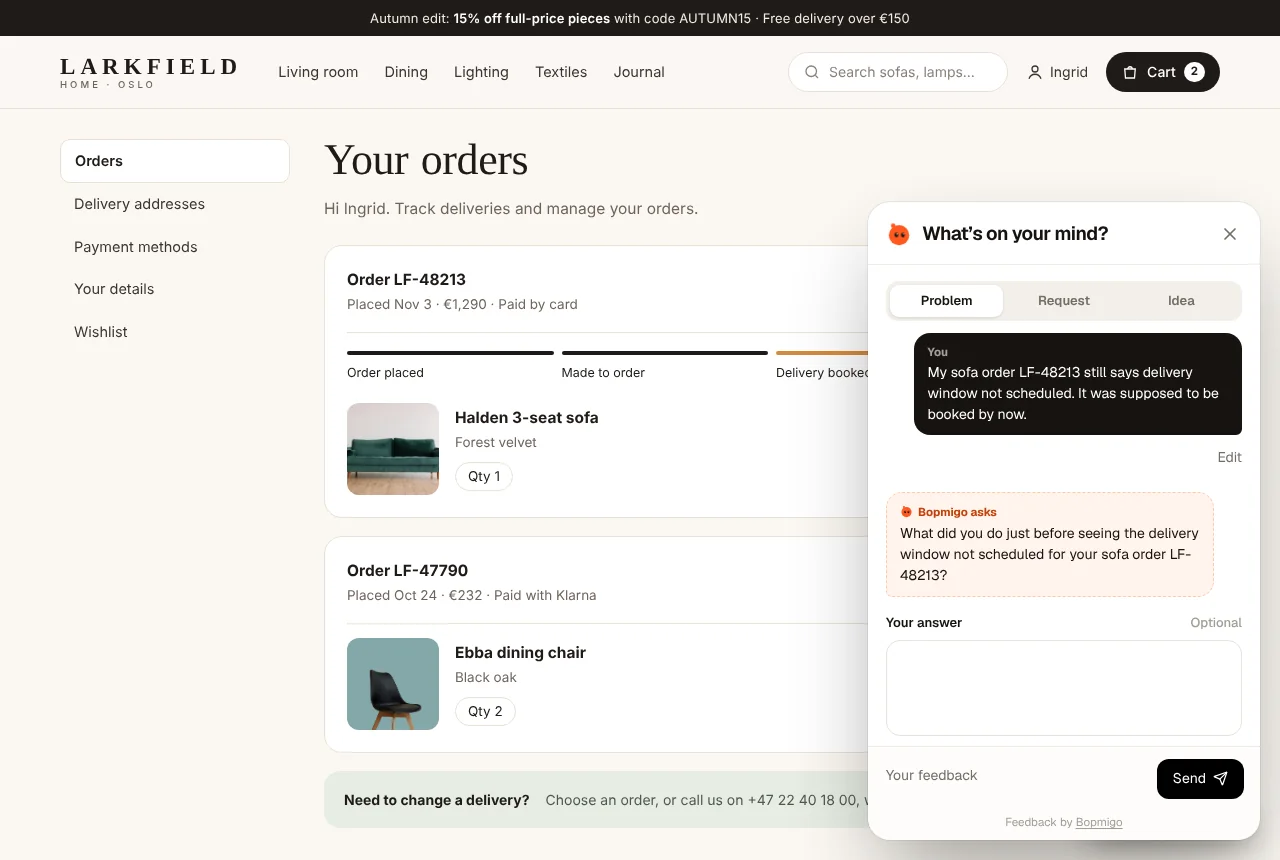
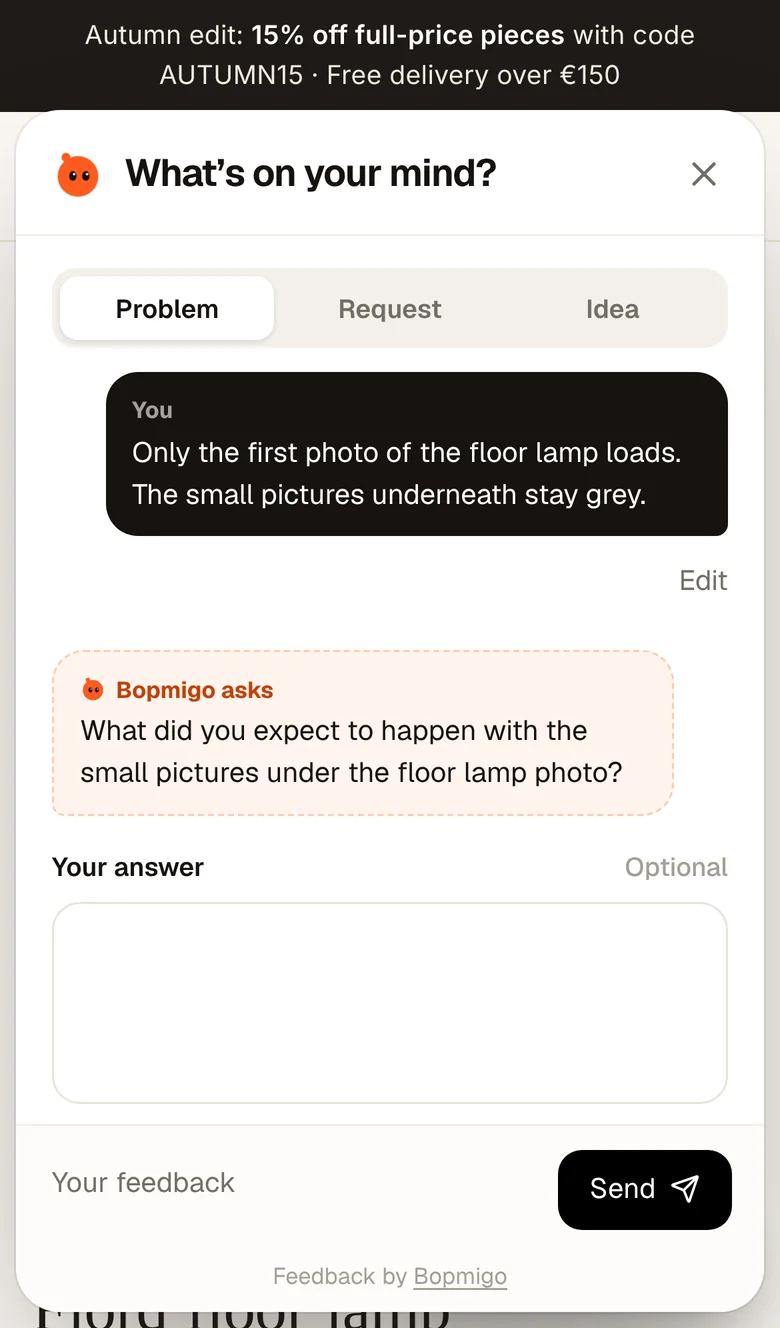
Bopmigo puts a Feedback option inside your website, web app, iPhone app or Flutter app, so people can tell you in a sentence without leaving. It captures the screen, device and a screenshot with private details covered, asks a short follow-up when something important is missing, and sends you a report you can act on. Your reply shows up where they reported, so the conversation keeps going while they still care.
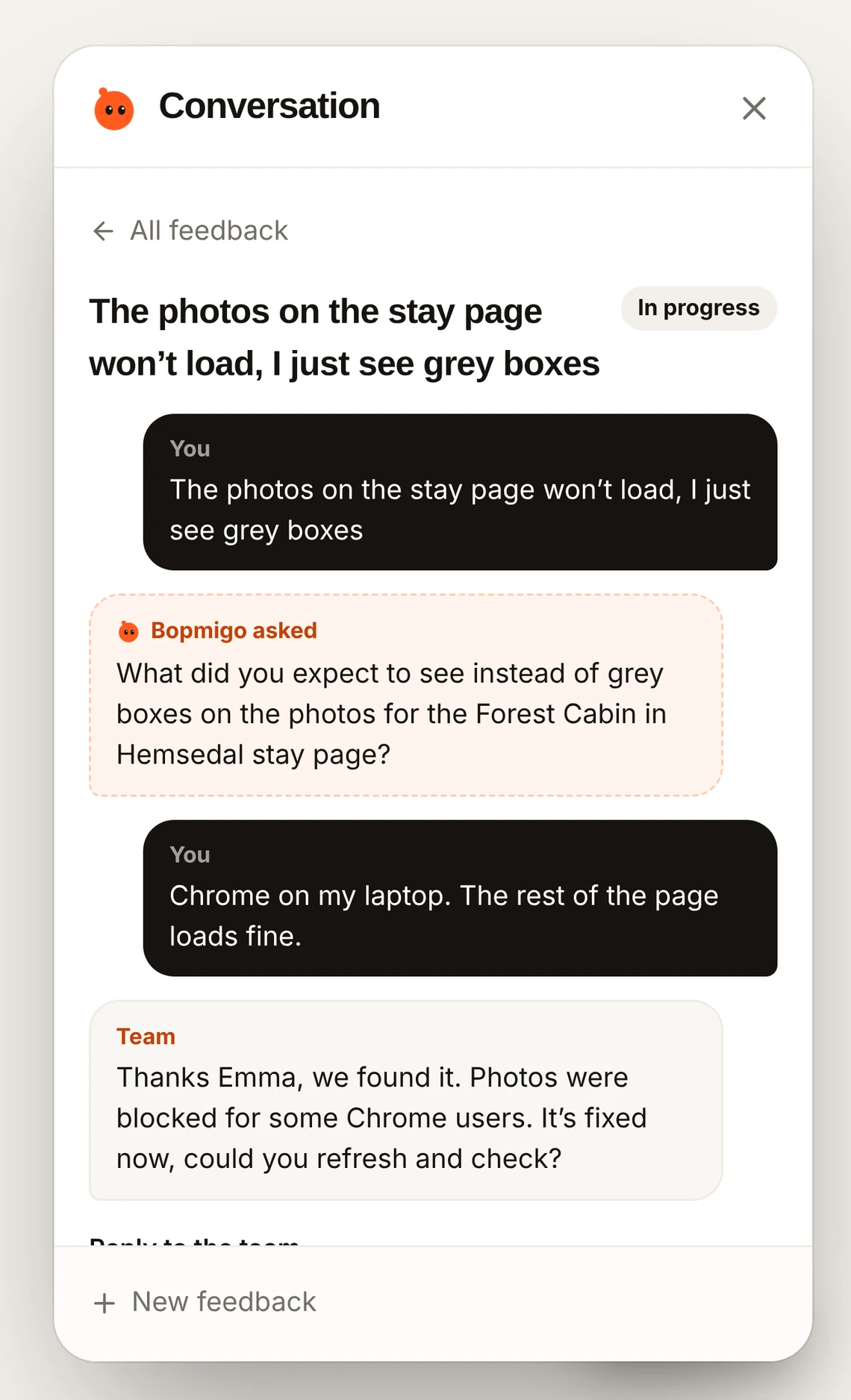
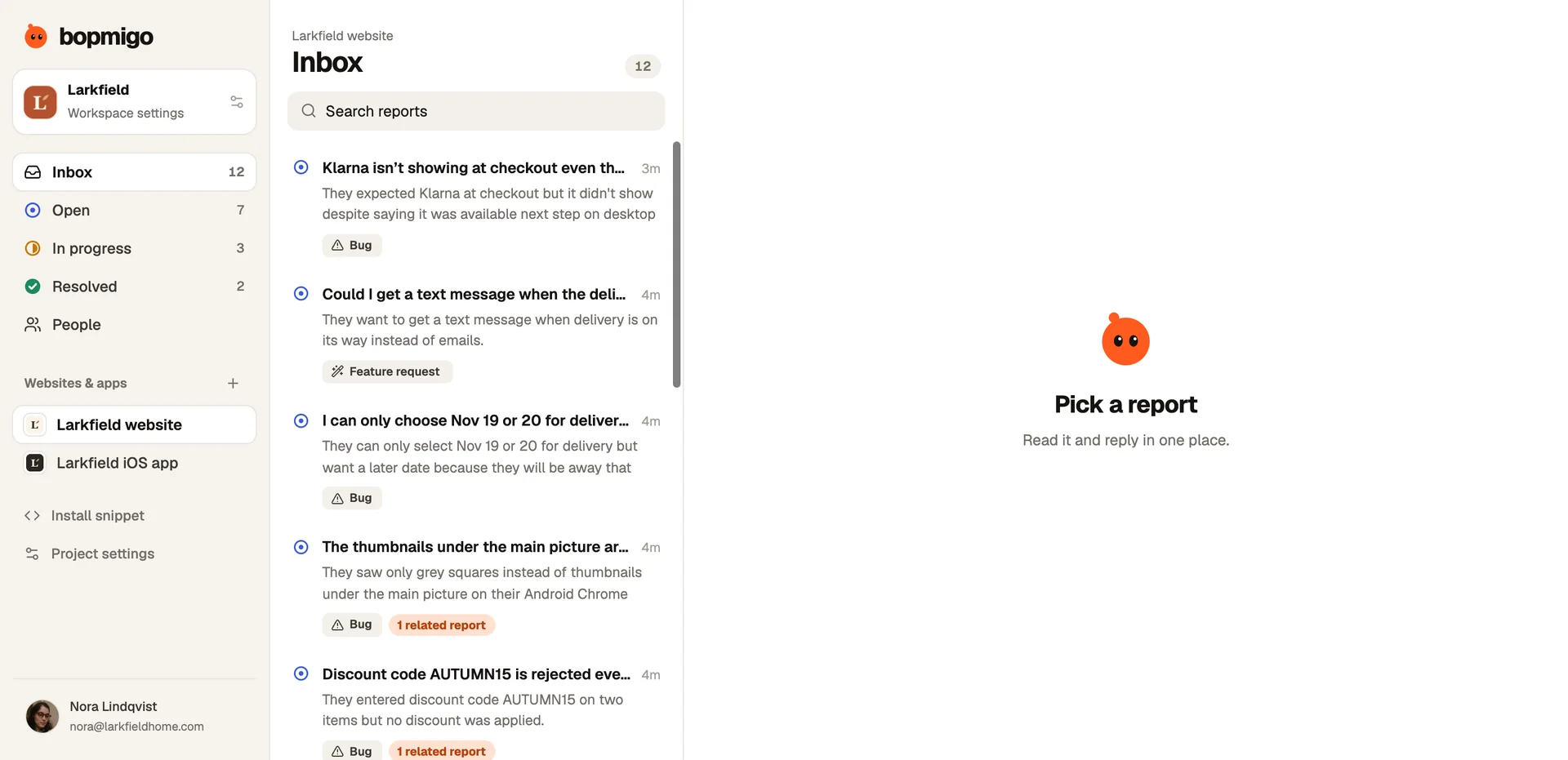
Reports about the same problem are grouped and counted, so you can see when five quiet users hit the same wall, and fix that first.
What share of unhappy users actually complain?
Fewer than you’d hope. Read do unhappy customers complain? for what the research says and what it means for a small product.
Won’t a feedback button annoy people?
Not if it waits to be used. A button people can open when they need it is very different from a popup that interrupts. See getting feedback without annoying users.
Should I add a cancellation survey too?
Yes, but keep it short and optional. Feedback during use tells you far more. See finding out why customers cancel.