What to do when there’s too much feedback to read
More feedback than you can read is a good problem with a bad side effect: the important reports drown. How to triage fast, group repeats, sample the rest, and decide what not to read, so the signal still reaches the team.
Short answer: you don’t need to read everything with the same care. Read anything about money, access or data loss right away. Group the rest by theme and read a sample from each group. Count people, not messages, and let the size of each theme decide what you look at closely. Then fix the biggest sources of feedback, because a product that breaks less sends you less to read.
Signs the volume is hurting you
- Reports sit unread for more than a few days.
- You find out about a serious bug from a review or a social post.
- The same problem is reported dozens of times before anyone notices it is one problem.
- People on the team skim titles and never open reports.
Triage in three passes
| Pass | Time | What you do |
|---|---|---|
| 1. Urgent | Daily, 10 minutes | Scan for payment, sign-in, data loss, security and anything blocking a big customer. Handle now. |
| 2. Group | Daily or every other day | Put each new report into a theme. New themes get a name; known ones get a count. |
| 3. Read deeply | Weekly, 30 minutes | Read a sample from the biggest and fastest-growing themes in full. |
Most reports only need the first two passes. That is fine. The point of the third pass is to understand each theme well enough to fix it, not to read every message in it.
Sample instead of reading everything
- For each theme, read the five most recent reports and the five with the most detail.
- Read anything from a customer segment that matters most to you, such as paying accounts.
- Read a few reports at random each week from outside any theme. That is where new problems first appear.
Count people, not messages
One frustrated person can send ten messages. Ten people might each send one. Count unique people behind each theme, and note who they are: plan, platform, how long they’ve been customers. Twenty reports from free users trying the product for the first time may matter more, or less, than five from your largest customers. The count tells you where to look; the people tell you why it matters.
Shrink the volume at the source
- Fix the top theme first. The biggest theme is usually several times bigger than the next. Fixing it cuts volume more than any process change.
- Answer common questions in the product. If dozens ask how to export, the export button is in the wrong place.
- Post known issues. A short “We know about X, fix coming Thursday” on your status page or in the product stops duplicate reports.
- Ask for the missing detail once, automatically. A short follow-up at the moment of reporting saves a round of messages later.
What you can safely skip
| Type | Why it’s safe | What to do instead |
|---|---|---|
| Duplicates of a known, scheduled fix | You already know and have decided | Add to the count, reply with the expected date |
| Spam and test messages | No signal | Delete or filter |
| Praise with no detail | Nice, but nothing to act on | Share a few in the team channel |
| Requests clearly outside your product | You’ve already decided not to do it | A friendly saved reply |
A worked example
Picture an app with a few hundred reports a week. Each morning, one person does a ten-minute urgent pass and groups the rest. On Fridays, the team reads a sample from the top five themes. Say that in the second week one theme, “stuck on loading”, grows from 8 to 41 people, almost all on one Android version. Read one by one, those reports were easy to miss. Counted as a theme, the jump is obvious, and fixing it plus posting a known-issue note removes a large share of next week’s reports.
Name themes so they stay useful
- Name the problem, not the feature: “can’t change delivery date” rather than “delivery”.
- Keep names short and specific enough that two people would put the same report in the same theme.
- Merge themes that mean the same thing every week. Split a theme when it starts to hold two different problems.
- Retire themes once fixed, and keep them for a month so new reports about them show up as regressions.
A weekly summary the team will read
| Section | Example |
|---|---|
| Biggest themes | Discount code rejected (14 people), delivery date can’t be changed (9), wants dark mode (6) |
| Fastest growing | “Stuck on loading” went from 8 to 41 people, mostly Android 15 |
| New this week | Two reports of duplicate charges. Investigating today. |
| Fixed and told | Export date range fixed; 23 people told |
| A quote worth reading | “I almost cancelled, then your reply came in.” |
When volume spikes after a release
A sudden jump in feedback right after a release almost always has one cause. Look at the reports from the first hour, find the common page or device, and check what changed there. Post a short note in the product that you know about it. Most of the spike is people reporting the same thing, and a visible note stops many of them from needing to.
Common questions
Should I stop collecting feedback if I can’t keep up?
No. Fewer reports means you hear about problems later, from reviews and cancellations. Make the reports easier to sort instead.
Can AI summarise it all for me?
It helps with grouping and short summaries. Still read a sample of the original words, because summaries flatten what people actually experienced.
Who should own triage?
One person per day, on a rotation if you have a team. Shared ownership usually means nobody does it.
More on this: customer feedback triage and turning app reviews into a fix list.
How Bopmigo helps
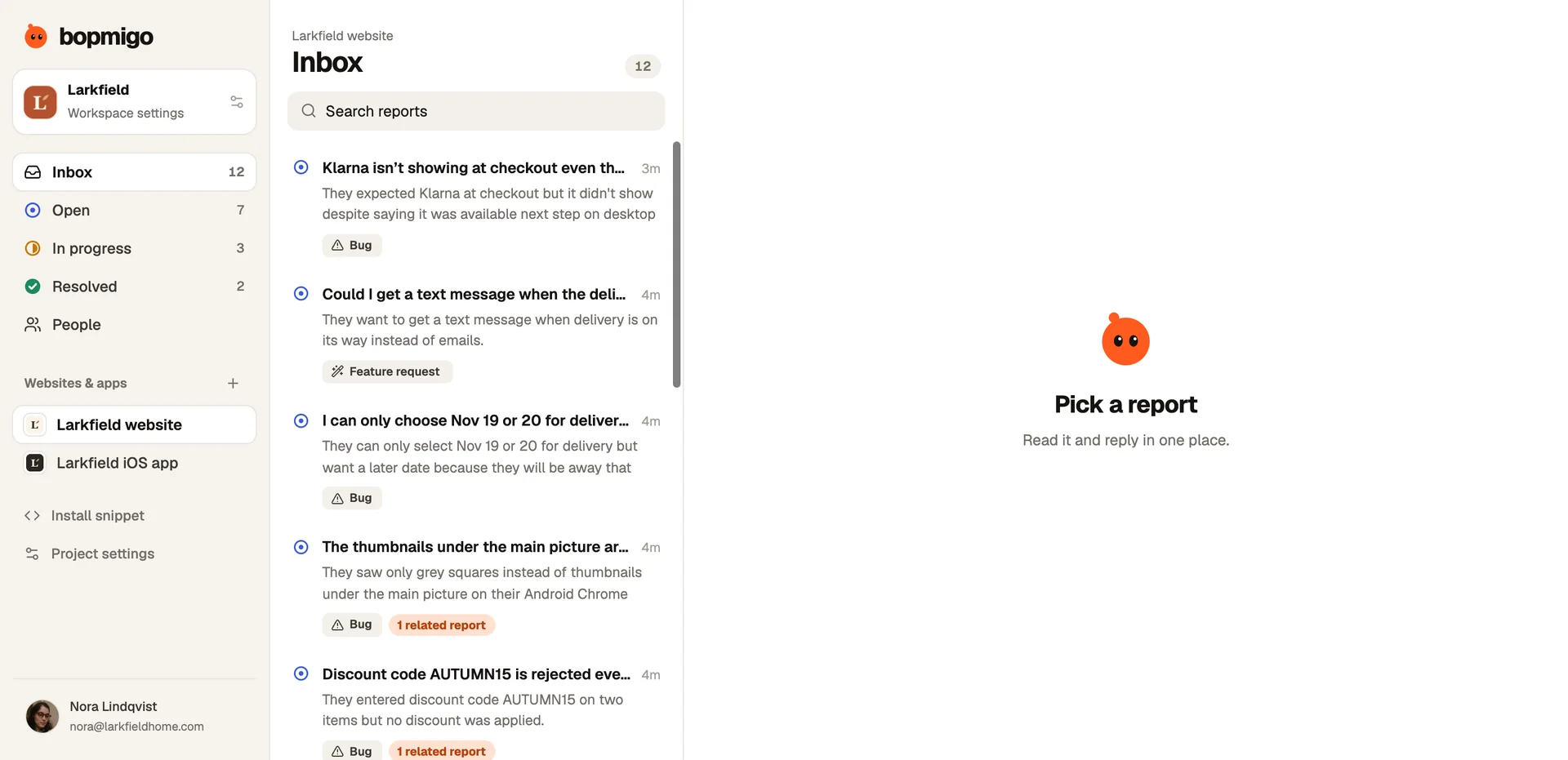
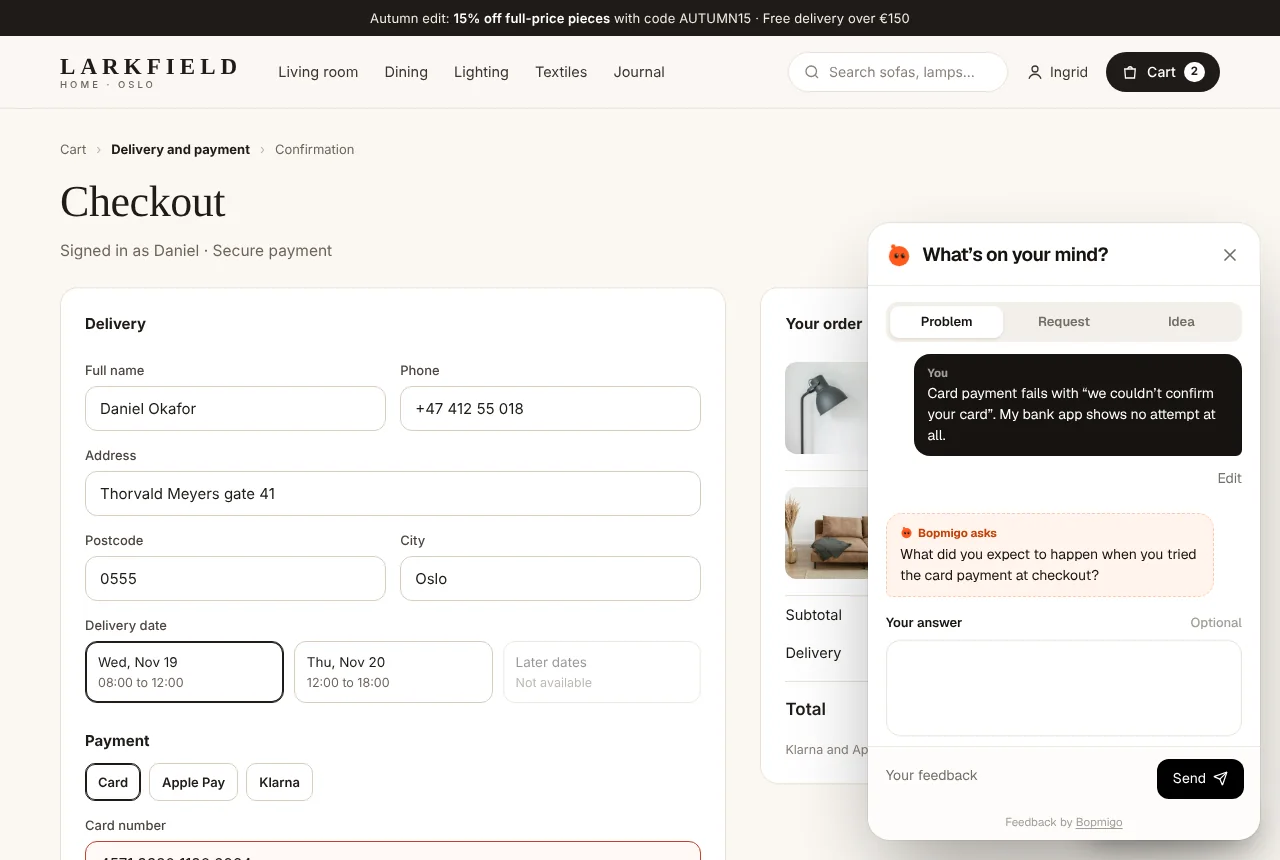
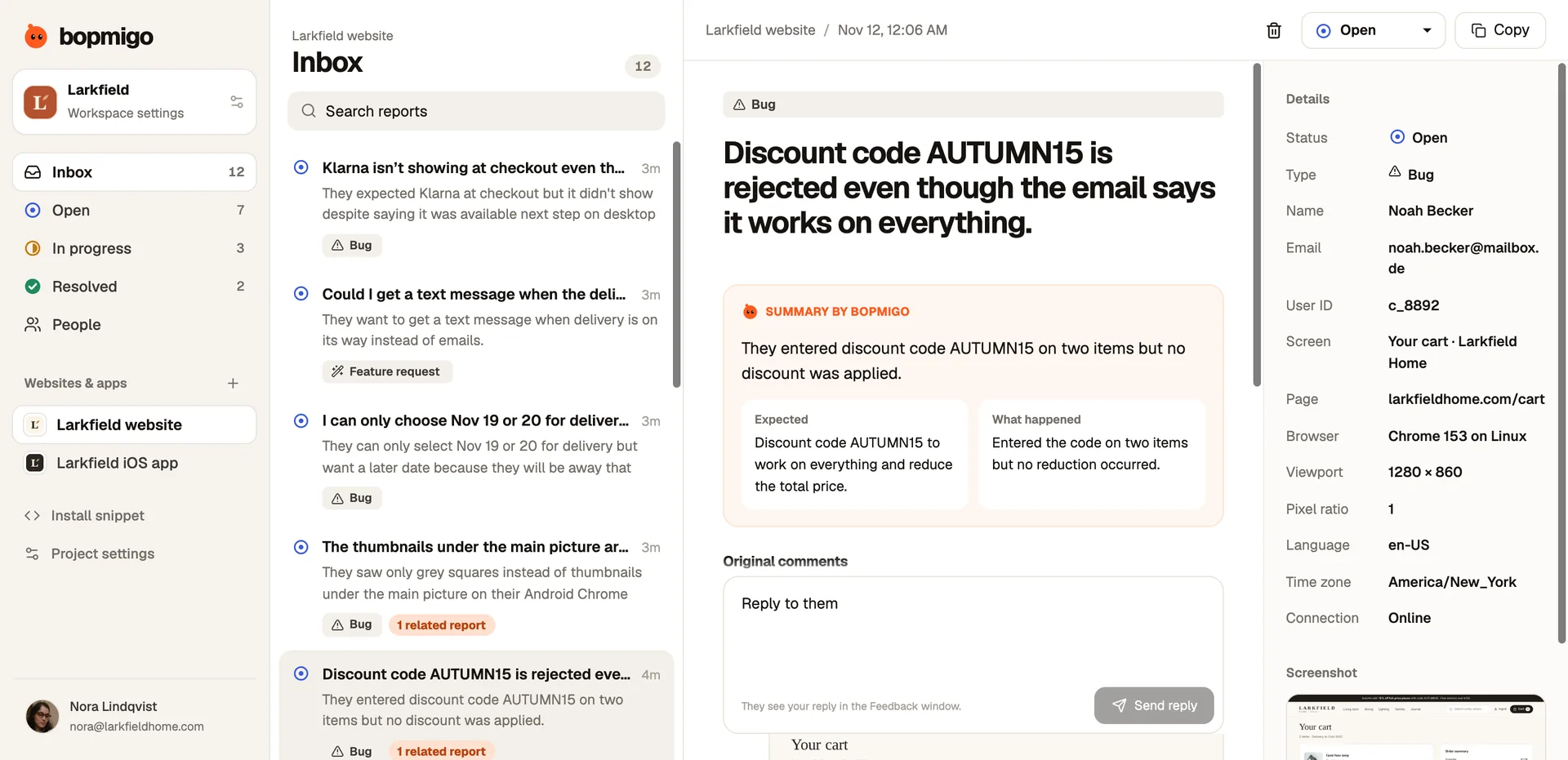
Bopmigo makes high volume manageable. Each report gets a short summary, so a scan takes seconds. Reports about the same problem are grouped as they arrive, so you see one theme with a count instead of forty separate messages. When a detail is missing, Bopmigo asks a short follow-up at the moment of reporting, so you don’t have to. Search and status filters keep track of what is handled.