Turn app reviews into a fix list
A simple monthly routine to read your reviews, group them by theme, count what repeats and decide what to fix first, plus how to get more detail than a review can give.
Short answer: export or copy your last month of reviews, tag each one with a theme, count the themes, and fix the one that is both common and painful. Reviews are short and anonymous, so use them to find themes, then get detail by asking inside the app.
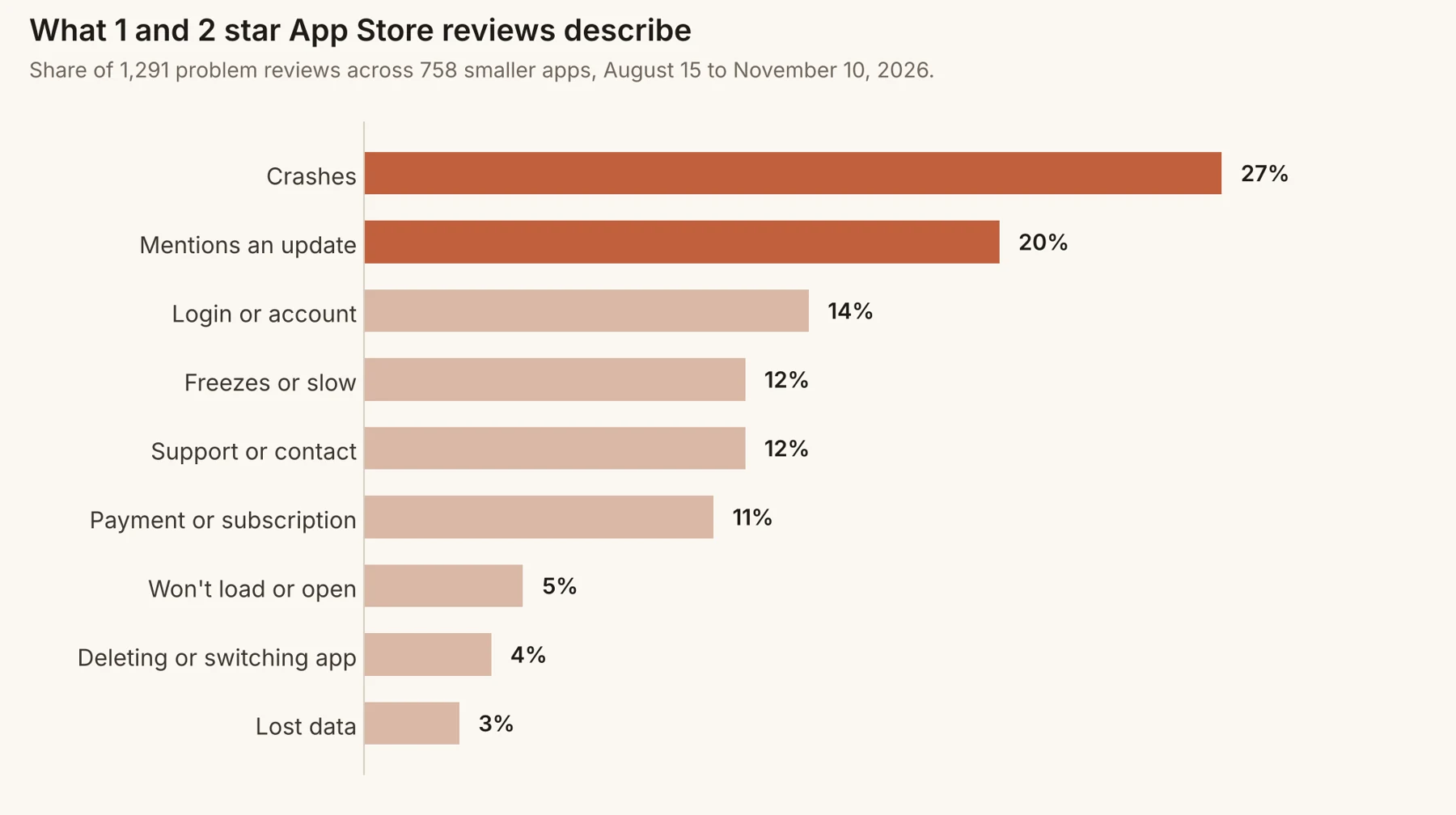
A monthly routine in five steps
- 1
Collect
Copy the last 30 days of 1 to 3 star reviews into a sheet, with date, rating, version and text.
- 2
Tag
Give each review one main theme: crash, login, slow, payment, missing feature, confusing, update. Keep the list short.
- 3
Count
Count per theme and per app version. A theme that jumps after a release is urgent.
- 4
Score
Multiply how often by how bad: a login failure blocks everything, a missing dark mode does not.
- 5
Pick one
Fix the top item fully before starting the next. Note the date so you can see whether reviews change.
A tagging sheet you can copy
| Date | Stars | Version | Theme | Detail | Fixed in |
|---|---|---|---|---|---|
| Nov 3 | 1 | 4.2 | Login | Logged out after update | 4.2.1 |
| Nov 4 | 2 | 4.2 | Slow | Search takes 10 seconds | |
| Nov 6 | 1 | 4.2 | Login | Can’t sign in with Apple | 4.2.1 |
| Nov 9 | 3 | 4.2 | Missing | Wants export to PDF |
Where reviews fall short
- They rarely say which screen or what the person did before.
- You can’t ask a follow-up question.
- They are written by the angriest few, not the typical user.
- They arrive after the damage is done.
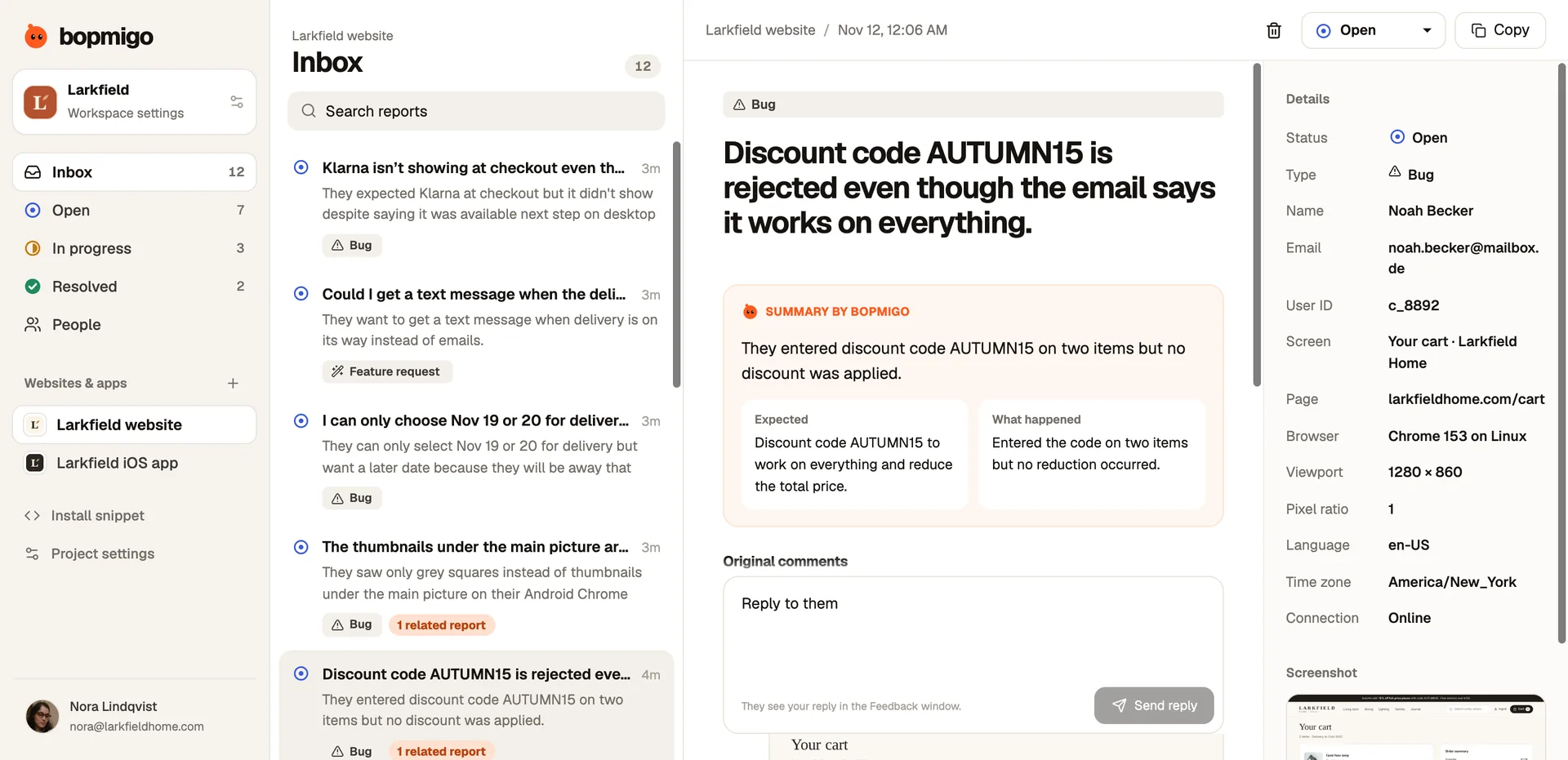
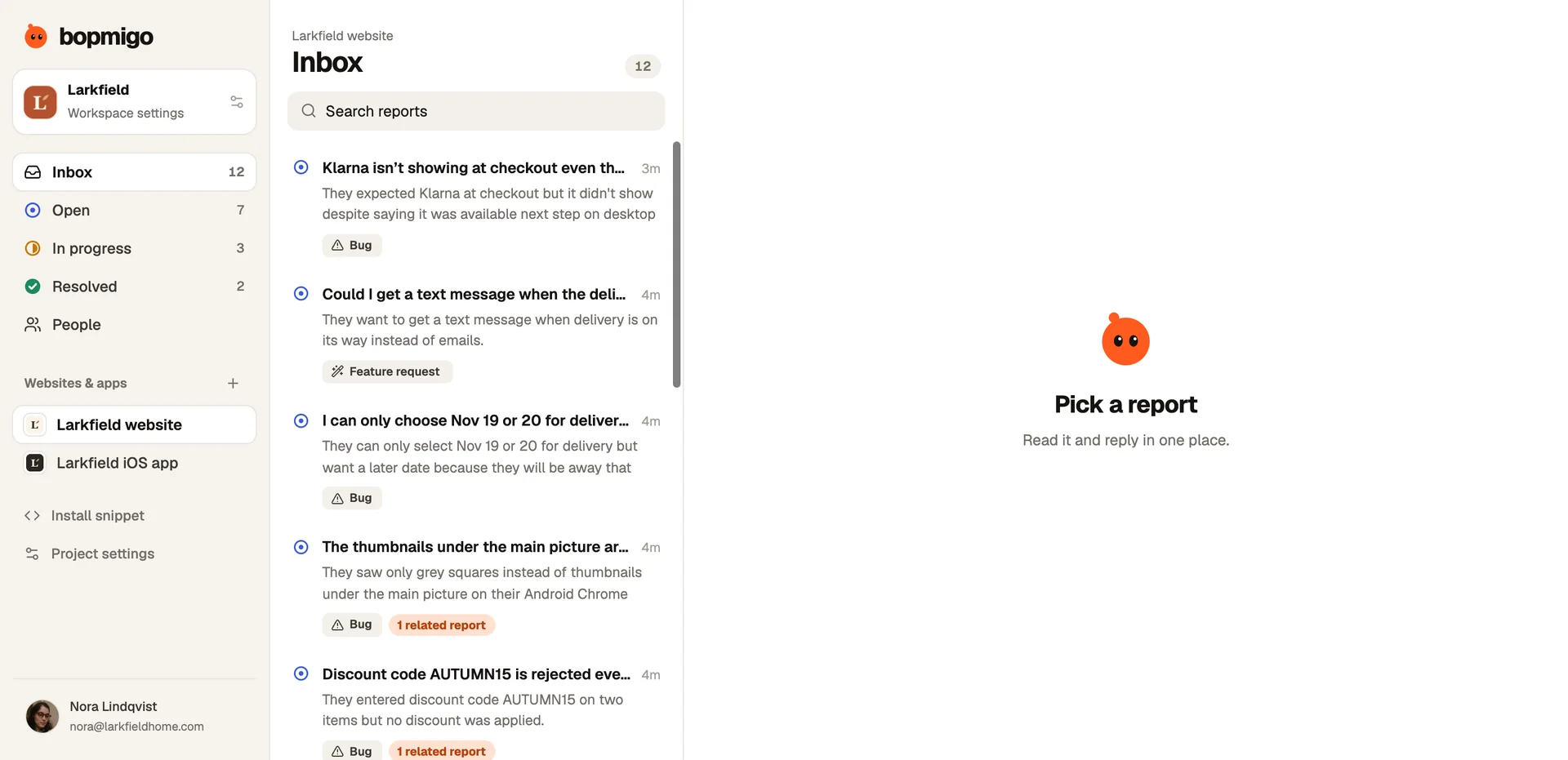
Use reviews to find themes, then put a feedback option on the screens those themes point to. The reports that arrive there carry the detail reviews never do.
How to score what to fix first
| Score | How often | How bad |
|---|---|---|
| 3 | In most weeks’ reviews | Blocks the main task or payment |
| 2 | Several times a month | Annoying, with a workaround |
| 1 | Once or twice | Cosmetic or a nice-to-have |
Multiply the two. A 3 × 3 (a login failure people mention every week) beats a 2 × 2, however loud the 2 × 2 reviews are.
Separate bugs from requests
Reviews mix “it’s broken” with “it should do this”. Keep them in separate lists. Bugs are about trust and should usually come first. Requests tell you what to build next, and are better collected with more context than a review gives. Prioritising feature requests.
Close the loop in public
- When a theme is fixed, reply to the reviews that mentioned it.
- Mention the fix in your release notes in the reviewers’ own words.
- Watch whether the theme disappears from new reviews over the next month.
Common mistakes
- Fixing the most recent review instead of the most common theme.
- Treating 5 star reviews as proof that nothing needs fixing.
- Reading reviews once a quarter, when the damage is done.
Why reviews are worth the time
Reviews are the only feedback that every potential user can read. They also catch problems from people who would never contact you. Reading them as a dataset, not one by one, turns a stream of complaints into a ranked list of what to fix, and shows whether your fixes are working.
A worked example
A fitness app tags a month of 1 to 3 star reviews: 14 about workouts not saving, 9 about the subscription price, 6 about missing exercises, 3 about the design. Workouts not saving scores highest: frequent, and it destroys trust. The team fixes saving first, replies to those 14 reviews, and leaves price and exercises for the next month’s review of the list.
Questions to ask about your list
- Which theme grew the most since last month?
- Which theme is about something you changed recently?
- Which fix would remove the most reviews at once?
- Which reviews describe a problem you can’t reproduce yet?
How many reviews do I need for this to work?
Even twenty a month is enough to see themes. With fewer, combine reviews with in-app feedback.
Should I include 4 and 5 star reviews?
Read them for what people love, so you don’t break it. Tag only the problems.
Do I need a tool for this?
A spreadsheet works. What matters is doing it every month.
A theme list you can start with
| Theme | Use it when the review says… |
|---|---|
| Crash | It closes, crashes, kicks me out |
| Freeze or slow | Stuck, loading forever, laggy |
| Login | Can’t sign in, logged out, password |
| Data | Lost, disappeared, not saving, not syncing |
| Payment | Charged, subscription, refund, price |
| Update | Since the update, new version, used to work |
| Confusing | Can’t find, don’t understand, how do I |
| Missing | Wish it had, please add, doesn’t support |
A 30-minute monthly review
- 10 minutes: tag the month’s reviews.
- 5 minutes: count themes, compare with last month.
- 5 minutes: score the top three by frequency and severity.
- 5 minutes: pick one fix and an owner.
- 5 minutes: reply to reviews about anything you fixed last month.
How Bopmigo helps
In-app reports arrive with the screen, version and device, and related reports are grouped, so a theme you spotted in reviews turns into a count and a set of real examples in your inbox.