Make problem reporting work for non-technical users
Most people have no words for what went wrong. How to design your product, labels and reporting so non-technical users can still tell you, and how to read what they send.
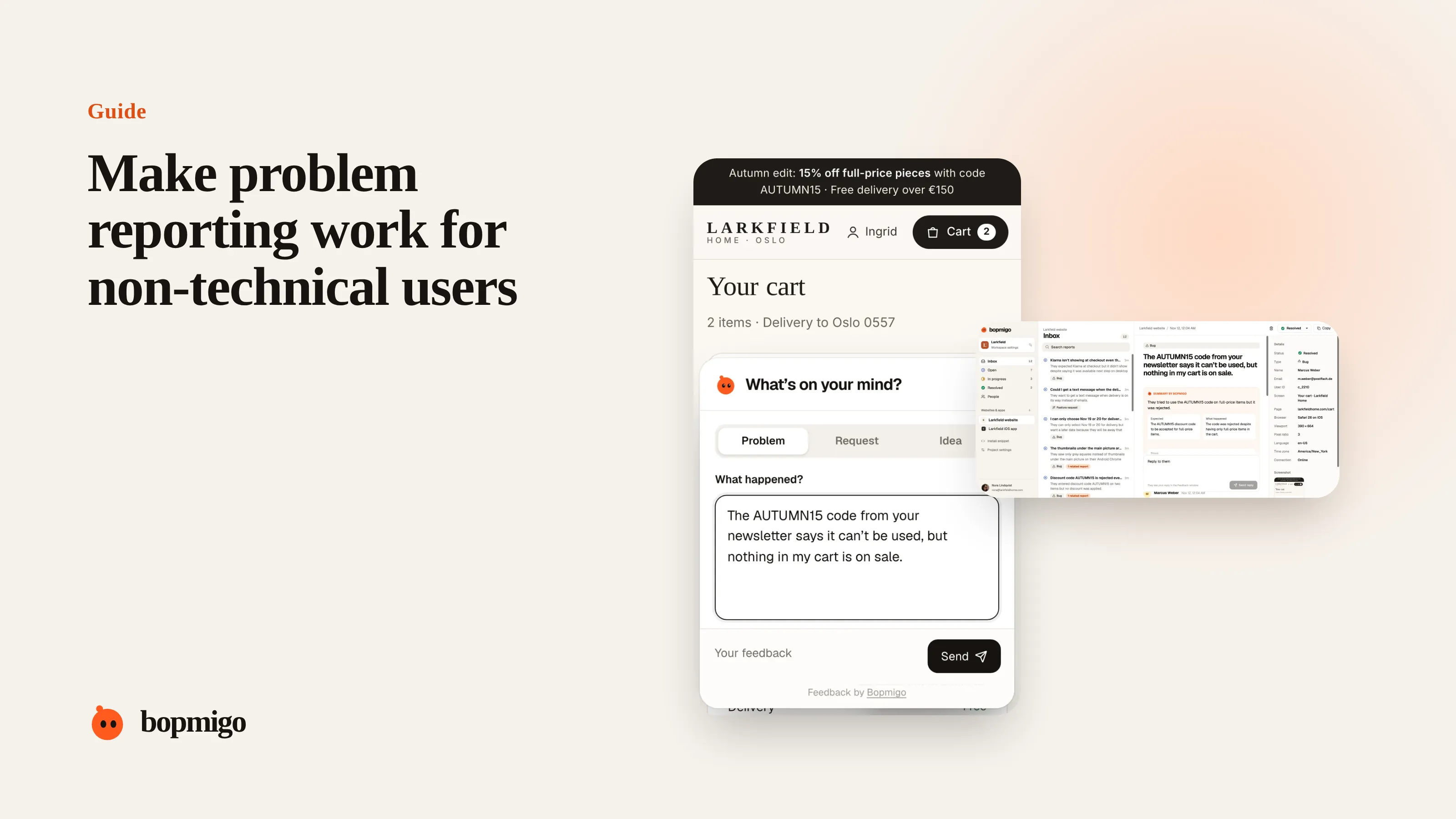
Short answer: don’t expect people to describe problems in your terms. Ask them what they were trying to do and what happened instead, in their words. Capture everything technical for them, show them the screenshot so they can point, and treat “it’s weird” as a valid start.
Why describing a problem is hard
- People don’t know the names of things on screen: dropdown, modal, toggle.
- They don’t know what is normal, so they can’t say what is different.
- They remember the frustration, not the sequence of steps.
- They worry about sounding silly.
For the questions themselves, see getting more detail without annoying people. This guide is about the product side: making reporting and your interface easy to talk about.
Give them a simple start
- Three choices first: Problem, Request or Idea. Choosing is easier than writing.
- A placeholder that shows the shape: “I tried to… but…”
- A screenshot attached for them, so they can say “the red thing at the top”.
- No required fields beyond a sentence.
Fill in the gaps yourself
- 1
Start from the page and device
Open the same page on the same kind of device.
- 2
Look at the screenshot
Match their words to what is on screen.
- 3
Try the obvious paths
What would someone trying to do what they said do next?
- 4
Confirm in their words
“Do you mean the Save button at the bottom didn’t do anything?”
Who this matters most for
- Client websites, where the client is not technical.
- Consumer apps with a broad audience.
- Tools for trades and small businesses, used on phones between jobs.
- Older users, who are often the most patient and the least likely to complain.
A worked example
An owner of a small bakery writes on her website’s feedback: “The thing on the order page is weird on my phone.” The report shows the order page, an Android phone, and a screenshot where the quantity buttons overlap the price. Her developer replies: “Is it the plus and minus buttons sitting on top of the price?” She answers “Yes!” Two short messages, no jargon on either side, and the fix is clear.
Show, don’t ask them to tell
- Reply with their own screenshot and a circle: “This part?”
- Offer two choices: “Did nothing happen, or did an error appear?”
- Describe what you think happened and let them confirm.
- If you can, try it while on a short call and let them guide you.
Words people use, and what they usually mean
| They say | Often means |
|---|---|
| “It’s frozen” | Loading forever, or a button that does nothing |
| “It kicked me out” | Signed out, or the page reloaded |
| “It’s all jumbled” | Layout broken on their screen size |
| “It ate my work” | Something wasn’t saved |
| “The thing” | Look at the screenshot, it’s usually the obvious one |
Make the product easier to talk about
Clear labels help reports too. If buttons and sections have plain, visible names, people can say “the Save button under Address” instead of “the thing at the bottom”. Every vague report is a hint about what is hard to name.
Questions to ask about your own product
- Do your buttons and sections have names people can read and repeat?
- Does your feedback form ask for technical terms?
- Do you reply with a screenshot when words aren’t enough?
- Do you treat “it’s weird” as a report, or ignore it?
What not to do
- Don’t correct their words. “The thing” is fine.
- Don’t ask them to install anything to report a problem.
- Don’t make them feel slow. A kind reply brings the next report.
Should I offer a phone call?
For important customers or complex problems, yes. Most problems are solved faster with a screenshot and one question.
Do older users report less?
Often they report less but more patiently. An easy way to report makes a big difference for them.
A plain-language audit of your product
If people can’t name things, they can’t report them. Spend 20 minutes on this:
- Read every button label out loud. Would a customer use those words?
- Find icons without text. Add a label to the most important ones.
- List the names your support team uses for screens. Do they match what is on screen?
- Check error messages. Do they say what to do next, in plain words?
- Ask a non-technical friend to describe one page. Note the words they use.
Every label you fix makes the next report easier to understand, and the product easier to use.
How Bopmigo helps
People pick Problem, Request or Idea and write a line in their own words. Bopmigo attaches the page, device and a screenshot, and asks a short, plain follow-up when something important is missing. You get a summary of what happened and what they expected, ready to act on. Client feedback for agencies.