Feedback from members of your community or membership site
Members notice what’s broken and what’s missing first. Give them a quick way to tell you, and answer them where they asked.
Short answer: your members are your best testers and your best source of ideas. A Feedback button lets them report a problem or suggest something from the page they’re on, and your reply reaches them there, without a support ticket.
What it helps with
| Members say | You get |
|---|---|
| “The login link expired again” | The page, browser and time, so you can reproduce it |
| “Can we have a dark mode?” | Grouped with everyone else who asked |
| “This post’s embed is broken” | The exact post, with a screenshot |
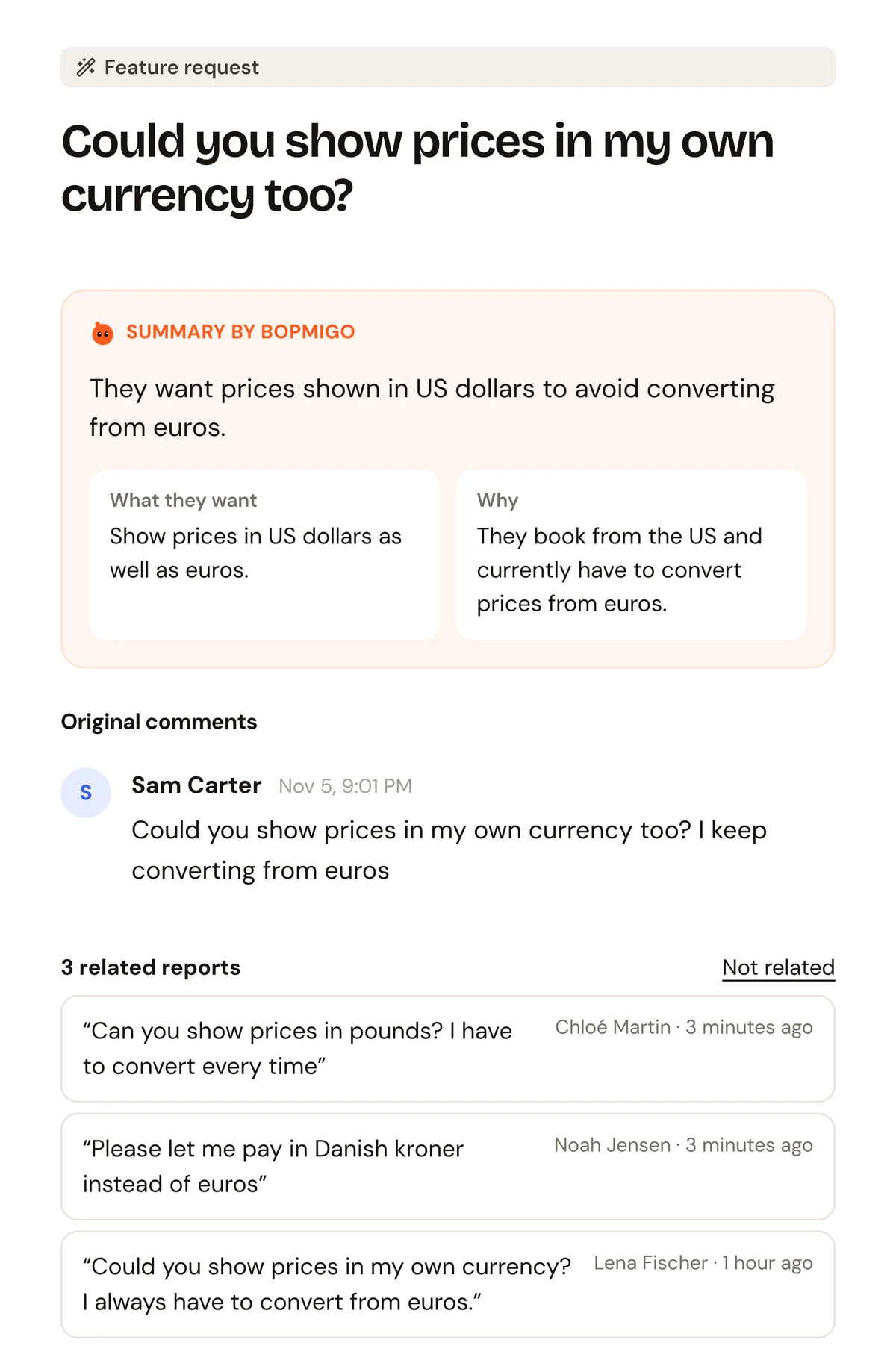
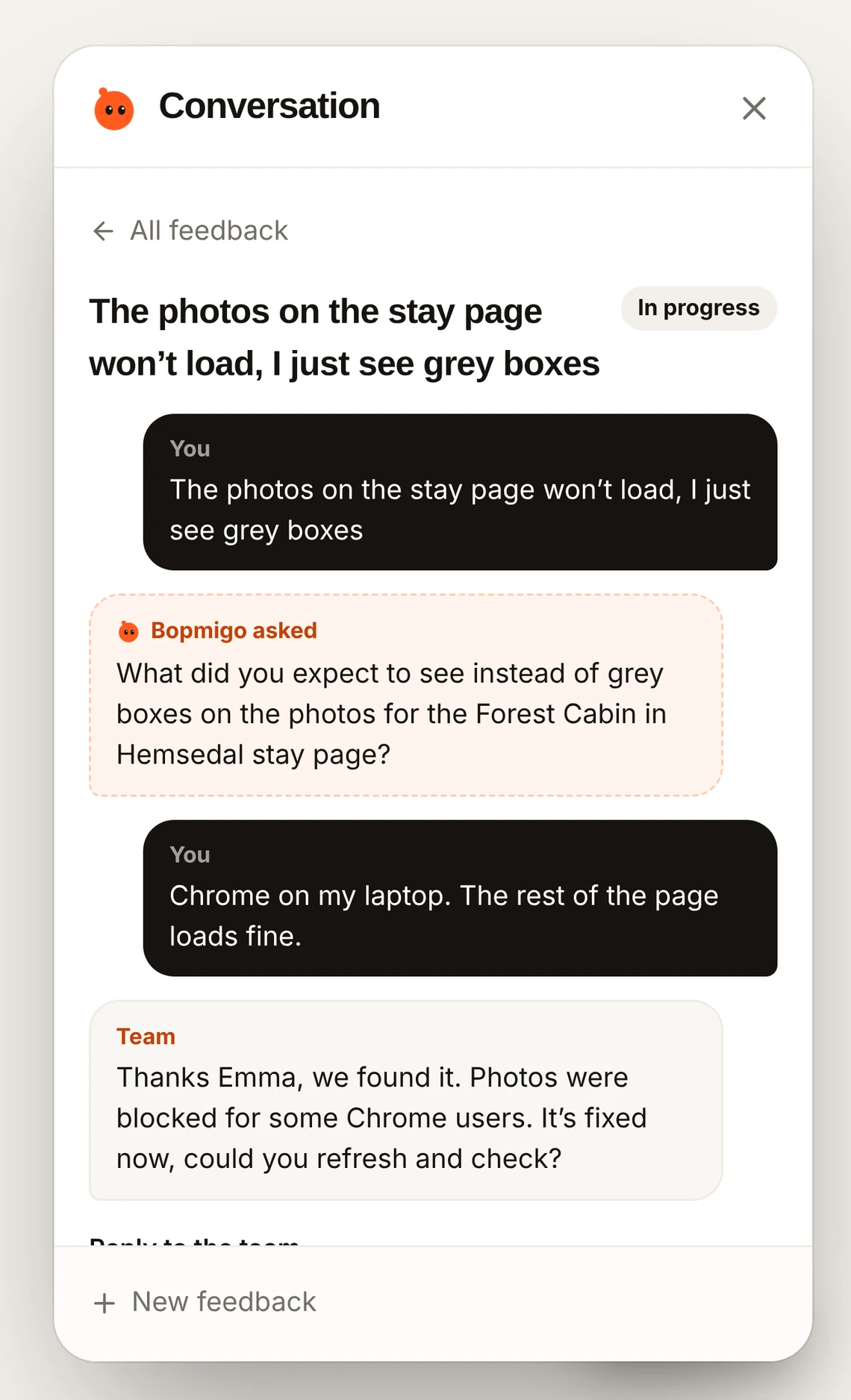
Problems members rarely report
| What happens | What you usually hear |
|---|---|
| Login loop after a password reset | Nothing, until they cancel |
| A video lesson that won’t play on one browser | “The course is broken” |
| A forum post that won’t save | A frustrated post somewhere else |
| Renewal email in spam, card expired | A churned member |
Members who pay every month expect things to work. When they don’t, most quietly stop logging in. A Feedback option on the member pages turns that silence into a sentence you can act on.
Know who is reporting
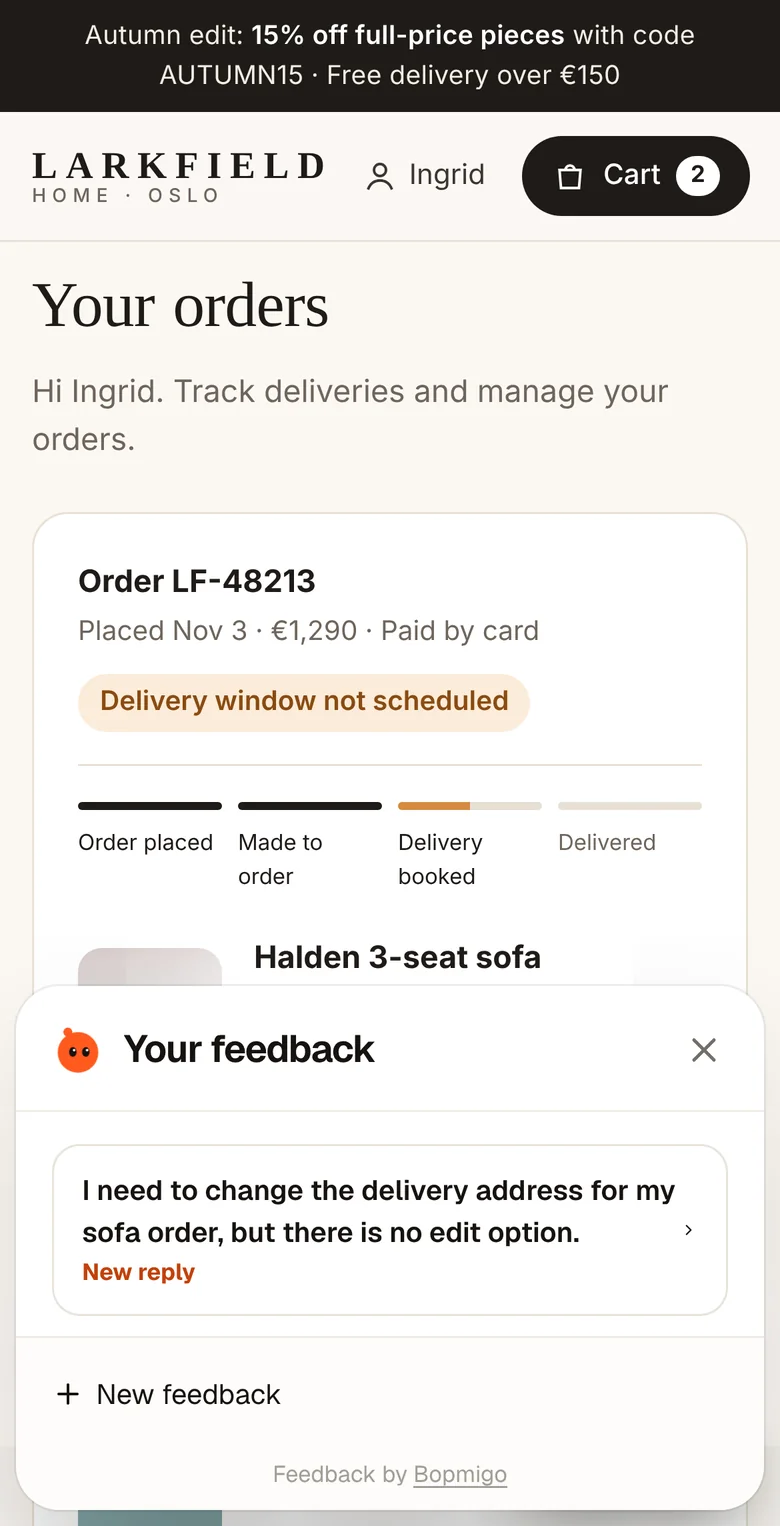
When a member is signed in, your site can tell Bopmigo who they are and which plan they’re on. Reports then arrive with their name and membership level, and you can reply in the Feedback window or by email. Say who is reporting.
Ask members before they leave
On websites, you can message a signed-in member from People: “You haven’t watched the last two lessons. Anything in the way?” They see it the next time they open Feedback, and their answer lands in your inbox. Messaging people on your site.
Does it work with Ghost?
Yes. See Ghost.
Can I ask members questions?
Yes, you can message people using your site through the Feedback window.