Feedback from students on your course site
Students who hit a broken video or a confusing lesson usually just stop. Let them tell you from the lesson itself.
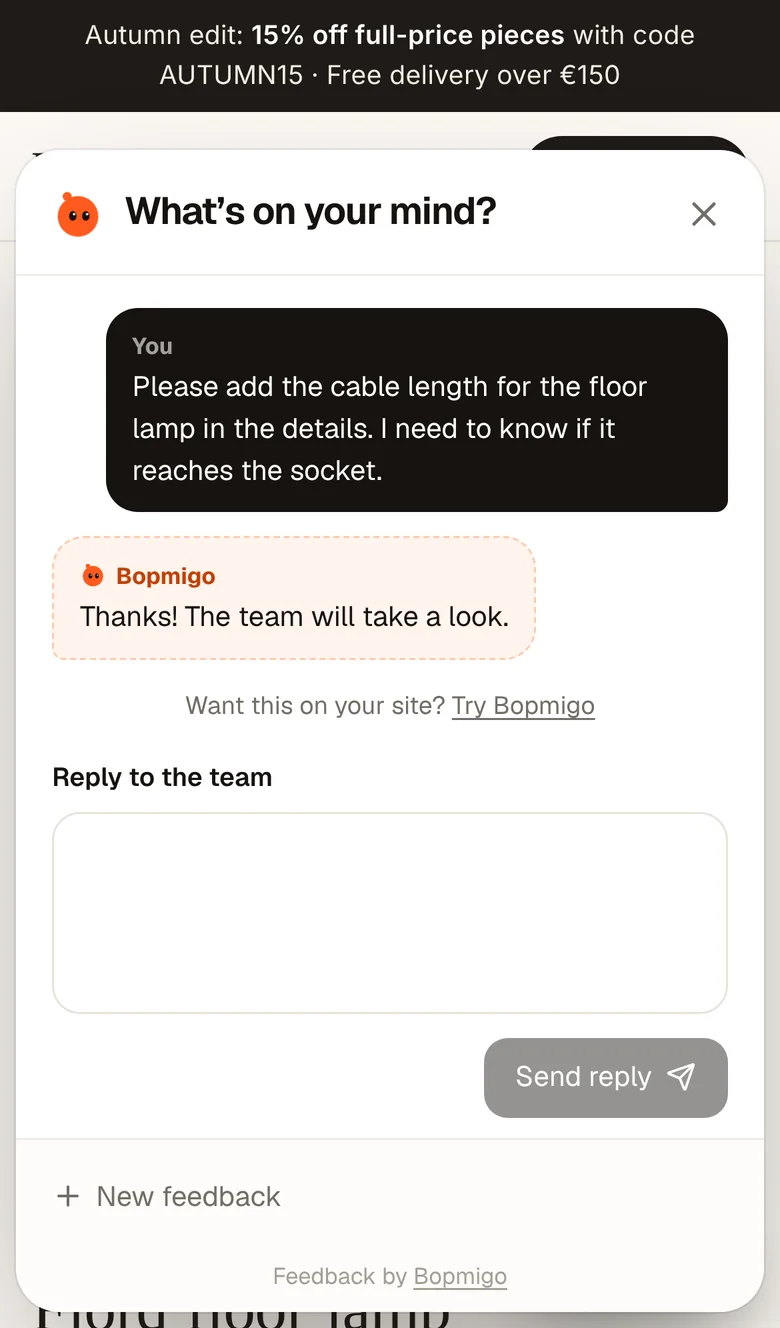
Short answer: add a Feedback button to your course site so students can report a broken video, a wrong link or a confusing step from the lesson page. Every report shows which lesson, so you fix it once for every student who comes after.
What students run into
- A video that won’t play on their phone.
- A download link that 404s.
- A quiz answer marked wrong that’s actually right.
- A step that assumes something the lesson never explained.
Where it works
Any course site where you can add custom code: your own site, WordPress, Webflow, Ghost or similar. See the install guides for your platform.
Where students get stuck
| Problem | What it costs |
|---|---|
| A video that won’t play on one device | A student who stops halfway |
| A quiz that won’t submit | A refund request |
| A lesson that assumes something not taught yet | Confused reviews |
| A download link that is broken | Support emails that start with “I paid for this” |
Students rarely email about small problems. They stop, and many don’t come back. A Feedback option on each lesson page catches these while they are still in the course.
Hear about content, not just bugs
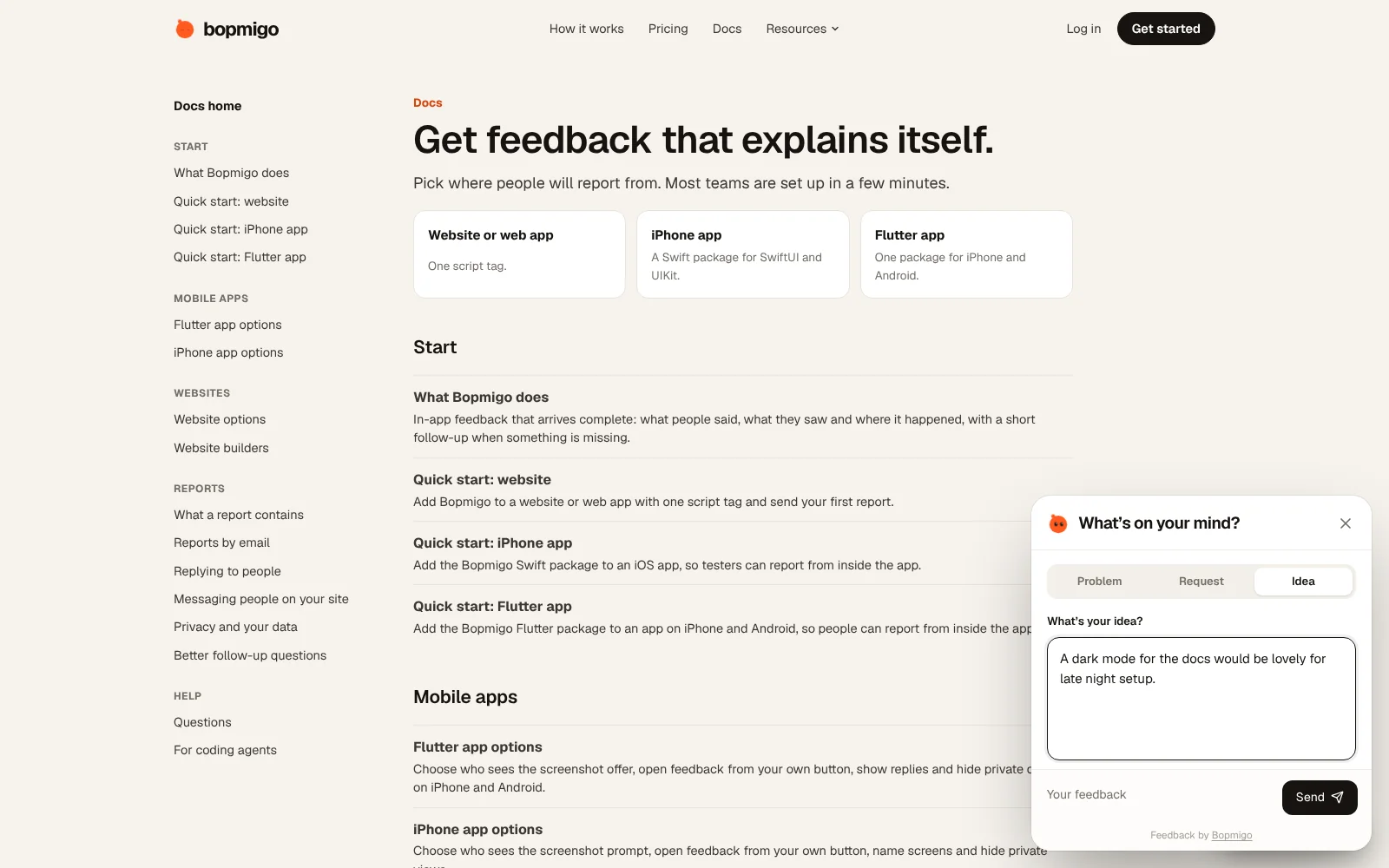
Students can choose Problem, Request or Idea. Requests like “a worked example here would help” tell you where the course is too fast. Related requests are grouped, so you can see which lesson most people struggle with.
Works with course platforms
If your platform lets you add custom code to pages, paste one line. If you host the course on your own site, add it like any website. Website builders.
Can I tell which student reported?
Yes, if your site shares who is signed in. See knowing which user sent feedback.
Do students need an account with Bopmigo?
No.