A feedback button for small business websites
For cafés, clinics, studios and shops: hear about the broken booking form or the wrong opening hours before customers go elsewhere.

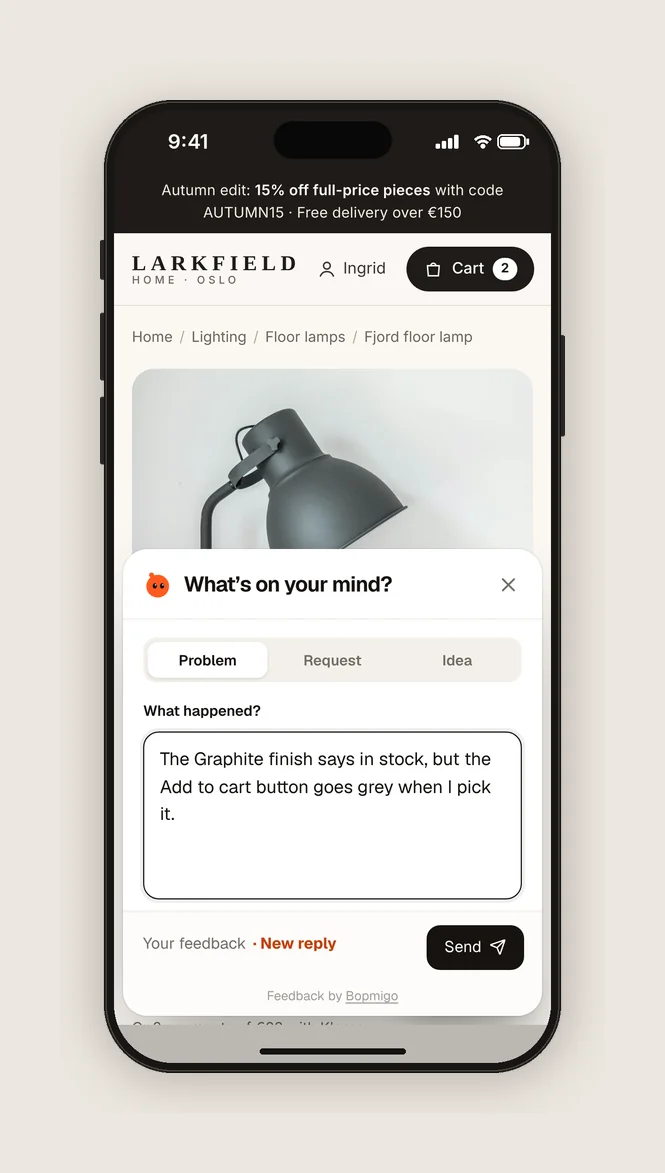
Short answer: customers who find a problem on a small business site usually just call someone else. A Feedback button lets them tell you in a line, with the page attached, and the report can go straight to your email.
What it catches
- A booking or contact form that doesn’t send.
- Opening hours or prices that are out of date.
- A menu or price list that doesn’t open on phones.
- A question you didn’t know people had.
Simple to run
- Add it with your website builder’s custom code box.
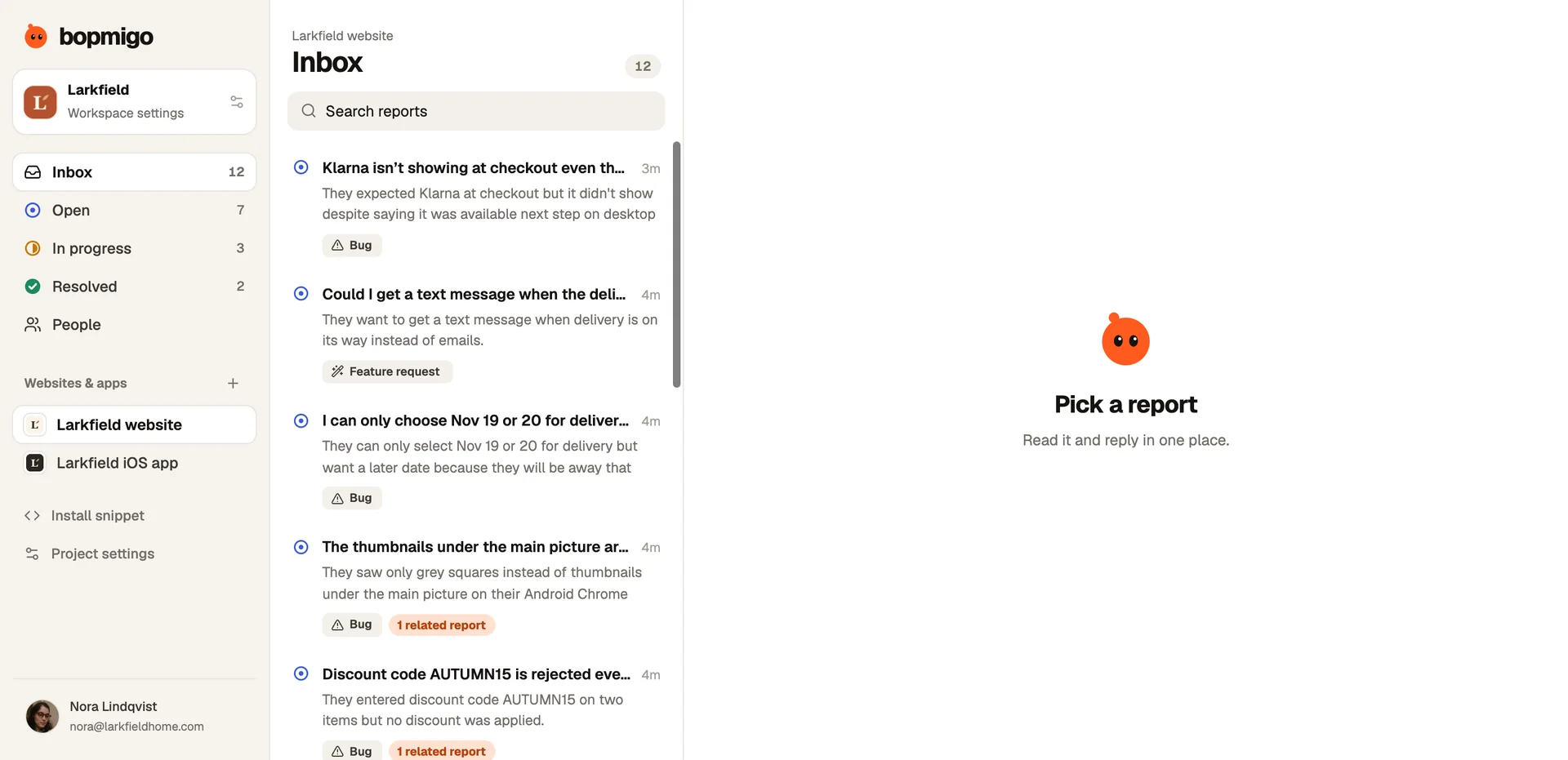
- Get each report by email, or email only.
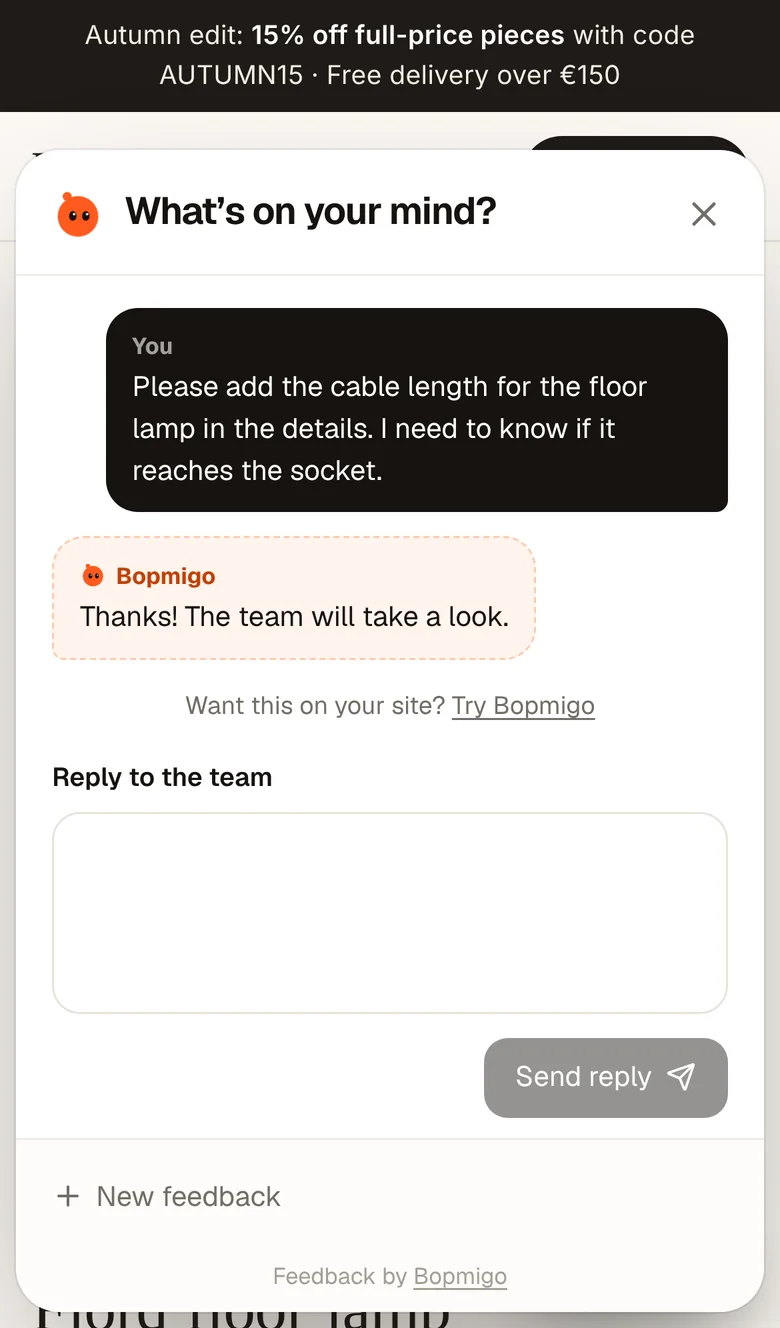
- Reply if they left an email.
What visitors would tell you
- The booking form doesn’t send.
- Opening hours are wrong on the phone version.
- The menu PDF won’t open.
- A question about prices you don’t answer on the page.
Each of these quietly costs you customers. Most people won’t call or email to tell you. They just go to the next business on the list.
Why it works for a small team
- No new inbox if you don’t want one. Reports can go straight to your email.
- Nothing technical to work out. Each report includes the page and a screenshot.
- Replies without sharing your number. Answer in the Feedback window on your site.
- One line to install on Wix, Squarespace, WordPress, Shopify, Webflow or Framer.
A simple routine
Check reports once a day, fix what is quick, and reply to everyone, even if it is “Thanks, we’re on it.” Over a month, you will have a list of the small things that were costing you customers.
Do I need to be technical?
No. Copy one line into your website builder.
Can my web designer set it up?
Yes, and send reports to your email.