Feedback for UX and product designers
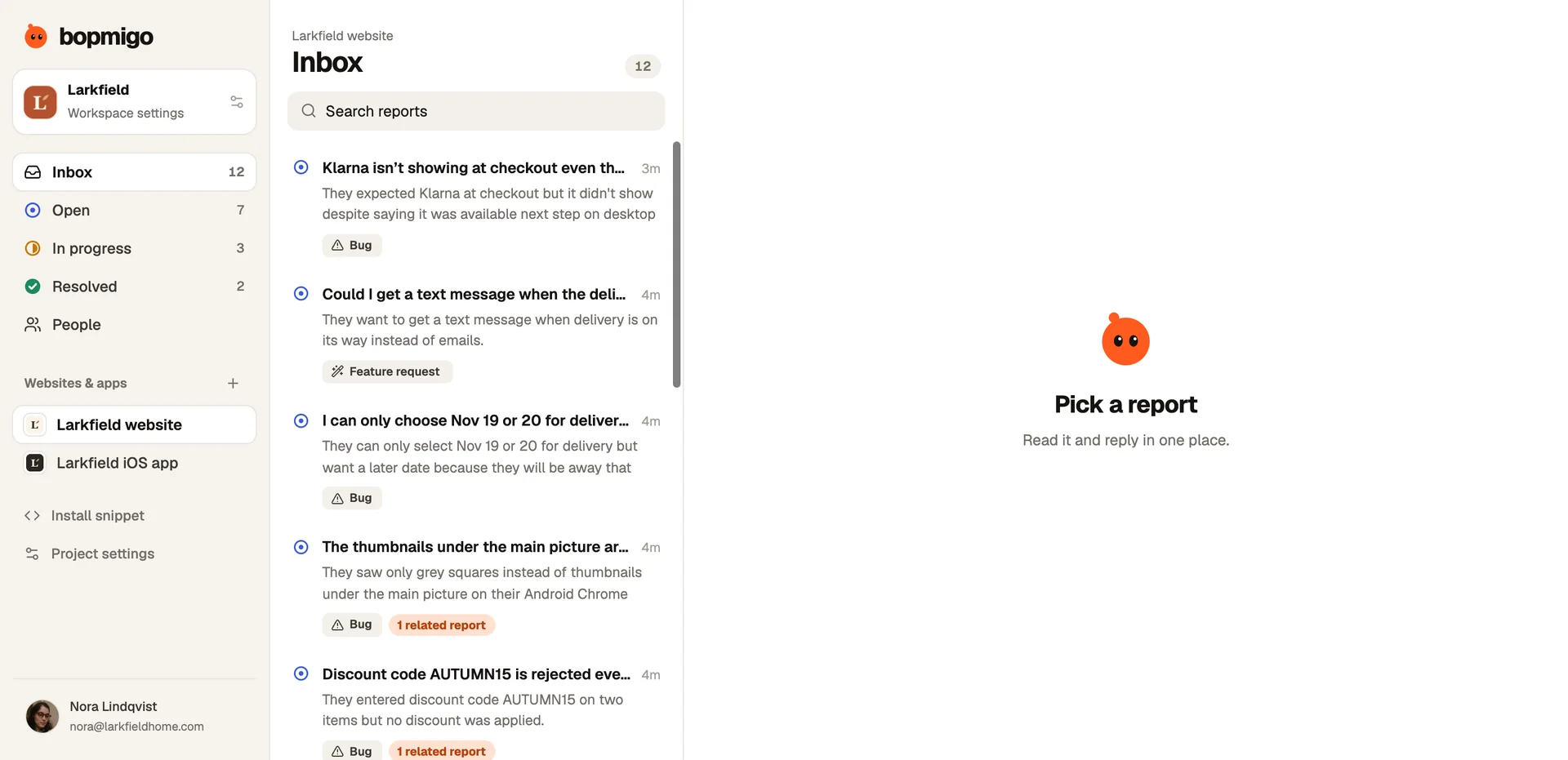
See where real people get confused in the live product, in their words, on the screen it happened, and follow up with them directly.
Short answer: usability tests show you a handful of people in a lab. A Feedback button hears from people who choose to report from the real product, on the exact screen, in their own words. Pair it with your research to see which problems are common, not just memorable.
What designers get from it
| Signal | What it tells you |
|---|---|
| “I couldn’t find…” | Navigation and labels that don’t match their words |
| “I thought this would…” | The gap between your design and their expectation |
| Repeated reports on one screen | Where a redesign pays off most |
| Requests grouped by need | What people try to do that the design doesn’t support |
Ask, don’t just wait
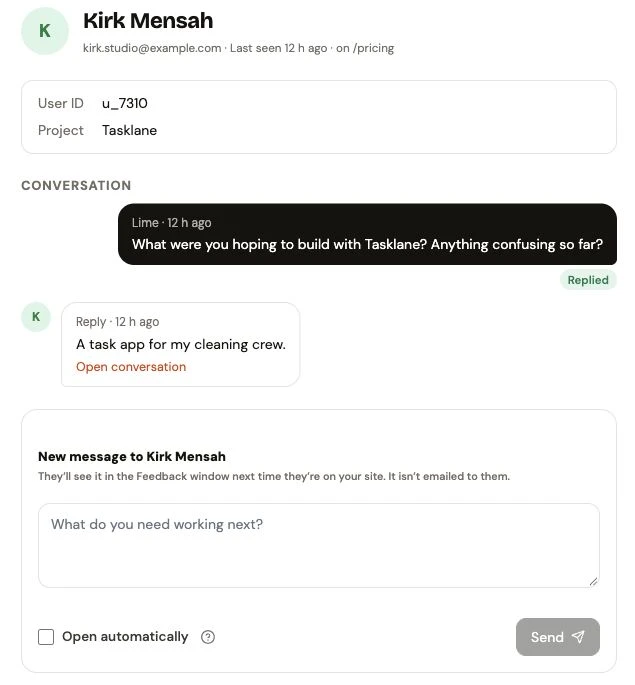
You can message the people using your site through the Feedback window, ask about a new screen, and keep their answer with the conversation. A quick way to recruit for interviews too.
Does it replace usability testing?
No. It shows you where to test, and checks whether a fix worked once it’s live.
Are screenshots safe to share with the team?
Mark sensitive areas private and check a screenshot from your own product before sharing reports with the team.