Running a beta for your web app
Invite testers, collect complete reports from inside the app, follow up while they remember, and tell them what you fixed.

Short answer: put a feedback button in the beta build, tell testers that’s where reports go, and reply to every one. Testers who hear back keep testing. Testers who report into a form and hear nothing tend to stop reporting.
A beta plan that works
- 1
Invite in small groups
Ten to twenty people at a time, so you can talk to each one.
- 2
Give them one job a week
“This week, try importing your data.” Focus beats “use it however you like”.
- 3
Report from inside the app
With the page, browser and a screenshot attached, and a short follow-up when details are missing.
- 4
Close the loop
Reply when something is fixed. Mention it in a short weekly update.
A beta that produces fixes
- 1
Tell testers what to try
Two or three tasks per week, such as “import a CSV and share a report”. Vague betas get vague feedback.
- 2
Make reporting take seconds
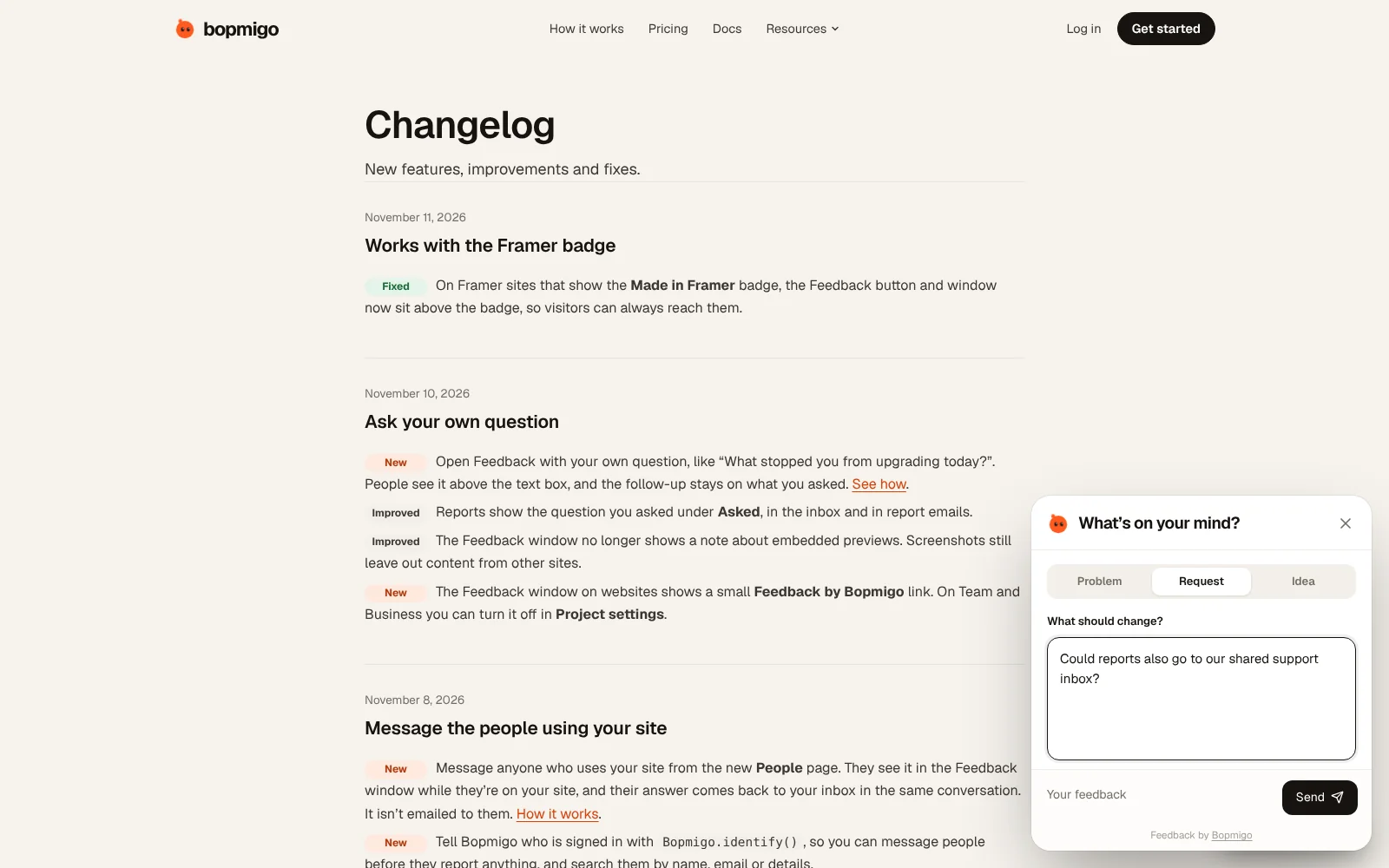
Testers press Feedback on the page where something went wrong. The page, browser and a screenshot are attached for them.
- 3
Ask for the missing piece
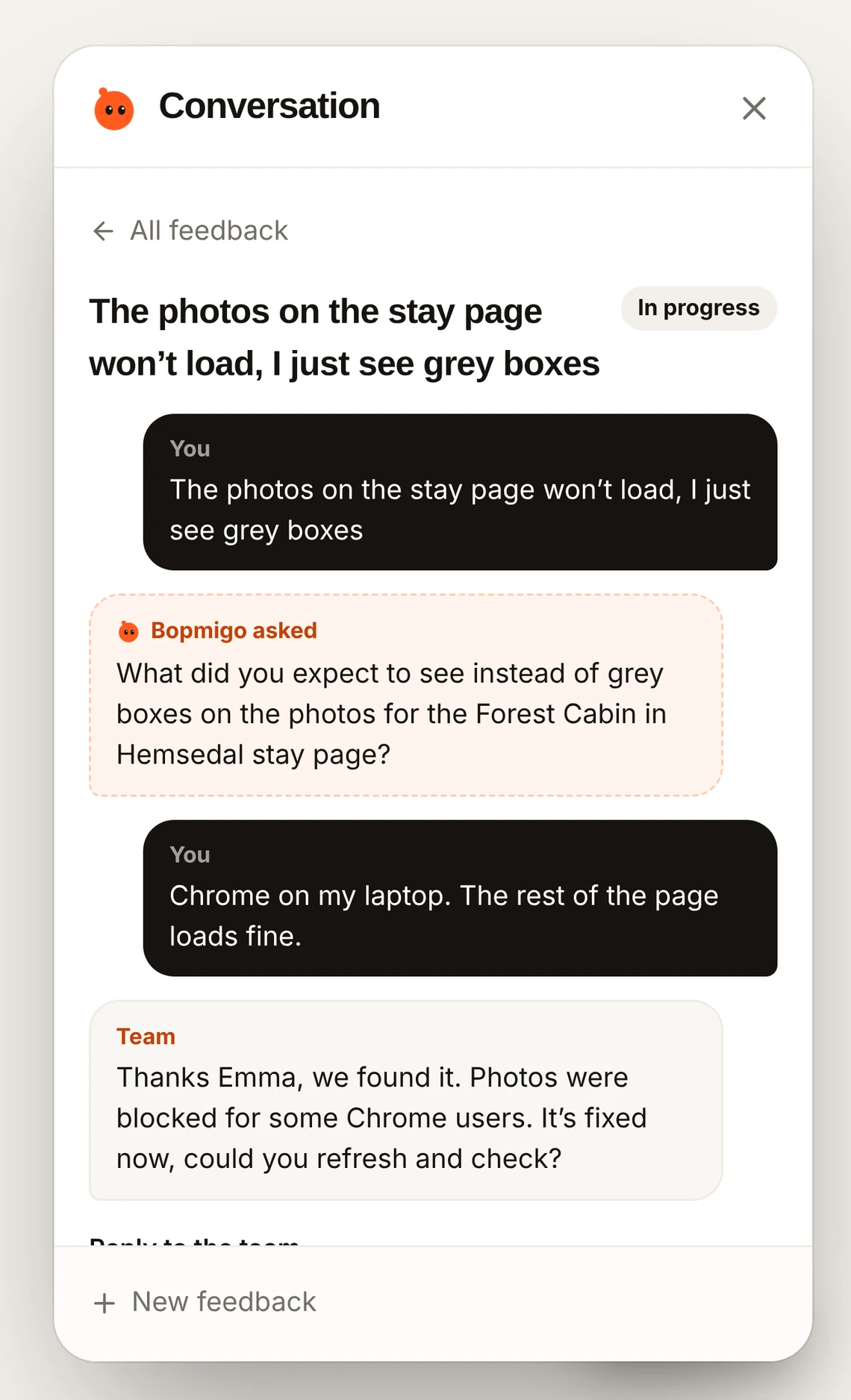
When a report is too short to act on, Bopmigo asks a short follow-up while the tester is still there.
- 4
Reply and re-test
Reply when a fix ships and ask the tester to try again. Mark it resolved when they confirm.
Know which tester is which
Pass the signed-in tester’s ID and email so each report shows who sent it and which plan or cohort they are in. You can then message quiet testers from People: “Did the import work for you this week?” Messaging people on your site.
Staging and production
Add your staging and local addresses to the same project so testers can report from the beta environment, then keep using it after launch. Website addresses.
How many testers do I need?
Can I tell which tester sent a report?
Yes, if your app shares who is signed in.