Your app rating dropped suddenly: what to check first
A sudden drop in your App Store or Google Play rating almost always has one cause. How to find it in an hour, stop the bleeding, and recover.
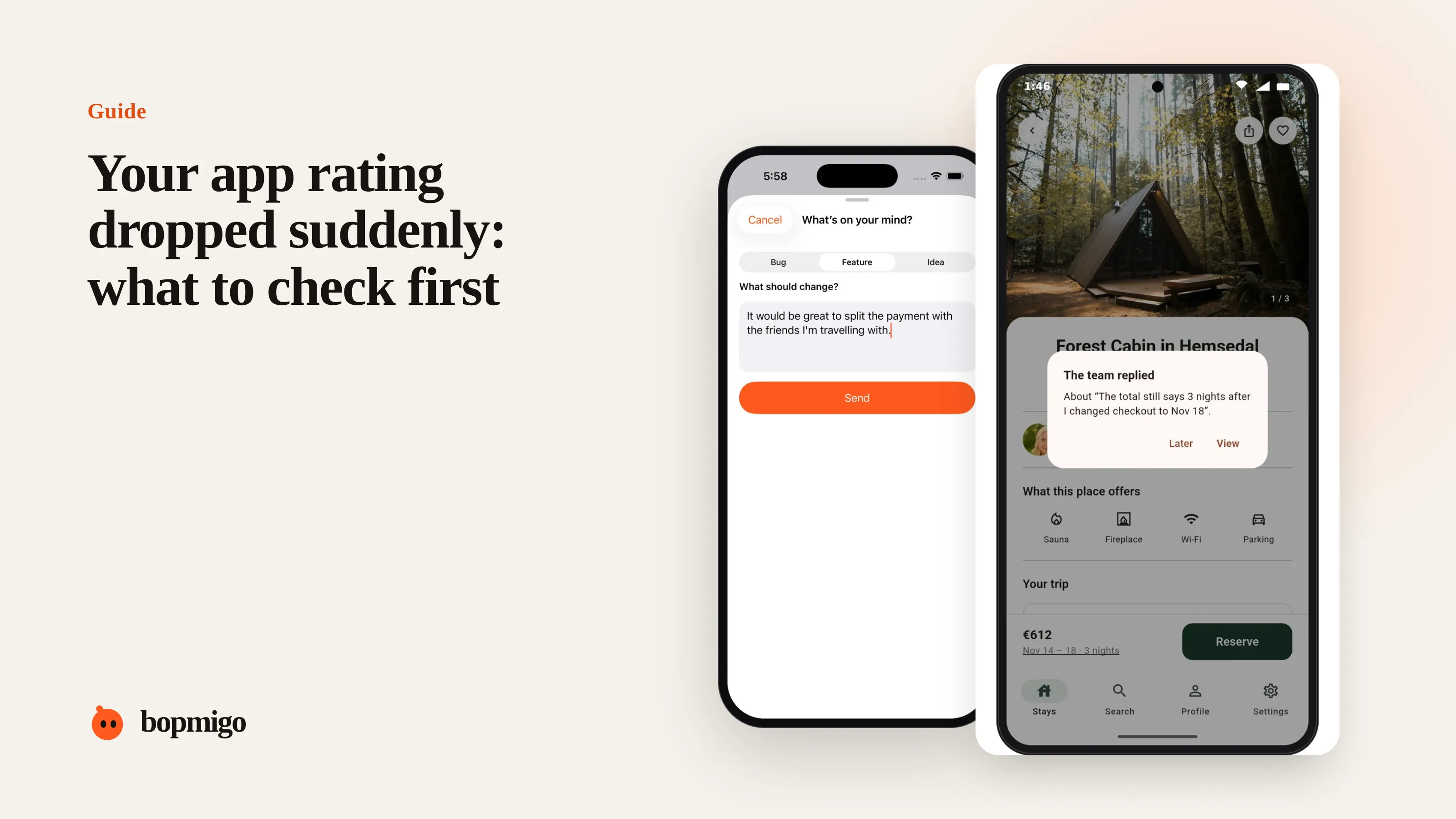
Short answer: a sudden drop usually comes from one change: a new release, a server problem, a price change or a new rating prompt shown to the wrong people. Read the reviews from the last few days, line them up with what changed, fix or roll back, then reply to the reviewers once it is fixed.
Check these in order
- 1
What changed in the last week?
A release, a backend deploy, a pricing or paywall change, a new rating prompt, an iOS or Android update. Write down the dates.
- 2
Read the newest 1 and 2 star reviews
Look for the same words: “since the update”, “can’t log in”, “charged twice”. In our sample, 20% of problem reviews mentioned an update.
- 3
Match the dates
If the reviews start the day after a release, you have your suspect. If they match a server deploy, check your API errors.
- 4
Reproduce on the devices named
Reviews often mention the phone. Test on that model and system version first.
Common causes and fixes
| Cause | Typical review | Fix |
|---|---|---|
| Crash in a new release | “Crashes on launch since the update” | Hotfix or phased rollout pause |
| Login or token change | “Logged me out and can’t log back in” | Fix the sign-in flow, then email affected users |
| Paywall moved earlier | “Was free, now wants money” | Explain the change in the app, keep a free path |
| Rating prompt at a bad moment | Short angry reviews with no detail | Move the prompt after a success |
| New OS version | “Broken on iOS 26” | Test on the new version, ship a fix |
Stop it happening again
- Use phased releases so a bad build reaches a few percent of users first.
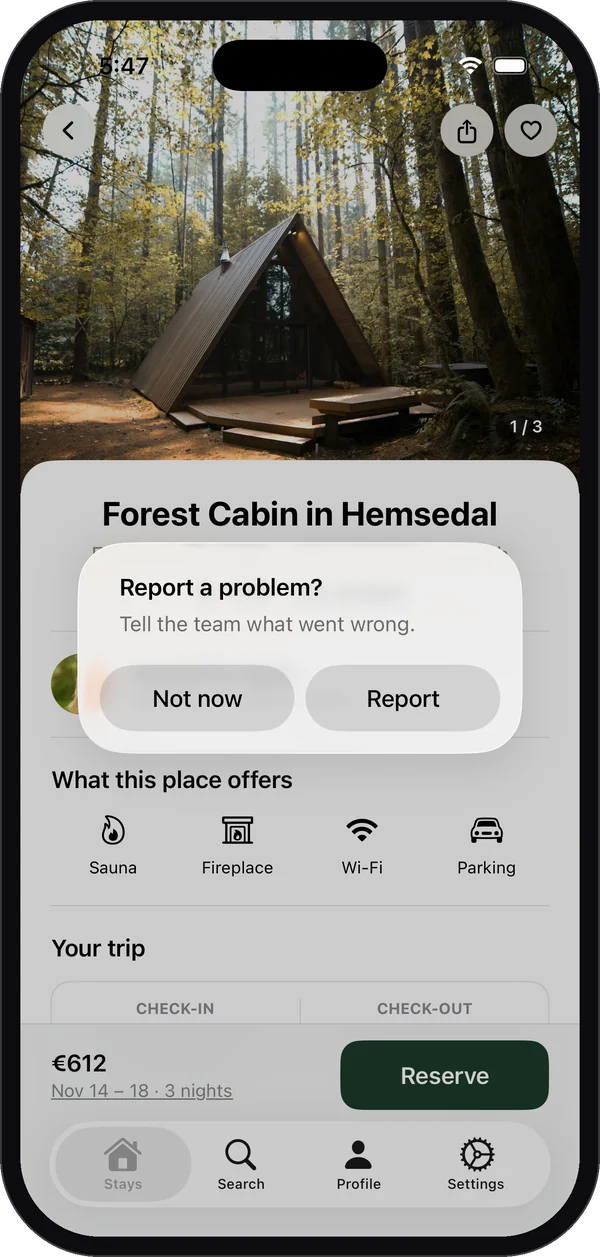
- Add a feedback option to the screens that changed in each release.
- Read new feedback daily for the first week after every release.
- Ask testers on TestFlight or internal tracks to report from the build before it ships.
Recover the rating
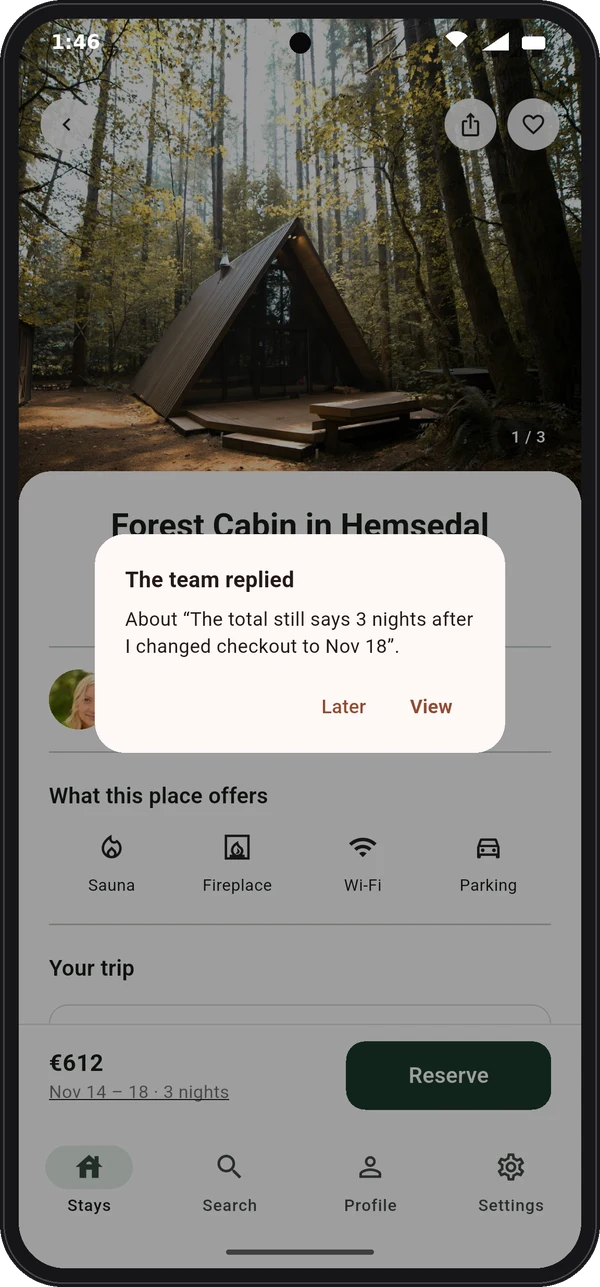
Once fixed, reply to each review saying what changed and inviting them to try again. Many people update their review when they see a fix. Then let your rating prompt run again after successful moments. Reply templates.
The first 24 hours
- 1
Pause the rollout
If a release is to blame, pause the phased release so fewer people get it.
- 2
Tell people you know
A short banner or in-app message, “We know about the login problem and a fix is on the way”, stops people from reporting it in reviews.
- 3
Ship the fix and test the exact case
Test on the devices and system versions named in reviews and reports, not only your own phone.
- 4
Reply to the reviewers
Once the fix is live, reply to each review that described it.
Read the drop in your numbers
| What you see | What it suggests |
|---|---|
| Many 1 star reviews within days of a release | A bug in that release |
| A slow slide over weeks | Accumulating frustration, not a single bug |
| Low ratings with no text | A rating prompt shown at a bad moment |
| Drop only on one platform | A platform-specific problem, such as a new OS version |
| Drop in one country | Language, pricing or payment issues in that market |
Before the next release
- Write down what changed, so you can match it against new reviews.
- Let testers report from the release candidate, right after a screenshot.
- Read in-app feedback every day for the first week after release.
- Keep a short list of the devices your users have most, and test on them.
A worked example
A meal planning app ships version 3.4 on Monday. By Wednesday, the newest reviews say “logged me out” and “can’t sign in with Apple”. Matching dates shows the reviews started the day after the release, which changed how sessions are stored. The team pauses the rollout, ships 3.4.1 on Thursday, adds a banner saying sign-in is fixed, and replies to each review. The rating stops falling the same week.
Questions to ask about your own release process
- Can you pause a release that is already rolling out?
- Do you test on the oldest device and system version you support?
- Does anyone read new reviews and feedback daily after a release?
- Can testers report from a release candidate before it ships?
- Do you have a way to tell all users about a known problem quickly?
What not to do
- Don’t ask for ratings while the problem is still live.
- Don’t reply to every review with the same apology before the fix is out.
- Don’t ship a big new feature as the fix. Fix the problem, then move on.
How long does it take a rating to recover?
It depends on how many new ratings you get. Apps with many daily ratings recover in weeks; smaller apps take longer, which is why preventing the drop matters more.
Can I reset my App Store rating?
Apple lets you reset the displayed rating when you release a new version. Use it sparingly: it also removes your good ratings.
Should I ask people to update their review?
Reply to their review saying what was fixed. Many update it on their own. Don’t pressure them.
Messages to have ready for the next incident
- In-app banner while you fix it: “Some people can’t sign in since today’s update. We’re fixing it now and will update the app within a day. Sorry for the trouble.”
- Review reply once fixed: “Thanks for flagging this. The sign-in problem in 3.4 is fixed in 3.4.1, out today. If it still happens, use Send feedback in Settings and we’ll look at your account directly.”
- Email to affected users, if you have them: “You may have been signed out after our last update. That’s fixed now. Your data is safe. Here’s how to get back in.”
- Status note for your website: “Resolved: sign-in problem affecting iPhone users on version 3.4, fixed in 3.4.1.”
Writing these before you need them means you reply in minutes, not hours, on the worst day of the month.
How Bopmigo helps
With in-app feedback, the first people to hit a release problem tell you from inside the app, with the version and device attached, often before the reviews arrive. You can reply in the app as soon as it is fixed.