App Store reviews vs in-app feedback
Reviews tell the world what people think. In-app feedback tells you what went wrong. How they differ, and how to use both without letting reviews become your bug tracker.
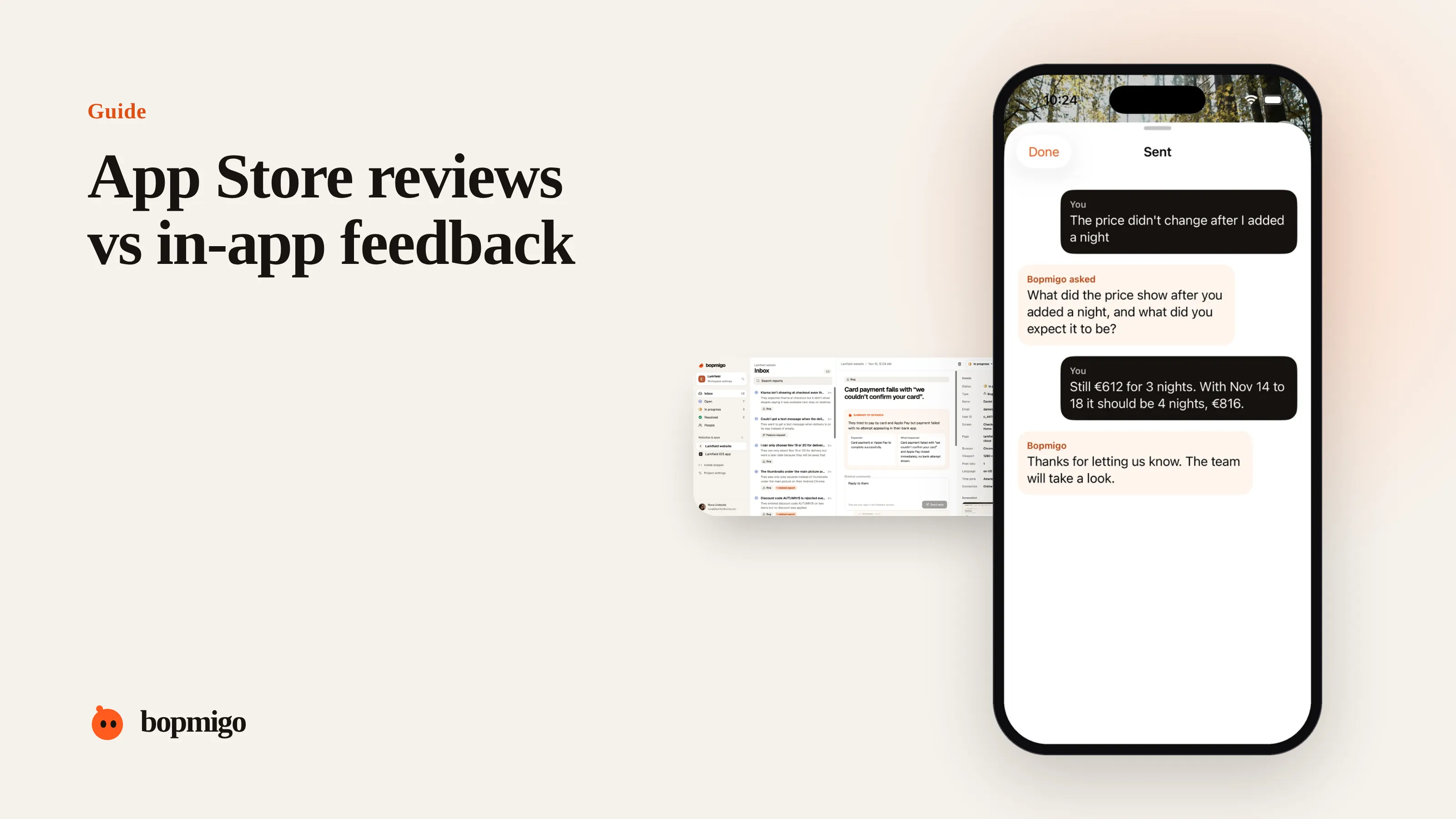
Short answer: use both, for different jobs. Reviews are public, short and late; they shape your rating and show you themes. In-app feedback is private, detailed and timely; it tells you what broke and lets you reply. If reviews are your main source of bug reports, people have no better place to go.
Side by side
| App Store reviews | In-app feedback | |
|---|---|---|
| Who sees it | Everyone browsing the store | Only your team |
| When it arrives | After the frustration | At the moment it happens |
| Detail | A few words, no device or screen | Screen, version, device, screenshot |
| Can you ask a follow-up? | No | Yes |
| Can you reply? | Publicly, once | Privately, in the app |
| Effect on your rating | Direct | Indirect: fewer problems reach reviews |
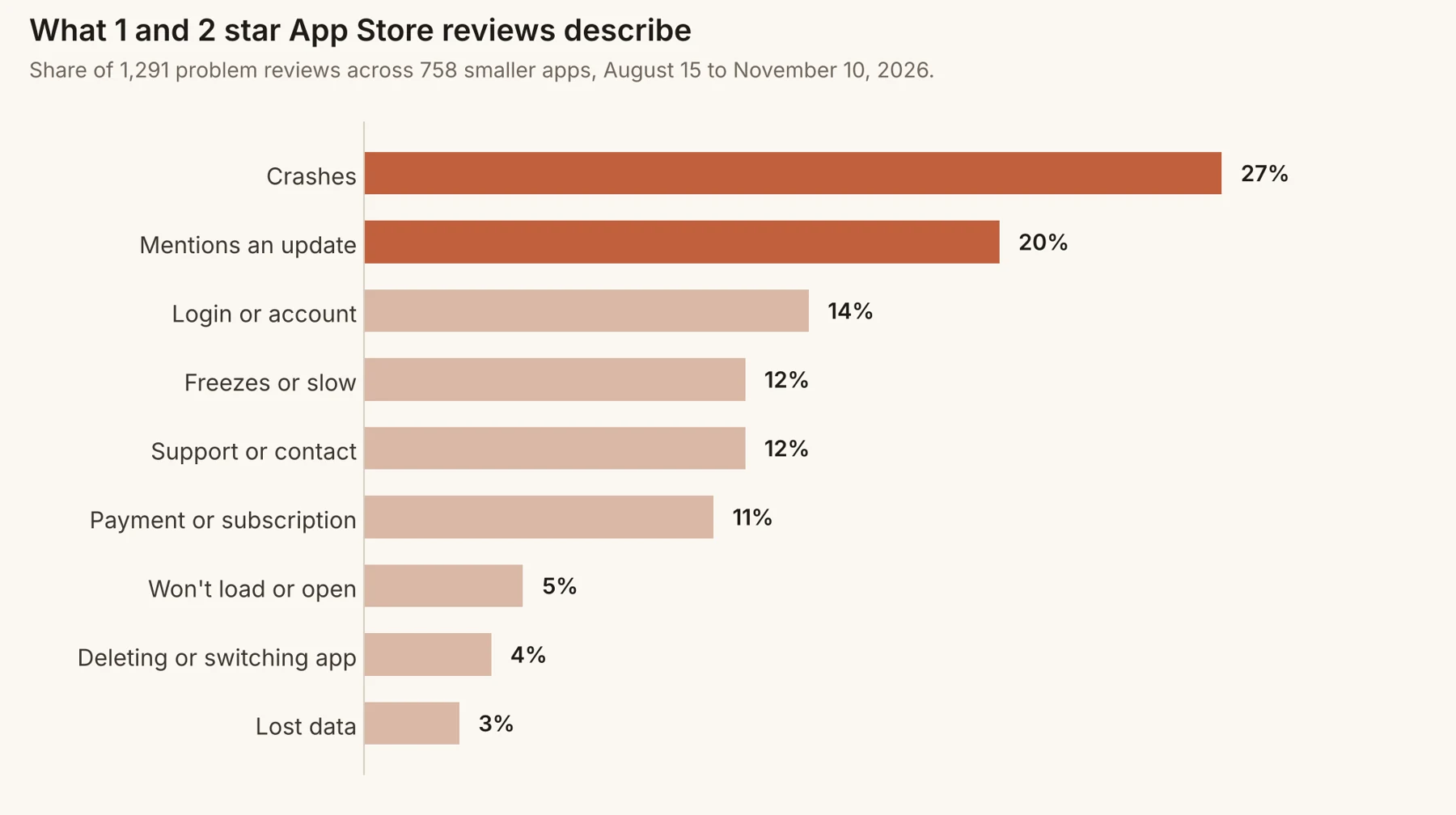
How to use reviews
- Read them weekly for themes, especially after releases.
- Reply to the ones describing real problems, once fixed.
- Ask for ratings after happy moments, never after errors.
How to use in-app feedback
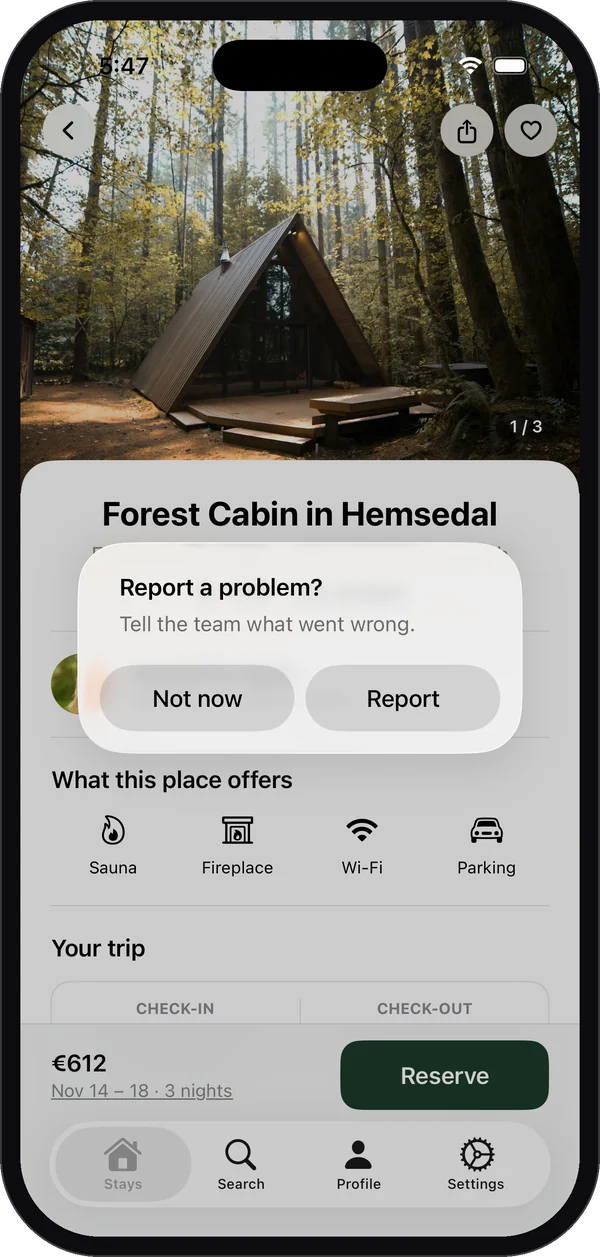
- Offer it on every screen, and especially where things fail.
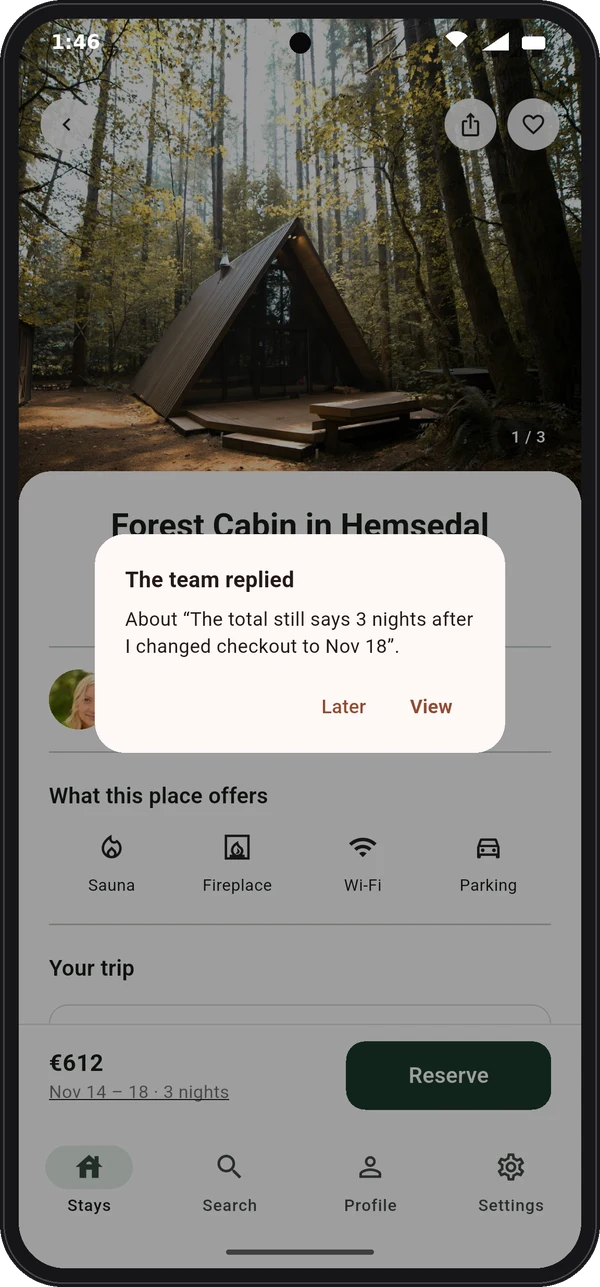
- Answer every report, inside the app.
- Group reports by screen and theme to decide what to fix.
- Invite testers to use it on beta builds before release.
What each one is good for
| Question you have | Better source |
|---|---|
| Why did our rating drop? | Reviews, then in-app feedback for detail |
| What exactly broke on this screen? | In-app feedback |
| What do new users think on first impression? | Reviews and first-session feedback |
| Which device has the bug? | In-app feedback |
| How do we compare with competitors? | Reviews, ours and theirs |
Bring them together
- 1
Spot themes in reviews
Once a week, tag new reviews by theme.
- 2
Look for the same theme in-app
Search your in-app reports for it. You will usually find more detailed versions.
- 3
Fix with the detail
Use the screen, device and steps from in-app reports to reproduce and fix.
- 4
Reply in both places
Reply in the app to people who reported, and to the reviews once it ships.
Signs you rely too much on reviews
- You learn about most bugs from 1 star reviews.
- You can’t ask anyone what they meant.
- Your fixes ship weeks after the first complaint.
How the two shape your rating
Your rating is an average of people who chose to rate. People who hit a problem and have nowhere else to go are overrepresented. When there is an easy way to report inside the app, some of those people tell you instead, and you can fix the problem before more people meet it. Meanwhile, a well-timed rating prompt after a successful moment brings in the people who are happy. Both together move the average toward what most users actually think.
Set up both in an afternoon
- 1
Add a feedback option inside the app
A Send feedback row in Settings and on your main error screens.
- 2
Time your rating prompt
Show it after a success, not on launch or after an error. Rating prompt timing.
- 3
Decide who reads what
One person reads in-app feedback daily. Reviews are read weekly, and daily after a release.
- 4
Agree how to reply
Private reply in the app within a day; public review replies once a fix ships.
Common questions teams ask
Will in-app feedback reduce the number of reviews?
It can reduce angry reviews about problems you could fix. It doesn’t replace ratings from happy users, which still come from your rating prompt.
Can I ask people who sent feedback to leave a review?
Only once their problem is solved, and without making it a condition of anything. A sincere fix often earns a sincere review.
Do Android and iPhone users behave differently?
The pattern is the same: the store is the easiest place to complain unless you give them an easier one inside the app.
A worked example
A travel app relies on reviews for bug reports. After adding in-app feedback, the team compares a month of both. Reviews mention “bookings not showing” four times, with no detail. In-app reports mention it eleven times, all from people who booked through a partner site, with the screen and app version attached. The fix takes a day. The reviews alone would have left them guessing.
Questions to ask about your own setup
- Where did you hear about your last three bugs: reviews, email, or in the app?
- How long after a release do you learn about problems?
- Can you ask a reviewer a follow-up question? Can you ask an in-app reporter?
- Does your team read both every week?
What not to do
- Don’t ignore reviews because you have in-app feedback. They still shape what new users see.
- Don’t treat a quiet in-app inbox as proof everything works. Make sure people can find the option.
- Don’t send people from in-app feedback to the App Store before their problem is solved.
A 20-minute weekly routine that uses both
- 1
Read new in-app reports (10 minutes)
Reply to anything unanswered. Note any theme that appears more than twice.
- 2
Read new reviews (5 minutes)
Tag them with the same themes. Note any that appear in reviews but not in-app: those people couldn’t find your feedback option.
- 3
Decide (5 minutes)
Pick the theme to fix this week. Reply to any review about something already fixed.
If a theme keeps appearing only in reviews, move your feedback option to the screen that theme is about.
How Bopmigo helps
Bopmigo is the in-app half: people report from your iPhone or Flutter app in a sentence, with the details attached and a short follow-up if needed, and your reply appears in the app. Fewer problems reach the App Store, and the ones that do, you already know about.