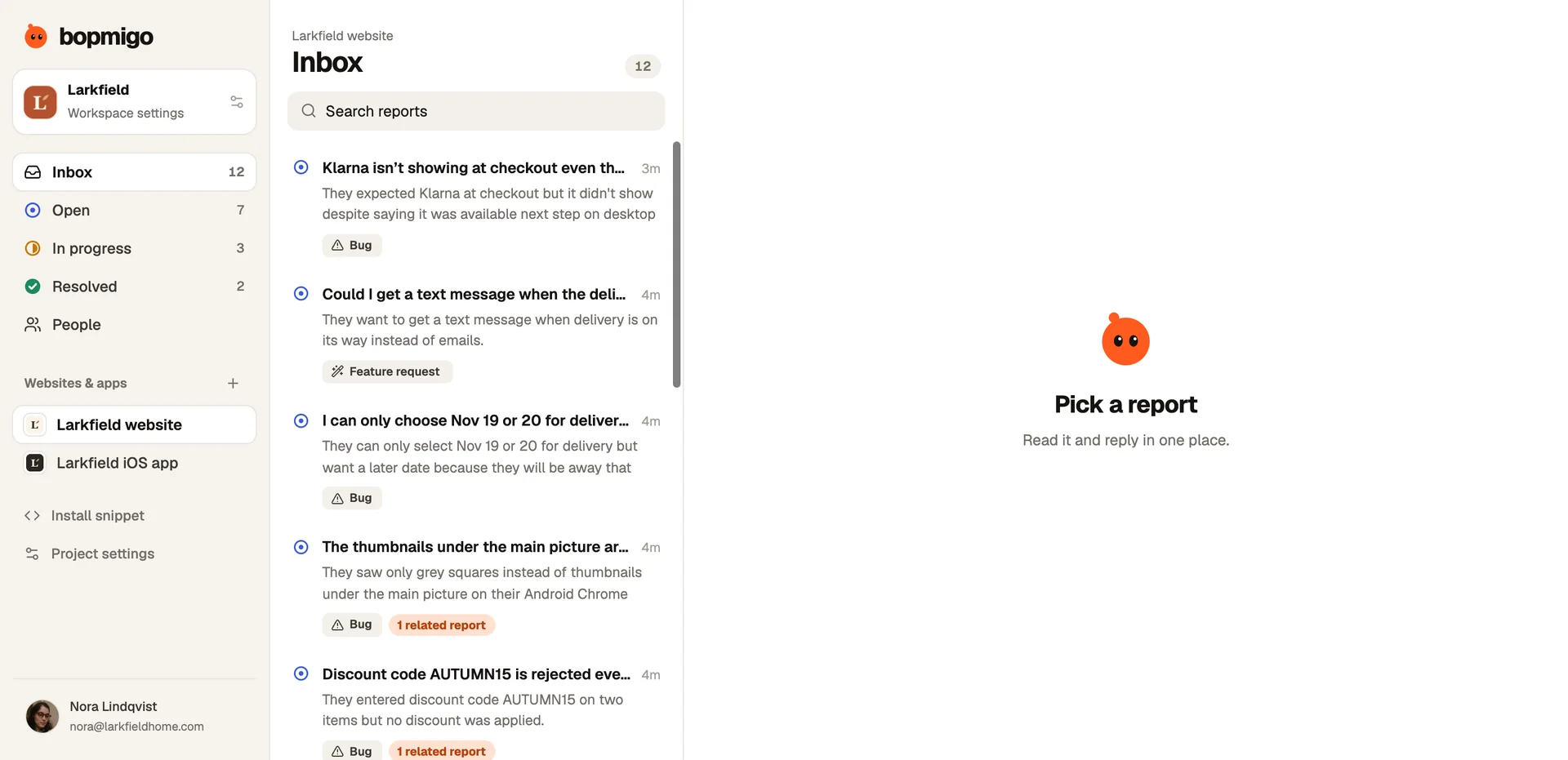
Bring scattered customer feedback into one place
Feedback arrives by email, chat, reviews, social posts, sales calls and teammates’ messages, and most of it is never seen together. How to collect it into one list, keep the context, spot what repeats and act on it, without a big project.
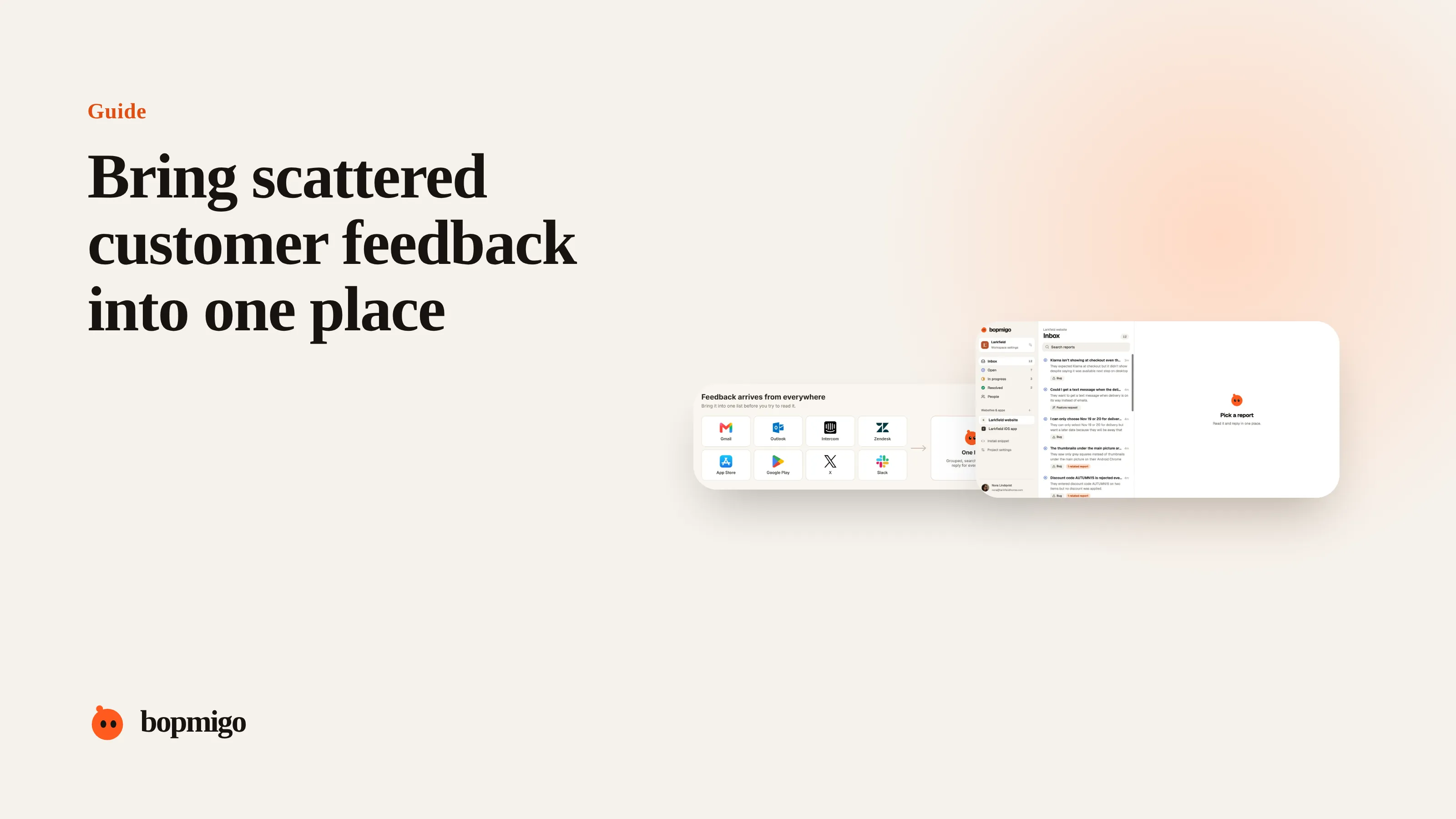
Short answer: pick one list where every piece of feedback ends up, whatever channel it came in on. Give each channel a simple route into it, with a person responsible, and record the same few things every time: who, where, what they said, and the channel. Then read the list weekly to group what repeats. Over time, move as much feedback as possible to an in-product option that records the context for you, so less of it needs copying by hand.
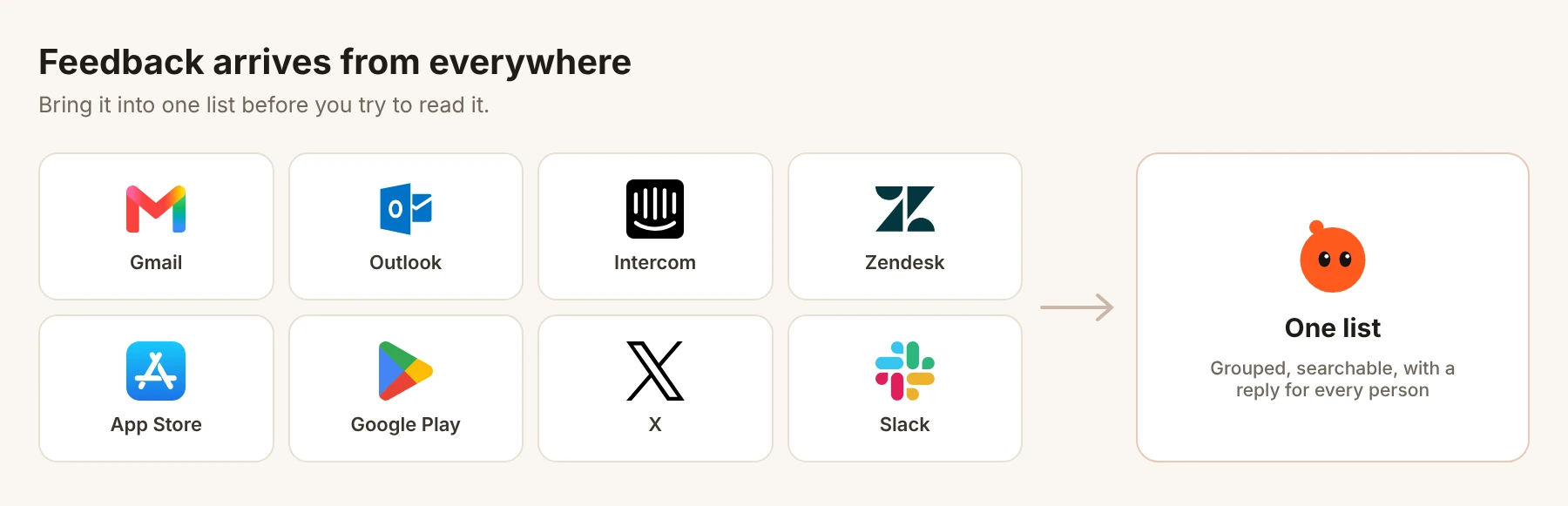
Why scattered feedback costs more than it seems
- Nobody sees the pattern. Five people mention the same broken export in five places. Each person on the team sees one and assumes it is a one-off.
- The loudest channel wins. Whatever arrives where the founder or the most senior person looks gets fixed first.
- Context is lost. A Slack message that says “a customer can’t log in” has no page, device or account. Someone has to go back and ask.
- Replies get missed. When nobody owns a channel, people who took the time to write never hear back.
Map where feedback arrives today
Spend thirty minutes listing every place feedback reaches you, and who sees it first. Most small teams find more channels than they expected.
| Channel | Who sees it first | What usually goes missing |
|---|---|---|
| Support email | Whoever reads the shared inbox | Page, device, steps |
| Chat or help desk | Support | A record developers can find later |
| App Store and Play reviews | Often nobody, until the rating drops | Who the person is, how to reply privately |
| Social posts and DMs | Whoever runs the account | Almost everything technical |
| Sales and success calls | The person on the call | The customer’s own words |
| Teammates in Slack | Whoever is tagged | The original message and the customer |
| In-product feedback | Depends on your setup | Usually little, if it records the screen and device |
Choose the one list
The list can be a feedback tool, a help desk, or for a very small team a shared spreadsheet. What matters more than the tool is the rule: if feedback isn’t in the list, it didn’t happen. Pick something everyone on the team can open on their phone, search, and mark as handled.
Give every channel a route in
- 1
In-product feedback goes in automatically
This should be your main channel, because it records the page, device and screenshot without anyone typing them.
- 2
Email and chat: forward or copy once a day
One person spends ten minutes adding anything that is product feedback rather than a simple question.
- 3
Reviews and social: check twice a week
Copy the text and a link. Reply publicly, and invite the person to report in the product next time.
- 4
Calls: add the customer’s words
Ask whoever was on the call to paste the exact sentence the customer used, not a summary.
- 5
Slack: a short rule for teammates
“If a customer told you something about the product, add it to the list and link the thread.”
Record the same five things every time
| Field | Example |
|---|---|
| Who | Customer name or account, plan |
| Where | Page, screen or feature |
| What they said | Their words, not a summary |
| Channel | Email, review, call, in-product |
| Date | When it happened, not when you copied it |
Keeping the customer’s words matters more than it looks. “The invoice total is wrong” and “I can’t find where to download invoices” are both summarised as “invoice issue”, and need completely different fixes.
Read it weekly and group what repeats
Once a week, read everything new and group similar items. Count how many people are behind each group, not how many messages. A theme that ten different customers raised beats a request one customer sent ten times. Pick the top two or three themes, decide what to do about each, and note the decision next to them.
Reduce the copying over time
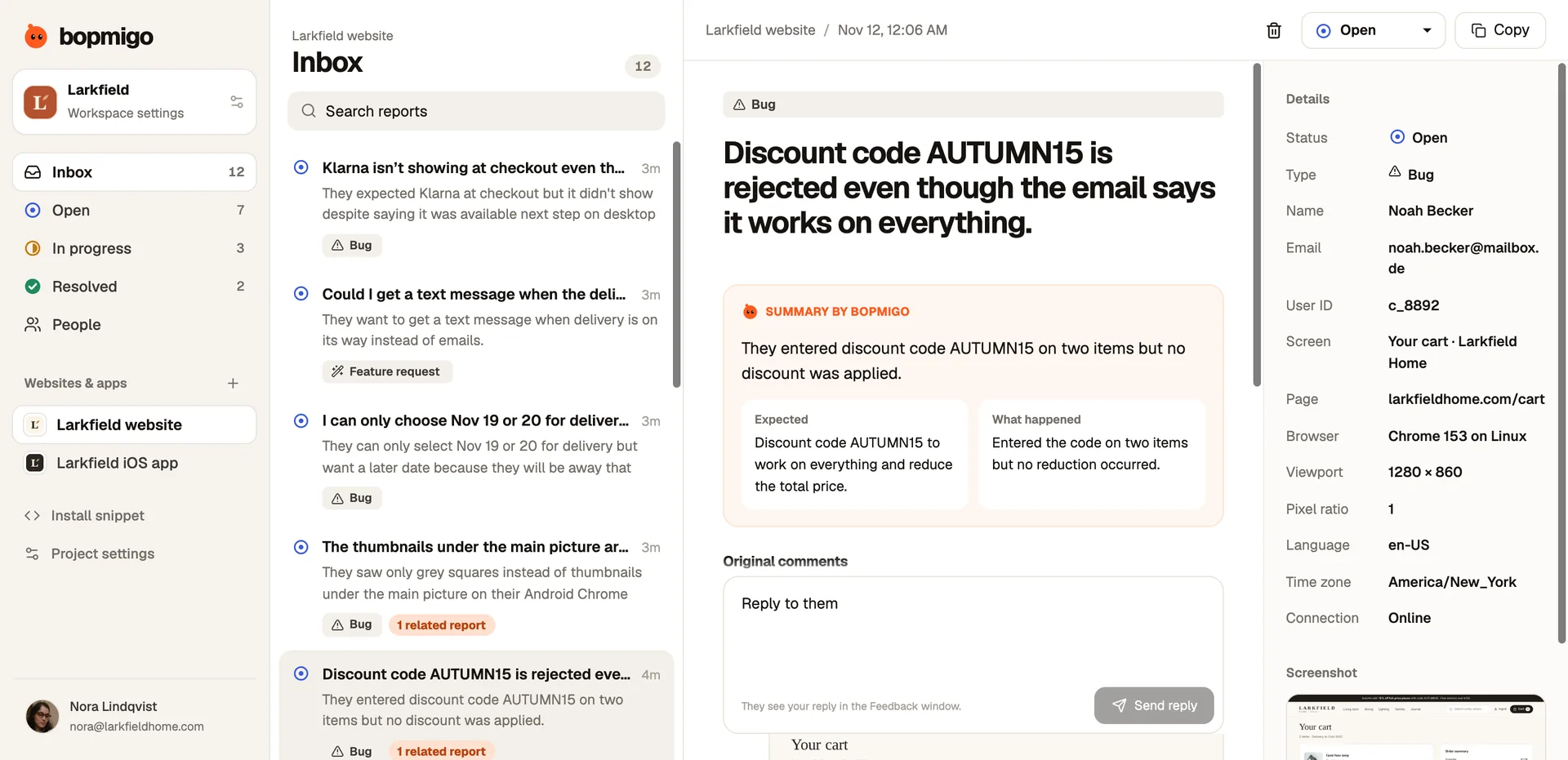
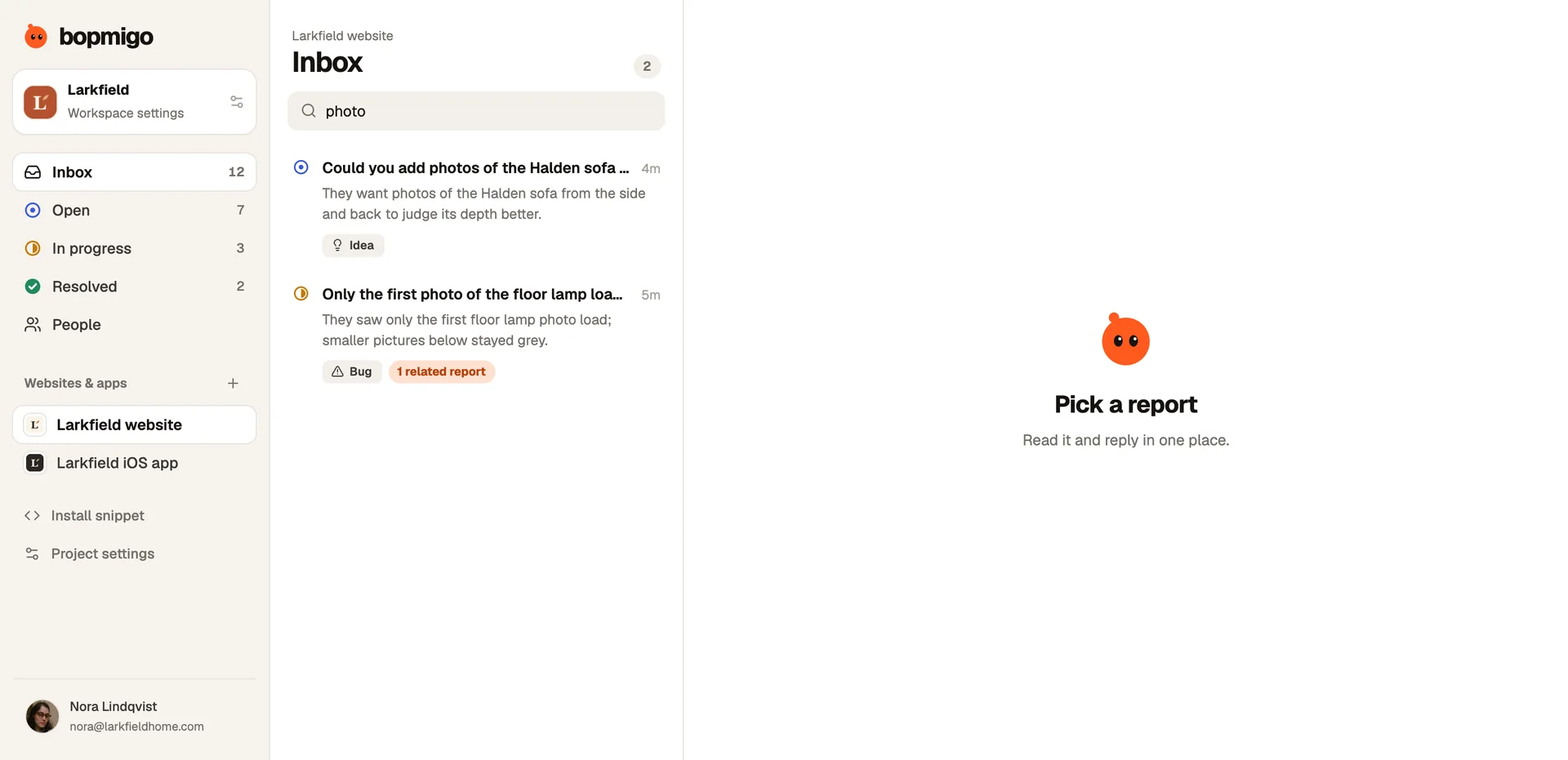
Every message copied by hand costs time and loses something. The fastest way to reduce copying is to make in-product feedback the easiest route. When reporting inside the product takes a sentence, people use it instead of email or a review, and those reports arrive complete. Put a feedback option in your help menu and on error screens, and mention it in support replies: “Next time, the Feedback button sends us the page you’re on automatically.”
A worked example
Picture a team of four selling scheduling software, with feedback in a shared inbox, a chat tool, two review sites, sales call notes and a busy Slack channel. They pick a single list, add an in-product Feedback button and give each channel an owner. Say the first week brings 63 items, which group into 11 themes. The biggest, “can’t move a booking to another staff member”, turns out to come from 17 different customers across five channels. Seen one channel at a time, it looked like a handful.
A 30-minute weekly routine
- 1
Catch up the stragglers (10 minutes)
Check the channels that don’t flow in automatically: reviews, social, call notes. Add anything new.
- 2
Group and count (10 minutes)
Put new items into themes. Update the count of people behind each.
- 3
Decide and reply (10 minutes)
For the top three themes, write down the decision. Reply to anyone still waiting.
Share the top three themes with the whole team in a short message. It takes a minute and means everyone, not just the person reading the list, knows what customers are saying.
Mistakes to avoid
- Building a perfect tagging system before anyone has read a week of feedback.
- Letting each team keep its own list. Support, sales and product end up with three versions of the truth.
- Counting messages instead of people.
- Summarising so much that the customer’s words disappear.
- Collecting everything and replying to no one.
Questions to ask about your own setup
- If a customer reported a bug by email yesterday, could anyone on the team find it today?
- Which channel do you read least, and what is waiting there?
- Who replies to people who give feedback, and how fast?
- What share of feedback arrives with the page and device already attached?
Common questions
Do I need a dedicated tool?
Not to start. A shared list with a clear rule works for a small team. A tool helps when copying by hand starts to take real time, or when you want reports to arrive with screenshots and details.
Should feature requests and bugs go in the same list?
Yes, at first. Many requests turn out to be bugs and the other way round. Label them once they are in the list. Telling them apart.
How do I stop the list becoming a graveyard?
Read it weekly, mark items as handled, and close the loop with the people who wrote. Closing the loop.
How Bopmigo helps
Bopmigo gives you the one list and makes it the easiest route for customers. People report from your website, iPhone app or Flutter app in a sentence, and reports arrive with the page, device and, where available, a screenshot. Reports about the same problem are grouped, you can search everything, and you reply in the same place so the customer sees it. Pro is $19 a month for up to three people, and Team is $49 a month with unlimited teammates.