Should you build your own feedback widget?
A feedback form looks like a day of work. A feedback tool people actually use is screenshots, device details, an inbox, replies, phone apps, spam protection and upkeep. How to estimate the real cost, when building makes sense, and what to check before choosing a tool.
Short answer: build it yourself only if feedback is part of your product, or you have needs no tool meets. For most teams, a ready-made tool is cheaper within the first month. The form is a day of work. Screenshots that work in every browser, device details, a place to read and sort reports, replies the customer sees, phone apps, spam protection and ongoing fixes are weeks, and they keep coming back. Spend that time on your own product.
What teams usually plan to build
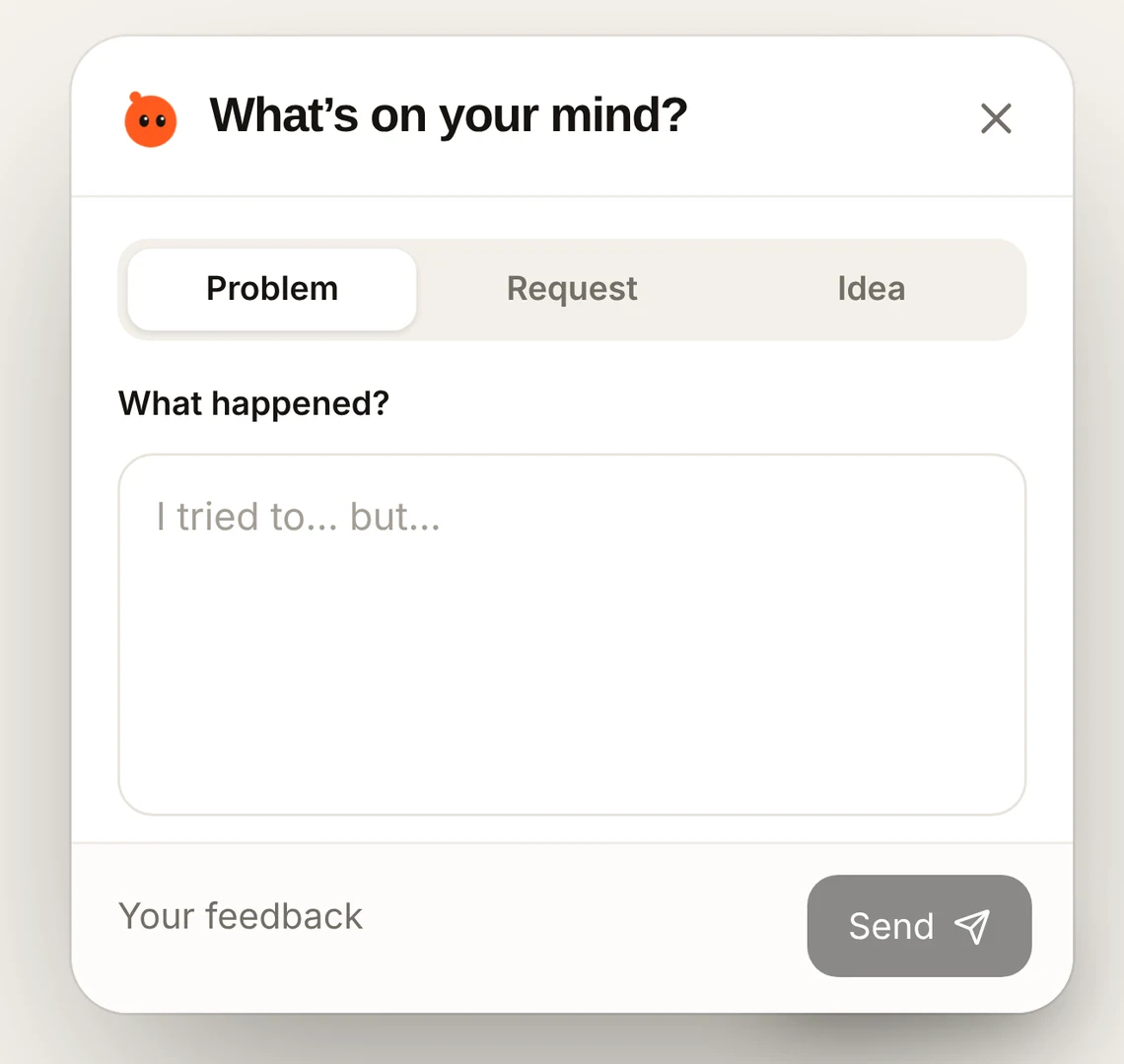
The first version is almost always a text box, a Send button, and an email to the team. It works for a week. Then the reports start arriving: “the page is broken” with no page, no browser and no screenshot. Someone replies to ask. The customer doesn’t answer, because the reply went to spam. The team starts adding things.
What it takes to be useful
| Part | Why it matters | Typical effort |
|---|---|---|
| Screenshots | Shows what they saw. Hard to get right across browsers, fonts, images and scrolling pages | Days, then fixes as browsers change |
| Hiding private details | Screenshots can include names, emails, card details | Days, and it must be right |
| Page, device, app version | Needed to reproduce almost anything | A day for web; more for each mobile platform |
| A follow-up when something is missing | Saves the back-and-forth | Days, more if it should be smart about what to ask |
| An inbox | Read, search, sort, mark handled, assign | A week or more |
| Grouping repeats | Twenty reports about one bug should look like one | Days to weeks |
| Replies the person sees | Closing the loop; email alone often fails | A week, including the widget side |
| iPhone and Android | Different code, different rules | Weeks per platform |
| Spam and abuse | Public forms attract bots | Days, then ongoing |
| Upkeep | Browser and phone updates, security, edge cases | Every month, forever |
Estimate the real cost
Take the parts you actually need from the table, give each a realistic number of days, and multiply by what a day of your developers’ time costs. Then add a few days a month for upkeep. Even a modest version usually comes to several weeks of work up front. Compare that with a tool’s yearly price. For most small teams, the tool costs less than the first week of building.
| Build | Use a tool | |
|---|---|---|
| Time to first report | Weeks for a useful version | Minutes |
| Up-front cost | Several weeks of developer time | A free trial, then a monthly price |
| Ongoing cost | Upkeep every month, plus new needs | The subscription |
| Phones and apps | Built separately for each | Usually included |
| Control | Complete | Within the tool’s settings |
| Where the time goes | Away from your product | Into your product |
A worked example
Picture a team with two developers planning a feedback form for their web app. The first version, a text box that emails them, takes a day. Over the following weeks the list grows: screenshots (several days, plus more for long scrolling pages), browser and page details (a day), a basic list to read reports (several days), replies by email (a couple of days, then time spent on replies landing in spam), and spam protection once bots find the form (a couple of days). Add it up and it is weeks of developer time, before any phone app. Compare that with a tool’s monthly price.
Questions to ask before you decide
- What would the same developer weeks deliver if spent on your own product instead?
- Who fixes the widget when a browser update breaks screenshots?
- Will you need the same thing inside a phone app within the next year?
- How will people get replies, and how will you know they read them?
- How will you hide passwords, card numbers and personal details in screenshots?
When building does make sense
- Feedback is part of what you sell, for example a product built around reviews or community input.
- You have strict rules about where data lives that no tool meets.
- You need deep integration with your own systems that no tool offers, and you have the team to keep it working.
- The form is genuinely tiny, such as an internal tool with ten users who will tell you everything in person anyway.
What to check before choosing a tool
- Setup time. Minutes, with a script tag or a short package install, without asking your users to install anything.
- What arrives. Screenshot, page, browser, device and the person’s own words.
- Privacy. Can it hide private text in screenshots? Does it avoid collecting more than it needs?
- Replies. Can you answer, and will the person see it without checking email?
- Platforms. Website, iPhone and Android if you need them, on the same plan.
- Pricing. Flat or per seat? Per-seat pricing gets expensive as soon as the whole team wants access.
Common questions
Can I start with a homemade form and switch later?
You can. Most teams who do end up switching once they spend a week chasing missing details. Starting with a tool skips that week.
Will a tool slow my site down?
A good one loads after your page and stays out of the way until someone opens it. Check by loading your site with and without it.
What about owning my data?
Choose a tool that lets you export or email reports, and delete them when you want.
More on this: using Google Forms for bug reports, is a spreadsheet enough? and the easiest feedback tool to set up.
Why teams choose Bopmigo instead of building
- Complete reports. The person’s words, page, browser and device details, and a screenshot where available.
- A short follow-up when something important is missing, asked while the person is still there.
- Grouping. Reports about the same problem are grouped automatically.
- Replies people see inside your website or app, not just by email. Or have reports sent to you by email only, if you prefer.
- Websites, iPhone apps and Flutter apps on every plan.
- Privacy. Hide all text in screenshots with one setting, or hide specific parts of your pages.
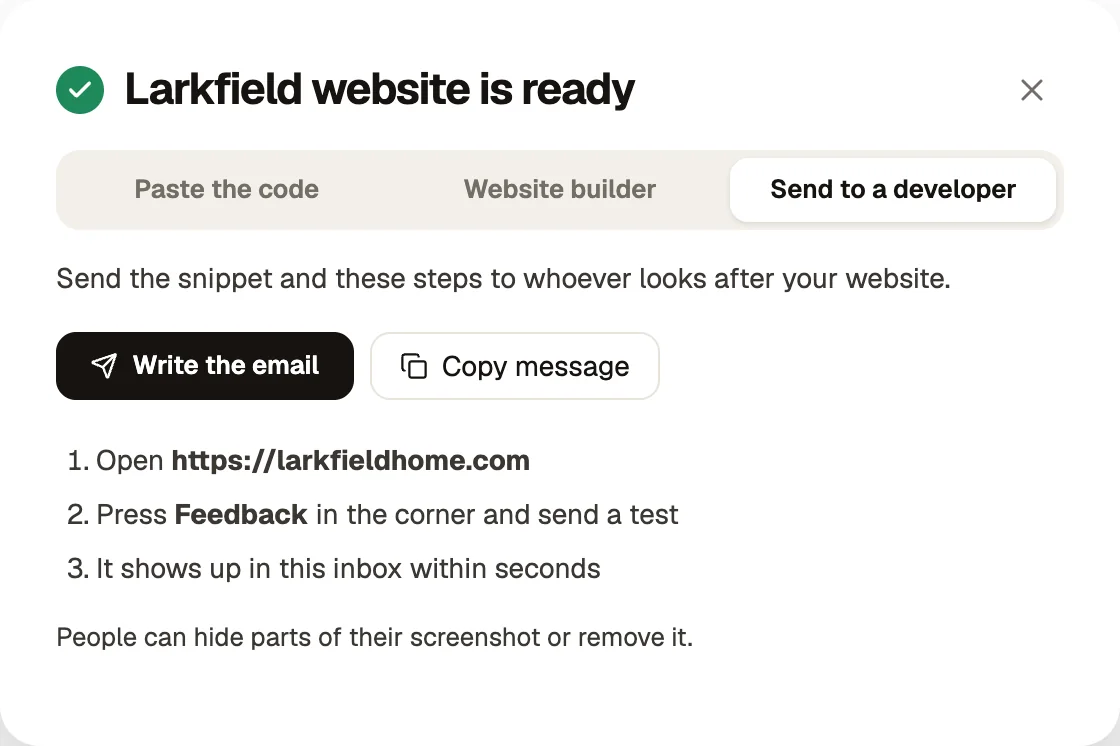
- Setup in minutes, or send the instructions to your developer in one step.
- One flat price. Pro is $19 a month for up to three people; Team is $49 a month with unlimited teammates.