Using Google Forms or Typeform for bug reports
A form tool is a quick, free way to start collecting bug reports, and it works for some teams. Where forms fall short for bugs, how to design one that gets useful answers, and the signs it’s time to move to in-product reporting.
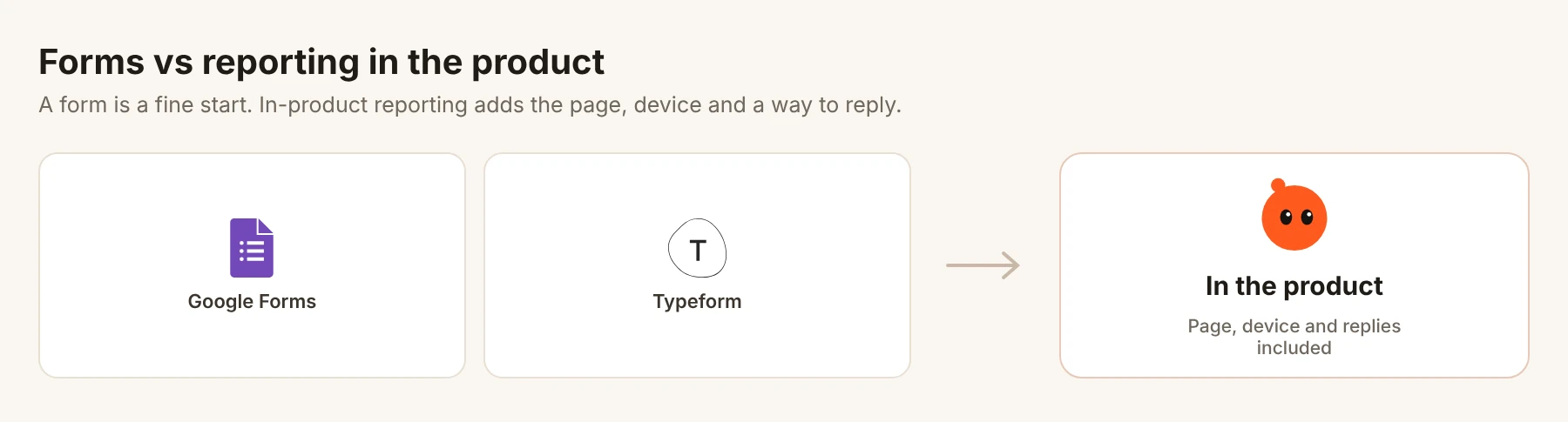
Short answer: yes, for a start. A Google Form or Typeform costs nothing and takes ten minutes. It works best for beta testers, internal tools and small groups who are willing to fill in several fields. For customers, forms fall short: people leave your product to fill them in, they can’t easily show what they saw, and you can’t reply inside the form. Design it carefully if you use one, and watch for the signs you’ve outgrown it.
Where a form works well
| Situation | Why a form is fine |
|---|---|
| A beta with 20 to 100 testers | Testers expect to fill in details and are motivated to help |
| An internal tool | Colleagues will add context, and you can walk over and ask |
| A one-off survey after launch | You want the same questions answered by everyone |
| Before you have a product to embed in | A form linked from a landing page or email |
Where forms fall short for bugs
- People leave the moment. Opening a form in a new tab means they stop looking at the problem and try to remember it.
- Screenshots are extra work. They have to take one, find it, and upload it. Most don’t.
- Technical details are guesses. “Which browser?” gets “Google” and “the normal one”.
- Every field costs answers. Each extra required question loses some people.
- No conversation. You can’t ask a follow-up or reply inside the form. You need their email and a separate thread.
- No grouping. Every response is its own row, so repeats are hard to see.
If you use a form, design it well
- 1
Ask what happened first
“What went wrong?” as a large, required text field. Everything else is optional.
- 2
Ask what they expected
Often the most useful answer. It shows whether it is a bug or a misunderstanding.
- 3
Make the page a choice, not a guess
A dropdown of your main pages or screens, plus “Other”.
- 4
Pre-fill what you can
Both tools support pre-filled links. Add the page and account to the link from inside your product, so people don’t type them.
- 5
Make the screenshot optional
Allow upload, but don’t require it.
- 6
Ask for contact details last
And say why: “So we can tell you when it’s fixed.”
A template you can copy
| Question | Type | Required |
|---|---|---|
| What went wrong? | Long text | Yes |
| What did you expect to happen? | Long text | No |
| Where were you? | Dropdown of pages or screens | No |
| What were you using? | Choice: phone, tablet, computer | No |
| Screenshot | File upload | No |
| Email, so we can tell you when it’s fixed | Short text | No |
Signs you’ve outgrown the form
- You reply to most responses asking for the browser, page or a screenshot.
- People report bugs by email or in reviews instead of using the form.
- You can’t tell how many people hit the same problem.
- You want to reply to people and the conversation moves to email, where it gets lost.
- You launched an app, and the form doesn’t fit inside it.
A worked example
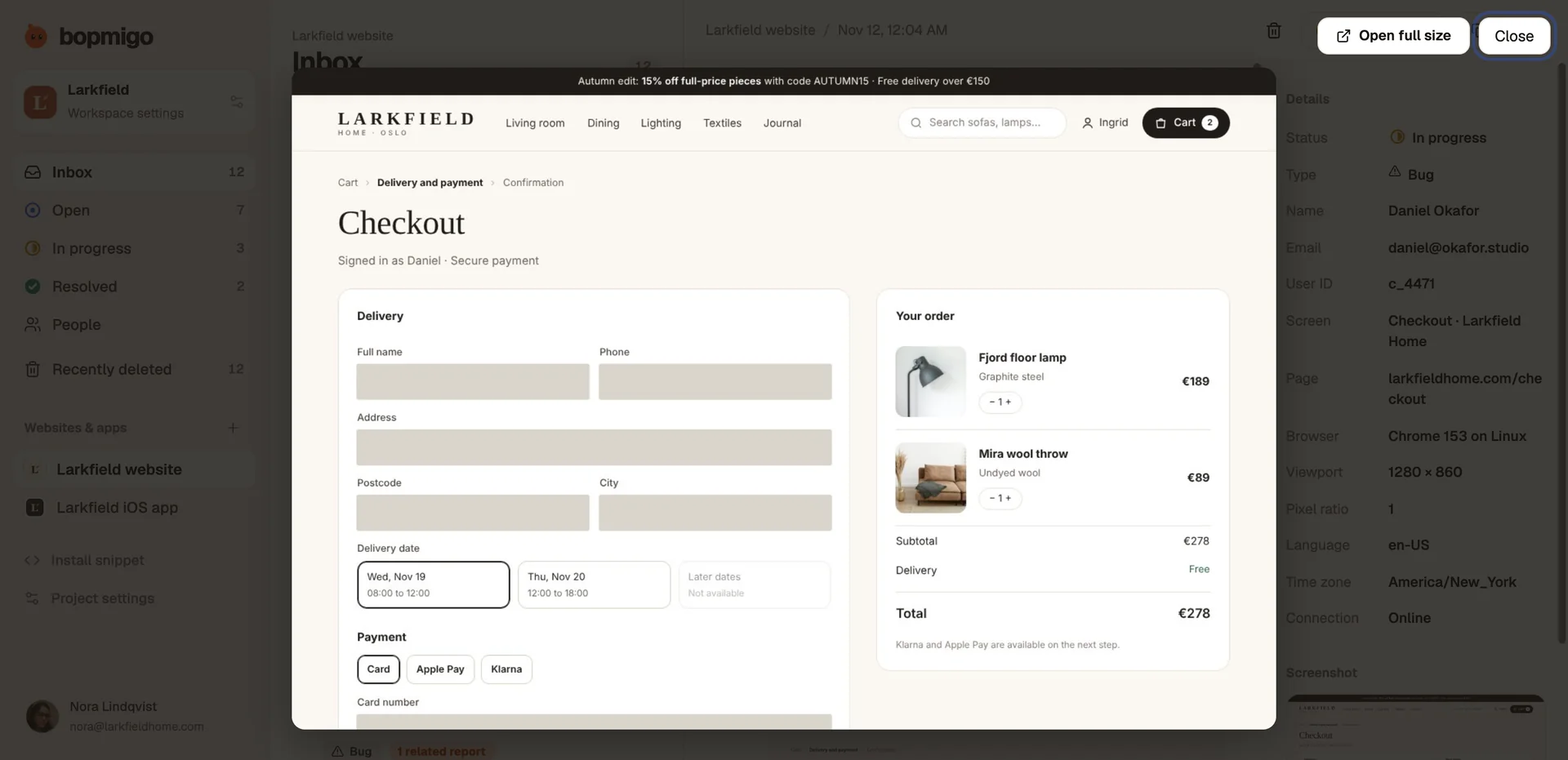
Picture a two-person team running a closed beta of a budgeting app, with a Google Form linked from the app’s menu. Sixty testers send 140 responses in a month. Many need a follow-up email asking which screen or which phone, and some of those never get answered. Few responses include a screenshot, because taking one, finding it and uploading it is extra work. In-app reporting removes most of those steps, because the screen and device come with the report.
Move from a form to in-product reporting
- 1
Keep the form running for a week
So nobody who bookmarked it is stranded.
- 2
Add in-product reporting where people get stuck
Your help menu, settings and error screens.
- 3
Point the form to the new route
Replace the form with a short note: “Report from inside the app now. It sends us your screen automatically.”
- 4
Bring open items across
Anything unresolved in the form responses goes into the new list, so nobody waits twice.
Common questions
Is Google Forms or Typeform better for bug reports?
Google Forms is free and simple, and sends responses to a sheet. Typeform feels friendlier and shows a single question on each screen, which can help completion. Both share the same limits for bug reports.
Can I embed a form in my product?
Yes, as a link or an embedded frame. It still won’t capture the screen or device by itself.
What about privacy?
Ask only what you need, avoid collecting card or health details in free-text fields, and tell people how you use their email.
More on this: should you build your own feedback widget? and feedback widget vs contact form.
How Bopmigo compares
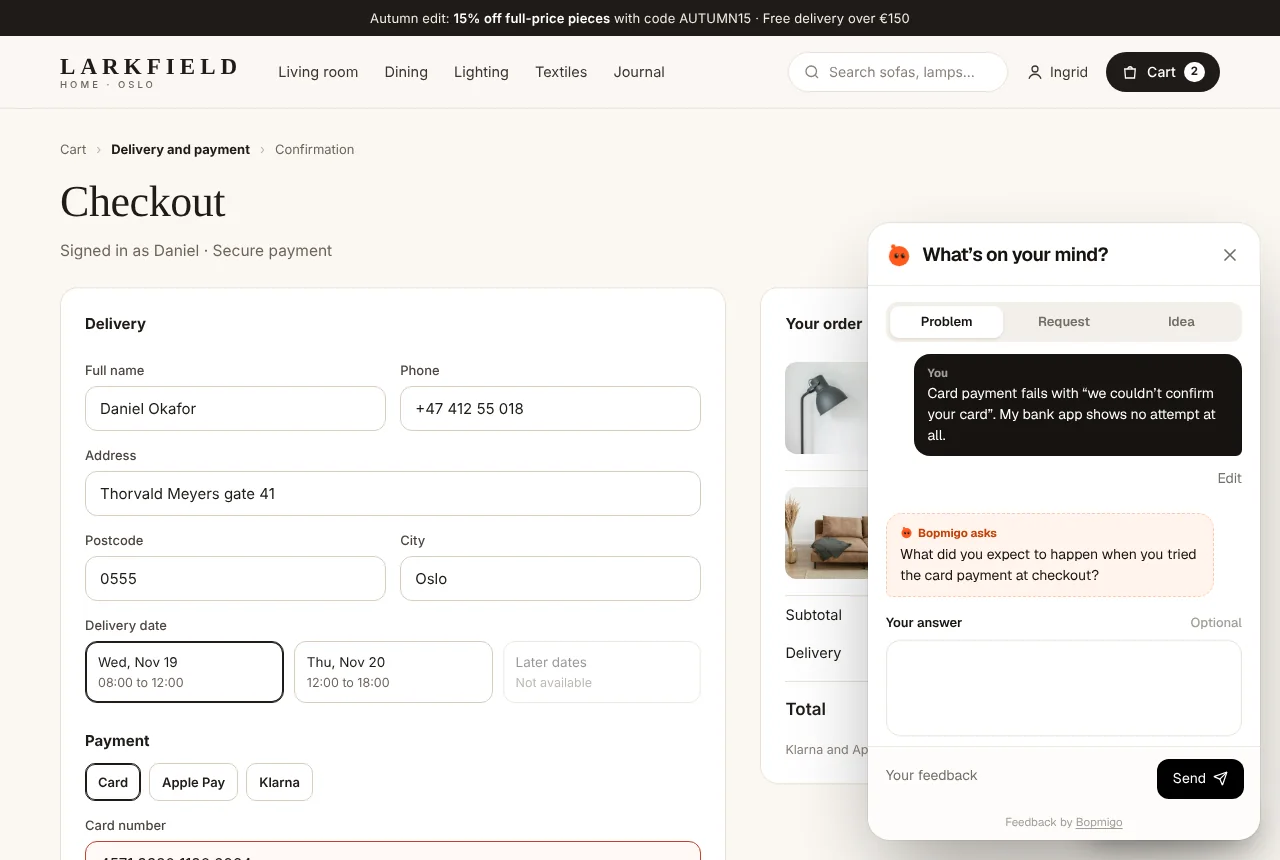
Bopmigo is built for exactly what a form struggles with. People report without leaving the page or app. The screenshot, page, browser and device are captured for them, so they only write what happened. If something important is missing, a short follow-up appears straight away. Reports about the same problem are grouped, and you reply in the same place. It works on websites, iPhone apps and Flutter apps on every plan, and takes minutes to add.