Finding out why customers cancel, before and after they leave
Exit surveys catch a few reasons at the door. Earlier feedback can reveal problems a cancellation answer misses. How to hear about it in time.
Short answer: ask at cancellation, but don’t rely on it. A cancellation answer may miss problems someone encountered earlier. Give them an easy way to tell you while they’re using the product, reply quickly, and look at what people reported before cancelling.
Three places to listen
| When | How | What you learn |
|---|---|---|
| While they use it | A Feedback button on every screen | The problem, the page, at the moment it happens |
| When they stop using it | A short personal email after a quiet week | Whether something blocked them |
| At cancellation | One optional question on the cancel screen | The reason they give on the way out |
Make the cancel question useful
- Offer a handful of reasons plus a free text box.
- Keep it optional; forced answers are mostly noise.
- Reply to every written answer personally. Some customers come back.
Catch it earlier with Bopmigo
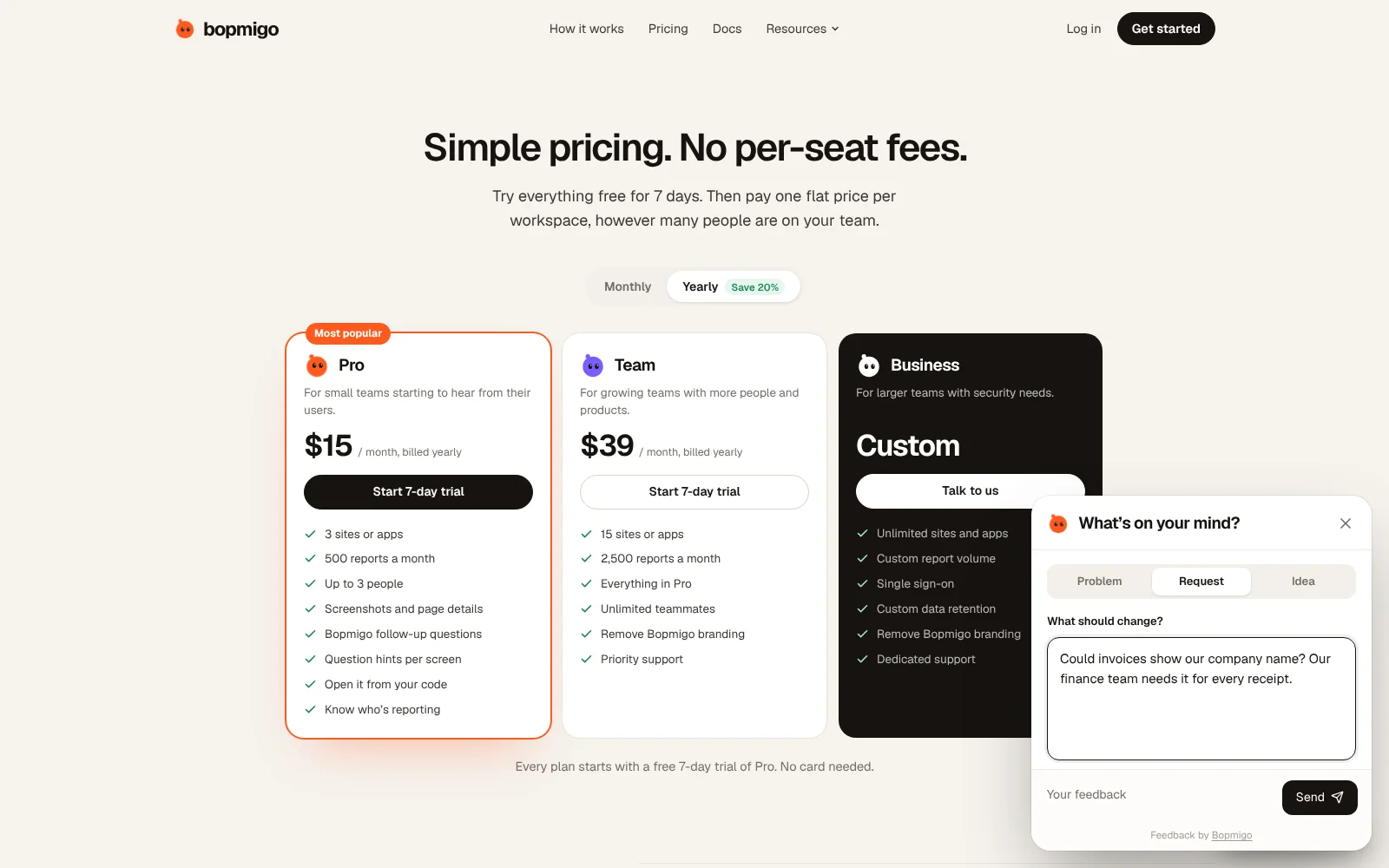
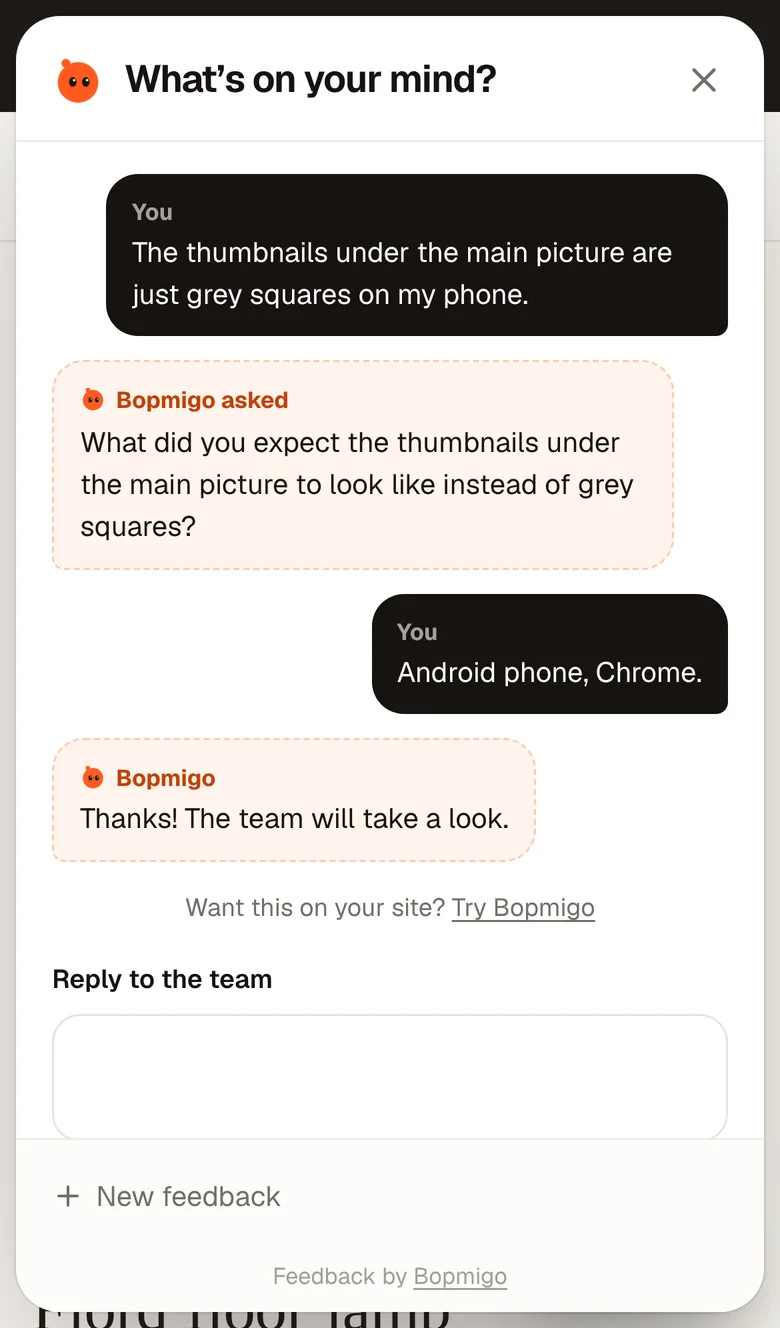
A report sent while someone is stuck tells you more than a cancellation note sent after they gave up. Bopmigo adds a Feedback button to your web app, iPhone app or Flutter app, asks a short follow-up when something is missing, and lets you reply where they reported.
See also: feedback from your first users · why users don’t report bugs