How to get feedback from your first users, from day one
Why early users leave without telling you, what to ask them, and how to hear from them inside the product so you build what they need instead of building in silence.
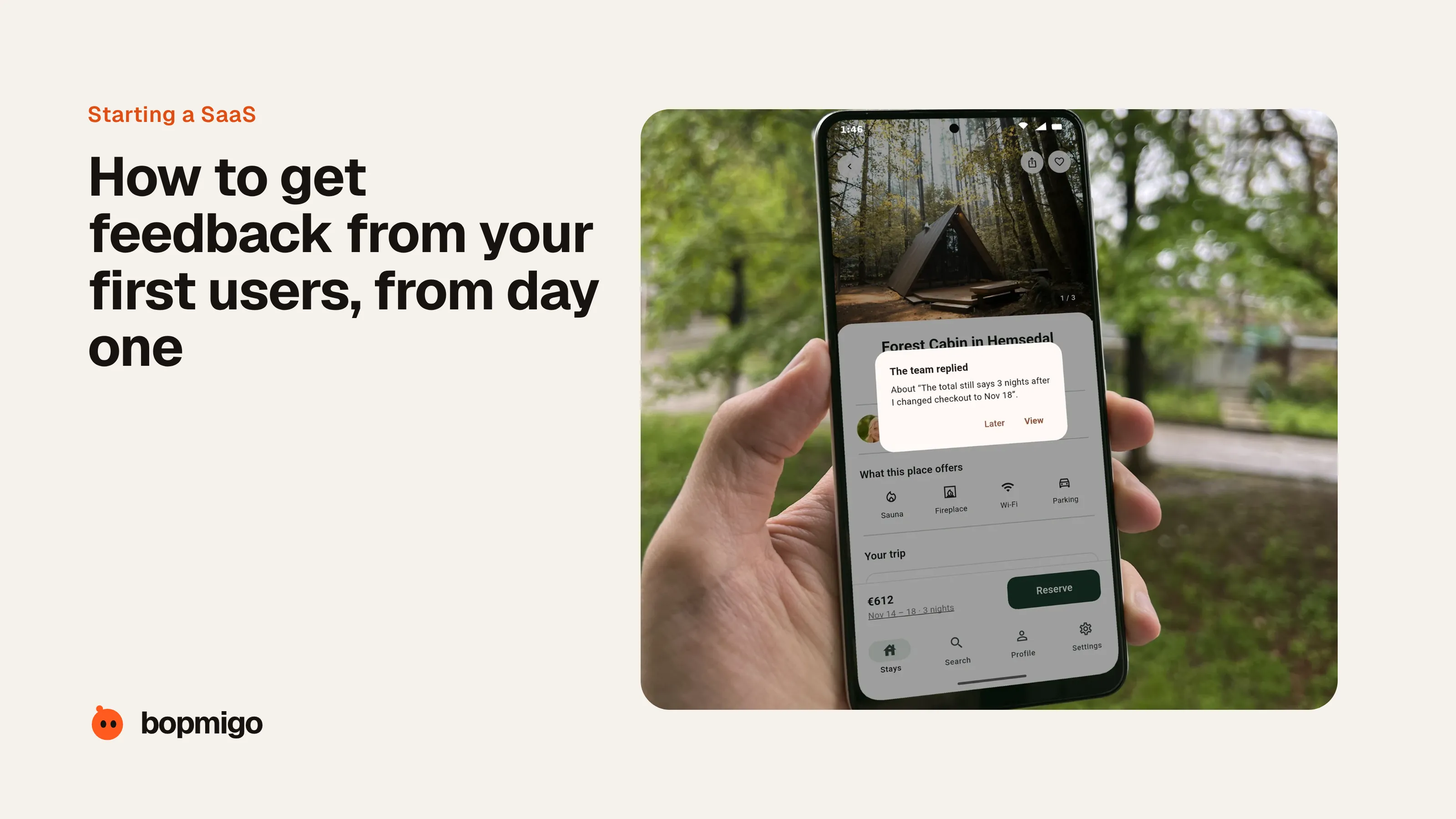
Short answer: put a feedback button inside the product before launch, and make it easy to report a problem, ask for something, or share an idea in a line. Reply to every message. Early users rarely email you; they leave quietly when something confuses or breaks. Hearing from them where it happens is how you learn what to fix and what to build next.
Why early users go quiet
- They hit a problem and leave. Writing an email takes more effort than closing the tab.
- They don’t know you’d listen. A new product feels like a company, not a person.
- They aren’t sure it’s a bug. “Maybe I did something wrong” stops many reports.
- They want something small. “I’d use this if it had X” rarely gets written down unless it’s easy to say.
Cold email and surveys help, but they reach people after the moment has passed. The most useful feedback arrives while someone is looking at the problem.
What to ask, and when
| Moment | What to ask | Why |
|---|---|---|
| Right after sign-up | What made you try this today? | Tells you which message and channel work |
| When they get stuck | What were you trying to do? | Shows the gap between your design and their goal |
| After the first success | What would make this part of your week? | Points to the next feature worth building |
| When they cancel | What should we have done differently? | The most honest answer you’ll get |
How Bopmigo helps
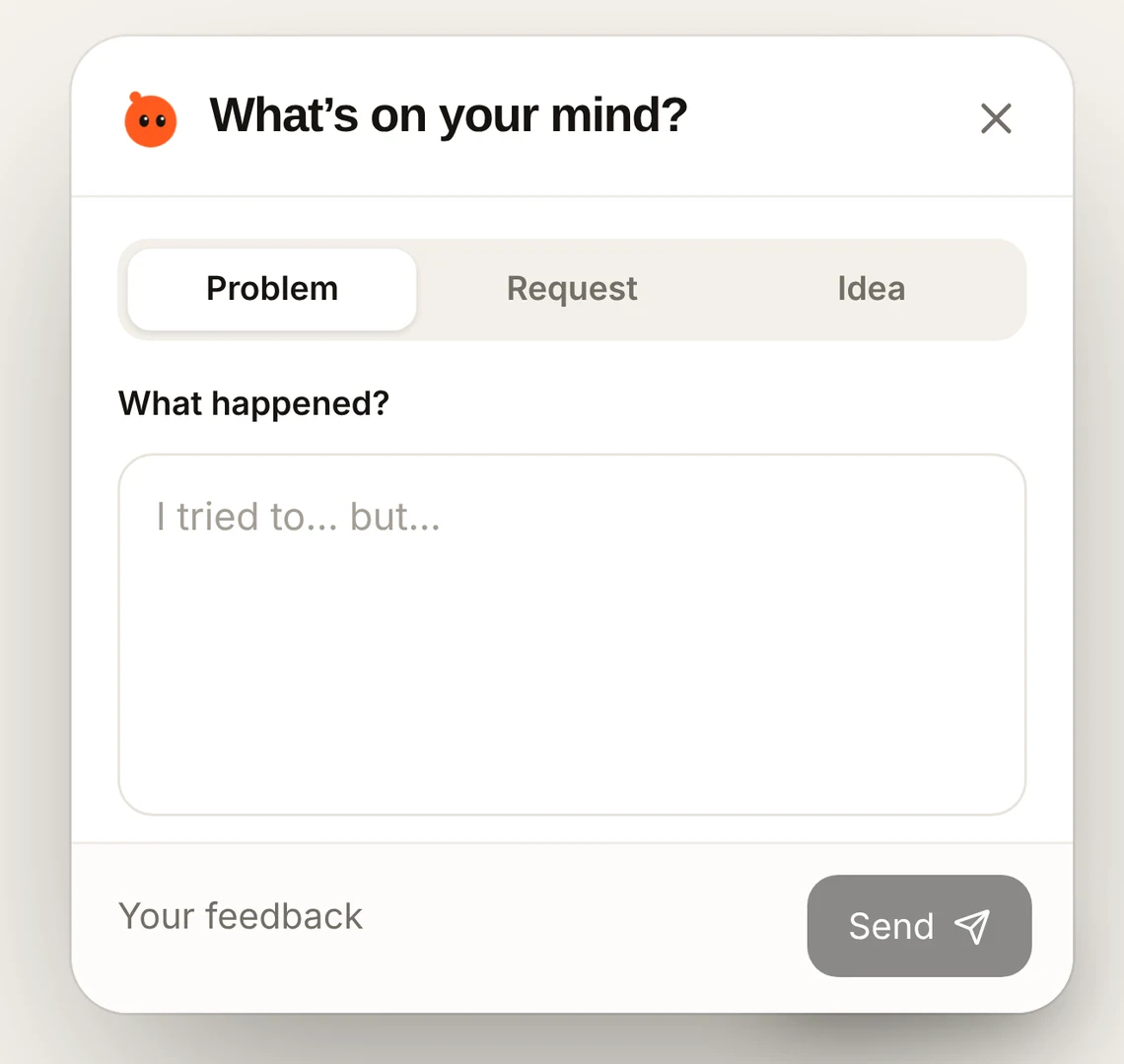
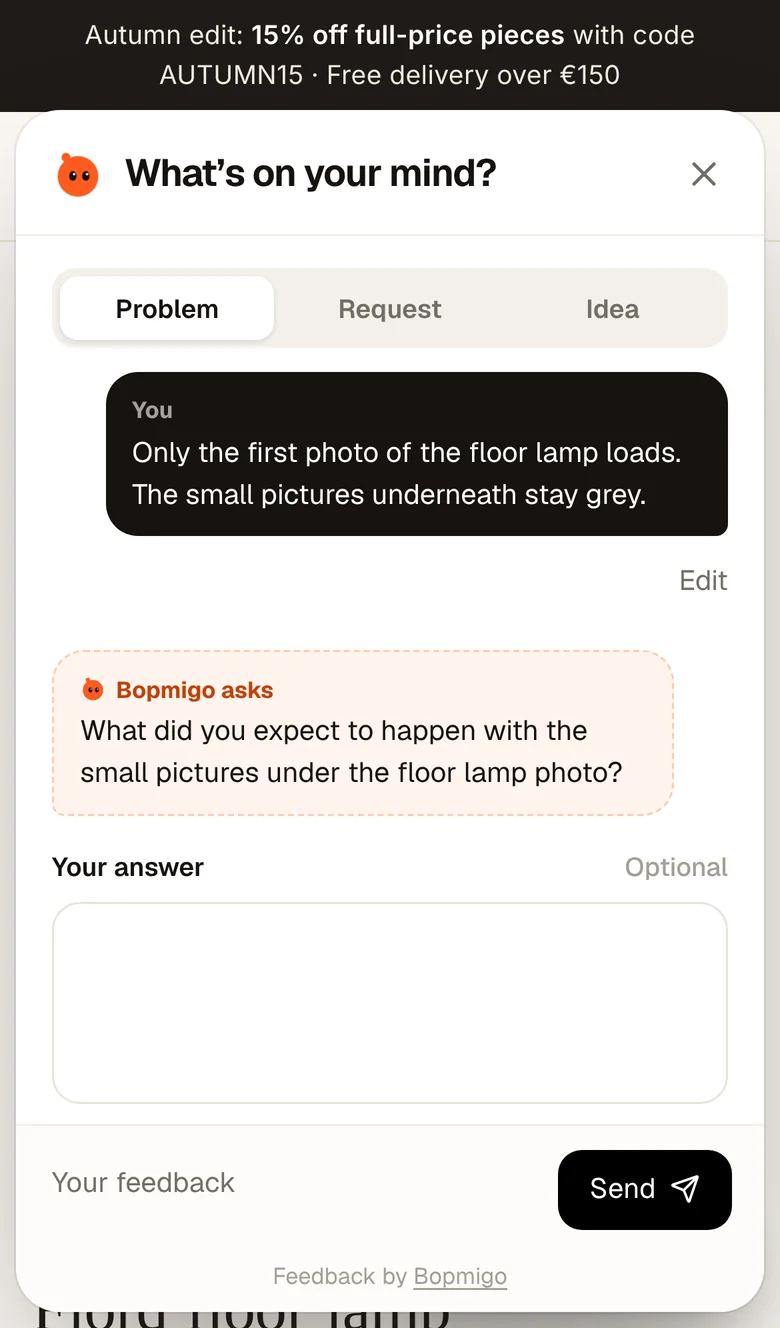
Bopmigo adds a Feedback button to your website, web app, iPhone app or Flutter app in minutes, without spending your week on code. People pick Problem, Request or Idea and write a line. If something important is missing, Bopmigo asks a short follow-up, so a vague “it’s broken” arrives as a report you can act on, with the page or screen it happened on.
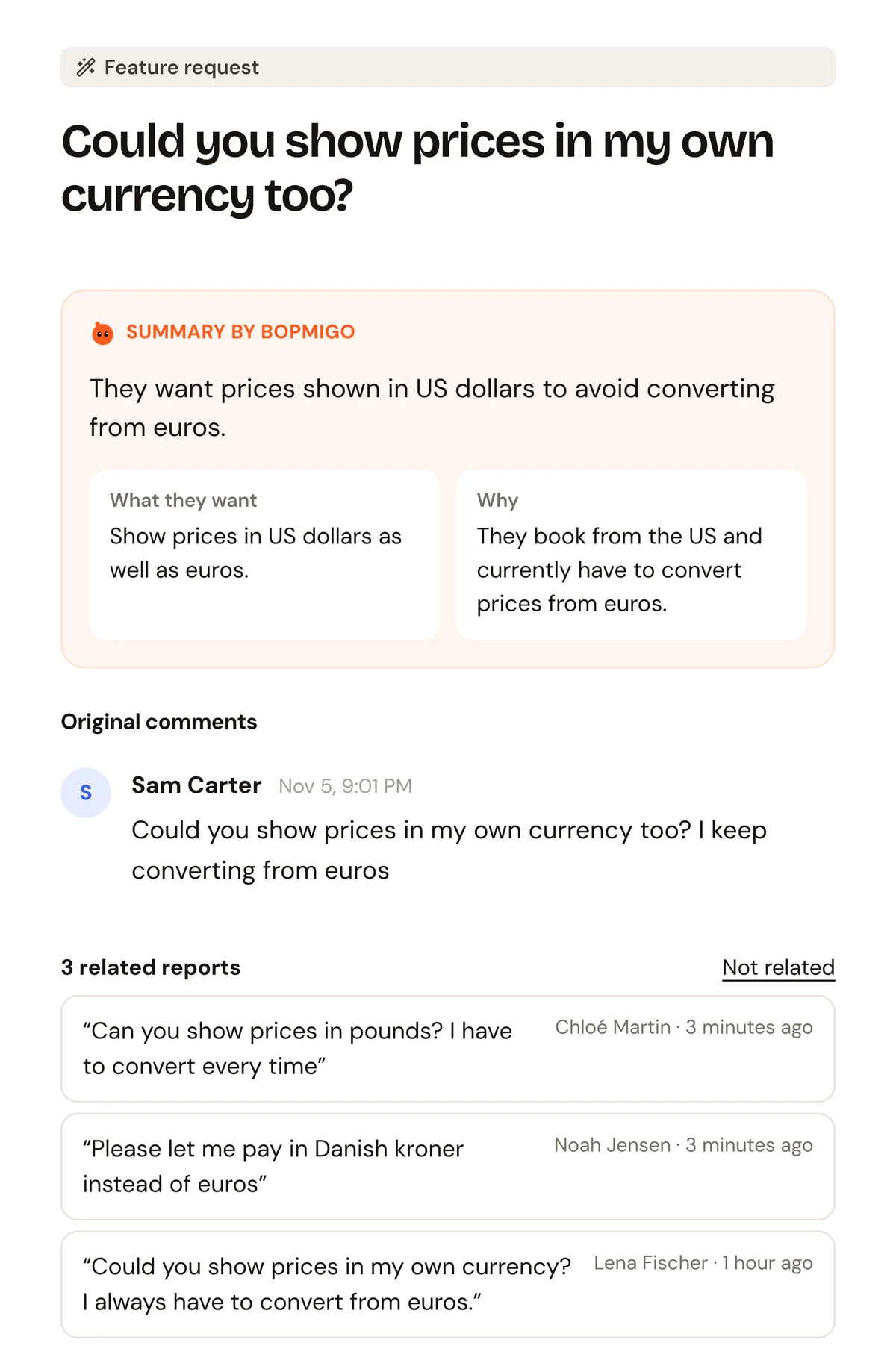
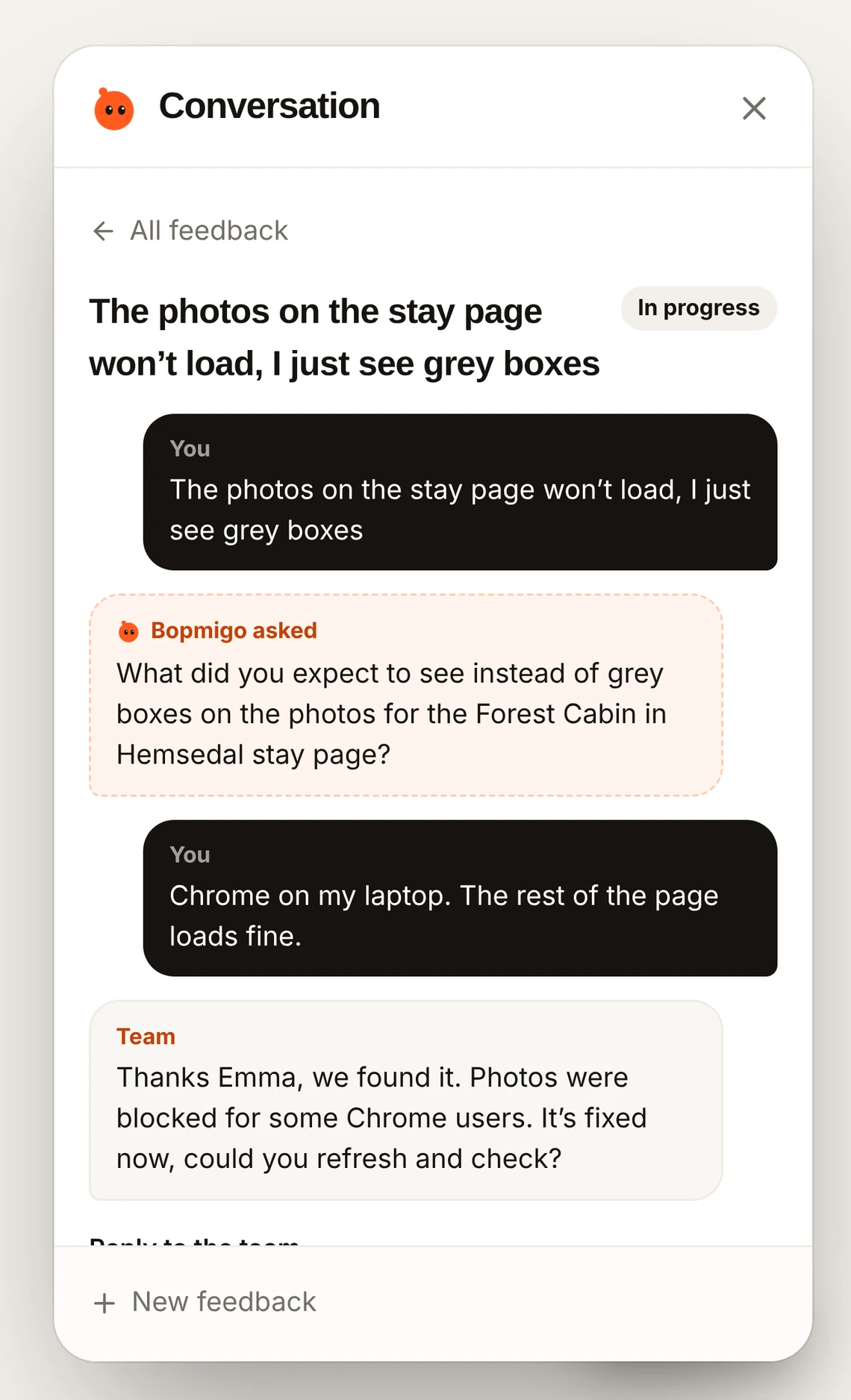
- Talk with your users: reply in Bopmigo and they see your answer where they reported. You can also message the people using your site.
- Know what to build: requests about the same thing are grouped, so you see what people ask for most instead of guessing.
- Reports by email, or email only: get each report in your inbox, or keep nothing in Bopmigo at all.
- Keep using it after launch: the same button keeps working as you grow, on every plan.
Questions
Isn’t a survey enough?
Surveys answer the questions you thought to ask. A feedback button catches the ones you didn’t, at the moment they happen.
Will a feedback button annoy people?
Not if it waits to be opened. Bopmigo only asks a short follow-up when something important is missing, and it can be skipped.
Does this work in a mobile app?
Yes, in iPhone apps and Flutter apps on iPhone and Android. Testers can report right after taking a screenshot.