Getting feedback from users who never reply
Most users ignore surveys and feedback emails. How to reach the quiet majority: ask in the moment, ask less, make it a sentence, and answer what you get.
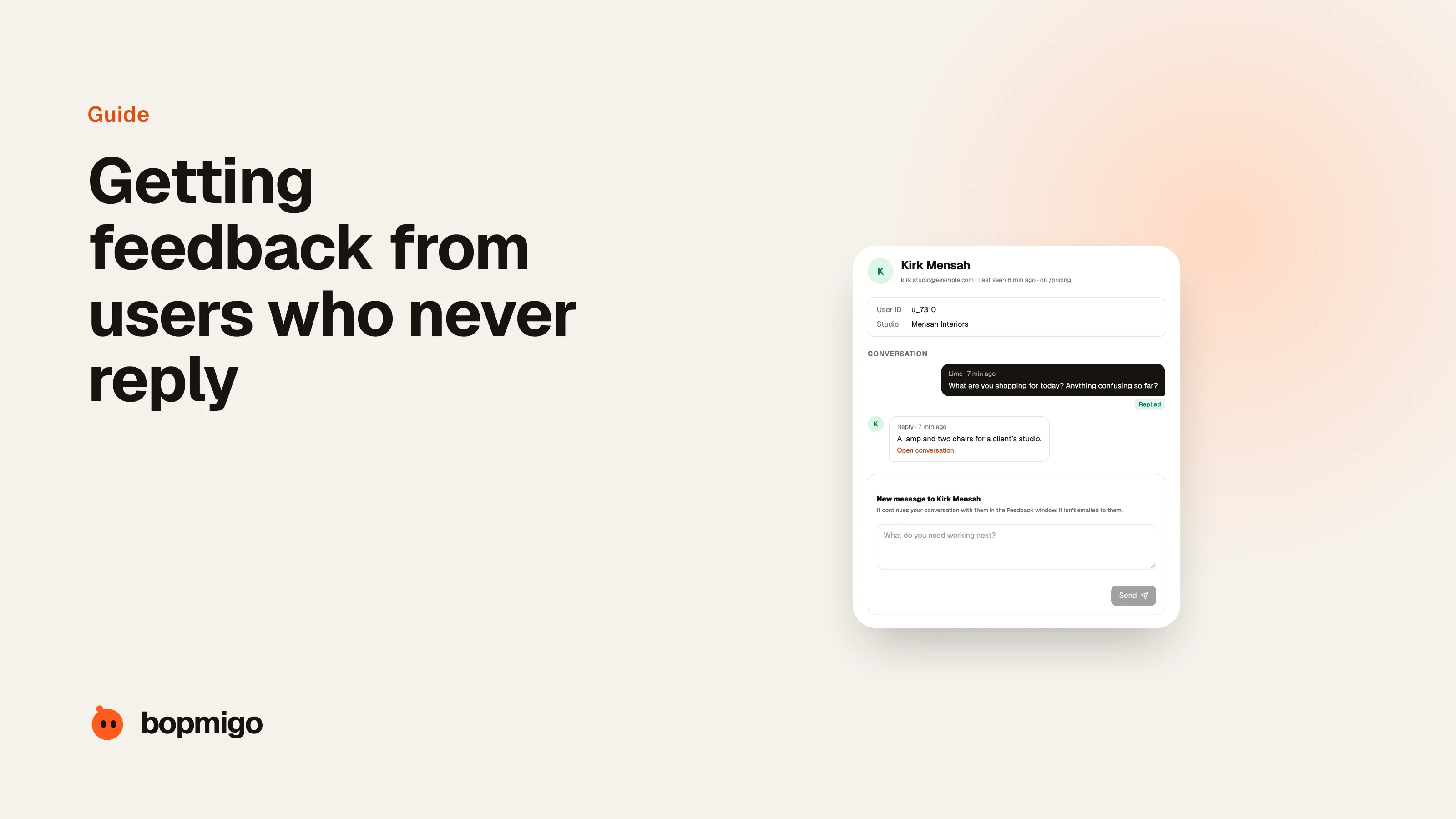
Short answer: stop asking quiet users to come to you. Ask inside the product at the moment something happens, ask for a sentence instead of a survey, capture the details for them, and answer every report. People who ignore a survey email will often tell you about a problem if they can do it in ten seconds without leaving the screen.
A founder in our research with apps used by about 15,000 people a month said he barely received any feedback, while a much smaller app of his got feedback almost daily. The difference he described was how easy and how visible the way to give feedback was.
Why surveys and emails get ignored
- They arrive when the person isn’t thinking about your product.
- They ask for too much: ratings, scales, several open questions.
- They feel like they benefit you, not the user.
- There’s no sign anyone reads the answers.
What works with quiet users
| Instead of | Try |
|---|---|
| A survey email a week later | A feedback option on the screen, available any time |
| Ten questions | Problem, Request or Idea, then a line |
| Asking them to describe their setup | Capturing the page, device and screenshot automatically |
| “Thanks for your feedback” auto-replies | A real reply, ideally where they sent it |
| Asking everyone at once | Asking after specific moments: an error, a new feature, a second visit |
Moments when quiet users do talk
- When something breaks. Frustration is motivating. Make it easy to report right then.
- When they try something new. After a new feature, a light “how was that?” gets answers.
- When they take a screenshot. In apps, a screenshot often means “I want to show someone this”. Offer to send it to you.
- When you’ve just helped them. People who got a good answer are usually happy to answer a quick question back.
Show that feedback leads somewhere
Quiet users become talkative users when they see results. Reply to reports, mention fixes in release notes with thanks, and tell individual people when the thing they reported is fixed. Each visible fix makes the next report more likely.
How much feedback to expect
Even with a good in-app option, most users will never report anything, and that’s fine. What matters is that people who hit a problem can tell you easily. A useful signal: if you have thousands of active users and receive almost no reports, the way to report is too hard to find or too slow, not your product perfect.
Five small changes that increase feedback
- 1
Move the option where people are
From a contact page to every screen, the app menu or settings.
- 2
Shorten it to a sentence
Remove required categories, ratings and email fields for signed-in users.
- 3
Offer it after errors
An error message with “tell us what happened” next to it gets reports you’d never see otherwise.
- 4
Reply visibly
Replies inside the product show that someone reads them.
- 5
Close the loop in release notes
“Fixed the export bug that several of you reported. Thank you.” Public thanks invites more reports.
Asking quiet users directly
Sometimes it’s worth reaching out to specific users: your most active free users, customers who went quiet, people who tried a new feature once and never again. Keep it personal and short, and ask about their experience, not your roadmap. A question like “what almost made you stop using it?” often gets more useful answers than “what features do you want?”.
What not to do
- Don’t pop up a survey on the first visit.
- Don’t ask for a rating before people have used the product.
- Don’t send the same survey to everyone every month.
- Don’t ask for feedback and then not reply.
A worked example
Here’s how that plays out. A recipe app with about 15,000 monthly users has a “Contact us” link at the bottom of the settings page that opens an email draft. It receives two or three emails a week. The developer adds a “Something wrong?” option to the recipe screen and to the error shown when a recipe fails to load, asking for a sentence. In the first week, reports go from three to forty. Most are small, but six point to the same problem: recipes with long ingredient lists cut off on smaller phones. Nobody had emailed about it, because it didn’t feel worth an email.
Questions to ask about your own setup
- How many taps from any screen to sending you a message?
- Does sending a message mean leaving your app or site?
- Do people need to describe their device and what screen they were on?
- Do people ever see a reply, and where?
- When did you last thank someone publicly for a report?
How Bopmigo reaches quiet users
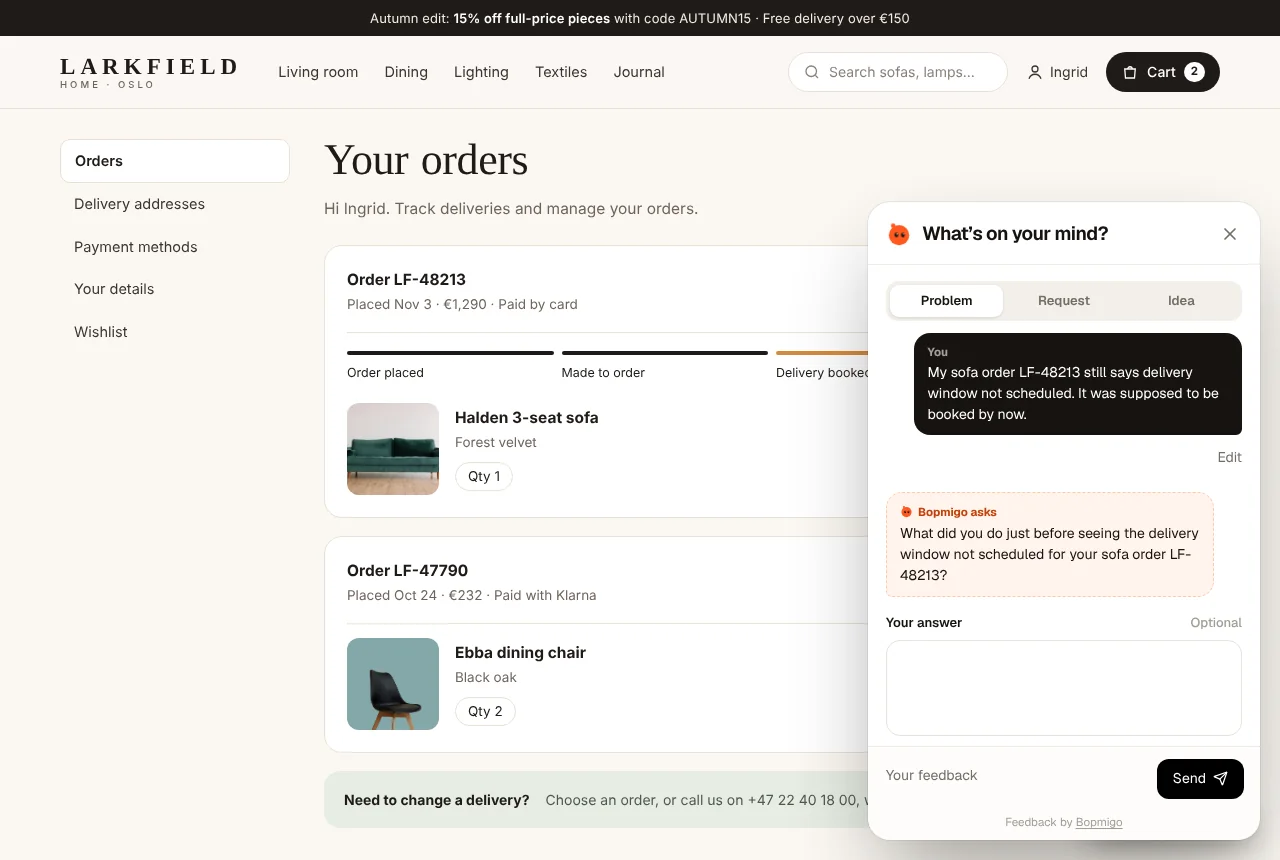
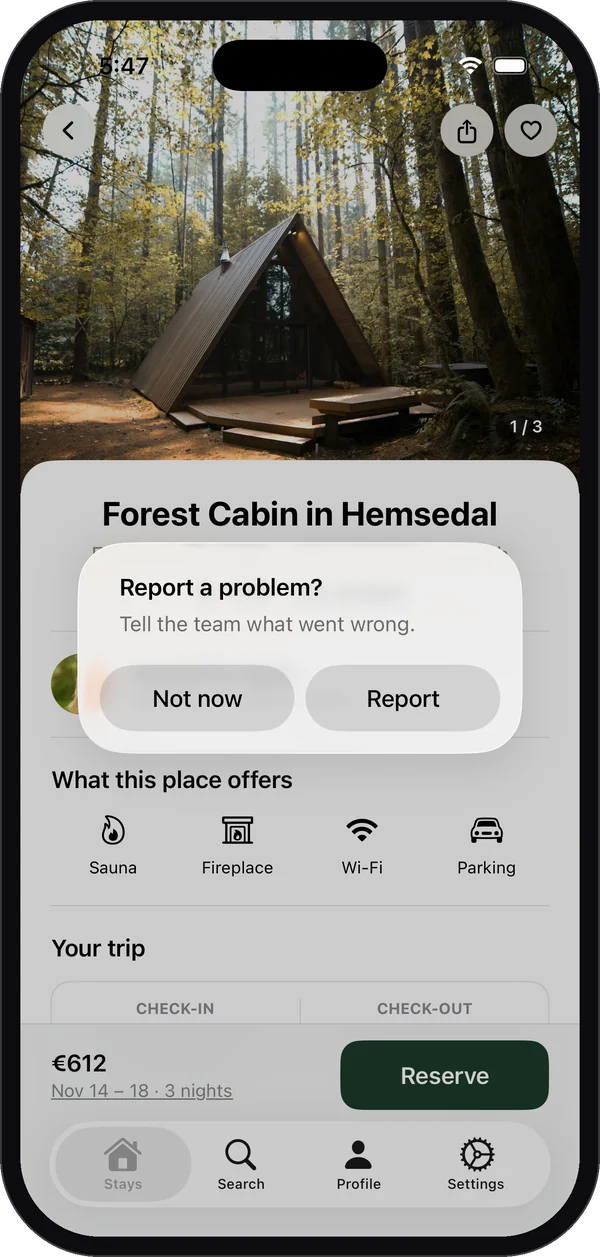
Bopmigo puts a Feedback option inside your website, web app, iPhone app or Flutter app. People write a line; Bopmigo adds the screen, device and a screenshot with private details covered, and asks a short follow-up only when something important is missing. In apps, people can report right after taking a screenshot. You can reply where people reported. On websites and web apps, you can also start a conversation with someone who is signed in.