How to ask users for feedback without annoying them
Pop-ups and surveys get ignored. Here is how to ask at the right moment, keep it short, and get feedback people are happy to give.
Short answer: don’t interrupt. Keep a feedback option always available, ask only at natural moments, keep it to one line, and show people their feedback led somewhere.
What annoys people
- Pop-ups the moment a page loads.
- Long surveys with required fields.
- Asking again and again.
- Asking, then never replying or changing anything.
What works
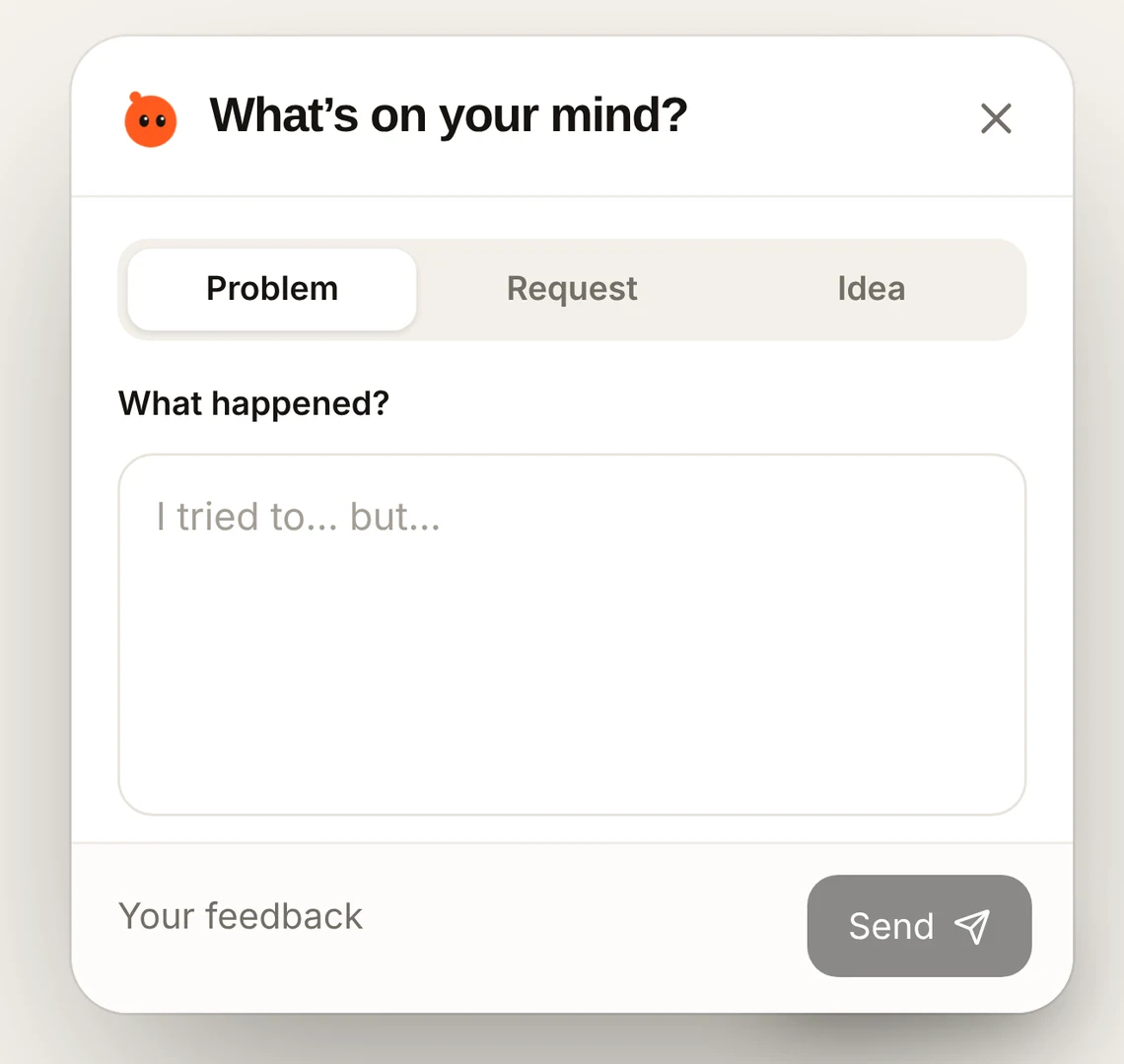
- Always there, never in the way. A small button in the corner lets people speak up when they want to.
- Ask at natural moments. After finishing a task, after a release, or right after they take a screenshot of a problem.
- One line. Let them write a sentence. Fill in the details yourself, or ask one short question if something is missing.
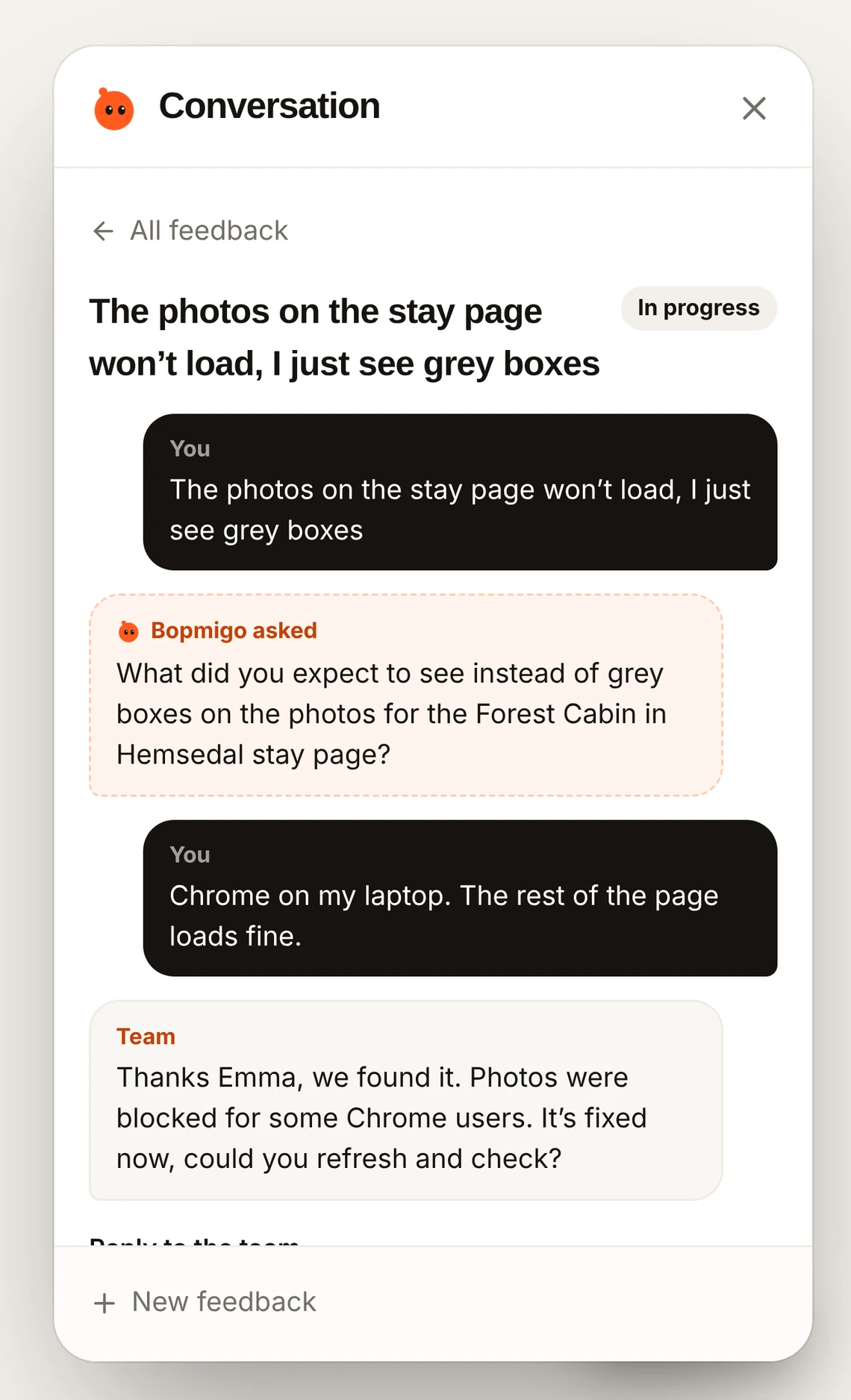
- Close the loop. Reply, and tell them when it’s fixed or shipped.
- Ask the right people. Testers and active users are glad to help. New visitors usually aren’t ready.
What to ask a new user
Ask about the task they have tried. After someone creates a first project, “What would you like to do next?” gives them a starting point. After a completed export, “Did it include what you needed?” focuses the question on a result they can assess.
If they have not used a feature, start with their goal instead of asking them to rate it. You can ask “What brought you here?” and offer help with the next step.
Choose where to ask
Ask inside the product when the task is fresh and the person can reply there. Use email when you need to reach someone who may not return, or arrange a longer conversation. Compare in-app feedback and email.
For a direct website conversation, see how to ask users for feedback.
How Bopmigo helps
Bopmigo gives you a Feedback button that stays out of the way. In iPhone and Flutter apps it can offer “Report a problem?” right after a screenshot, when people already want to tell you something. Replies appear where they reported.