How long should a free trial be? Match it to how long value takes
Seven, fourteen or thirty days? How to choose a trial length from how long people need to reach the main result, and how to tell if yours is too short or too long.
Short answer: long enough for a typical user to reach the main result your product promises, at least once, with a little room to spare. If most people get value in one session, 7 days is plenty. If they need to set things up, invite a team or wait for real data, give 14 days or more, or start the trial clock when they first use the product for real. Then check: if many people are still setting up when the trial ends, it’s too short.
One founder in our research put it simply after a stranger pointed it out: “My 7 day trial was too short for my product”. Their users needed time to see results, and the trial ended before they did.
Work it out from time to value
- 1
Define the main result
The moment a user would say “this works for me”: a first report received, a first invoice paid, a first workout logged.
- 2
Measure how long it takes
For people who reached it, how many days after sign-up? Look at the typical user, not the fastest.
- 3
Add room
People are busy. Give them a few extra days beyond the typical time.
- 4
Check the end of the trial
If many users are still active and mid-setup on the last day, extend it.
Common lengths and when they fit
| Length | Fits products where |
|---|---|
| 3 to 7 days | Value is obvious in the first session; consumer apps; simple tools |
| 14 days | Some setup is needed; small teams; results take a few days |
| 30 days | Results depend on real usage over time; integrations; several people involved |
| Usage-based | Value comes from a number of actions rather than days |
Signs your trial is the wrong length
- Too short: people ask for extensions, or are active right up to the last day without finishing setup.
- Too long: most people stop using it after a few days and the end of the trial is a surprise they ignore.
- Either: you don’t know, because you’ve never asked trial users how it’s going.
Examples
| Product | Time to first value | Sensible trial |
|---|---|---|
| Photo editing app | Minutes | 3 to 7 days |
| Feedback widget for a website | Same day | 7 days |
| Invoicing tool | When the first invoice is paid, often a week or two | 14 to 30 days |
| Team analytics tool | Once enough data has collected | 14 to 30 days, or start the clock when data arrives |
| Fitness or habit app | Days, once a routine starts | 7 days, with a strong first week |
Ways to stretch a short trial without changing it
- Start the trial when someone first uses the product for real, not at sign-up.
- Pause the trial clock while setup is waiting on them, for example while data imports.
- Offer a one-time extension to people who ask, and ask why they need it.
- Use the end of the trial to show what they achieved, which often matters more than extra days.
When to change it
Change trial length when you have evidence: people asking for more time, or activity continuing right up to the end. Don’t change it because a competitor offers a longer one. A longer trial with a weak first week converts worse than a short trial where people get value on day one.
Common mistakes
- Copying a competitor. Their time to value isn’t yours.
- Starting the clock too early. If people need an approval, a data import or a teammate before they can start, the first days are wasted.
- No reminder before the end. People forget. A reminder with what they achieved is useful, not pushy.
- Extending for everyone. Extensions help people who are close. For people who never started, a longer trial just delays the same outcome.
Questions to ask trial users halfway through
- “Have you managed to {main result} yet?”
- “Is anything slowing you down?”
- “Would a few more days help?”
Ask them inside the product or in a short personal email. The answers tell you directly whether your trial is the right length.
Ask trial users how it’s going
A short check-in halfway through the trial, and an easy way to ask questions from inside the product, tells you more than any benchmark. People who are stuck say so, and you can help them reach the result before the trial ends.
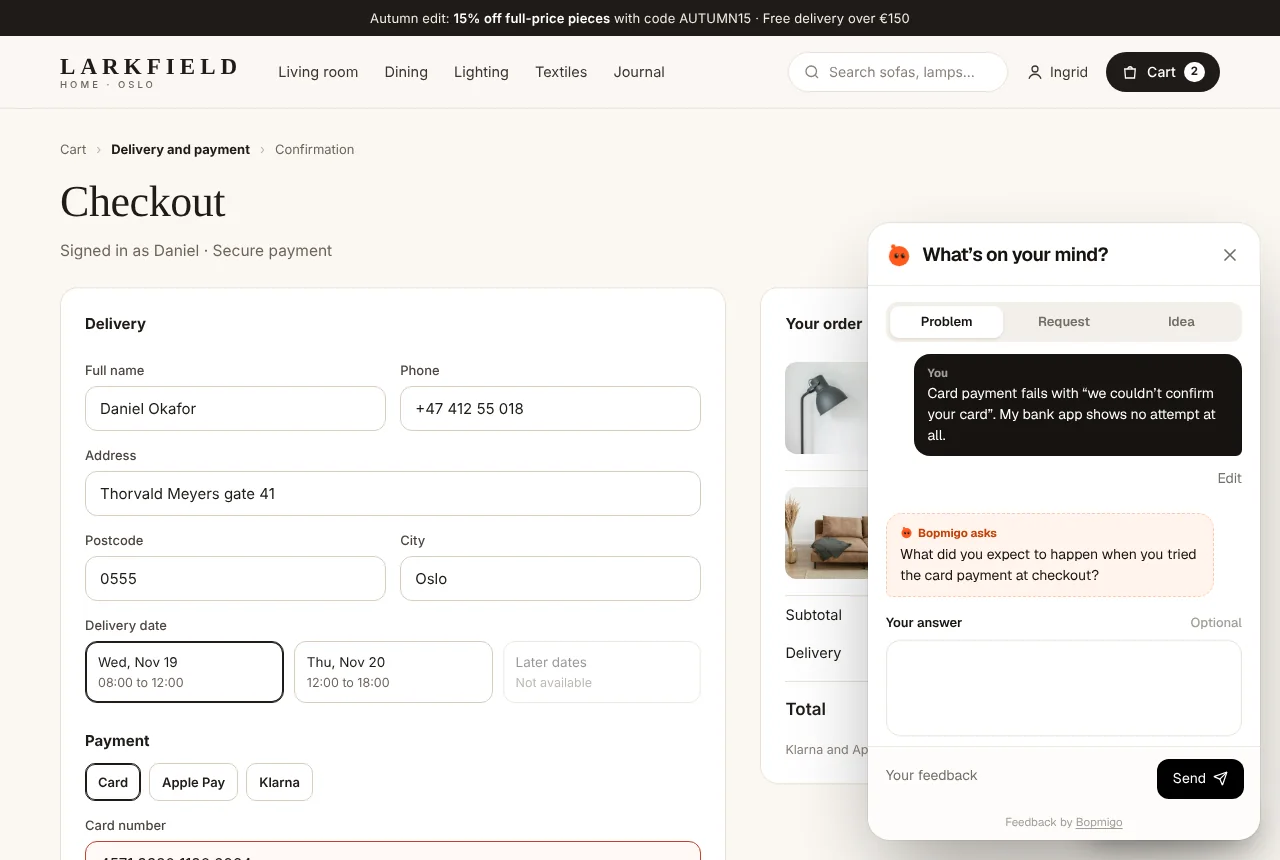
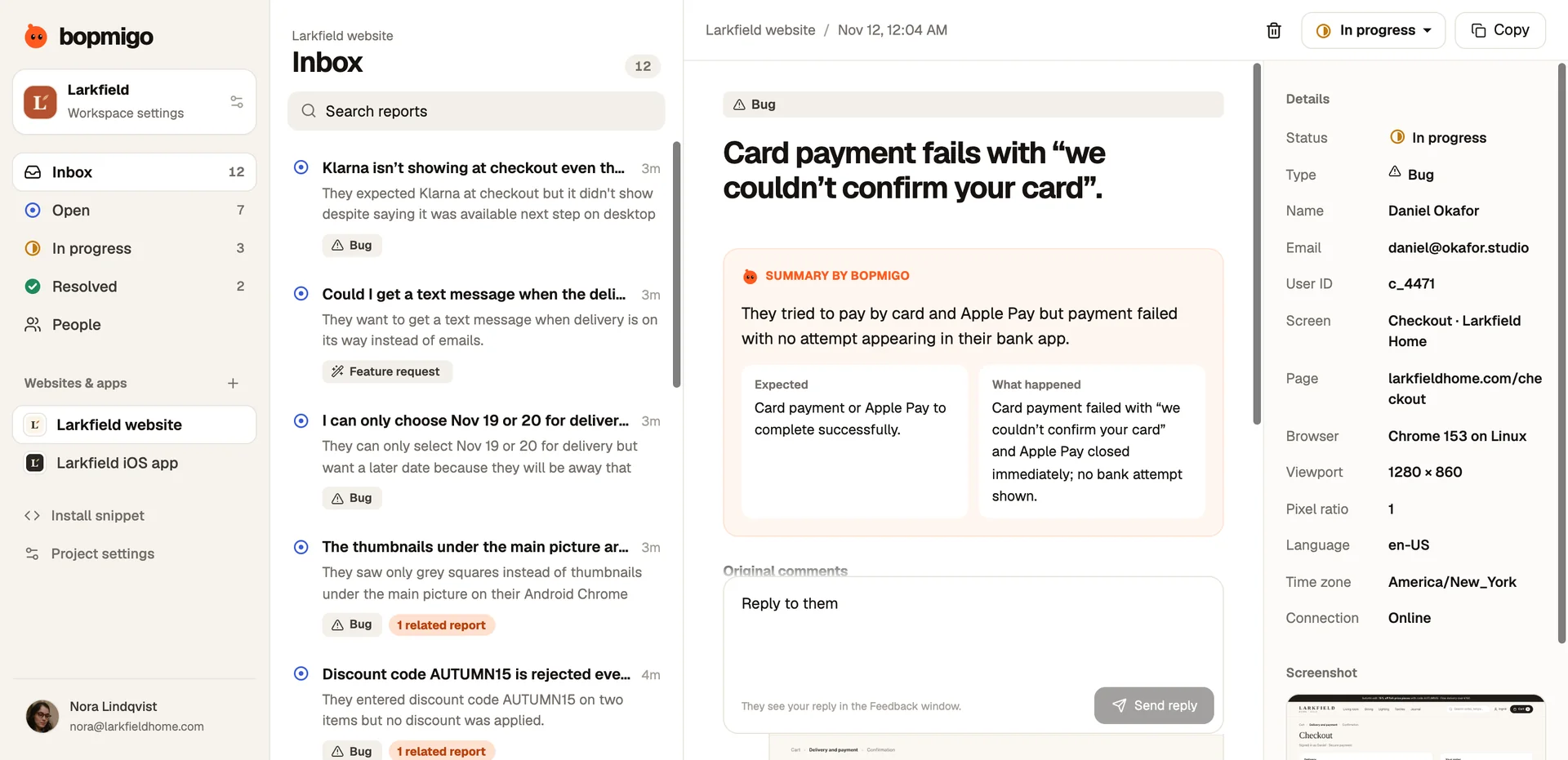
Bopmigo gives trial users a Feedback option inside your website, web app or app. They write a line about what’s confusing or missing, Bopmigo adds the screen and device and asks a short follow-up when needed, and you reply where they asked. Bopmigo’s own trial is 7 days because most people are set up in minutes and get their first report the same day.