Reviews mention a bug you can’t reproduce
When several reviews describe the same problem and it never happens for you, the difference is usually in their device, data or settings. How to find it.
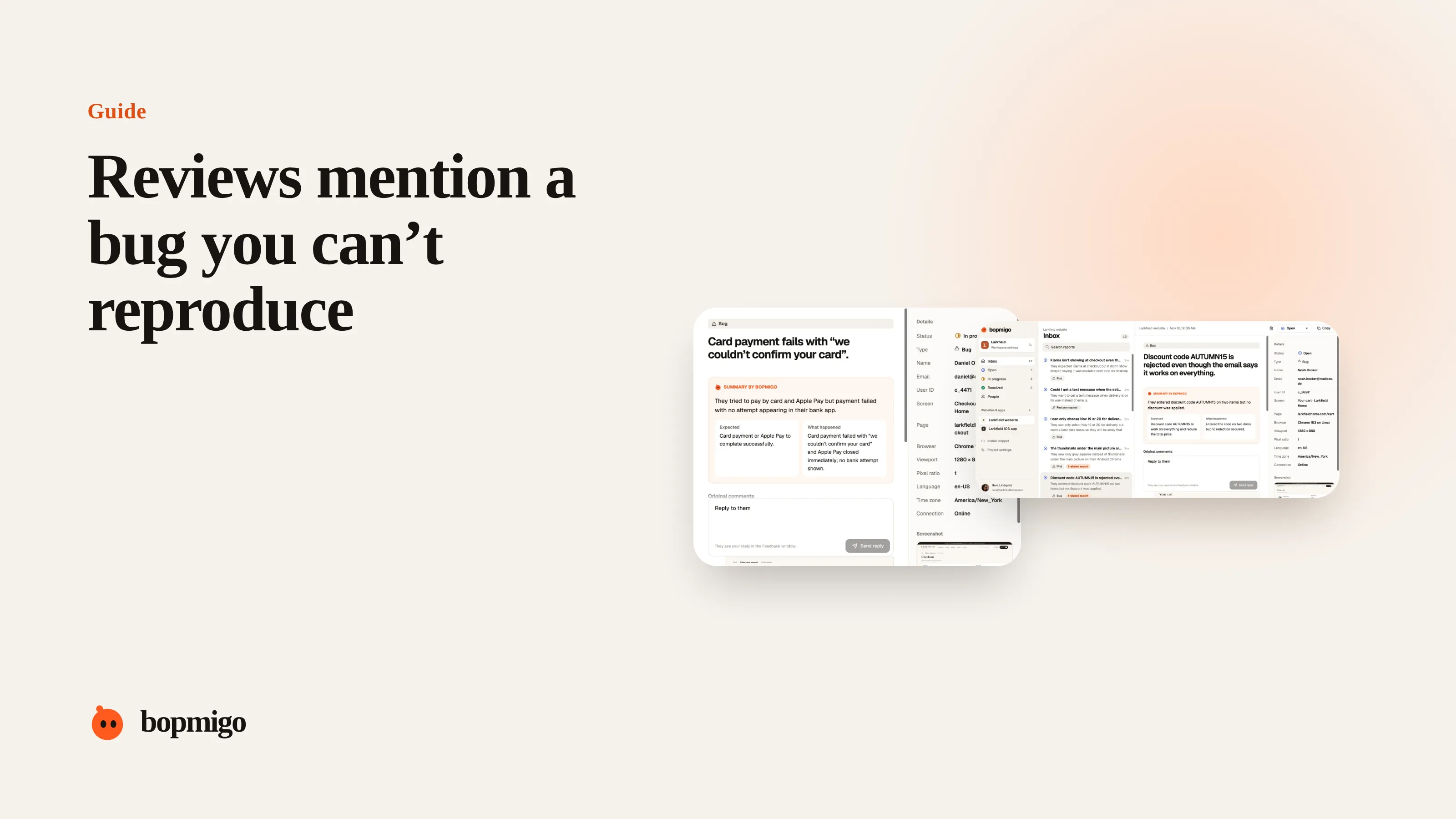
Short answer: something about their setup differs from yours: device, system version, language, region, account data, network or how they got to the screen. Collect those details from people who hit the problem, compare them, and the difference usually jumps out.
Where the difference usually is
| Difference | Example |
|---|---|
| Device or system version | Only on older iPhones, only on Android 12 |
| Language and region | Decimal commas, right-to-left text, date formats |
| Account data | Very long names, many items, an old account created before a migration |
| Network | Slow or switching connections, a VPN, a corporate firewall |
| Path | Coming from a notification or a deep link instead of the home screen |
| Settings | Large text, reduced motion, low power mode |
Collect the details you can’t get from a review
- 1
Add a feedback option to the screen in question
Ask: “Did this screen do something unexpected? What happened?”
- 2
Capture the setup automatically
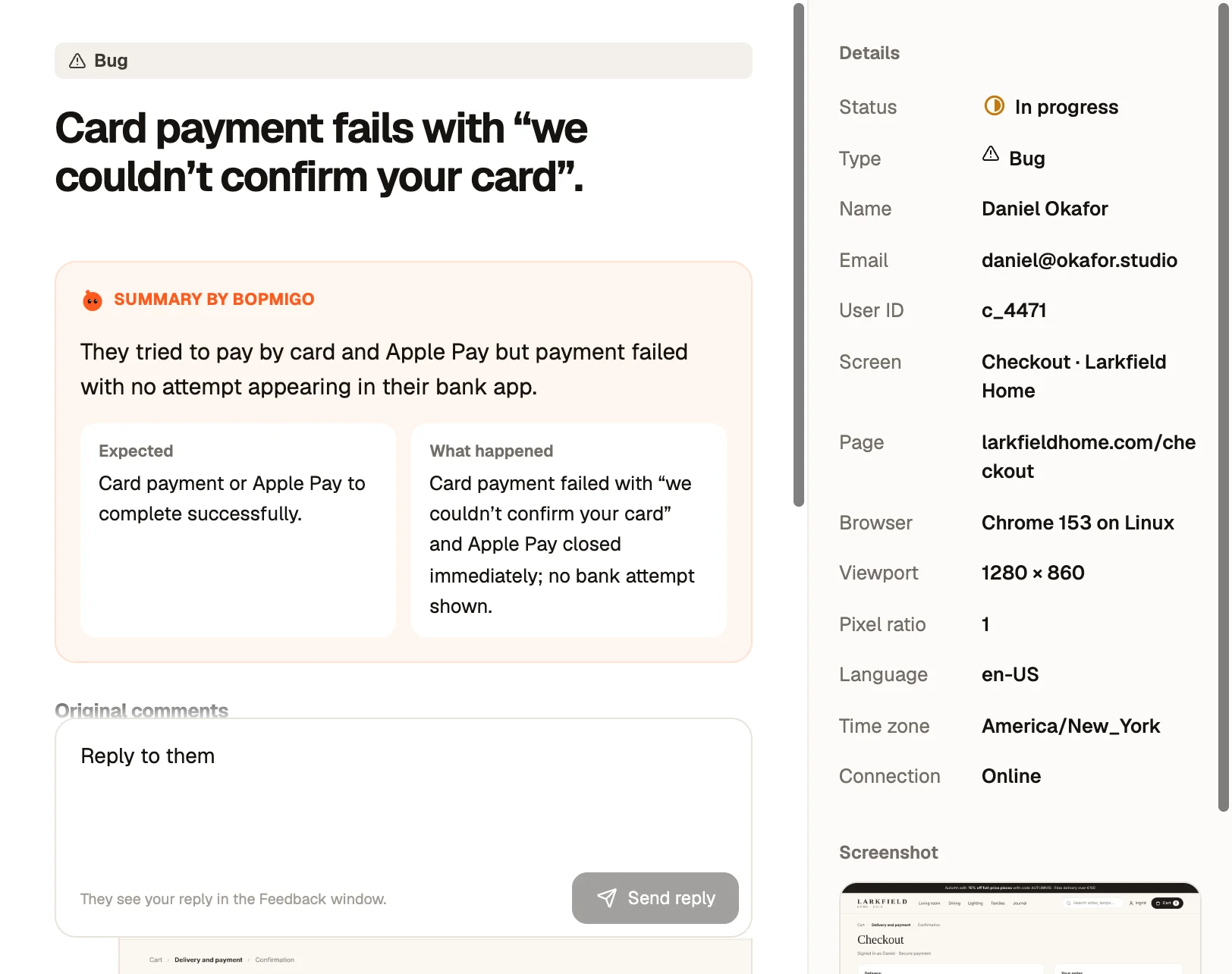
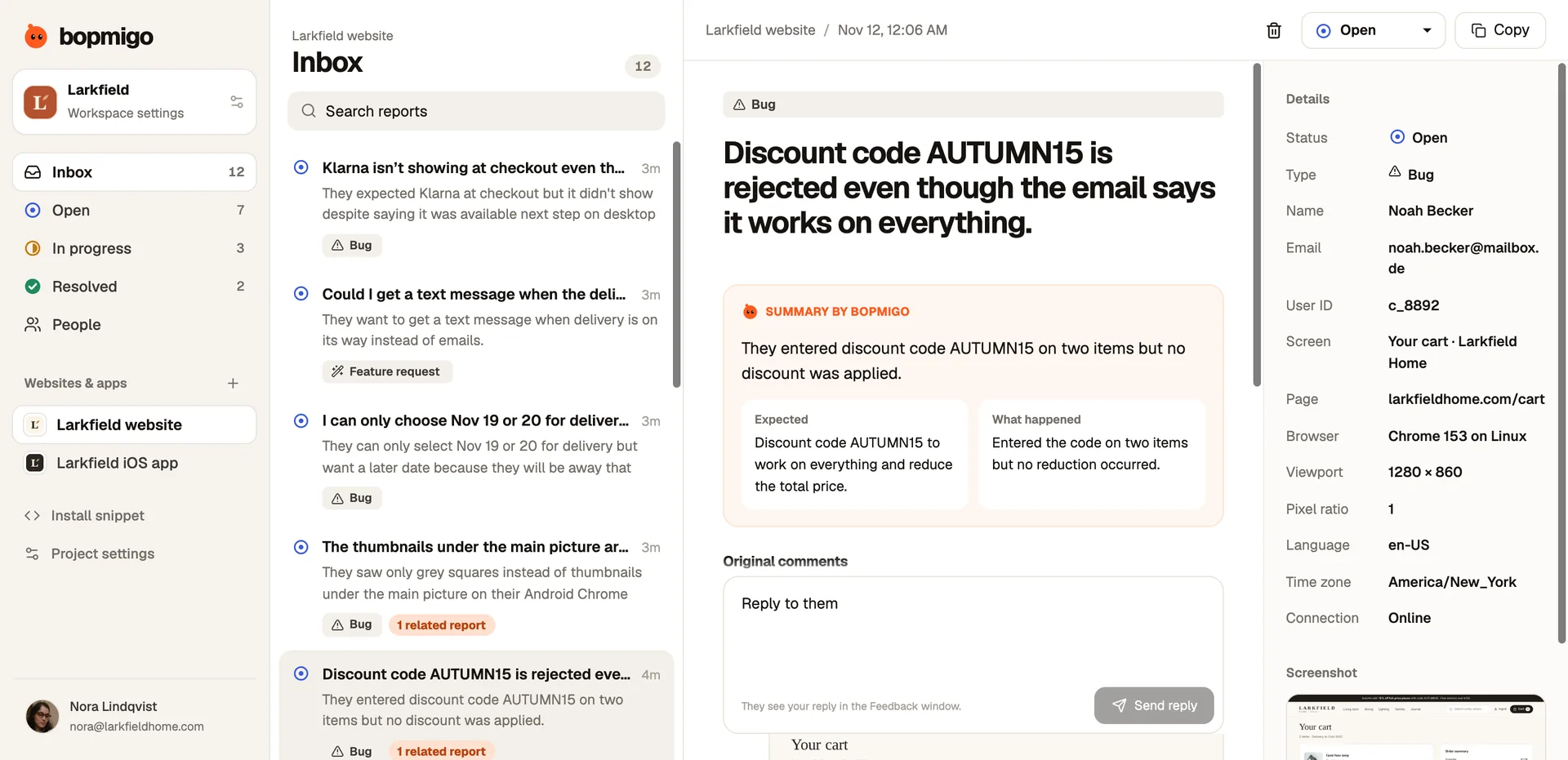
Device, system, app version, language, time zone and screen should arrive with every report.
- 3
Compare five reports
Line them up. What do all five have that your test phone doesn’t?
- 4
Reproduce with their setup
Change your device language, test on the older phone, use a large account. Then fix and reply.
Reply to the reviewers
Once fixed, reply to each review: what caused it, and that the fix is in the latest version. People who felt ignored often update their rating. Reply templates.
A quick comparison sheet
| Report | Device | System | Language | Path | Account |
|---|---|---|---|---|---|
| 1 | iPhone 11 | iOS 17 | German | From a notification | 3 years old |
| 2 | iPhone XR | iOS 17 | German | Home screen | 2 years old |
| 3 | iPhone 12 | iOS 18 | German | From a notification | 4 years old |
| Your test phone | iPhone 16 | iOS 26 | English | Home screen | New |
Here, every report shares a language and an older account. That is where to look first.
Ask the reporter, kindly
- “What did you do just before this happened?”
- “Does it happen every time, or only sometimes?”
- “Does it still happen after restarting the app?”
Ask one at a time, and only what the details don’t already tell you.
When you still can’t reproduce it
- Add logging around the suspect screen in the next release.
- Ask a reporter whether they would try a test build.
- Reply to reviewers that you are still investigating. Silence reads as ignoring them.
Why “works on my machine” happens so often with apps
Your test phone is unusual. It is new, on the latest system, signed into a fresh account with little data, set to your language, on fast office Wi-Fi, and you open the app the same way every time. Your users are spread across years of devices and system versions, many languages and regions, accounts with years of history, patchy connections and every possible path into a screen. The bug lives in that gap.
Build a small test matrix
| Variable | Cover at least |
|---|---|
| Devices | Your newest, your oldest supported, and the most common in your analytics |
| System versions | The latest and the oldest you support |
| Languages | English plus your next two biggest markets, and one right-to-left language if you support it |
| Accounts | A new one and a long-lived one with lots of data |
| Network | Fast Wi-Fi, slow mobile data, and switching between them |
| Entry points | Home screen, notification, deep link, returning from background |
You don’t need to test every combination. When a report comes in, change one variable at a time toward the reporter’s setup until the bug appears.
Habits that make the next one easier
- Name every screen in your feedback setup, so reports say where it happened.
- Attach account details your team needs, such as plan or account age, to every report from signed-in users.
- Keep an old phone on your desk for testing.
- Note every “can’t reproduce” case and what the cause turned out to be. The same causes come back.
What to tell users while you look
Reply to the people who reported it, in the app if you can: “Thanks, we can’t reproduce this yet on our phones. Could you tell us what you did just before?” People are often glad to help when they can see someone is actually working on it.
A worked example
Reviews say a recipe app “won’t load my saved recipes”. It loads fine in testing. In-app reports from the saved recipes screen all come from accounts more than three years old, created before a data migration. Testing with an old account shows the problem at once: older recipes have a field the new code doesn’t expect. One change fixes it for everyone, and the team replies to each review.
Questions to ask about your own testing
- Do you test with an account that has years of data?
- Do you test in a language that uses different date and number formats?
- Do you test opening the app from a notification?
- Do you test on a slow or switching connection?
How many reports do I need to see the pattern?
Often three to five, if each has the device, system and screen attached.
Should I ask users to install a test build?
Only if they offered to help. Many are glad to, once they see you are taking it seriously.
A message to a reporter who might help
Thanks for reporting this. We've tried on several phones and can't make it happen yet, which usually means something about your setup is different.

Could you tell us what you did just before it happened? For example, did you open the app from a notification, or were you on mobile data?

No need for anything technical, just what you remember.
Narrow it down step by step
- Start from the reporter’s device and system version.
- Switch your phone to their language and region.
- Use an account with similar age and amount of data.
- Open the screen the way they did: notification, link or home screen.
- Change one thing at a time until the bug appears.
How Bopmigo helps
Every in-app report includes the screen, app version, device and system version, plus anything your app adds, such as account type. When the description is short, Bopmigo asks a short follow-up about what they did just before. Report details explained.