How to reply when a customer says “it doesn’t work”
A reply and triage playbook for one specific message: what to check before answering, the one question to ask, reply wording and how to hand it to a developer.
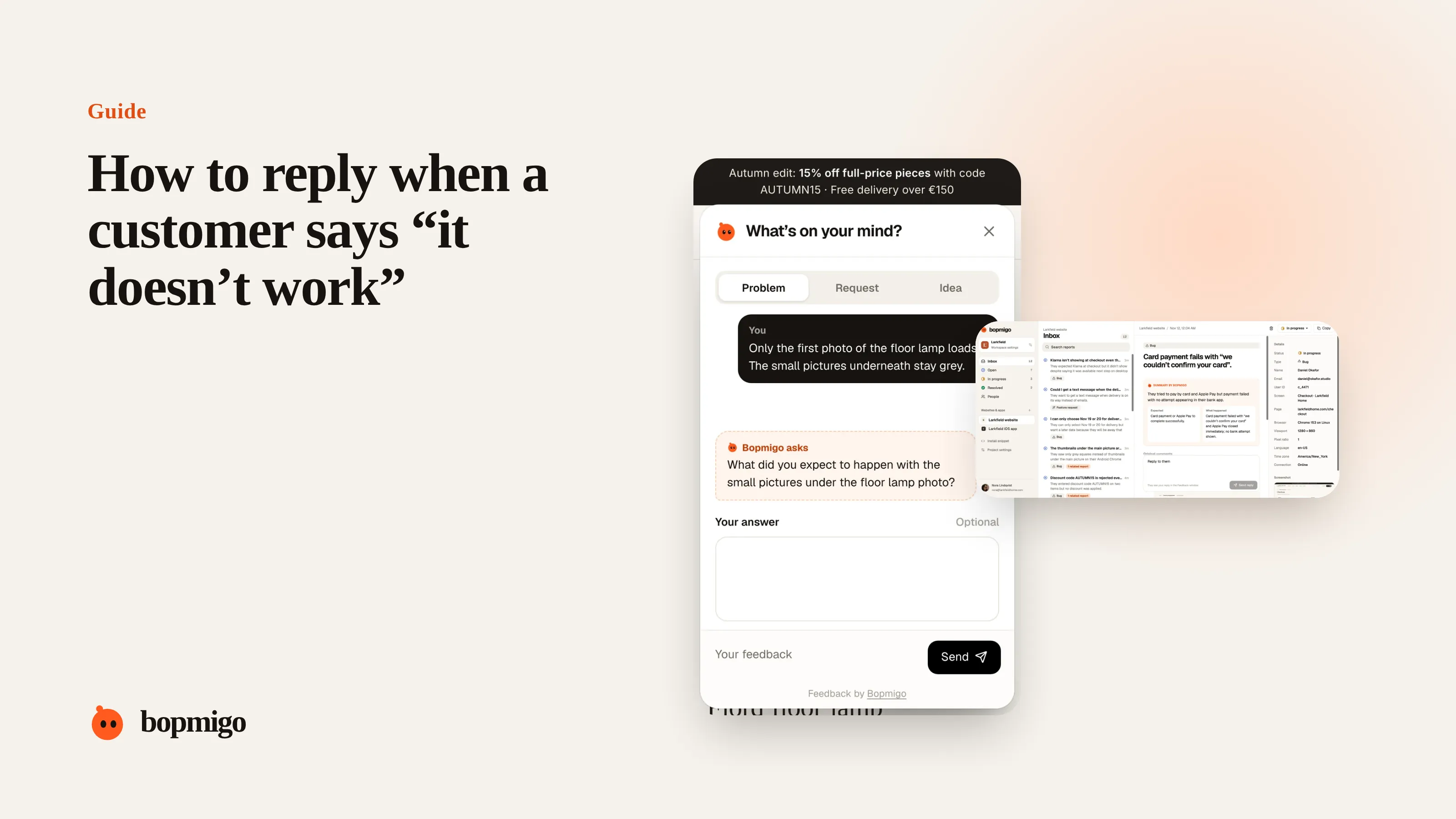
Short answer: “it doesn’t work” almost always means one of a handful of things: a button that does nothing, an error, something that never finishes loading, a result that looks wrong, or a step they can’t find. Find out which with one friendly question, look at what the report already tells you (page, device, screenshot), and set up reporting so the next one arrives with that context attached.
What “it doesn’t work” usually means
| What they experienced | What to ask |
|---|---|
| They pressed something and nothing happened | “Which button did you press?” |
| An error message appeared | “What did the message say?” or check the screenshot |
| It kept loading | “Did it finish if you waited?” |
| The result was wrong | “What did you expect to see?” |
| They couldn’t find how to do something | “What were you trying to do?” |
| It worked yesterday | “What changed since then: a new phone, an update?” |
Reply with one question, not five
A list of questions (“What browser? What device? Can you send a screenshot? What steps? When did it start?”) feels like homework. Most people won’t answer it. Pick the single question that matters most, usually “What were you trying to do?” or “What did you expect to happen?”, and look up everything else yourself.
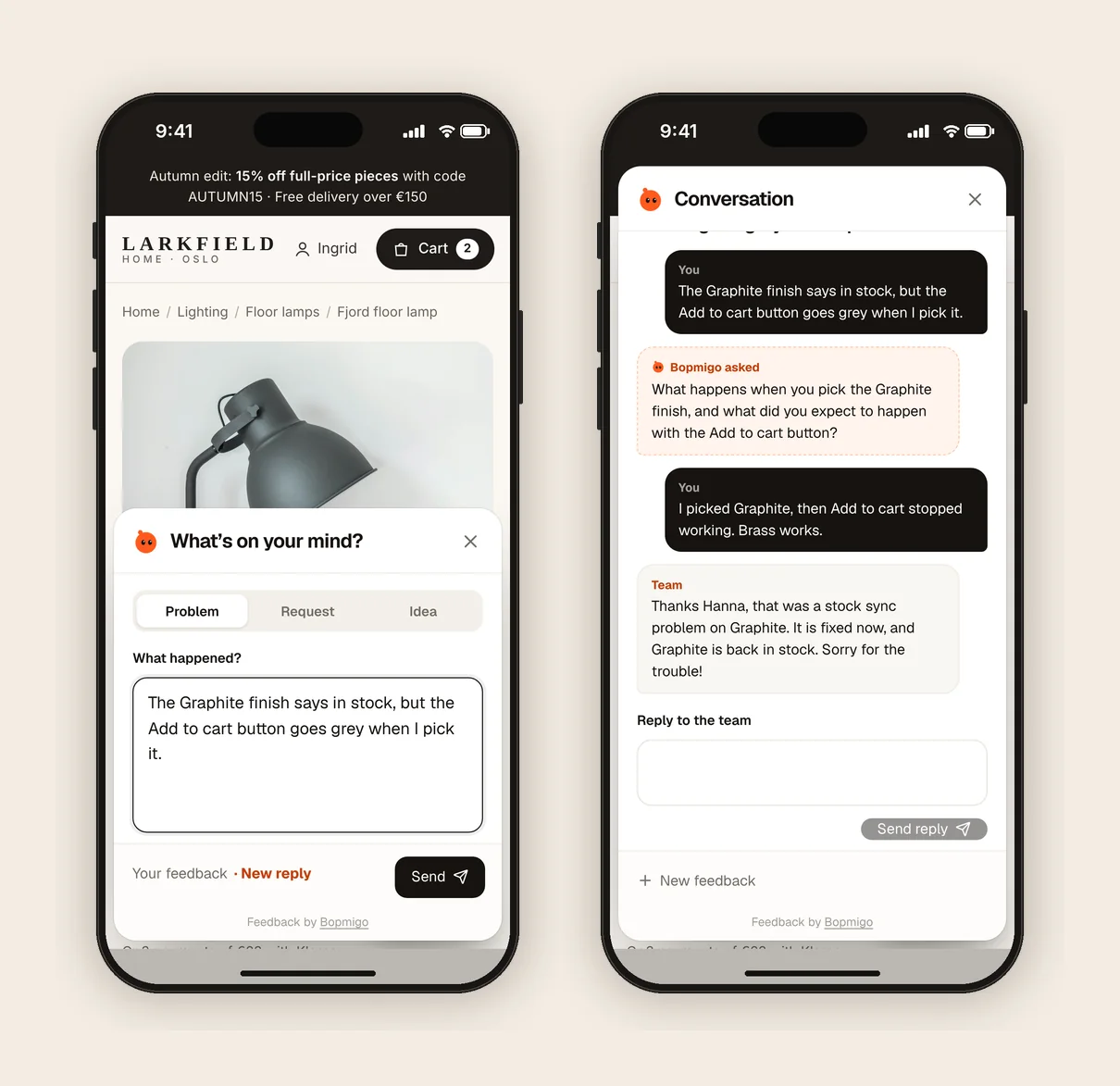
Look before you ask
- Which page or screen? If your feedback tool records it, you already know.
- Which device and browser? Same.
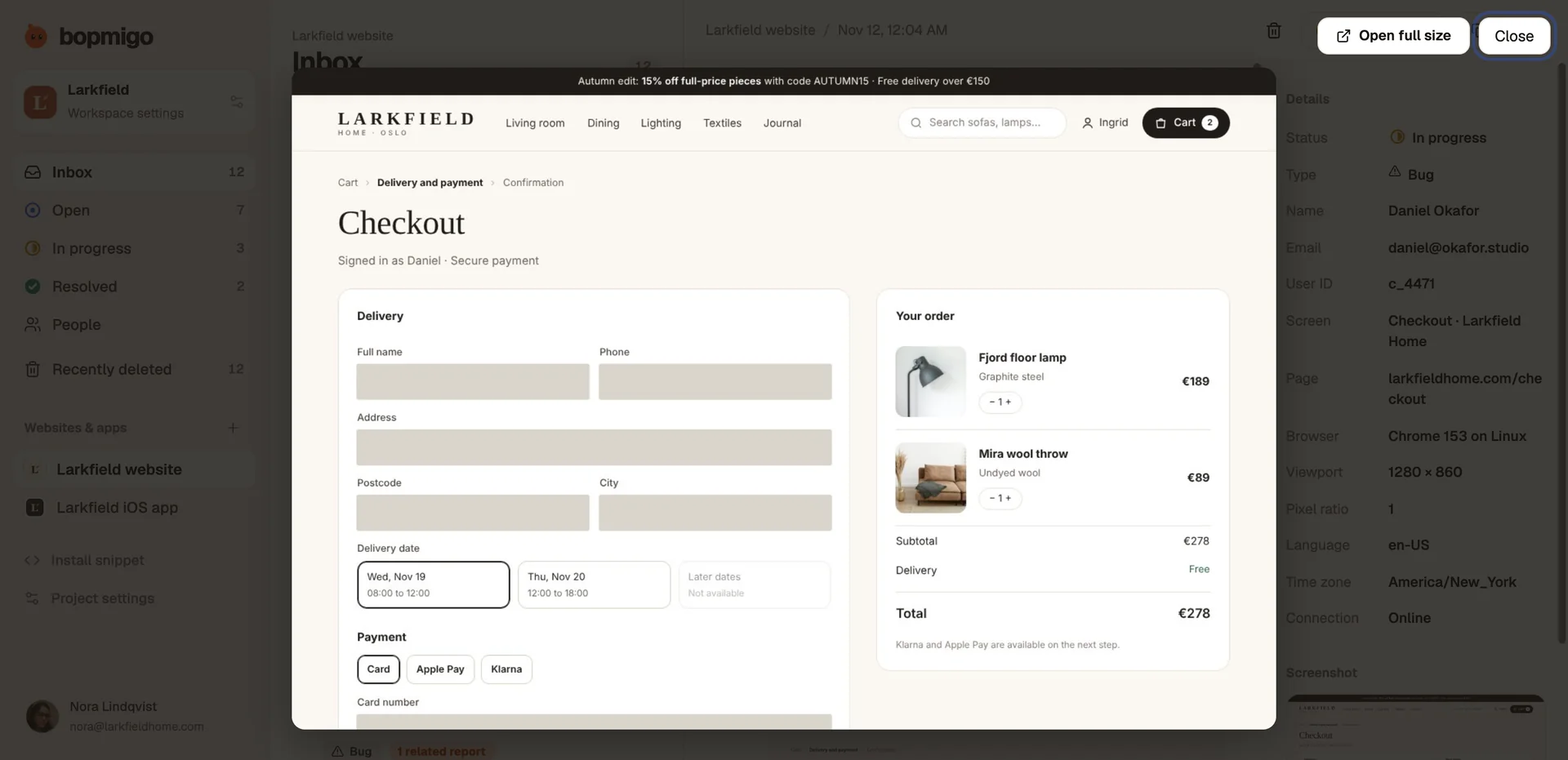
- What did they see? A screenshot answers this in a second.
- Who are they? If they are signed in, check their account for anything unusual.
- Is anyone else affected? Search for similar reports from the last few days.
Example replies
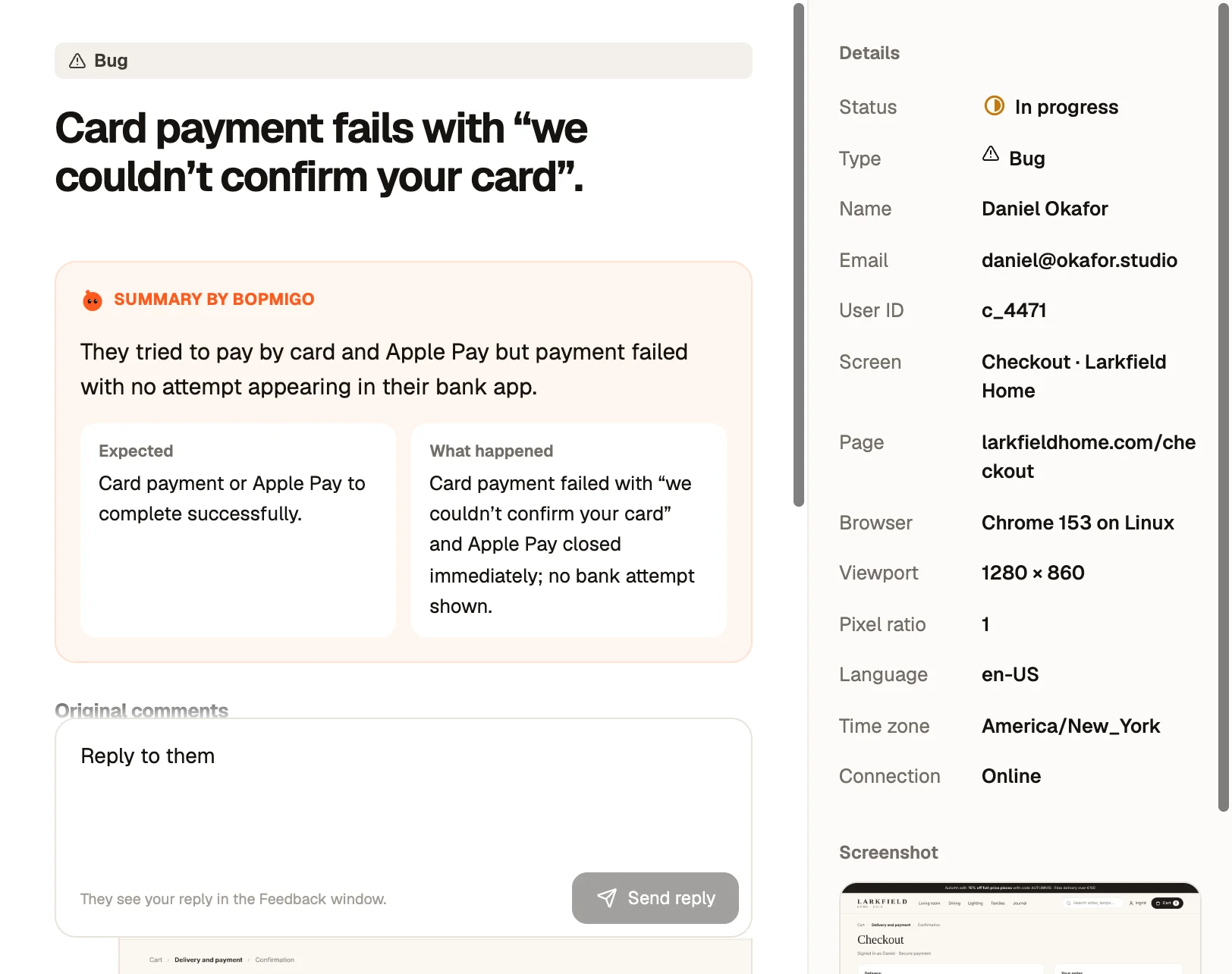
- “Thanks for letting us know. What were you trying to do when it stopped working? We can see you were on the checkout page.”
- “Sorry about that. When you pressed Pay, did anything appear, or did nothing happen at all?”
- “Thanks. We see the same error on your screenshot. We’re fixing it now and will let you know as soon as it’s done.”
This guide is about answering one message well. To get better reports in the first place, see how to deal with vague bug reports. For writing follow-up questions, see getting more detail without annoying people.
What not to do
- Don’t reply “Works for me”. It reads as “you’re wrong”.
- Don’t send a long troubleshooting checklist.
- Don’t close the report because it is vague. Vague reports often point to real, widespread problems.
A worked example
A customer writes “checkout doesn’t work”. Before replying, the team looks at what came with the report: the checkout page, Safari on an iPhone, and a screenshot showing the Pay button greyed out with the delivery date field empty. They don’t need to ask which page or which device. The only open question is whether the customer saw the date field. The reply: “Thanks! It looks like the delivery date wasn’t picked, which keeps Pay disabled. Did the date picker open for you?” The customer answers “No, nothing happened when I tapped it.” That is a real bug on iPhone, found in one exchange.
Triage vague reports in this order
- Is it blocking money or access? Checkout, payment, sign-in. Handle today.
- Is anyone else reporting it? Several vague reports about the same page point to one real problem.
- Is it new? If it started after a release, compare with what changed.
- Can you see it yourself? Try on the same page and device before asking anything.
Patterns behind “it doesn’t work”
| Pattern | Often caused by |
|---|---|
| Only on phones | A hidden button, a keyboard covering a field, a picker that won’t open |
| Only in one browser | An unsupported feature or a blocked script |
| Only for some accounts | Old data, permissions, or a plan limit |
| Only sometimes | Slow network, timing, or a background job |
| Since a certain day | A release or a change in a third-party service |
Write it down for the team
When you pass the report on, rewrite it in one line a developer can act on: “Date picker doesn’t open on iPhone Safari at checkout, so Pay stays disabled.” Keep the customer’s words underneath. That line is what makes the fix fast.
Questions to ask about your own reporting
- When someone reports a problem, do you know the page and device without asking?
- Do you have a screenshot of what they saw?
- Do vague reports get a reply within a day, or get parked?
- Can people report from the page itself, or only by email?
Is it rude to ask for more detail?
Not if you ask one clear question and show you have already looked. It shows you are taking it seriously.
What if they never reply?
Try to reproduce with what you have, and fix it if you can. Many people don’t reply but still notice when it works.
Should I close vague reports?
Not without looking. Group them by page; several vague reports about one page usually point to a real problem.
A triage cheat sheet for your team
| Report says | Look at first | Ask only if needed |
|---|---|---|
| “Doesn’t work” on checkout | Screenshot, browser, any error | “Did anything appear when you pressed Pay?” |
| “Can’t log in” | Account status, recent password resets | “Do you see an error, or does it go back to the login page?” |
| “Not loading” | Page, connection, time of day | “Did it load if you waited a little?” |
| “Wrong” | The screenshot and the data | “What did you expect to see?” |
| “Broken” after an update | What changed in that release | “What were you doing when you noticed?” |
Pin this where your team replies to reports. It turns a vague report into a fixed process: look first, ask one thing, reply.
How Bopmigo helps
Bopmigo attaches the page or screen, device and, where available, a screenshot to each report, and when someone writes “it doesn’t work” and nothing else, it asks a short follow-up while they are still on the page. You start with what happened and what they expected. Vague bug reports covers more on reading thin reports.