How to deal with vague bug reports from users
Why bug reports arrive as “it’s broken”, what a useful report needs, and how to get the missing details without chasing people.
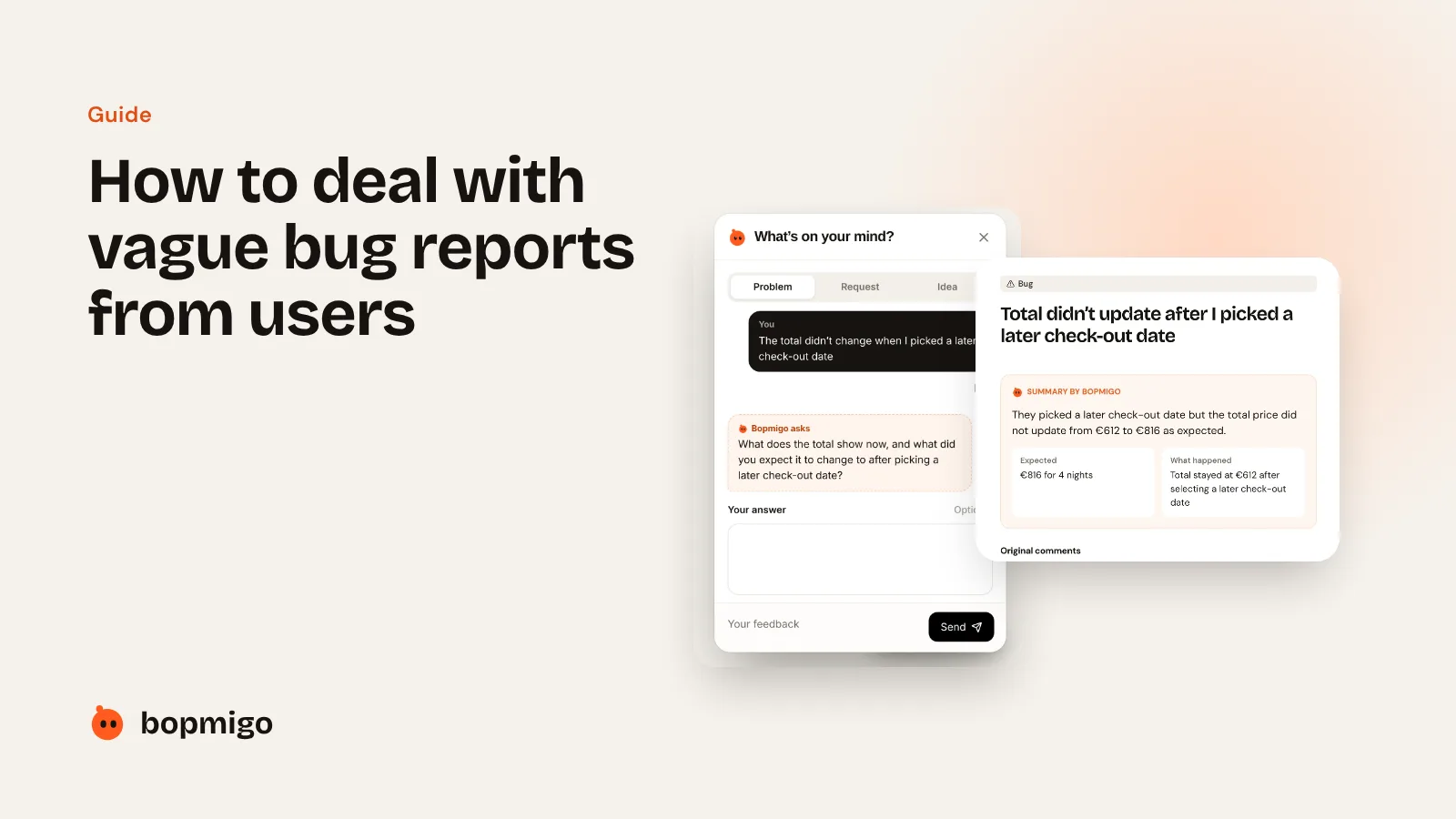
Short answer: stop relying on people to write complete reports. Capture the page, device and screenshot automatically, then ask a short follow-up about the part they left out, while they are still looking at the problem.
Why reports are vague
- People describe how it felt (“it’s broken”), not what happened.
- They don’t know which details matter: the page, the browser, the app version.
- Long forms get abandoned, so short reports are all you get.
- By the time you email back, they have moved on and forgotten.
What a useful report needs
| Part | Example | Who should provide it |
|---|---|---|
| What they did | Picked a later check-out date | The person |
| What happened | The total stayed at €612 | The person |
| What they expected | €816 for 4 nights | The person, often only when asked |
| Where | Stay page, Chrome 141, Mac | Captured automatically |
| Screenshot | What they were looking at | Captured automatically |
How to get there
- 1
Make reporting one line
A Feedback button inside your site or app, with one text box. Every extra field loses people.
- 2
Capture the context for them
Page or screen, browser or device, app version and a screenshot, with private details covered.
- 3
Ask for what’s missing, once
If they didn’t say what they expected, ask that, and nothing else. Let them skip it.
- 4
Reply where they reported
A quick “fixed, can you check?” keeps people reporting.
How Bopmigo does this
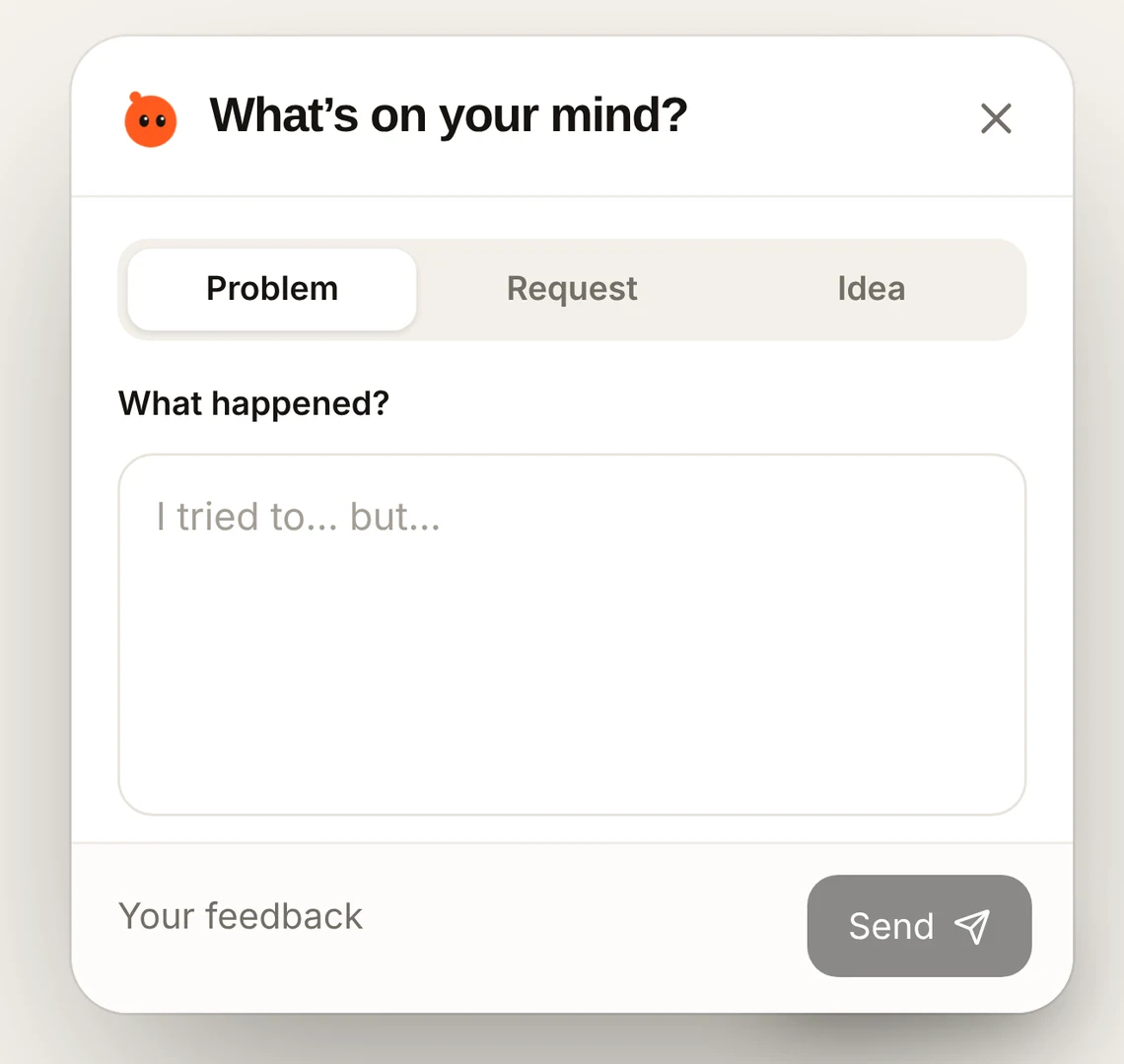
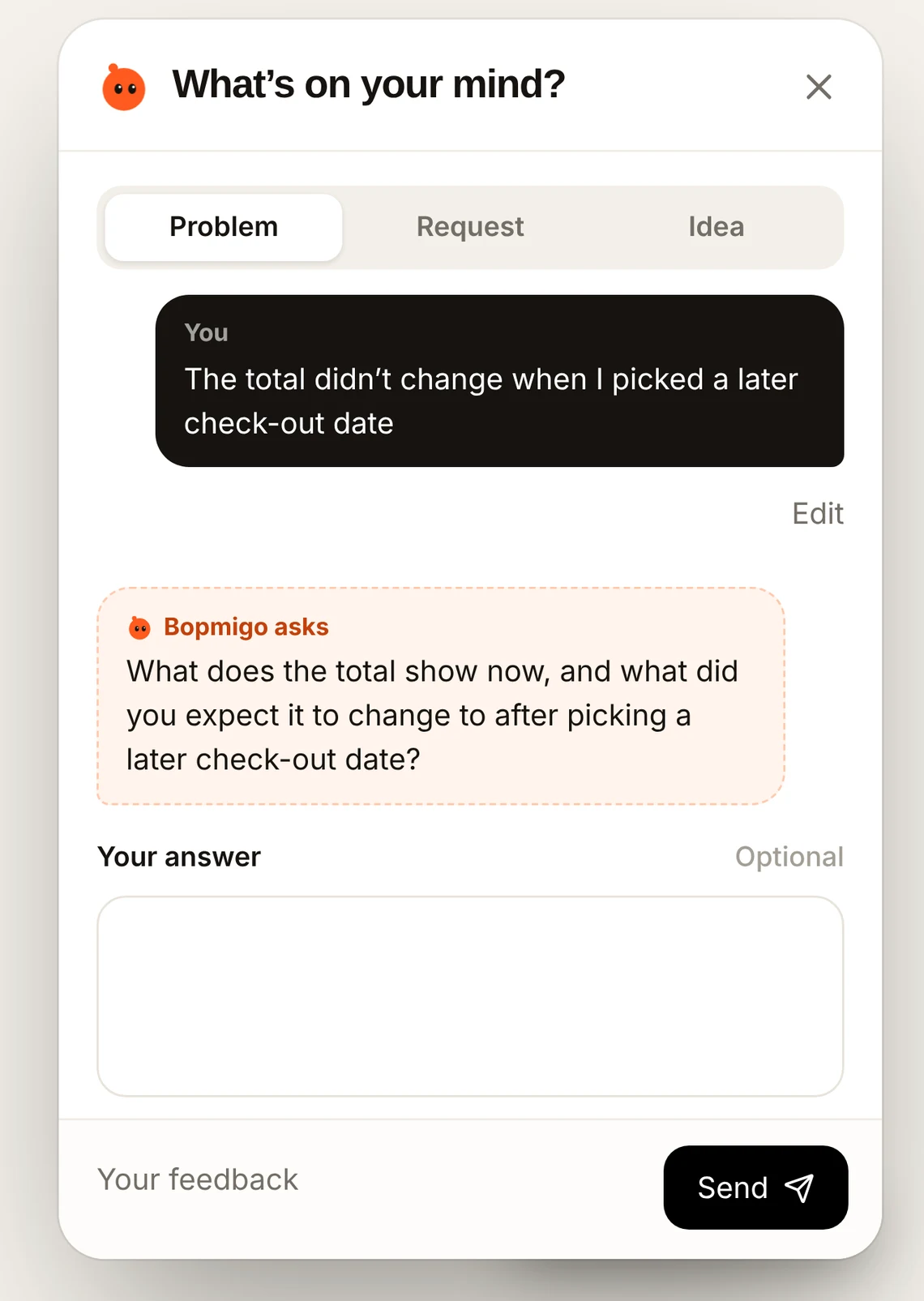
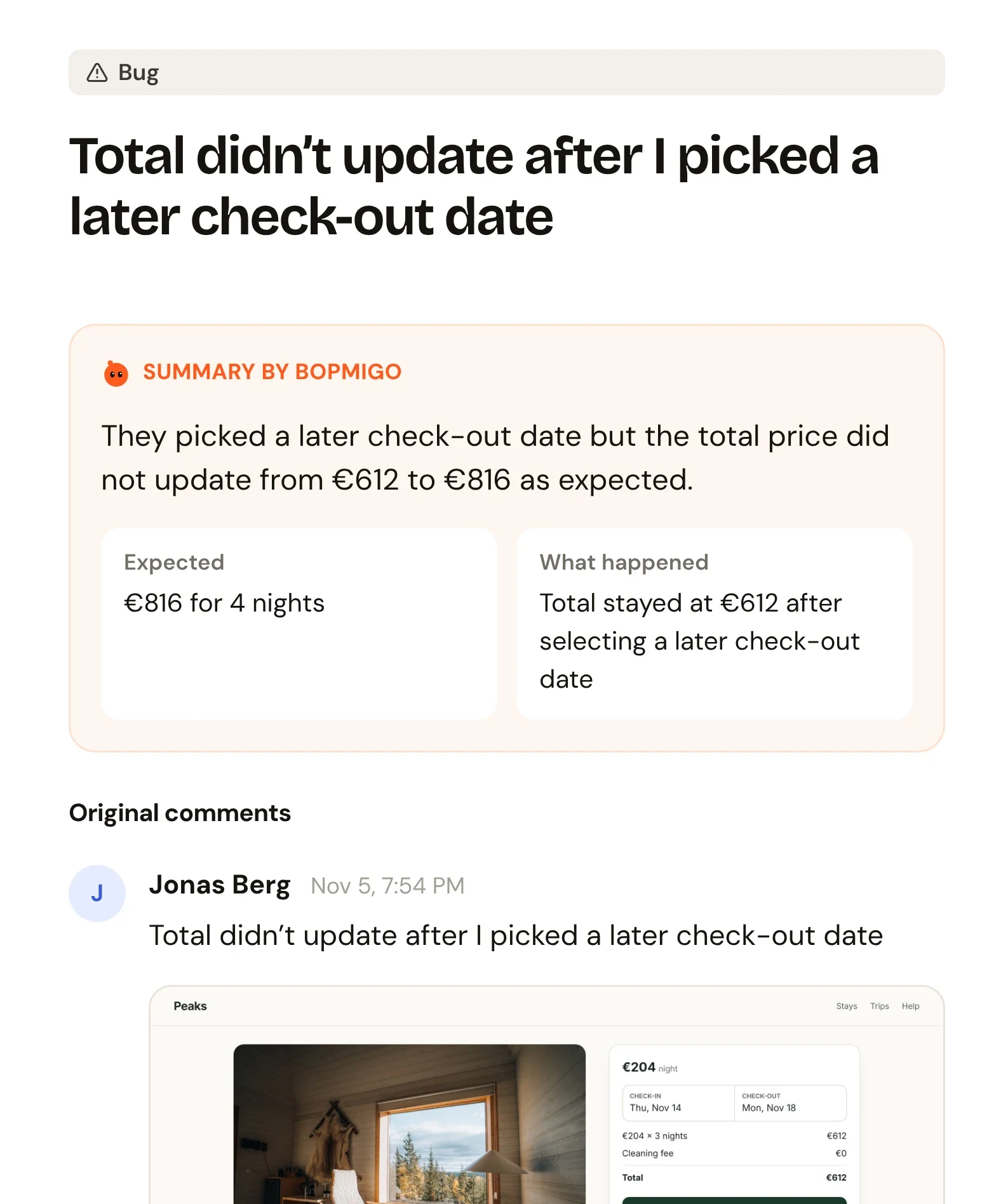
Bopmigo adds the Feedback window to your website or mobile app. It captures the context, asks a short follow-up only when something important is missing, and gives you a summary of what happened and what they expected.
Questions
Will a follow-up question annoy people?
It’s a short question, only when something is missing, and it can be skipped.
Does this work for clients, not just users?
Yes. See vague client feedback on websites.