How to answer customer questions 24/7 without night staff
Every way to cover nights and weekends without night staff, from a better autoreply to an AI agent, what each one costs in time and money, and a setup you can copy.
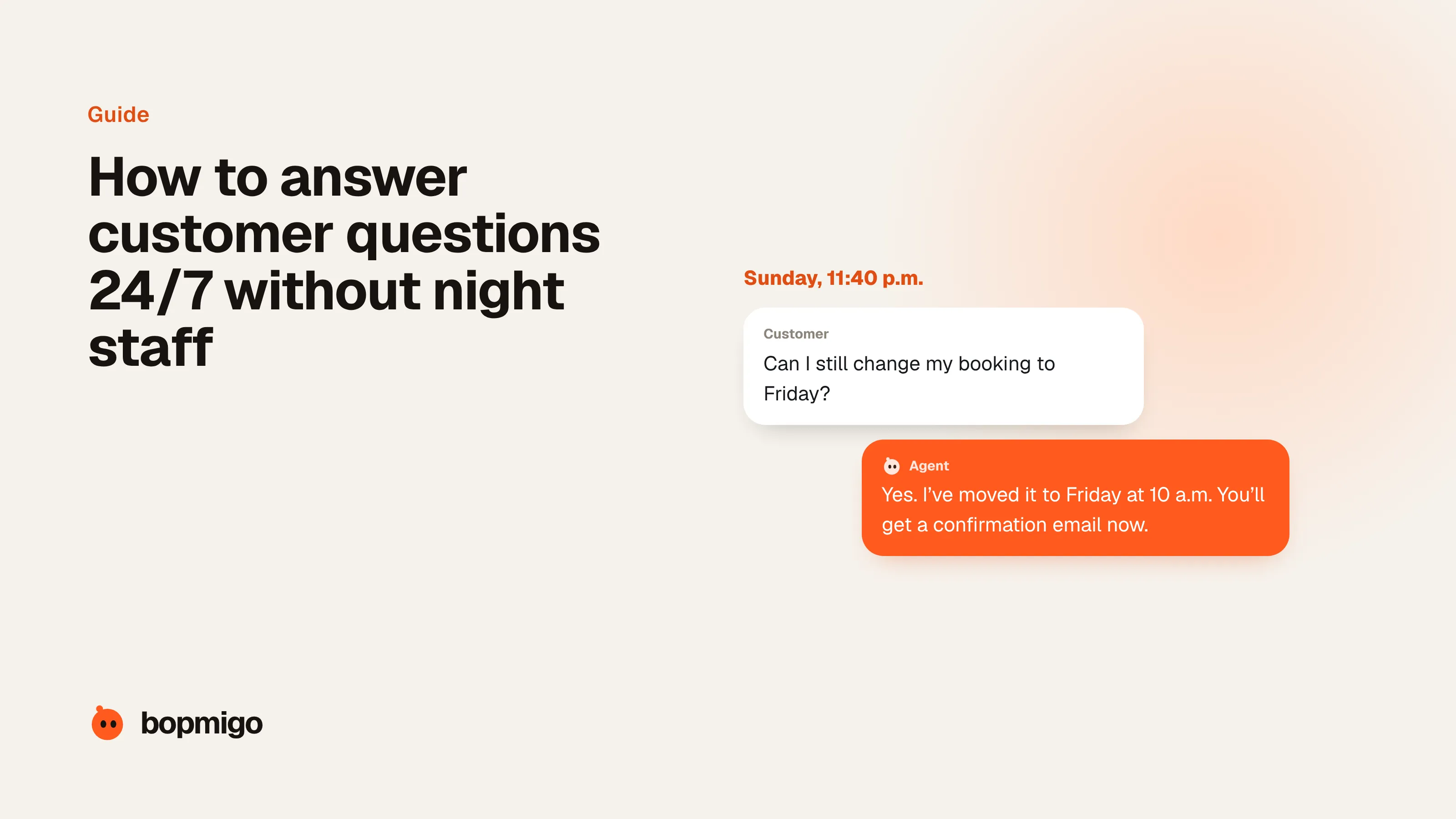
Short answer: combine three things. Answer the common questions instantly with an AI agent trained on your own information, set an honest expectation for everything else (“a person will reply by 10 a.m.”), and give urgent cases a clear path to a person. You don’t need night staff to stop losing customers overnight; you need the routine questions answered right away and the rest captured properly for the morning.
Your options, from simplest to fullest
| Option | What customers get at night | Effort to set up | Running cost |
|---|---|---|---|
| Honest autoreply | A promise of when you’ll answer | Minutes | Free |
| Help center or FAQ page | Answers, if they find the right page | A few days | Free to low |
| Scripted chatbot | Answers to the questions you predicted | Days | Low |
| AI agent | An answer to most routine questions, any hour, any language | Days, plus weekly review | Usually cents to about $2 per conversation |
| Outsourced overnight team | A person, at a cost | Weeks | Highest |
| Follow-the-sun team | A person in another time zone | Hiring | Salaries |
Most small businesses get the best result from the middle of that list: an AI agent for the routine questions, plus an honest promise for everything else.
A night and weekend setup you can copy
- 1
Find out what arrives after hours
Look at a month of messages by time sent. Group them: questions with a known answer, things that need an action, and things that need a person. The first group is your agent’s job.
- 2
Write the answers once
Pricing, delivery, returns, opening hours, how to do the five things people ask about most. Keep them on public help pages so customers, search engines and your agent all read the same thing.
- 3
Put an agent where the questions start
On the pages people ask from: pricing, checkout, sign-up, the product itself. A customer stuck on checkout at midnight is more valuable than one reading your About page.
- 4
Set the hand-over rules
Refunds, complaints, anything urgent, anything it isn’t sure about. These go to a person with the conversation attached, and the customer is told honestly when that person will reply.
- 5
Make mornings fast
Everything handed over overnight should be waiting as a clear summary, not a raw transcript. The first hour of the day clears the backlog.
- 6
Review weekly
Read a sample of night conversations. Fix wrong answers at the source by updating the help page, and add new questions as they appear.
Write a better autoreply even if you do nothing else
Most autoreplies say “we’ll get back to you soon”. Say exactly when, link the three pages that answer most questions, and tell people what to do if it’s urgent:
Thanks, we’ve got your message. Our team is in New York and replies
between 9 a.m. and 6 p.m. Eastern, Monday to Friday. You’ll hear from us
by 10 a.m. tomorrow.

In the meantime, these answer most questions:
- Delivery times: yourstore.com/delivery
- Returns: yourstore.com/returns
- Order status: yourstore.com/orders

If your order hasn’t arrived and you need it today, reply URGENT.
What not to automate at night
- Refunds and exceptions. Let the agent collect the details; let a person decide.
- Anything safety, health or legal. Hand over immediately.
- Angry customers. An instant “I’ve passed this to a person who’ll reply by 10 a.m.” beats an AI trying to calm them down.
- Promises. An agent shouldn’t promise anything your policies don’t already say. Businesses are held to what their chatbot tells customers.
Response promises that work
An honest promise keeps people from giving up. Pick one you can keep every time, and say it everywhere customers ask: chat, email autoreply and your contact page.
| Team | Promise for questions the agent can’t answer | Urgent cases |
|---|---|---|
| Just you | “By 10 a.m. the next working day” | A phone number or a reply keyword you check in the evening |
| 2 to 5 people | “Within 4 working hours”, with a weekend rota for a morning check | One person on call by rota |
| Several time zones | “Within 2 hours”, handed between locations | Whoever is awake |
A weekend plan without weekend staff
- 1
Friday afternoon
Clear the inbox and update anything the agent should know for the weekend: delivery cut-offs, stock that’s run out, opening hours.
- 2
Saturday and Sunday
The agent answers routine questions. One person spends 15 minutes each morning on anything urgent it handed over.
- 3
Monday morning
Work through the handed-over conversations, oldest first, using the summaries. Note any question the agent couldn’t answer and add the answer to your help pages.
Common questions
How much of my support happens after hours?
Check your own data first: group a month of messages by time sent. Freshworks found 47% of IT requests in its data arrived outside business hours in 2025 and 2026; consumer businesses selling online often see evenings and weekends as their busiest times.
Do customers mind talking to AI at night?
Many prefer an instant answer to a routine question over waiting until morning. What they mind is not being able to reach a person when they need one. Gartner found 60% of customers worry AI will make reaching a person harder, so keep that path obvious.
Can an AI agent handle weekends on its own?
For routine questions, yes. For anything it can’t answer or shouldn’t decide, it should collect the details, tell the customer honestly when a person will reply, and leave a clear summary for Monday.
Sources
- Freshworks: 47% of IT tickets arrive outside business hours (Sept 2025 to March 2026)
- SuperOffice live chat study: 1,000 websites, average wait and unanswered chats
- Gartner survey: 64% of customers would prefer companies didn’t use AI for customer service (July 2024), as reported by CX Today
- American Bar Association: BC tribunal confirms companies remain liable for information provided by an AI chatbot (Moffatt v. Air Canada)
- Zendesk: customer service statistics (CX Trends)