What a 24/7 AI business agent is, and what it can do for you
A plain guide to AI agents that answer customers around the clock: what they handle well, where they need a person, how they differ from chatbots and live chat, and how to start.
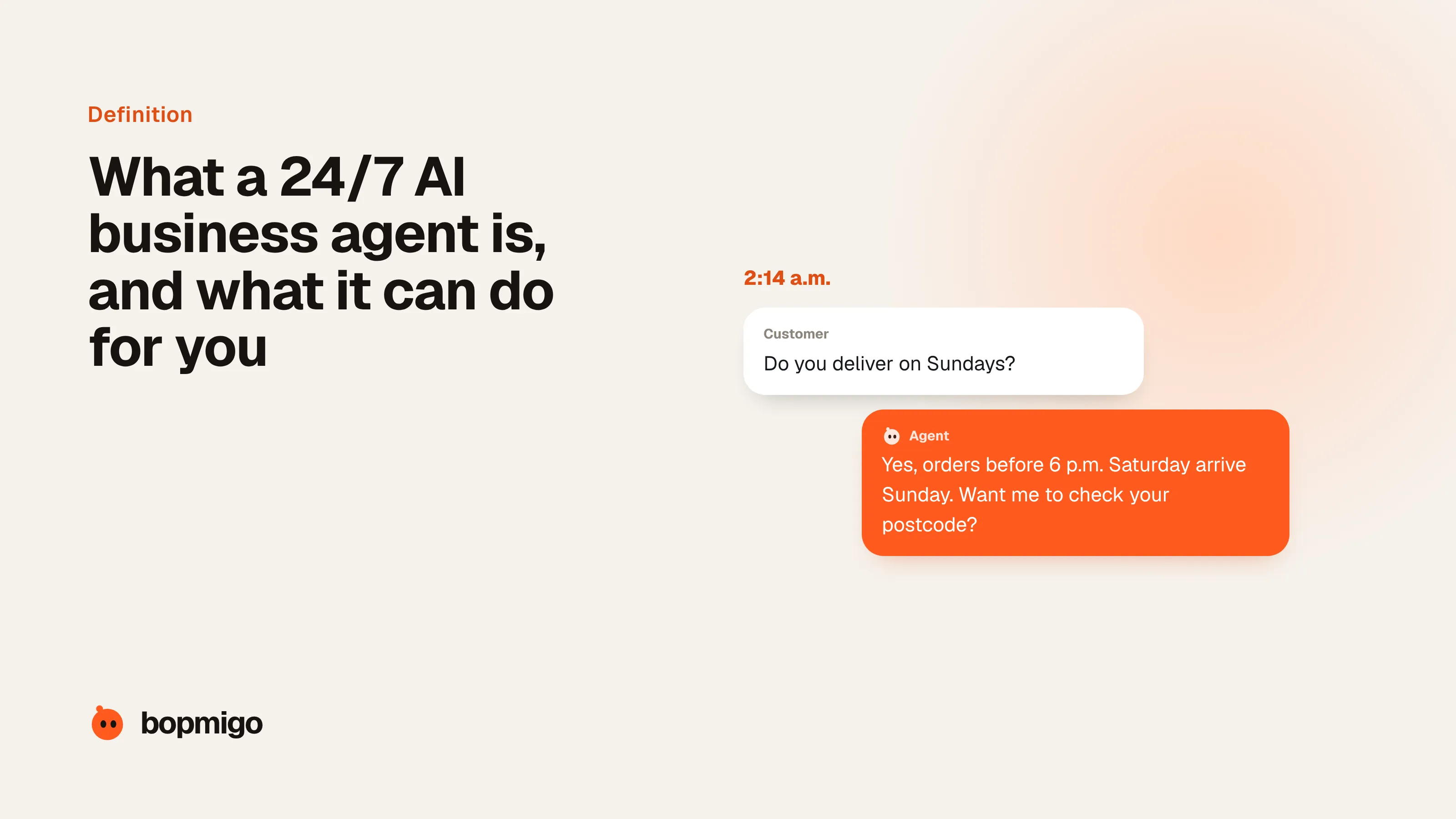
Short answer: a 24/7 AI agent is software that talks to your customers on your website, in your app or by email at any hour, answers their questions from your own information, and takes simple actions for them, such as checking an order or booking a call. When it can’t help, it hands the conversation to a person with the details already written down. Good ones resolve a large share of routine questions on their own: Intercom reports its Fin agent averages 76% across more than 12,000 customers. The rest still need you.
What makes it an *agent* and not a chatbot is that it works out the answer instead of following a script, and it can do things, not only point to a help article.
What it does well
- Answers the same questions at 2 a.m. as at 2 p.m. Opening hours, pricing, delivery times, how a feature works, what your refund policy says. These are most of what arrives, and customers expect an answer now, not tomorrow.
- Helps new customers get started. It walks someone through setup step by step, answers the questions that stop people in their first week, and points them to the next useful thing.
- Follows up when people go quiet. A customer who started a sign-up, a booking or a cart and stopped can be asked, in the moment, what got in the way.
- Takes simple actions. Look up an order, change a booking time, send a link, collect the details your team needs before a person picks it up.
- Speaks your customers’ language. Most current agents answer in dozens of languages from the same information you wrote once.
Where it needs a person
- Anything with money or legal weight: refunds outside policy, exceptions, contracts, complaints that might escalate.
- Upset or vulnerable customers. An agent should notice frustration and hand over, not try harder.
- Questions your information doesn’t cover. An agent that guesses is worse than one that says “let me get someone”.
- Anything you would be uncomfortable seeing in a screenshot. Courts have held businesses responsible for what their chatbot tells customers (see the Air Canada case below).
Agent, chatbot, live chat or autoreply?
| What it does | Good for | Weak at | |
|---|---|---|---|
| Autoreply email | Confirms the message arrived and says when you’ll answer | Setting expectations | Actually helping |
| Scripted chatbot | Follows buttons and set paths you design | A few fixed tasks | Any question you didn’t predict |
| Live chat | A person answers in real time | Complex or sensitive conversations | Nights, weekends, busy hours |
| AI agent | Writes answers from your information and takes simple actions | Routine questions at any hour, first steps for new customers | Judgement calls, exceptions, upset customers |
Most businesses end up with an agent in front and a person behind it: the agent handles the routine questions any time of day, and anything it can’t resolve reaches a person with the conversation attached.
Why 24/7 matters more than it used to
Customers write when it suits them, not when you’re open. Freshworks found 47% of IT support requests in its Freshservice data arrived outside standard business hours between September 2025 and March 2026. That is internal IT, not customers, but it shows how much of the day falls outside office hours. Even during the day, a 2020 study of 1,000 US and European websites by SuperOffice found the average live chat took 2 minutes 40 seconds to answer, and 21% of chat requests were never answered at all.
Waiting has a cost. Zendesk’s research says more than half of consumers will switch to a competitor after a single bad experience, and many never complain first. A question that sits unanswered overnight is often a customer who quietly bought somewhere else.
What customers think about AI service
Be honest with yourself here. In a 2024 Gartner survey of almost 6,000 customers, 64% said they would prefer companies didn’t use AI for customer service. Their top worry, named by 60%, was that it would be harder to reach a person, followed by AI giving wrong information (42%). Gartner’s advice is to use AI as a way to the right answer, not a wall in front of your team, and to keep reaching a person easy.
Klarna is the best-known example of both sides. Its AI assistant took over two-thirds of its customer service chats in its first month in 2024, with average resolution in under two minutes. In 2025 the company said customers should always have the option of a human, and started investing in human support again. The lesson most teams take: let the agent do the routine work fast, and make the way to a person obvious.
How to start
- 1
List your top 20 questions
Pull them from your inbox, chat history and calls. If one answer covers most of them, you have a good first job for an agent.
- 2
Write the answers down where the agent can read them
Help pages, your policies, pricing, opening hours. The agent is only as accurate as what you give it. Gaps here become wrong answers later.
- 3
Decide what it must never do alone
Refunds, exceptions, anything legal or medical, upset customers. Write these as hand-over rules before launch.
- 4
Make reaching a person one step
A clear “talk to a person” at any point, and the conversation goes with it so nobody repeats themselves.
- 5
Read conversations every week
Look at what it answered wrongly, what it couldn’t answer, and what people asked that your information doesn’t cover. Fix the information, not just the agent.
What it looks like in different businesses
| Business | What customers ask at night | What the agent does | What it hands to you |
|---|---|---|---|
| Online store | “Where’s my order?” “Do you ship to Canada?” “Will this fit?” | Looks up the order, explains shipping and sizing, suggests the right product | Damaged items, refunds outside policy |
| Software or app | “How do I connect my calendar?” “Why can’t I log in?” | Walks through setup, explains errors in plain words, points to the next step | Bugs, billing changes, account access problems |
| Bookings (salon, clinic, rentals) | “Is Saturday free?” “Can I move my appointment?” | Checks availability, changes the time, sends a confirmation | Medical questions, complaints, special requests |
| Agency or consultancy | “What do you charge?” “Can you start next month?” | Answers pricing and process questions, collects the brief | Quotes, contracts, anything custom |
| Local service (plumber, cleaner) | “Do you cover my area?” “How soon can you come?” | Confirms the area, explains prices, takes the details for a call-back | Emergencies, which go straight to a person |
Signs you’re ready for one
- The same 10 to 20 questions make up most of what customers ask.
- Messages arrive in the evening, at weekends or from other time zones.
- People leave carts, sign-ups or bookings half finished and you rarely find out why.
- Your answers are written down somewhere (help pages, policies, an FAQ), or could be in a day or two.
- You or your team spend the first hour of every morning catching up on overnight messages.
If three or more of those are true, an agent will probably save you time and catch customers you’re losing today. If your questions are mostly one-off and complicated, start by writing better help pages instead.
Common questions
Will an AI agent replace my support team?
For routine questions, it can take most of the volume. It still needs people behind it for exceptions, judgement calls and upset customers, and someone to keep its information up to date. Teams that removed the human path entirely, like Klarna, have publicly added it back.
Do I have to tell customers they are talking to AI?
In the EU, from 2 August 2026, AI systems that talk directly with people must make clear they are AI unless it’s obvious. California’s bot law has required disclosure since 2019 when a bot is used to encourage a sale. Telling people up front is the safe default everywhere.
How accurate are AI agents?
As accurate as the information you give them and the rules you set. Vendors report average resolution rates of roughly two-thirds to three-quarters of conversations, but that depends heavily on how routine your questions are. Test it on your own real questions before you go live.
Is it worth it for a small business?
Usually yes if you get a steady stream of repeat questions, sell across time zones, or lose sales outside your hours. If you get a handful of messages a week, a clear FAQ and a fast email reply may be enough.
Sources
- Fin: average resolution rate and availability
- Freshworks: 47% of IT tickets arrive outside business hours (Sept 2025 to March 2026)
- SuperOffice live chat study: 1,000 websites, average wait and unanswered chats
- Zendesk: customer service statistics (CX Trends)
- Gartner survey: 64% of customers would prefer companies didn’t use AI for customer service (July 2024), as reported by CX Today
- Customer Experience Dive: Klarna reinvests in human talent for customer service (May 2025)
- American Bar Association: BC tribunal confirms companies remain liable for information provided by an AI chatbot (Moffatt v. Air Canada)
- McCann FitzGerald: EU AI Act transparency obligations (Article 50) from 2 August 2026
- Perkins Coie: California’s bot disclosure law (SB 1001)