Using an AI agent to help new customers get started
How an AI agent can answer setup questions, guide new customers to their first win and follow up when they stall, plus what to measure and where a person still matters.
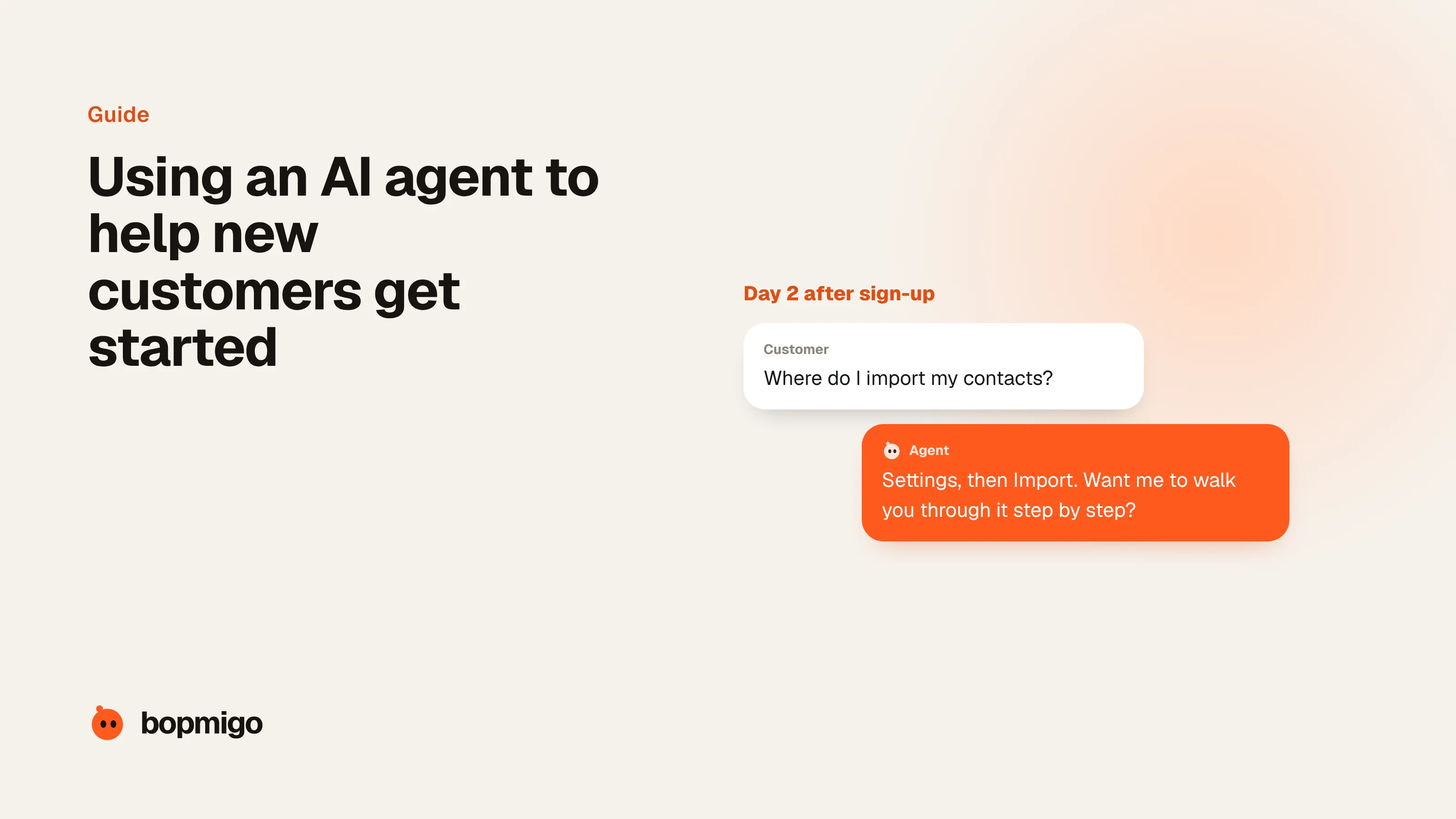
Short answer: yes, and it’s one of the most valuable jobs for an agent. New customers ask the same setup questions, usually right when they’re stuck and often outside your hours. An agent that answers in the moment, walks them through the next step and checks in when they stall keeps people moving toward their first win, the point where your product proves its worth. Keep a person close for larger accounts and anything that needs judgement.
Where new customers get stuck
- Setup steps that assume knowledge they don’t have: connecting an account, importing data, adding a code snippet.
- “What do I do first?” A blank screen with no clear next step.
- Small errors that look like dead ends: a wrong file format, a missing permission.
- Quiet doubt. They aren’t sure it’s working, don’t ask, and leave.
Most of these never reach your inbox. People who are stuck in their first week rarely write in; they just stop logging in. That’s why an agent that’s present inside the product, at the moment of getting stuck, catches far more than an onboarding email sequence does.
What an onboarding agent can do
| Moment | What the agent does | Why it helps |
|---|---|---|
| First visit after sign-up | Asks what they want to achieve and points to the one step that gets them there | Removes the blank-screen problem |
| During setup | Answers “how do I…” questions on the page they’re on | Answers arrive while they still have the problem |
| After an error | Explains what went wrong in plain words and the fix | Stops small errors from becoming cancellations |
| When they stall | Asks what got in the way, a day or two after they stopped | Finds out why, while there’s still time to help |
| After the first win | Suggests the next useful thing | Turns a trial into habit |
Set it up in five steps
- 1
Define the first win
The single action that shows your product working: first report received, first invoice sent, first booking taken. Everything the agent does points there.
- 2
List the questions new customers ask
From support history and first-week conversations. Write clear answers on help pages the agent can read.
- 3
Place it where setup happens
Inside the product, on the setup screens, not only on your marketing site.
- 4
Decide when it reaches out
For example, two days without finishing setup. Keep it to a short, specific question, and only once.
- 5
Hand over the right accounts
Bigger customers, unusual setups and anyone frustrated go to a person, with the conversation attached.
What to measure
- Time to first win: how long from sign-up to the action that shows value.
- Share reaching the first win in week one.
- Questions asked during setup, and which ones keep coming. Each repeated question is a product or help page to fix.
- Replies to check-ins: what people say stopped them is the most useful onboarding research you’ll get.
An example conversation
Customer (11:52 p.m.): I uploaded my contacts but nothing shows up.

Agent: Sorry about that. Imports need a header row with “Email” in it.
Your file starts with names straight away, so nothing matched.
Add a first row with Name, Email, Phone and upload it again.
Want me to stay here while you try?

Customer: Worked. 412 contacts.

Agent: Great. Next most people send their first campaign.
The welcome template takes about two minutes. Shall I open it?
Notice what it does: explains the problem in plain words, gives the fix, waits while they try, then points to the next step. That’s the whole job of onboarding, at midnight.
A first-week plan
| Day | What the agent does | What you do |
|---|---|---|
| Day 0, sign-up | Asks what they want to get done and shows the first step | Nothing |
| Days 0 to 2, setup | Answers setup questions on the page they’re on | Read any conversation it handed over |
| Day 2, no progress | Asks a short question about what got in the way | Reply personally to bigger accounts |
| First win | Congratulates and suggests the next useful thing | Note what helped, for your help pages |
| Day 7 | Checks in once if they haven’t been back | Review the week’s questions and fix the top one |
Common questions
Is an AI onboarding agent better than an onboarding email sequence?
They do different jobs. Emails arrive when you send them; an agent answers when the customer is actually stuck, on the page where it happened. Most teams keep a short email sequence and add an agent for the moments emails miss.
Will it work for a small SaaS or app?
Yes, and often best there: small teams can’t watch every new sign-up, and early customers stall quietly. An agent that answers setup questions at any hour covers the gap.
What should it never do during onboarding?
Promise features, discounts or custom terms, or change billing. Let it collect the request and pass it to a person.
Related: find out why customers cancel · the onboarding email sequence · hear why users leave
Sources
- Gartner survey: 64% of customers would prefer companies didn’t use AI for customer service (July 2024), as reported by CX Today
- Fin: average resolution rate and availability
- Customer Experience Dive: Klarna reinvests in human talent for customer service (May 2025)