How to improve Day 7 retention
Day 7 retention moves when more new users reach the moment that makes the app worth reopening. How to find that moment in your own data, get people there faster, and give them a reason to come back on days two to six.
Short answer: Day 7 retention rarely moves because of a new feature. It moves when more new people reach the moment that makes your app worth reopening, and reach it in their first session. Split new users by what they did on day one, find the action that people who stayed had in common, then rebuild the first session so everyone gets there. Ask the people who left what they came for. Their answers tell you whether the path is broken or the promise is.
What Day 7 retention actually measures
Day 7 retention is the share of people who signed up on a given day and came back on their seventh day. It is the best early sign of whether a habit is starting, while there is still time to act. Count a return as opening the app and doing something, not a background refresh. Track it by signup cohort, such as everyone who joined in the week of October 5, so you can see whether changes help newer users.
| Measure | What it tells you | Watch for |
|---|---|---|
| Day 1 | Did the first session give a reason to return tomorrow? | A big drop here means the first session failed |
| Day 7 | Did a habit start forming? | The best early signal of whether the app will last |
| Day 30 | Is it part of their routine? | Should be close to Day 7 if the curve is flattening |
| Active days in week one | How often people came back, not just whether they did | Three or more days is usually a strong sign |
Plot the share of each cohort still active on day 1, 2, 3 and so on. A healthy curve drops quickly, then flattens: the people left after a week mostly stay. A curve that keeps sliding toward zero means nobody has found a lasting reason to return yet, and no amount of new sign-ups will fix that.
Find the action that separates people who stay
Take everyone who signed up in the last four to six weeks. For each person, list what they did in their first session: finished setup, added a friend, joined a group, posted, got a reply, saved something, turned on notifications. Then compare Day 7 retention for people who did each action against people who didn’t.
| First-session action | Day 7 if they did it | Day 7 if they didn’t |
|---|---|---|
| Filled in their profile | 14% | 9% |
| Added their first real item (a task, a recipe, a workout) | 29% | 6% |
| Invited or connected with someone | 24% | 8% |
| Turned on reminders | 17% | 9% |
In this example, adding a first real item is the action that matters most. Filling in the profile barely changes anything, so making the profile step longer or prettier won’t help. Your numbers will differ, but the method is the same: look for the action with the biggest gap that a new person can realistically do in their first ten minutes.
Check it is the cause, not just a sign
People who were already keen do more things, so every action looks good in a simple comparison. Before rebuilding onboarding around one action, test it. Nudge half of new users toward it, for example by opening on a ready-made first item they can edit, and leave the other half as they are. If the nudged half keeps more people at Day 7, you have found something real.
Shorten the path to that moment
- 1
Count the steps
Install the app fresh and count every screen between opening it and reaching the moment. Write them down. Most first sessions have three or four steps that can go.
- 2
Move permission requests
Ask for notifications, contacts or location when they help with what the person is doing, not on the first screen. A request with a clear reason gets accepted far more often.
- 3
Remove blank starts
An empty feed, an empty list or an empty profile is where people leave. Fill it with something useful straight away: suggestions, examples, popular groups.
- 4
Make the moment happen to them
If a reply matters most, make sure first posts get one quickly. If saving matters most, show something worth saving on the first screen.
Give a reason to come back on days two to six
Day 7 is decided in the days before it. People come back when something new is waiting for them. Useful reasons are specific to the person: a reply to what they posted, a new item from someone they follow, progress they can continue, a reminder they asked for. Generic “We miss you” notifications on day two mostly lead to people turning notifications off.
- Tie notifications to real events. “Maya replied to your post” beats “See what’s new”.
- Leave something unfinished on purpose. A half-built collection or a streak on day two gives a reason to return.
- Send fewer, better messages. Two relevant notifications in the first week work better than daily ones.
- Check your quiet days. If most people drop on day three, look at what the app offers on day three.
Ask the people who left between day one and day six
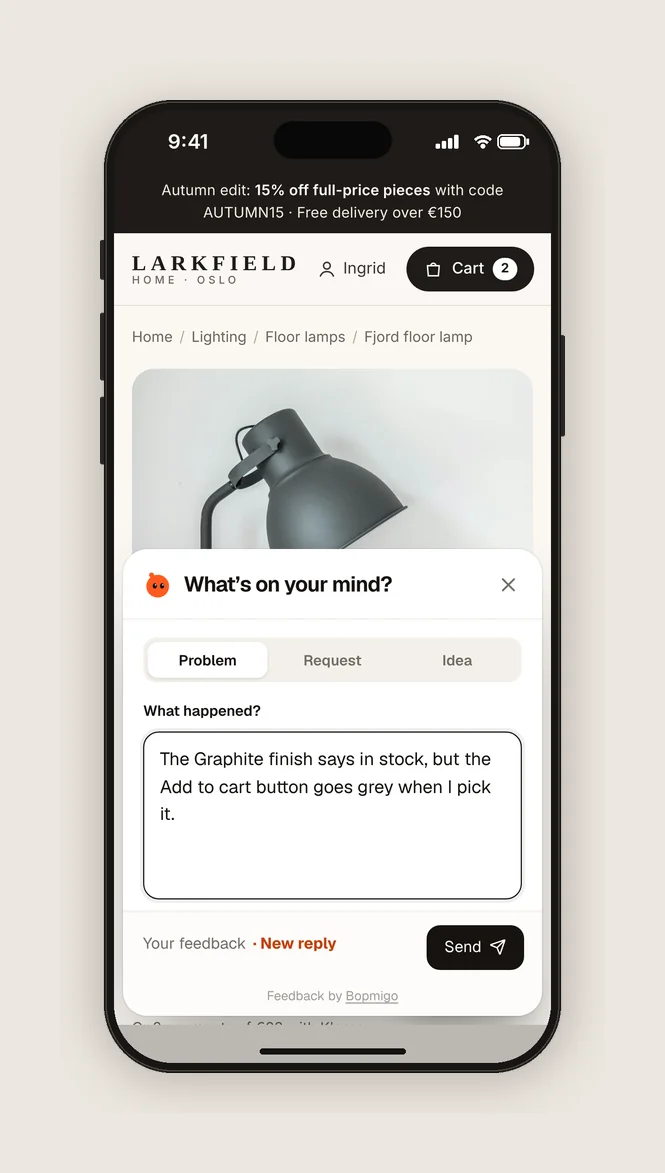
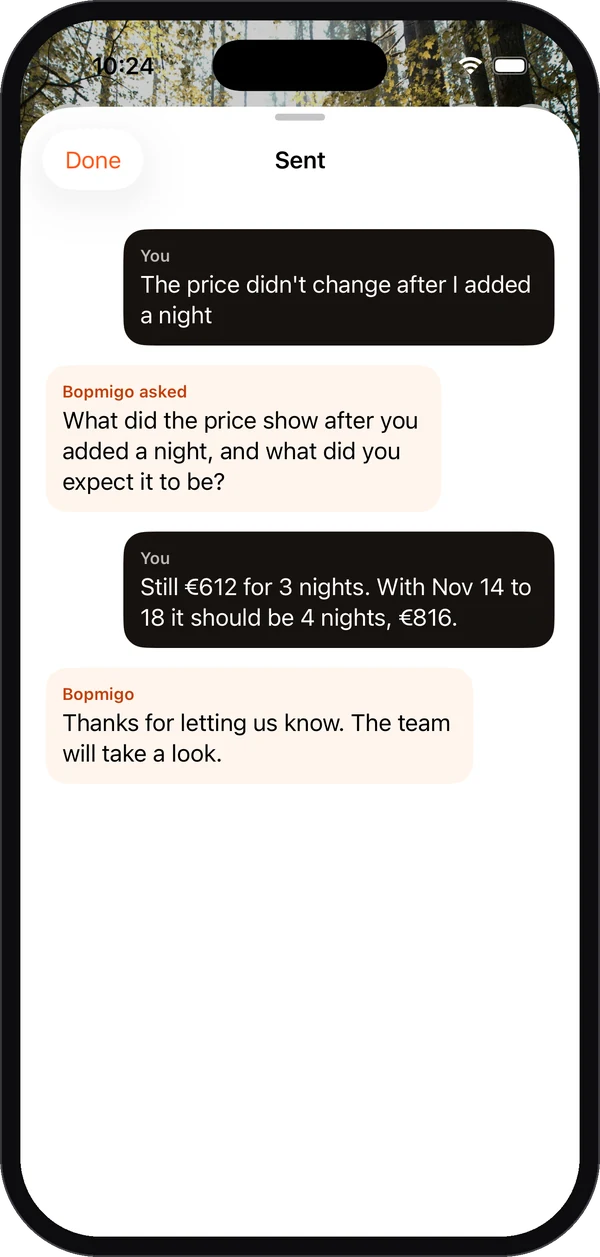
Numbers show where people stop. They don’t show why. The people who tried your app and stopped are the only ones who can tell you, and they rarely volunteer it. Ask while they are still in the app, at the point they stall, with a short question: “What were you hoping to do today?” or “Anything missing?” You will hear two very different kinds of answer: people who couldn’t work out how to do something, and people who could but didn’t find a reason to. The first is a design fix. The second is about the promise, the audience, or what happens after day one.
A three-week plan
| Days | Do this |
|---|---|
| 1 and 2 | Set up Day 1, Day 7 and active days in week one by signup cohort. Note this week’s numbers. |
| 3 and 4 | Split the last month of sign-ups by first-session action and find the biggest gap. |
| 5 | Install fresh on a phone you don’t use, and count the steps to that moment. |
| 6 and 7 | Add a short in-app question at the screens where people stall. Read every answer. |
| 8 to 10 | Ship the shortest path you can to that moment for half of new users. |
| 11 to 17 | Wait. People who signed up after the change need a full seven days before their Day 7 counts. |
| 18 to 21 | Compare Day 7 for the two halves. Keep what worked and pick the next gap. |
Mistakes that waste weeks
- Changing five things at once, so you can’t tell what helped.
- Comparing this week to last week without splitting by cohort.
- Measuring opens instead of meaningful returns.
- Building new features for the few people who stay, while most new users never reach the core one.
- Buying more installs to make the numbers look better. It makes the curve harder to read, not better.
Questions to ask about your own app
- What does someone who stays do in their first ten minutes that someone who leaves doesn’t?
- How many screens stand between opening the app and that moment?
- What is waiting for a new user on day two that wasn’t there on day one?
- Which day of the first week loses the most people, and what happens on that day?
- When did you last hear, in their words, why someone stopped?
Common questions
What is a good Day 7 retention rate?
It depends heavily on the kind of app. Compare against your own earlier cohorts first. A curve that flattens matters more than any single number, because it means the people who stay, stay.
Should I change onboarding or the core product first?
Onboarding, if many new users never reach the core action. The core product, if people reach it and still don’t return.
How many users do I need to measure this?
A few hundred sign-ups per cohort gives a readable comparison. With fewer, talk to people and watch sessions; the numbers will be noisy.
Do streaks help?
They help when the habit is already worth having. A streak on top of an app people don’t value adds pressure without adding reasons.
More on this: why users sign up and never come back, why mobile users quit on the first day, and fixing retention before paying for growth.
How Bopmigo helps
Bopmigo adds a Send feedback option and short in-app questions to your iPhone, Android, Flutter or web app. New users can tell you in a sentence what they came for and what stopped them, from the screen where it happened. You read everything in one inbox, similar answers are grouped, and you reply inside the app so they see it next time they open it.